Q170226E01.pdf - 第344页
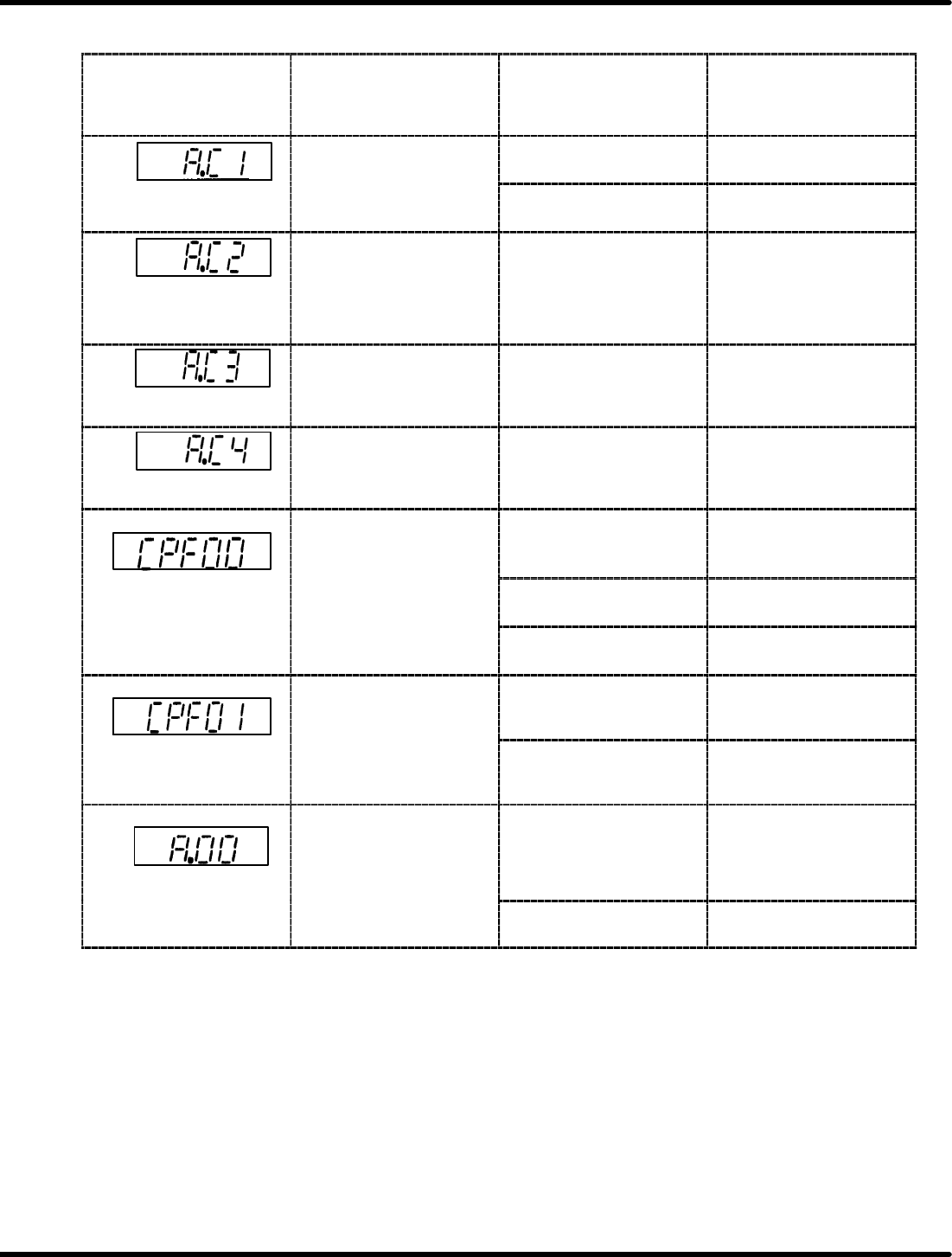
8.4 AC Servomotor Drivers SERVICE MANUAL RH5 8.4−7 DA3SEC−85−480−A0 Digital Operator Indication for Troubleshooting Digital Operator Indication (*1) (T raceback Monitor) Lighting Condition Probable Causes Countermeasures…
RH5
8.4 AC Servomotor Drivers
SERVICE MANUAL
8.4−6
DA3SEC−85−480−A0
Digital Operator Indication for Troubleshooting
Digital Operator
Indication (*1)
(Traceback Monitor)
Lighting Condition Probable Causes Countermeasures
The motor starts
momentary, then LED
ON
Motor connection error Correct the motor
connection.
Overrun
y
comes ON.
Encoder connection error Correct the wiring of the
encoder.
Phase detection error
Lights up when power to
the control circuit is
supplied.
Lights up during
operation.
Erroneous wiring or
incomplete contact of the
absolute encoder.
Correct the signal cables
of the encoder.
Wire break with phase
PA, PB
The motor starts
momentarily, then LED
comes ON.
Wire break with phase
PA or PB of the optical
encoder.
Correct the signal cables
of the encoder.
Wire break with phase
PC
The motor starts
momentarily, then LED
comes ON.
Wire break with phase
PC of the optical
encoder.
Correct the signal cables
of the encoder.
=NOTE= 3
Lights up when power to
the control circuit is
supplied or immediately
ft
th
di it l
t
Poor connection
between digital operator
and SERVOPACK.
Cut the power OFF and
recheck the connection
then turn it back ON.
Digital operator
transmission error 1
after the digital operator
is connected to the
SER
VOP
ACK
Defective SERVOPACK
board.
Replace the
SERVOPACK.
SER
VOP
ACK
.
Digital operator failure Replace the digital
operator.
=NOTE= 3
Lights up during
operation.
Malfunction of the
internal circuit
Press <RESET> key and
resume operation.
Digital operator
transmission error 2
Defective internal circuit Replace the
SERVOPACK.
=NOTE= 2
Absolute
encoder
error
Lights up after SEN
signal is input.
Absolute encoder works
incorrectly.
x Enter the SEN signal
again.
x Set up the absolute
encoder.
Absolute
encoder
error
Absolute encoder
connection error
Correct wiring of the
absolute encoder.
8.4 AC Servomotor Drivers
SERVICE MANUAL
RH5
8.4−7
DA3SEC−85−480−A0
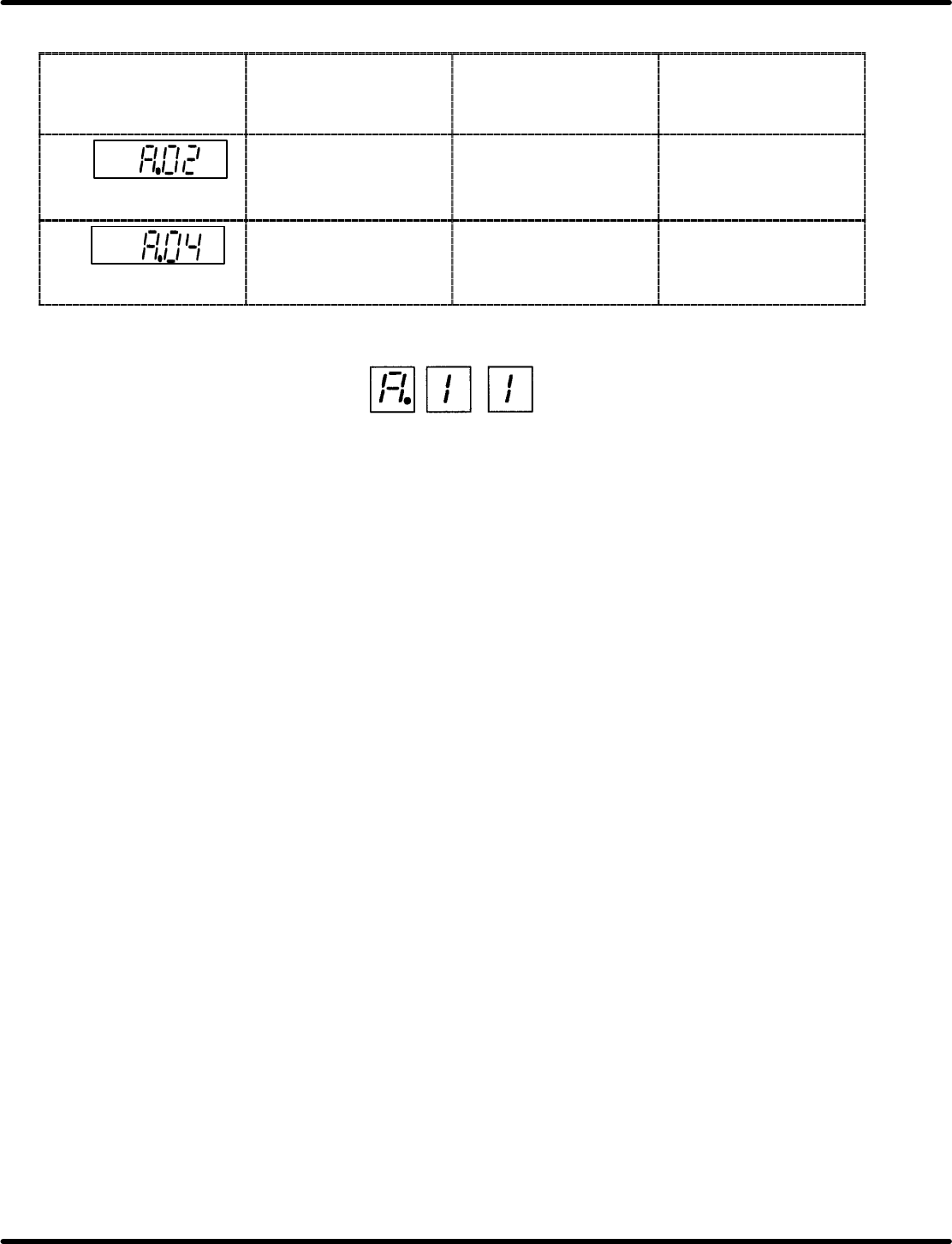
Digital Operator Indication for Troubleshooting
Digital Operator
Indication (*1)
(Traceback Monitor)
Lighting Condition Probable Causes Countermeasures
Parameter breakdown
Lights up when power is
turned ON.
Defective control circuit
board (1PWB)
Replace the
SERVOPACK.
Parameter setting
Lights up when power is
turned ON.
The value outside the
setting range by serial
communications was set.
Reset the value.
=REFERENCE=
1. Display format is as indicated.
2. Alarm A.00 is reset only by turning OFF the power. Normal alarm reset methods are
invalid.
3. CPU faults are not recorded in trackback data.
RH5
8.4 AC Servomotor Drivers
SERVICE MANUAL
8.4−8
DA3SEC−85−480−A0
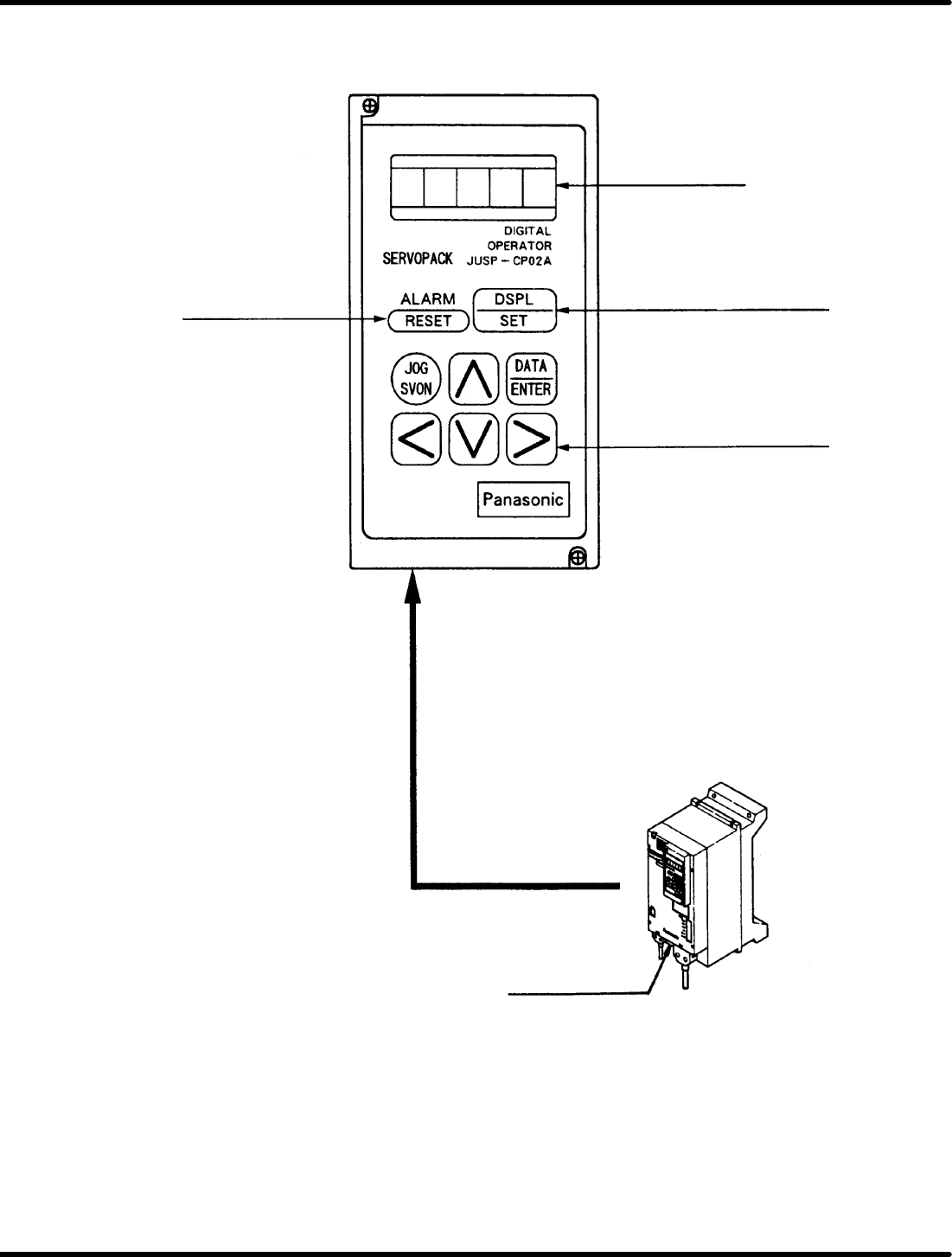
8.4.2 Z Axis (80−feeder) Driver
Digital Operator
Panel display
Mode select key
(Status indication mode/
Setting mode)
Panel indication scroll keys
For Z axis
(80−feeder)
Alarm reset switch