Q170226E01.pdf - 第386页
8.10 R e m o v i ng Ba tt er y fr om Co nt r oller (Panadac 791) SERVICE MANUAL RH5 8.10 − 1 DA3SEC − 85 − 530 − A0 8.10 R e m o v i n g B a t t e r y f r o m C o n t r o l l e r ( P anadac 791) DA3SEC − 85 − 530 − A0 Se…
RH5
8.9 Measuring Belt Tension
SERVICE MANUAL
8.9−6
DA3SEC−85−210−A0
Procedure
1. For details of measurement, see 8.9.1 Sonic Tension Meter.
=REMARKS=
x If the MIC GAIN lamp (4) flashes before measuring, turn down the control volume (5)
x Do not make the belt interfere with the microphone when snapping it by finger during measuring.
x Set belt tension more than tolerance value at the assembling stage and after turning the belt by over
one turn for uniforming tension of the belt. Then make remeasurement to settle the tension value within
the tolerance value in 24 hours. (The belt under assembling stage is assured to be stretched.)
Parameter list of belt tension
Unit Type Weight Width Span Tolerance
Z axis driver NM−8244C
038
(/
2
)
25
232
()
19 5
(k f)
NM−8245C
0.38 (g/cm
2
) 25 232 (mm) 19.5 (kgf)
NM−8244A/B
038
(/
2
)
25
149
()
19 5
(k f)
NM−8245A/B
0.38 (g/cm
2
) 25 149 (mm) 19.5 (kgf)
8.10 Removing Battery from Controller (Panadac 791)
SERVICE MANUAL
RH5
8.10−1
DA3SEC−85−530−A0
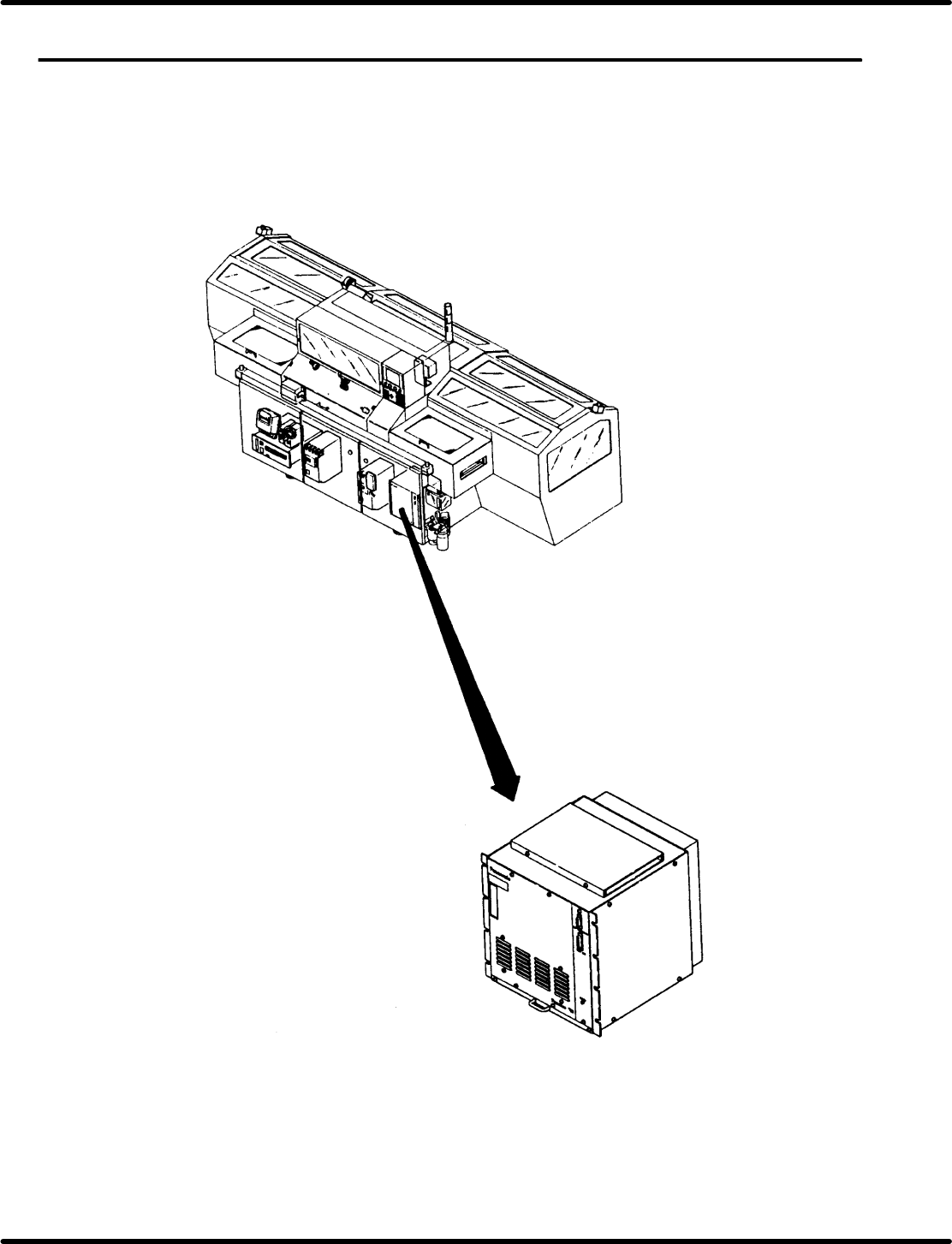
8.10 Removing Battery from Controller (Panadac 791)
DA3SEC−85−530−A0
Sentence No.
=REMARKS=
The product that you have purchased contains a rechargeable battery. The battery is recyclable.
At the end of its useful life, under various state and local laws, it may be illegal to dispose of this
battery into the municipal waste stream. Check with your local solid waste officials for details in
your area for recycling options or proper disposal.
(Panadac P791)
RH5
8.10 Removing Battery from Controller (Panadac 791)
SERVICE MANUAL
8.10−2
DA3SEC−85−530−A0
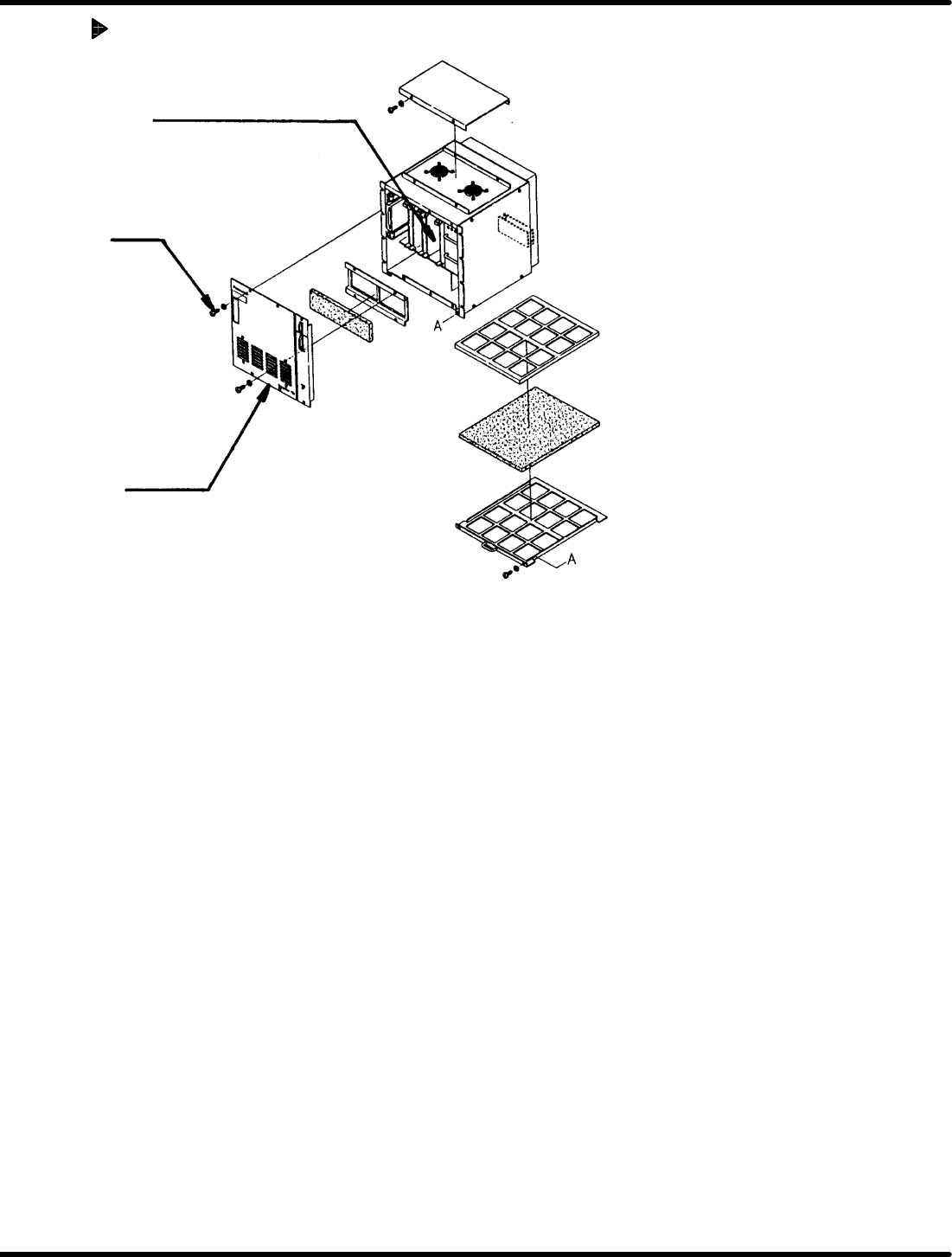
Removing Battery
MIOE (I) card (contains battery)
Screw
Front cover
1. Open the front right door of the equipment.
2. Remove four screws of the Panadac 791 to detach the front cover.
3. Remove two screws of the fixture securing the MIOE (I) card in the 11th slot of the Panadac 791.
4. Draw out the MIOE (I) card from the slot and remove the battery using nippers or unsolder the battery
for removal.
=CHECK=
x Contact our service personnel for proper replacement of the battery.
x Be sure to save necessary data for backup before replacing the battery.
x Make sure that power to the machine is OFF before performing the above work.