Q170226E01.pdf - 第228页
5.37 U s i n g th e D igital Sequence Timer SERVICE MANUAL RH5 5.37−3 DA3SEC−83−9V0−A0 (5) Data readout Ex. 1: T o readout ON timing of 358 q and OFF timing of 10 q at CH 9. CH (F1) 9 SET (F2) SET (F2) SET (F2) SET (F2) …
RH5
5.37 Using the Digital Sequence Timer
SERVICE MANUAL
5.37−2
DA3SEC−83−9V0−A0
5.37.2 Procedure
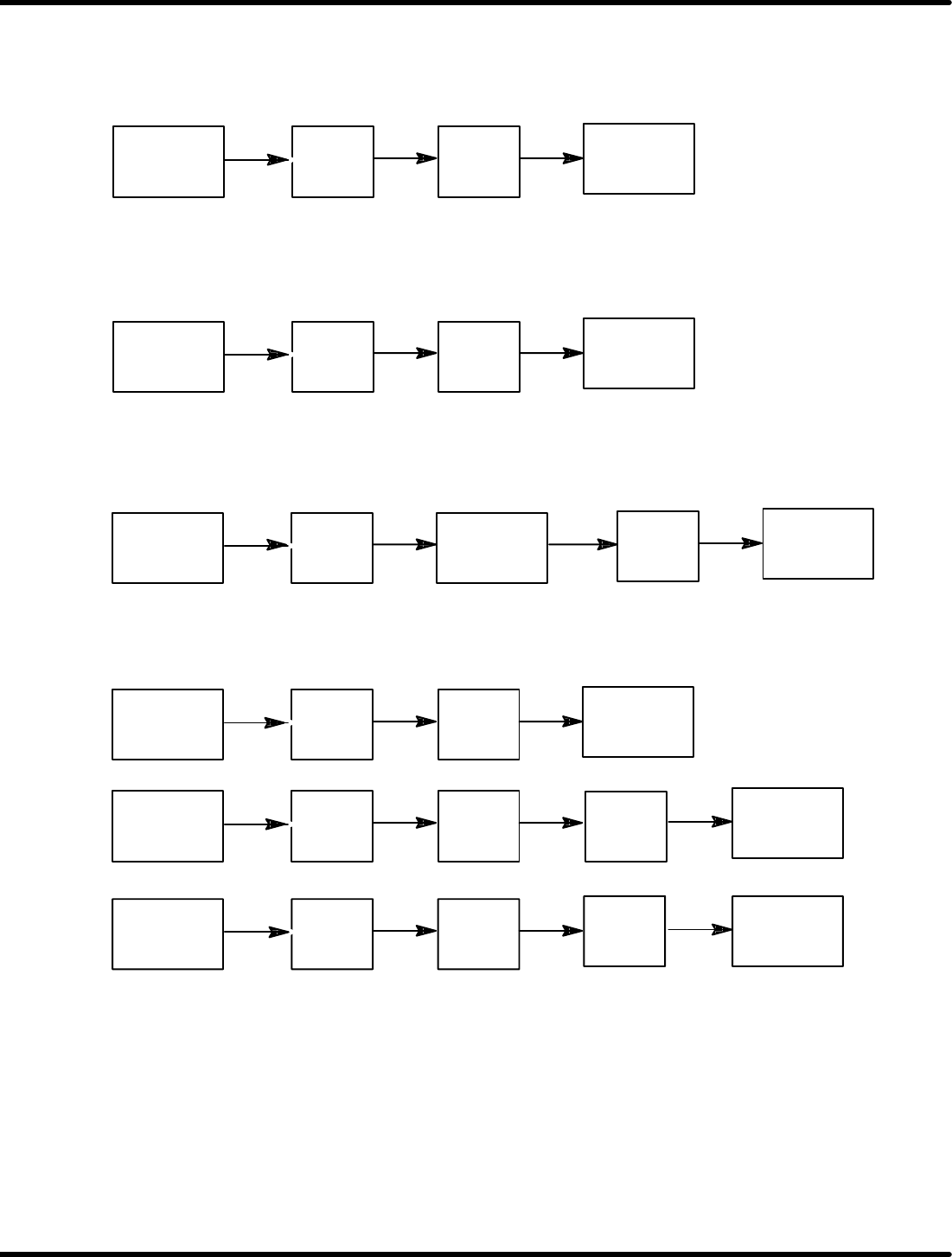
(1) To clear all data in all channels:
CH
(F1)
9
8
CLR
(F6)
(2) To clear data in a specified channel:
(Ex: Clears CH17 data)
CH
(F1)
1
7
CLR
(F6)
(3) Origin setting
(The stop position of the current rotary encoder will be set as the origin.)
CH
(F1)
0
T
(F5)
SET
(F2)
SET
(F2)
(4) Angle setting
Ex.: To set ON timing to 190q and OFF timing to 280q at CH 15.
CH
(F1)
1
5
SET
(F2)
ON
(F3)
1
9
SET
(F2)
0
OFF
(F4)
2
8
SET
(F2)
0
=REFERENCE=
The ON timing and OFF timing of the selected channel will be set.
Input angle range: 0−359q
5.37 Using the Digital Sequence Timer
SERVICE MANUAL
RH5
5.37−3
DA3SEC−83−9V0−A0
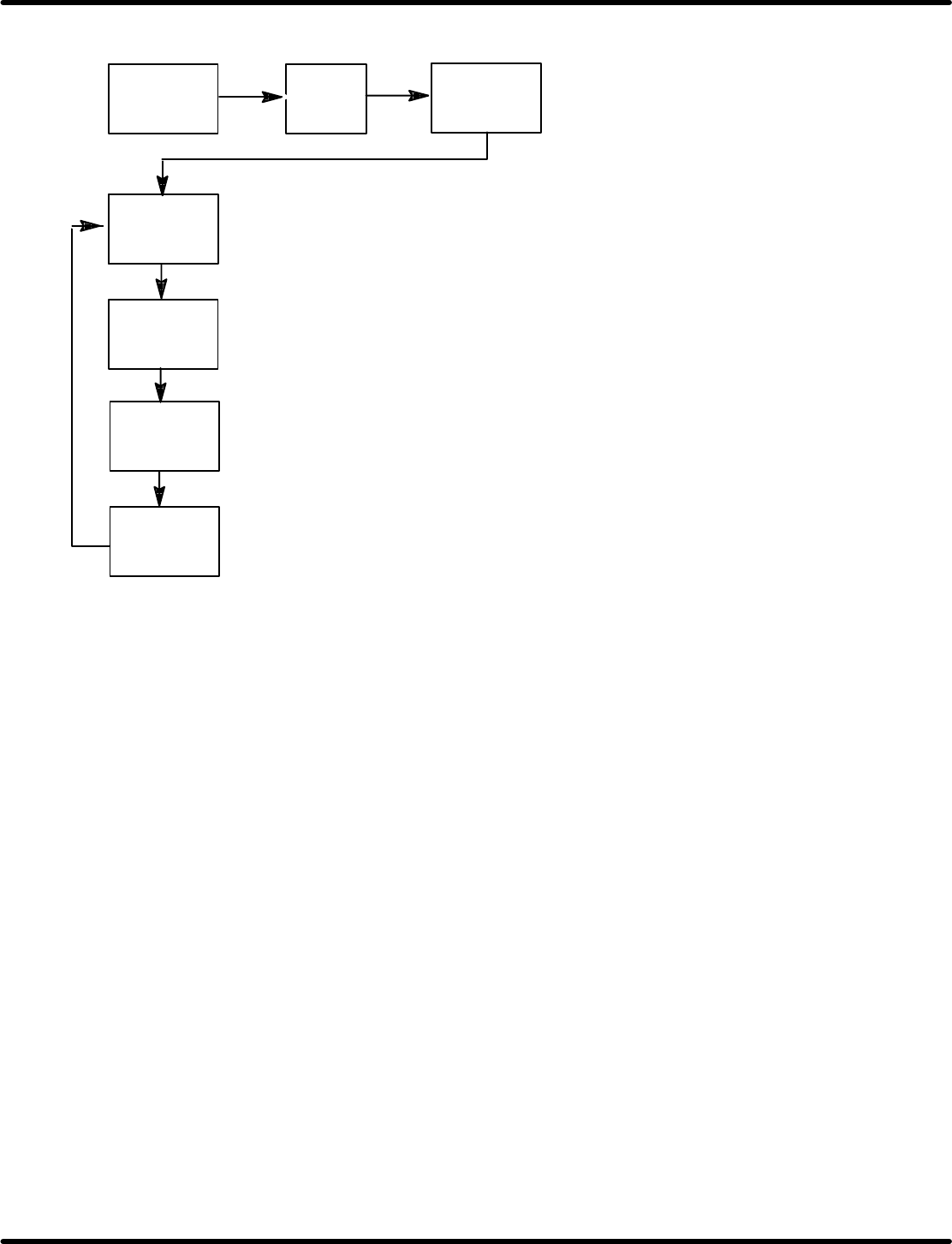
(5) Data readout
Ex. 1: To readout ON timing of 358q and OFF timing of 10q at CH 9.
CH
(F1)
9
SET
(F2)
SET
(F2)
SET
(F2)
SET
(F2)
SET
(F2)
(“000” appears if the basic origin is placed between the ON
timings as an example above.)
(Displays OFF timing of 10q.)
(Displays ON timing of 358q.)
(Displays the current stop angle.)
(Displays the current stop
angle.)
RH5
5.37 Using the Digital Sequence Timer
SERVICE MANUAL
5.37−4
DA3SEC−83−9V0−A0
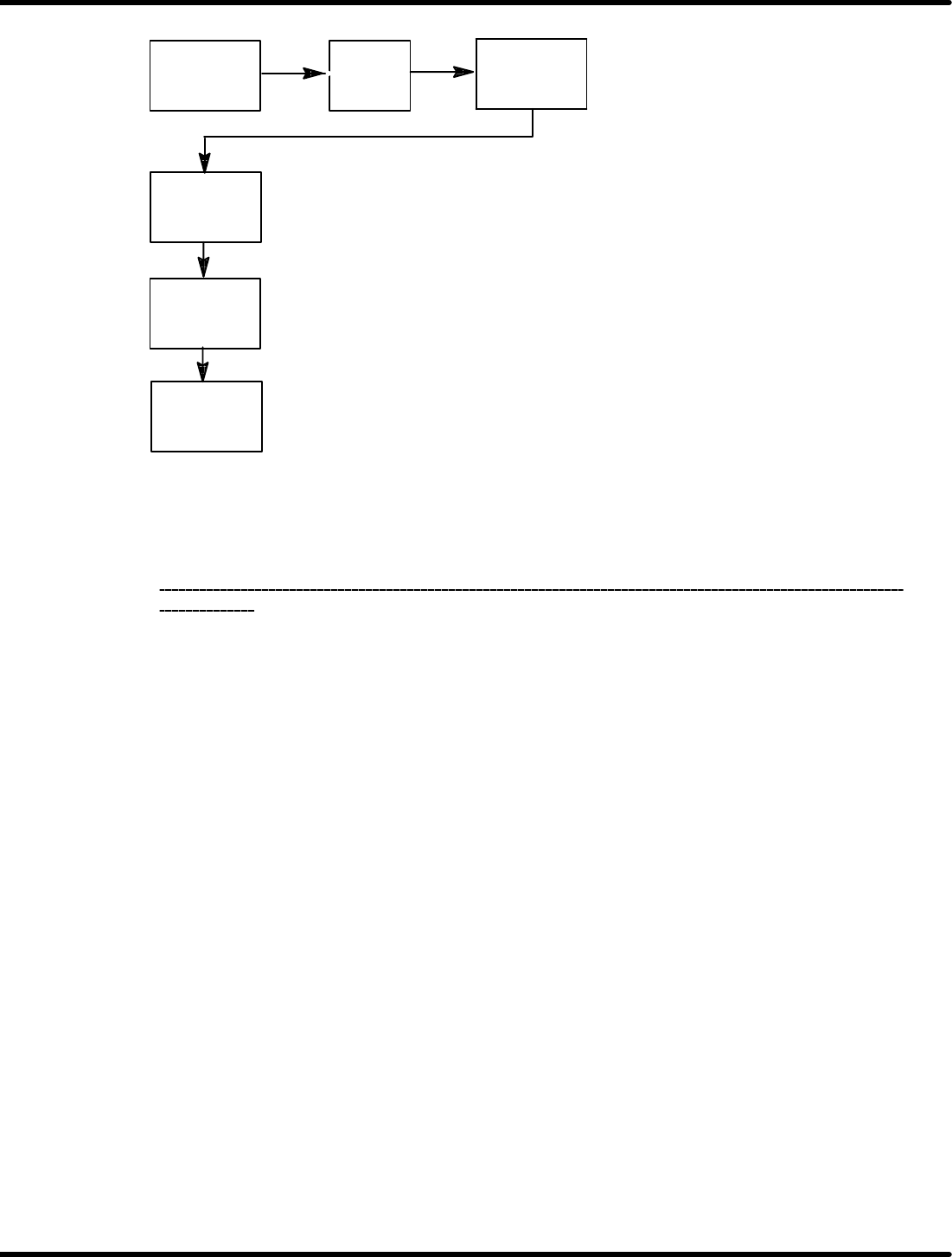
Ex. 2: To readout ON timing of 130q and OFF timing of 345q at CH 1.
CH
(F1)
1
SET
(F2)
SET
(F2)
SET
(F2)
SET
(F2)
(Displays ON timing: 130q)
(Displays OFF timing: 345q)
(Displays the current stop angle.)
(Displays the current stop
angle.)
=REFERENCE=
Pressing “SET” key after displaying the last ON (OFF) timing completes readout.
To exit data readout during the process, press “CLR”.
After reading out the data, be sure to finish the operation on the screen that the current stop
angle
is
displayed.