XP-142E System Reference-SYS-XP142-2.0E.pdf.pdf - 第103页
Servo OFF Time • Indicates the amount of power ON time consumed by servo OFF conditions (error machine stops). A servo OFF status continues until the servo is switched ON again. The servo OFF time does not include the pa…

Part 2 Chapter 6 Production Information Display
Edition 2.0 2-6-12 XP-142E System Reference
Power ON Time
• Indicates the amount of machine power ON time which occurred during the
tabulation period.
• If a time range was specified, the power ON time is the amount of logged time within
that time range.
• If a program was specified, the power ON time is the amount of logged time for that
program.
• If both a time range and a program were specified, the power ON time is the amount
of logged time for the program.
• If a log file was specified, the power ON time is the total time from that log file's
initial event to final event.
%: [Power ON time / tabulation period]
Time exceeds the time conditions
• Indicates the total start-to-end time of a production program which ran outside the
specified time range for production information tabulation.
This time is “0” when the production information was tabulated in a format other
than time units.
%: [Time outside specified time range / power on time]
Time within the time conditions
• Indicates the production information tabulated within the specified time range. The
total start-to-finish time of the production program is indicated. The displayed time
is the same as the “Tabulation Period” when the production information was
tabulated in a format other than time units.
%: [Time within the time conditions / power on time]
Operating time
• Indicates the amount of machine automatic operation time which occurred in the
specified time range.
• Operating time details display in the center of the screen.
%: [Automatic operation time / specified time range]
Part supply time
• Indicates the amount of power ON time which was consumed by part replenishments
(during automatic operation). This time extends from the parts-out machine stop
until operation is resumed, and includes the reading of other programs, up to a
shutdown, etc.
• When a "parts-out machine stop" is detected during automatic operation, a
momentary OFF status occurs.
• Part replenishment time details display at the center of the screen.
%: [Parts-out machine stop time / power ON time]
Stop time during operation
• Indicates the amount of power ON time consumed by machine stops which occur
during automatic operation. This time extends from the machine stop until operation
is resumed, and includes the reading of other programs, up to a shutdown, etc.
• When an "error machine stop" or a "vision error machine stop" is detected during
automatic operation, a momentary OFF status occurs.
• Operation stop time details display at the center of the screen.
%: [Error machine stop + vision error machine stop / power ON time]

Servo OFF Time
• Indicates the amount of power ON time consumed by servo OFF conditions (error
machine stops). A servo OFF status continues until the servo is switched ON again.
The servo OFF time does not include the part replenishment time and operation stop
time.
%: [Servo OFF time / power ON time]
Stand-by Time
• Indicates the amount of power ON time consumed by "standby" statuses. A standby
status continues until it is canceled.
%: [Standby Time / power ON time]
Production complete stop
• Indicates the time period from the point when the scheduled production quantity is
completed, until [OK] is clicked in the "completed confirmation" dialog box.
• When a schedule production stop is detected during automatic operation, a
momentary OFF status occurs.
%: [Schedule production stops / machine stop time]
Operation Time Details
Sequence Processing
• Indicates the machine's automatic operation time after the [Start] switch is pressed.
• This time is obtained by subtracting the [loader operation time] + ["waiting for panel"
time] + ["waiting for next stage" time] from the [automatic operation time].
%: [automatic operation time ("waiting for panel" time + "waiting for next stage"
time) / operation time]
Loading Time
• Indicates the amount of operation time consumed (during automatic operation) by
loader operation (for panel conveyance).
%: [Loader operation time / operation time]
Panel Waiting
• Indicates the amount of operation time consumed (during automatic operation) by
"waiting for panel" statuses. This status occurs when the machine's main conveyor is
ready for a panel, but there is not yet a panel at the previous stage.
%: ["Waiting for panel" time / operation time]
Waiting For Next Machine
• Indicates the amount of operation time consumed (during automatic operation) by
"waiting for next stage " statuses. This status occurs when the machine's main
conveyor is ready to unload a panel, but is stopped (waiting).
%: ["Waiting for next stage" time / operation time]
Part Supply Time Details
Confirmation Waiting Time
• Indicates the time from the point when the vision error dialog box displays until the
[Parts-Out] button is pressed.
%: [Confirmation waiting time / part replenishment time]
Resupply Time
• Indicates the time from the end of the "confirmation waiting time" until operation is
resumed. This time includes the reading of other programs, up to a shutdown, etc.
%: [Replenishing time / part replenishment time]
Part 2 Chapter 6 Production Information Display
Edition 2.0 2-6-13 XP-142E System Reference
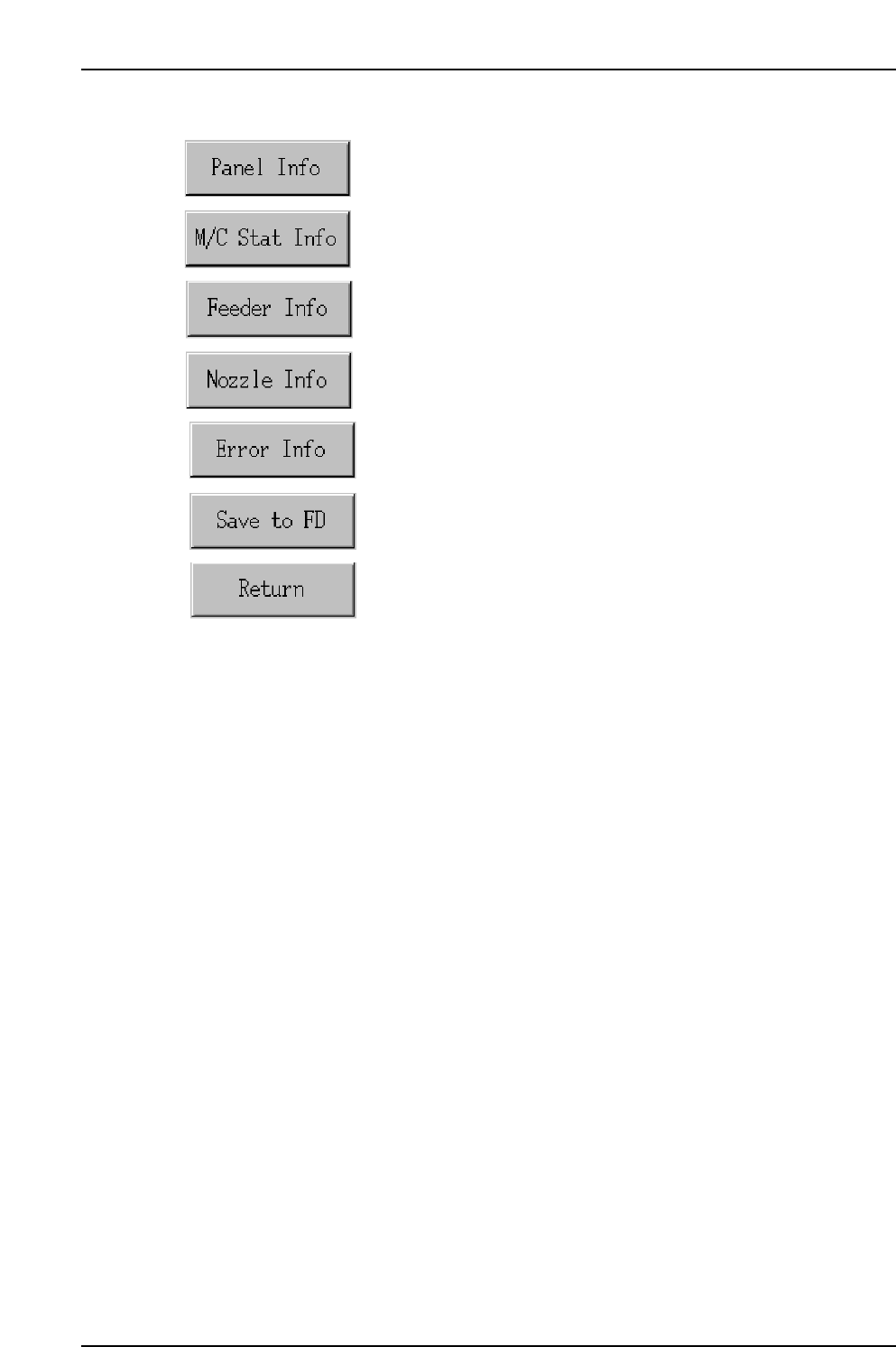
Operation Button Explanations
Proceeds to the panel information screen.
Proceeds to the machine status information screen.
Proceeds to the feeder information screen.
Proceeds to the nozzle information screen.
Proceeds to the error information screen.
Saves all the tabulated production information in the screen to a
floppy disk.
Closes this screen and returns to either the production information
display conditions setting screen, or the log file selection screen.
Part 2 Chapter 6 Production Information Display
Edition 2.0 2-6-14 XP-142E System Reference