XP-142E System Reference-SYS-XP142-2.0E.pdf.pdf - 第128页
8.2 Application Software V ersion Upgrades (ESR0601b) Carry out the following procedure to upgrade the machine control software. Procedure 1. From the [Main] screen, select [Maintenance B] - [Upgrade] to display the foll…
8. System Administration
8.1 Displaying the Software Versions
(ESR0242a)
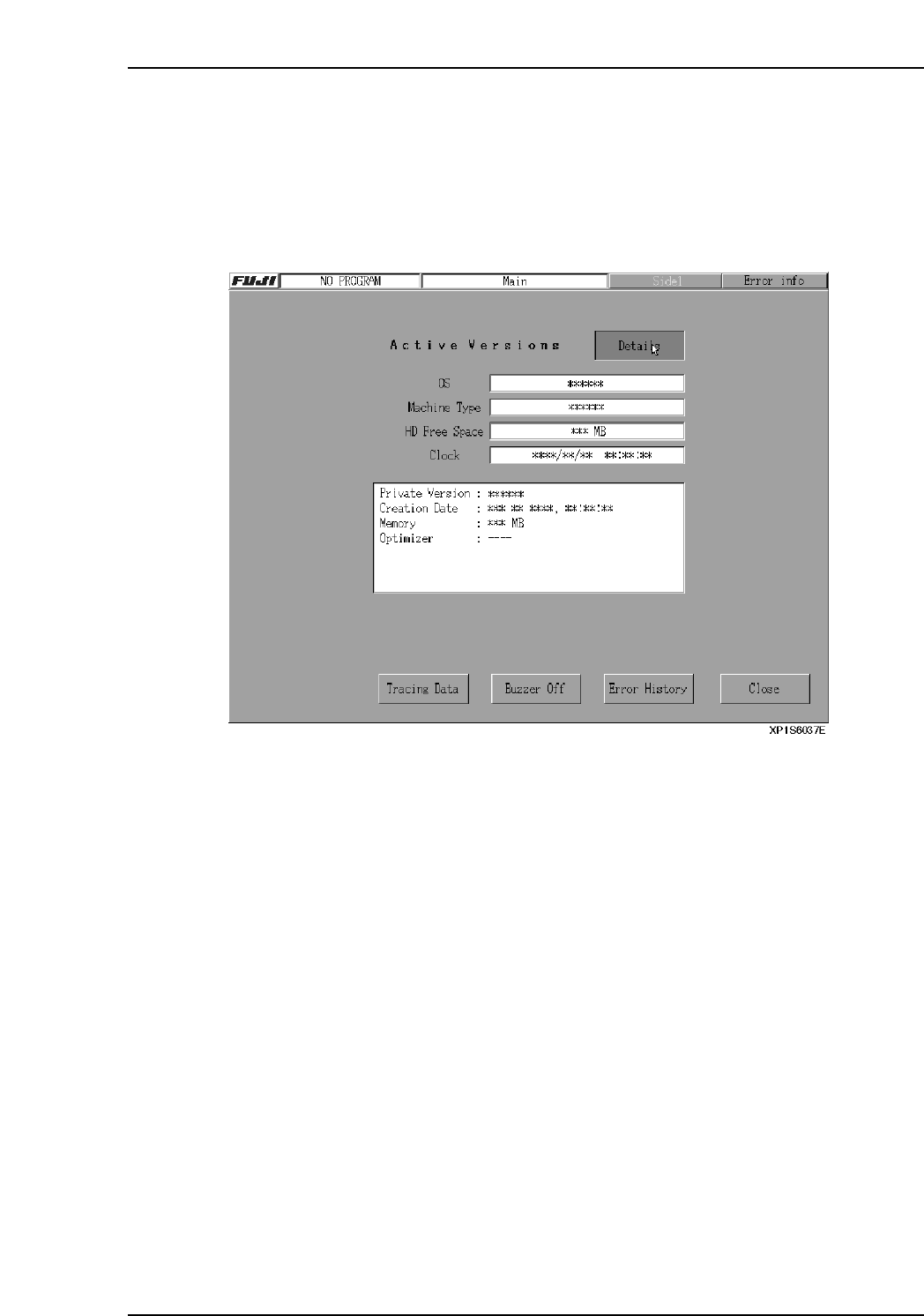
Users can access the following dialog box which displays software versions by pressing
the [FUJI] button in the top left of the touch panel. Press [Details] to display detailed
information such as Private Versions, etc. Press [Close] to clear the version display.
Part 2 Chapter 8 System Administration
Edition 2.0 2-8-1 XP-142E System Reference
8.2 Application Software Version Upgrades
(ESR0601b)
Carry out the following procedure to upgrade the machine control software.
Procedure
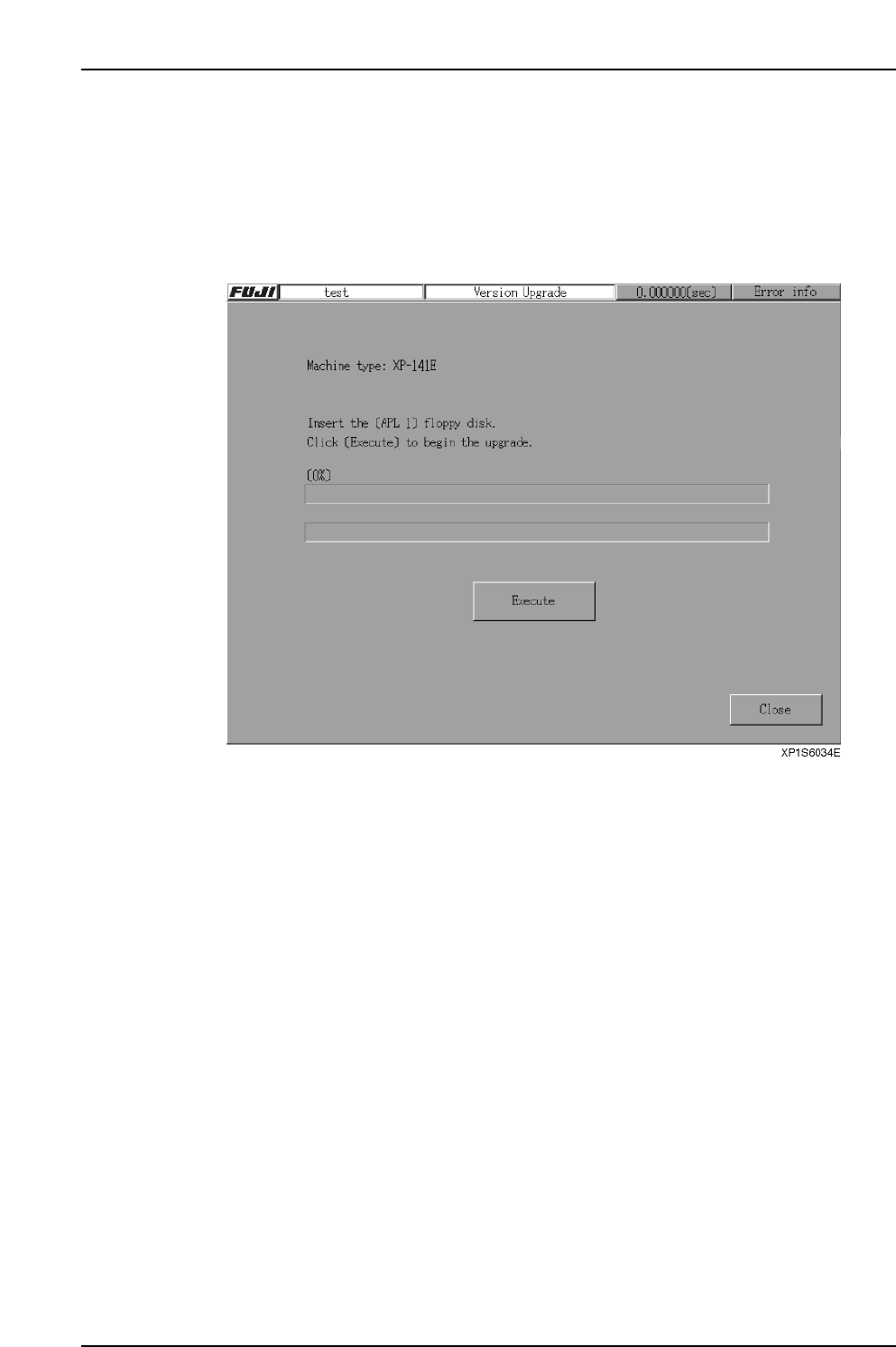
1. From the [Main] screen, select [Maintenance B] - [Upgrade] to display the
following screen.
Part 2 Chapter 8 System Administration
Edition 2.0 2-8-2 XP-142E System Reference
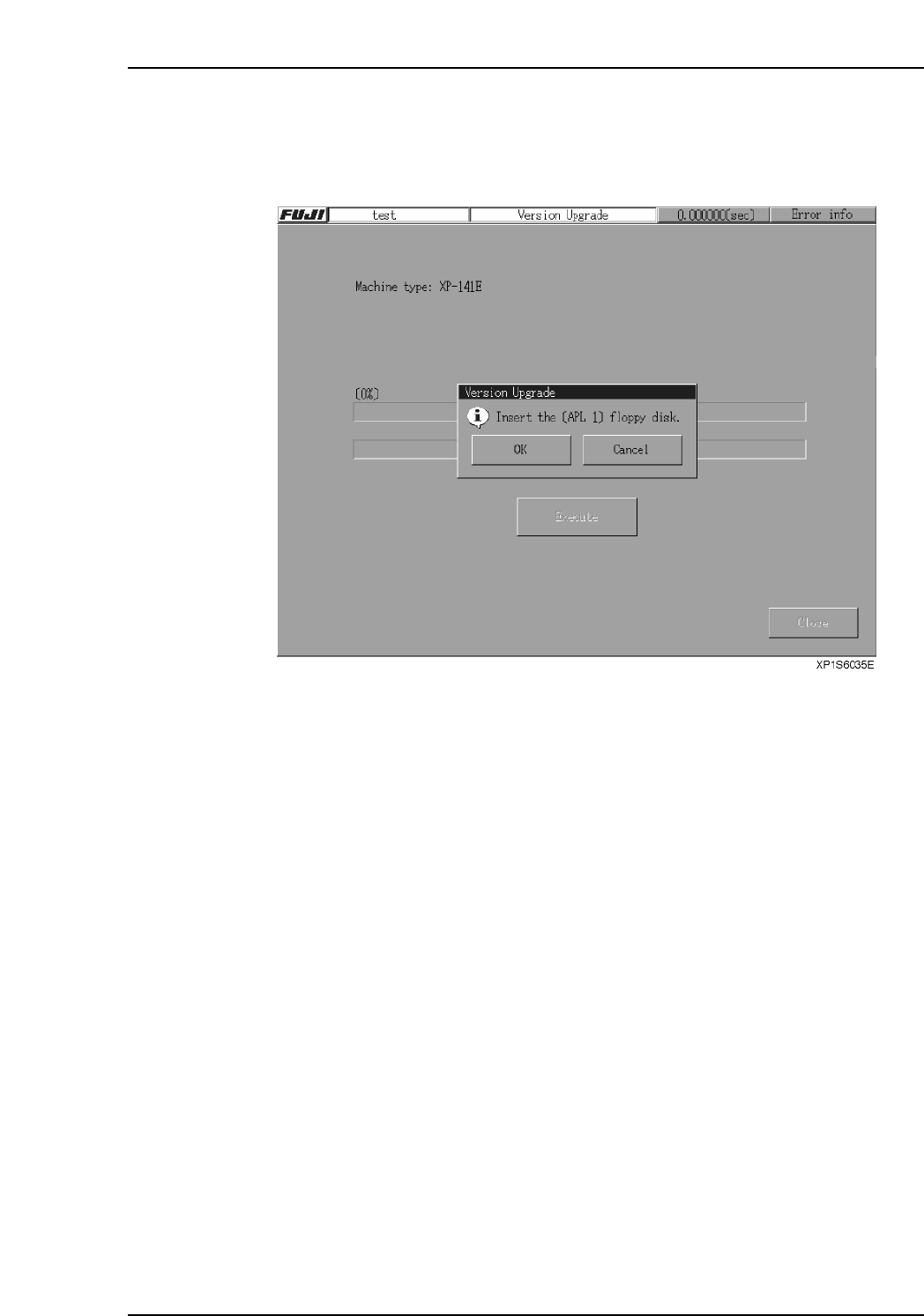
2. Insert the floppy disk “APL1” into the floppy disk drive and press [Execute] to
display the following screen. Next, press [OK] to start the upgrade procedure.
Note: If the machine type does not match the machine type of the disk “APL1”, a warning
message displays.
3. Follow the directions that appear on screen to repeat similar procedures on the
remaining disks. The screen will identify the number of the disk to be inserted.
Part 2 Chapter 8 System Administration
Edition 2.0 2-8-3 XP-142E System Reference