XP-142E System Reference-SYS-XP142-2.0E.pdf.pdf - 第221页
Part 5 Commands (ESR03AA) All command buttons are displayed at the machine’s touch-screen operation panel. Execute the various commands by lightly touching the buttons on the screen. The following section provides an exp…

Notes:
Part 4 Chapter 2 Creating a Template From Existing Part Data
Edition 2.0 4-2-18 XP-142E System Reference

Part 5
Commands
(ESR03AA)
All command buttons are displayed
at the machine’s touch-screen
operation panel. Execute the
various commands by lightly
touching the buttons on the screen.
The following section provides an
explanation of the command system.
1. Command Hierarchy . . . . . . . . . . . . . . . . .5-1-1
Part 5 Chapter 1 Command Hierarchy
Edition 2.0 5-1-1 XP-142E System Reference
1. Command Hierarchy
(ESR0301c)
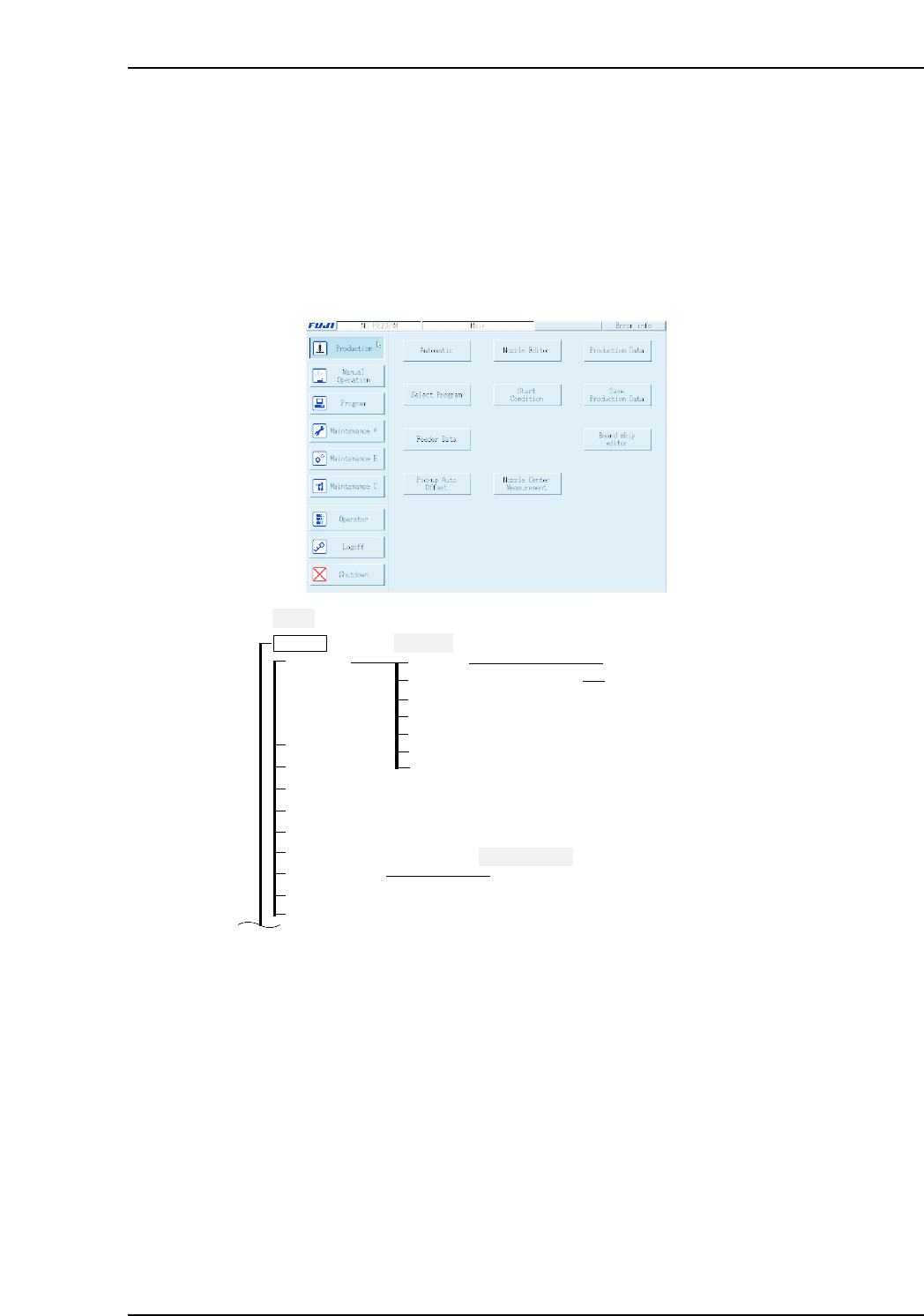
This chapter gives the command hierarchy of the commands on the machine. The command
hierarchy is designed to provide the operator with an easy and understandable overview of the
commands and their hierarchical relationship.
• Each of the machine’s touch screens contains a number of commands, and these are
represented as a single branch (or vertical line) in the command hierarchy.
• In the command hierarchy tree, the title of each screen is shaded (Ex.: Main, Automatic).
• The screen commands are sorted into functional groups, and the name of each command group
is written with a rectangular border (Ex.: Production).
XP1S3100Ea
Main
Production
Nozzle Editor
Select Program
Feeder Data
Pickup Auto Offset
Board skip editor
Start Condition
Nozzle Center Measurement
Production Data
Save Production Data
Mark Editor
Pickup Auto Offset Edit
Automatic
Machine info
Pick-up position measurement
Board skip editor
Image Monitor
Automatic
Close
Error Info
Nozzle/Slot statistical information
Log file
Production Data