XP-142E System Reference-SYS-XP142-2.0E.pdf.pdf - 第31页
1. Machine Overview . . . . . . . . . . . . . . . . . . .1-1-1 1.1 Machine Controls . . . . . . . . . . . . . . . . . . .1-1-1 1.2 T ouch Screen . . . . . . . . . . . . . . . . . . . . . .1-1-3 2. Glossary . . . . . . . …
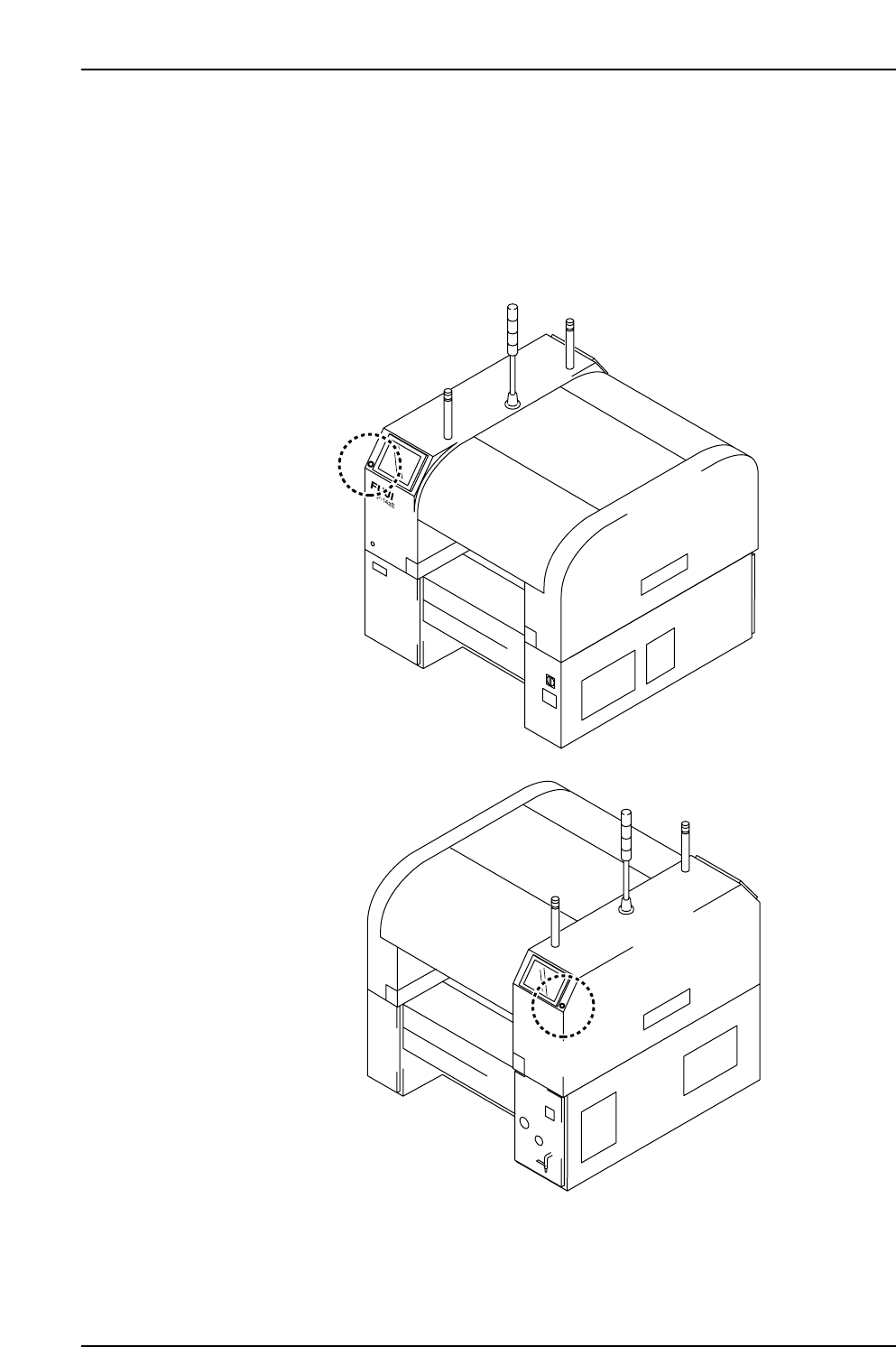
5. The EMERGENCY STOP Buttons
(ESG0701a)
In the event of an emergency, press any of the red EMERGENCY STOP buttons located
on the machine at the positions indicated in the figure below.
XP1MZ011E
Front View (Side 1)
Back View (Side 2)
Safety Guidelines
Edition 2.0 16 XP-142E System Reference

1. Machine Overview . . . . . . . . . . . . . . . . . . .1-1-1
1.1 Machine Controls . . . . . . . . . . . . . . . . . . .1-1-1
1.2 Touch Screen . . . . . . . . . . . . . . . . . . . . . .1-1-3
2. Glossary . . . . . . . . . . . . . . . . . . . . . . . . . .1-2-1
Part 1
General
(ESR01AA)
This part provides usage of the
machine control panel, and includes
a list of the terminology used in this
manual.
1. Machine Overview
(ESR0104)
1.1 Machine Controls
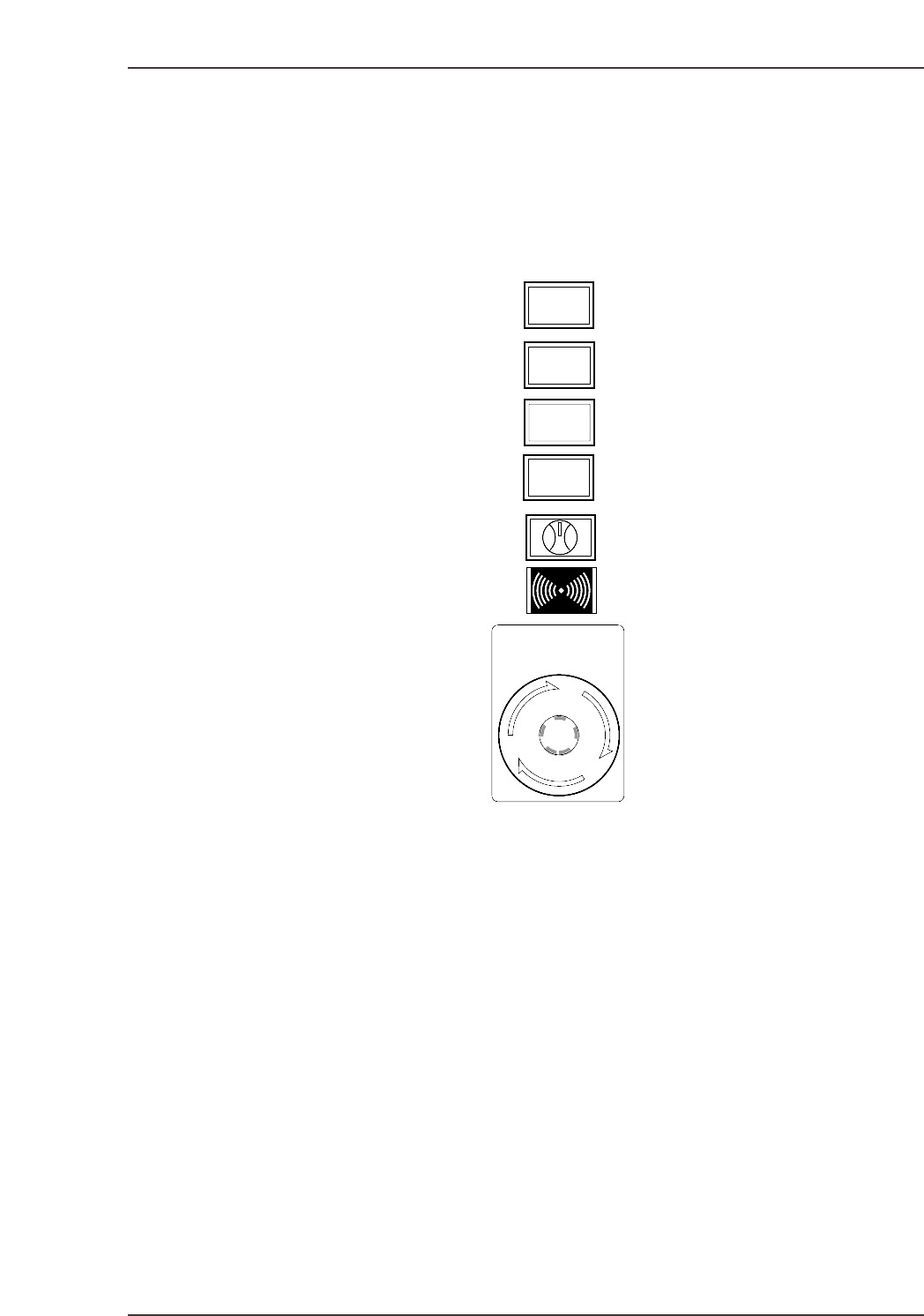
The machine uses a combination of a touch screen and conventional push buttons. The
function of each of the buttons on the machine is detailed below.
START
This button is pushed to commence operation. This button can only be pushed when the
machine is in START ready status (i.e., when the button is flashing).
READY ON
This button cancels an error status and resupplies the 200V power to the servo system.
CYCLE STOP
This button can be used during operation to stop the machine at the end of the current
movement. Unlike the EMERGENCY STOP button, pressing CYCLE STOP does not cut
the 200V power. Or, when the operation mode is Pause, the temporary interruption of
production is possible.
SYSTEM ON
This button turns on the power supply to the machine and boots up the control software.
READY
ON
START
SYSTEM
ON
EMERGENCY
STOP
CYCLE
STOP
XP1S1001E
Part 1 Chapter 1 Machine Overview
Edition 2.0 1-1-1 XP-142E System Reference