XP-142E System Reference-SYS-XP142-2.0E.pdf.pdf - 第91页
6. Production Information Display 6.1 Function Overview (ESR0241d) Production information can be logged and displayed on XP machines. Because this occurs on the machine itself, it is possible to display only the informat…

Notes:
Part 2 Chapter 5 Stopping and Resuming Production
Edition 2.0 2-5-8 XP-142E System Reference
6. Production Information Display
6.1 Function Overview
(ESR0241d)
Production information can be logged and displayed on XP machines. Because this
occurs on the machine itself, it is possible to display only the information for that
machine.
Note: Currently machine production information cannot be collected by the host computer. The
information can be saved to a floppy disk (at the machine), however, and the saved data
can then be viewed, processed, or printed using a personal computer.
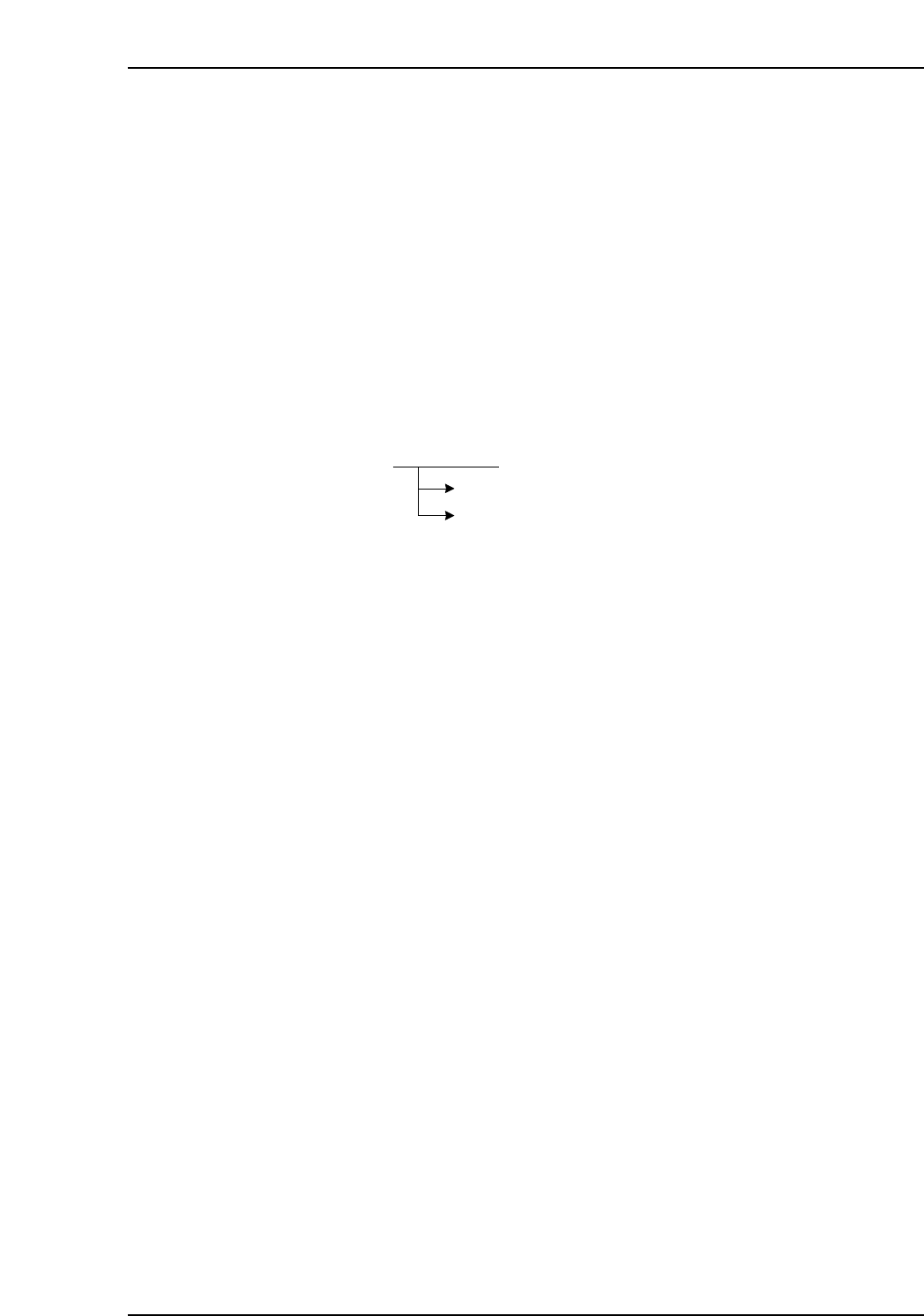
To display production information, select [Production] at the main menu, then select
[Display Production Information] at the sub-menu. To save the information (when
desired), click [Save Production Information] (a new log is registered).
The following functions can be performed with regard to displayed production
information.
• Delete log file (automatic deletion setting is possible)
• Copy log file to floppy disk
• Panel information display (copy display content to floppy disk)
• Machine status information display (copy display content to floppy disk)
• Feeder information display (copy display content to floppy disk)
• Nozzle information display (copy display content to floppy disk)
• Error information display (copy display content to floppy disk)
Main menu [Production] button
Sub-menu
[Display Production Information]
[Save Production Information]
XP1S2064E
Part 2 Chapter 6 Production Information Display
Edition 2.0 2-6-1 XP-142E System Reference
6.1.1 Log Registration Steps
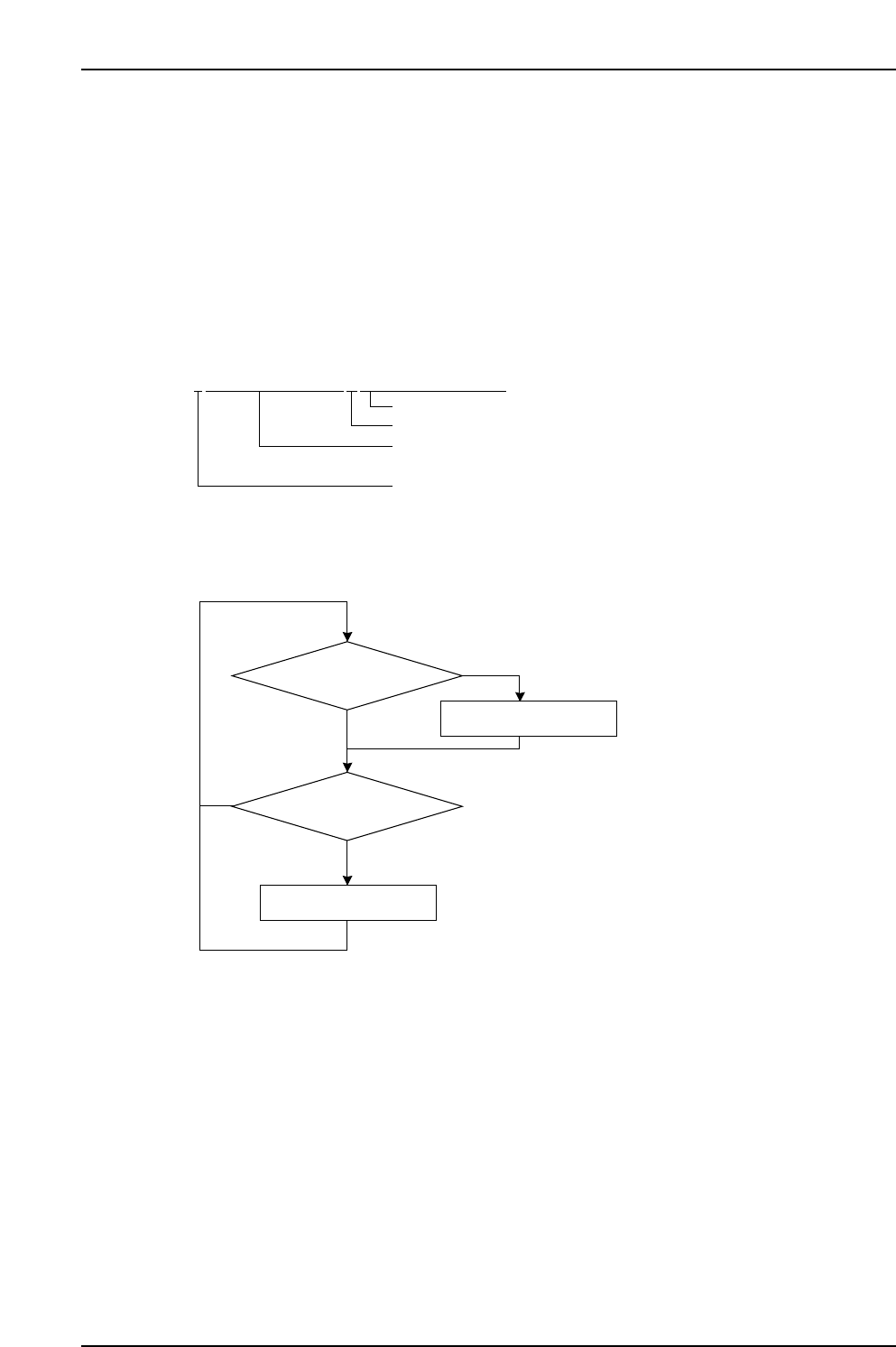
Events are constantly registered in the log, with the log being saved as a file. File change
coours at the following timings.
• When user clicks [Save Production Information] button.
• At machine shutdown.
• When a program is selected (at program changes).
• When the date changes.
The log file is saved in the "sd0/FUJI/USER/PRODUCT/" folder using the following file
name format:
File name example: L010513152903_VISIONXP241.PRD
6.1.2 Log Display Hint
Depending upon these settings, the number of log files may increase and delay the
display when the [Production] - [Production Data] buttons are selected.
To minimize this delay, specify the number of [Days] that files will be saved or a limit to
the total [Size] of the log file memory, at the [Production] - [Production Data] - [Deletion
Settings] screen.
Close log file
Register event in log
Machine event occurs
NO
NO
YES
Constantly executed, beginning
from machine startup
YES
[Save] button clicked
XP1S066E
LYYMMDDHHMMSS_XXXXXXXXXX.PRD
XP1S2065E
File name (name specified when saved)
"_" (underbar) fixed
Year/month/day/hour/minute/second
(2 digits each, decimal) when log began.
"L" fixed
Part 2 Chapter 6 Production Information Display
Edition 2.0 2-6-2 XP-142E System Reference