XP-142E System Reference-SYS-XP142-2.0E.pdf.pdf - 第99页
6.2.4 Panel Information Screen Setting Item Explanations Program Name Displays the production program names which are in the log data which satisfies the specified conditions, or registered in the selected log file. If t…
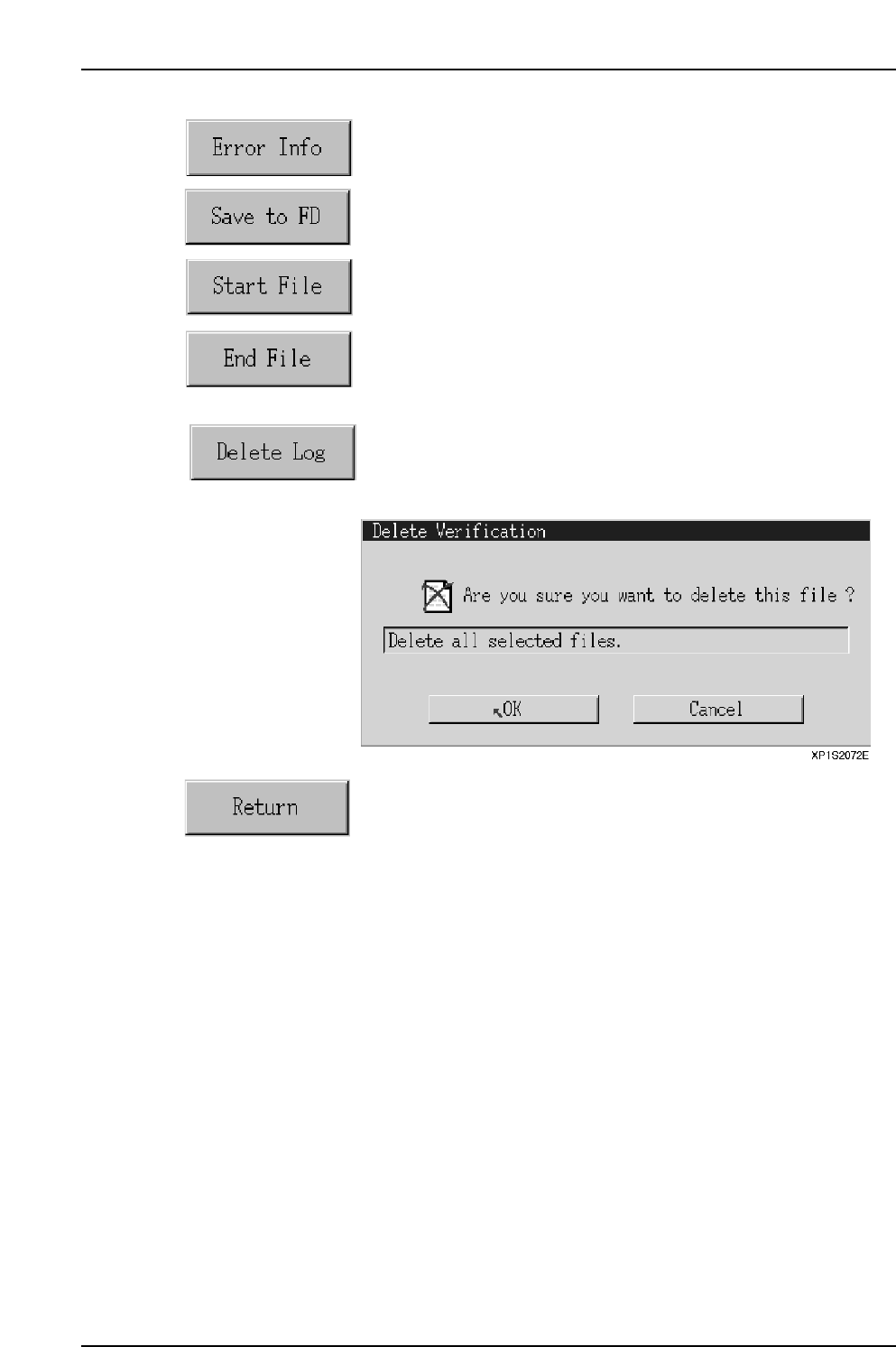
Proceeds to the error information screen.
Saves the selected log file to a floppy disk.
Specifies the beginning (first line) of a log file selection range.
Specifies the end (final line) of a log file selection range. All log
files between the [Select Start] and [Select End] lines will then be
selected.
After clicking this button, select the desired data line. The log file
on that line and on all subsequent lines displayed below that point
are then deleted.
Returns to the production information display conditions setting
screen.
Part 2 Chapter 6 Production Information Display
Edition 2.0 2-6-8 XP-142E System Reference
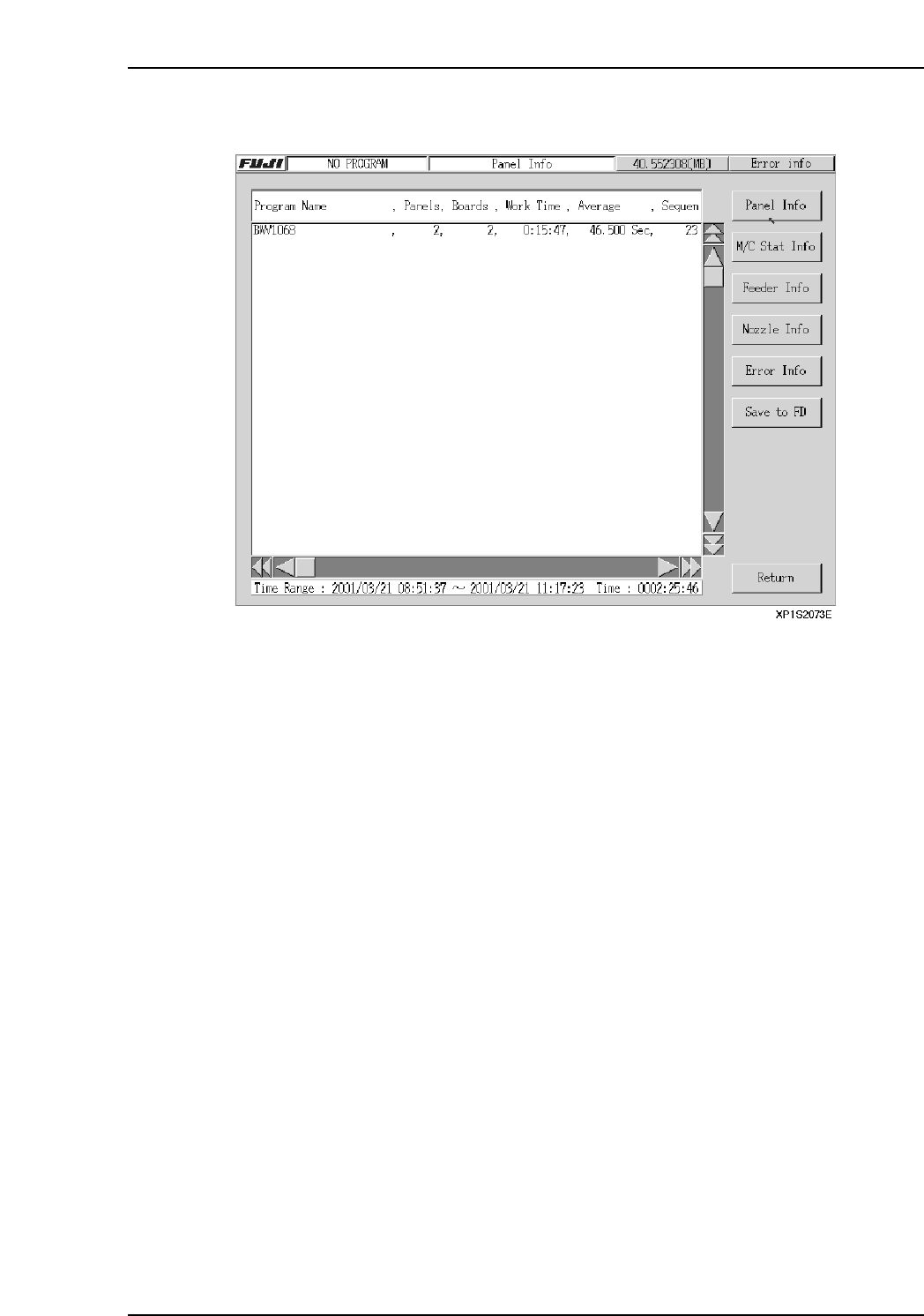
6.2.4 Panel Information Screen
Setting Item Explanations
Program Name
Displays the production program names which are in the log data which satisfies the
specified conditions, or registered in the selected log file.
If the selected log file is a NO_PROGRAM log file, it is not included in this processing.
Panel Quantity
Displays the number of completed panels registered in the log file.
Board Count
Displays the number of completed boards registered in the log file.
Total Operation Time
Displays the total panel production time.
Average Work Time
Displays the average time required to produce one panel.
Total SQ Count
Displays the total number of sequences for all programs.
The total number of sequences in the CCIMF file is registered without regard to board
skips and sequence skips, etc.
Part 2 Chapter 6 Production Information Display
Edition 2.0 2-6-9 XP-142E System Reference
Operation Button Explanations
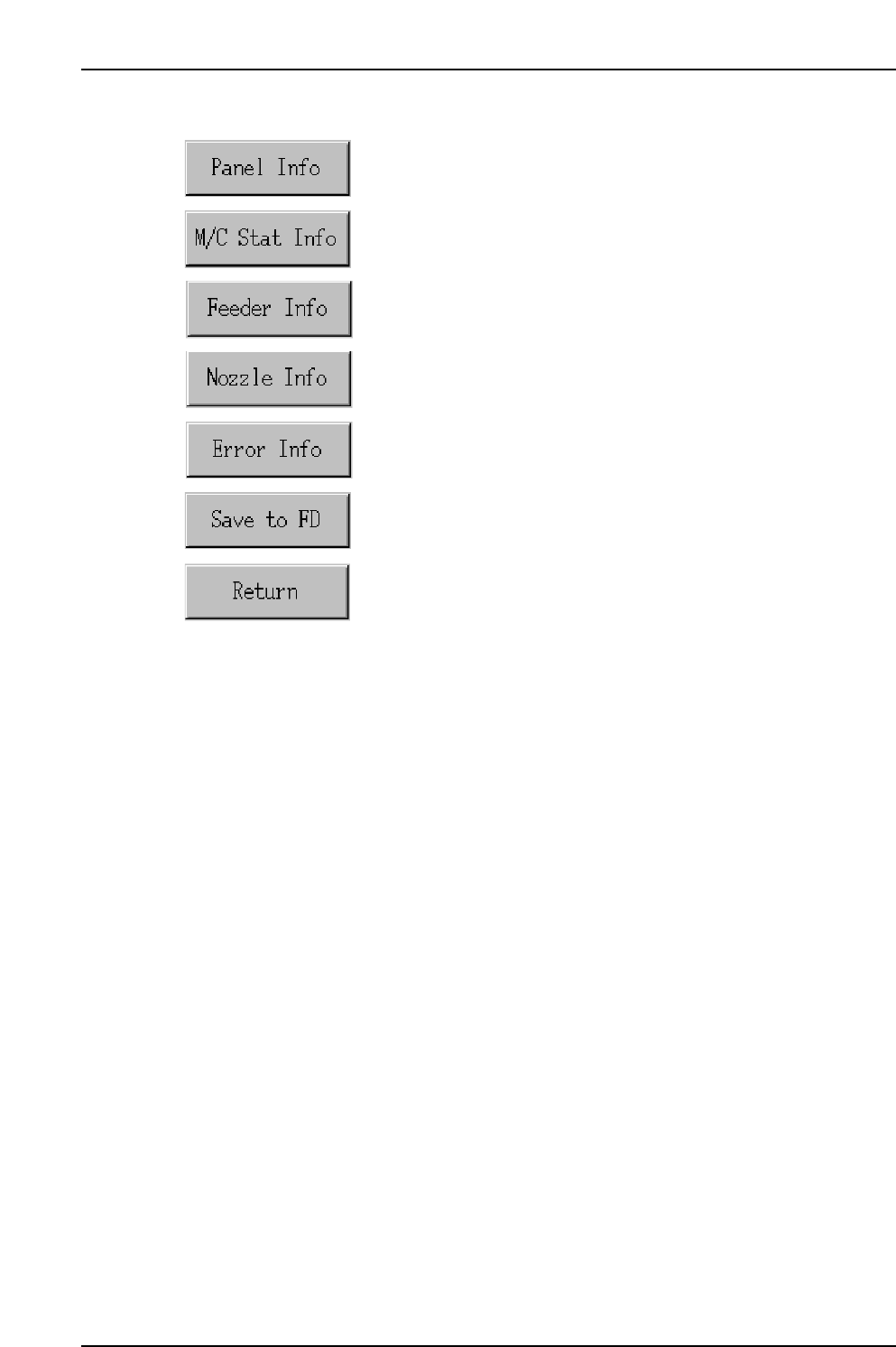
Proceeds to the panel information screen.
Proceeds to the machine status information screen.
Proceeds to the feeder information screen.
Proceeds to the nozzle information screen.
Proceeds to the error information screen.
Saves all the tabulated production information in the screen to a
floppy disk.
Closes this screen and returns to either the production information
display conditions setting screen, or the log file selection screen.
Part 2 Chapter 6 Production Information Display
Edition 2.0 2-6-10 XP-142E System Reference