XP-142E System Reference-SYS-XP142-2.0E.pdf.pdf - 第30页
5. The EMERGENCY ST OP Buttons (ESG0701a) In the event of an emergency, press any of the red EMERGENCY STOP buttons located on the machine at the positions indicated in the figure below. XP1MZ011E Front View (Side 1) Bac…
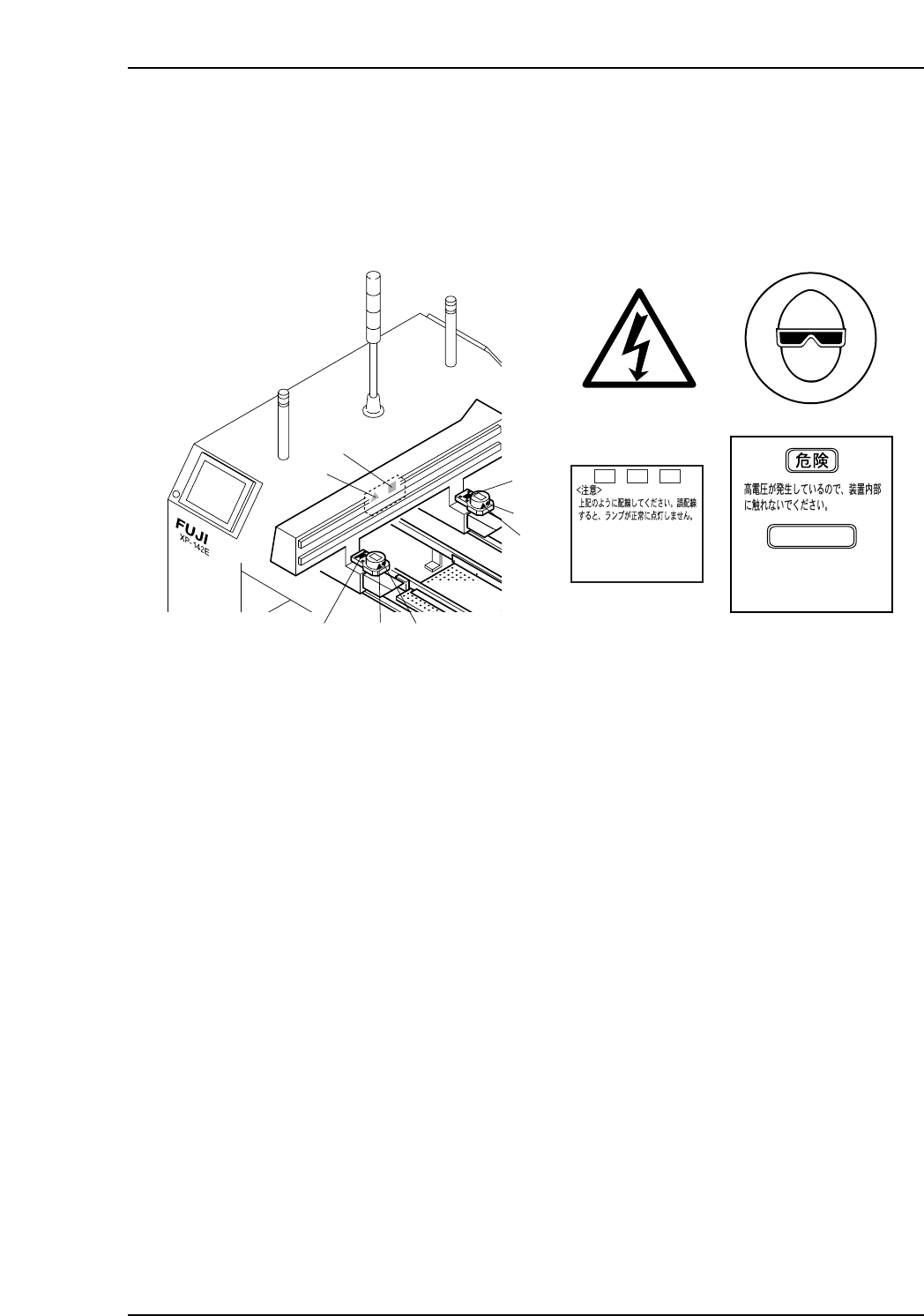
XY-Robot
18
19
17
171
18
1
1
XP1MZ006E
17
1
19
18
+
VH1
-
VH1TRIG*
<CAUTION>
Connect as shown above.
The lamp will not illuminate
property if not connected
correctly.
DANGER
High voltage Do not
touch the inside of
the apparatus.
[High Voltage]
Safety Guidelines
Edition 2.0 15 XP-142E System Reference
5. The EMERGENCY STOP Buttons
(ESG0701a)
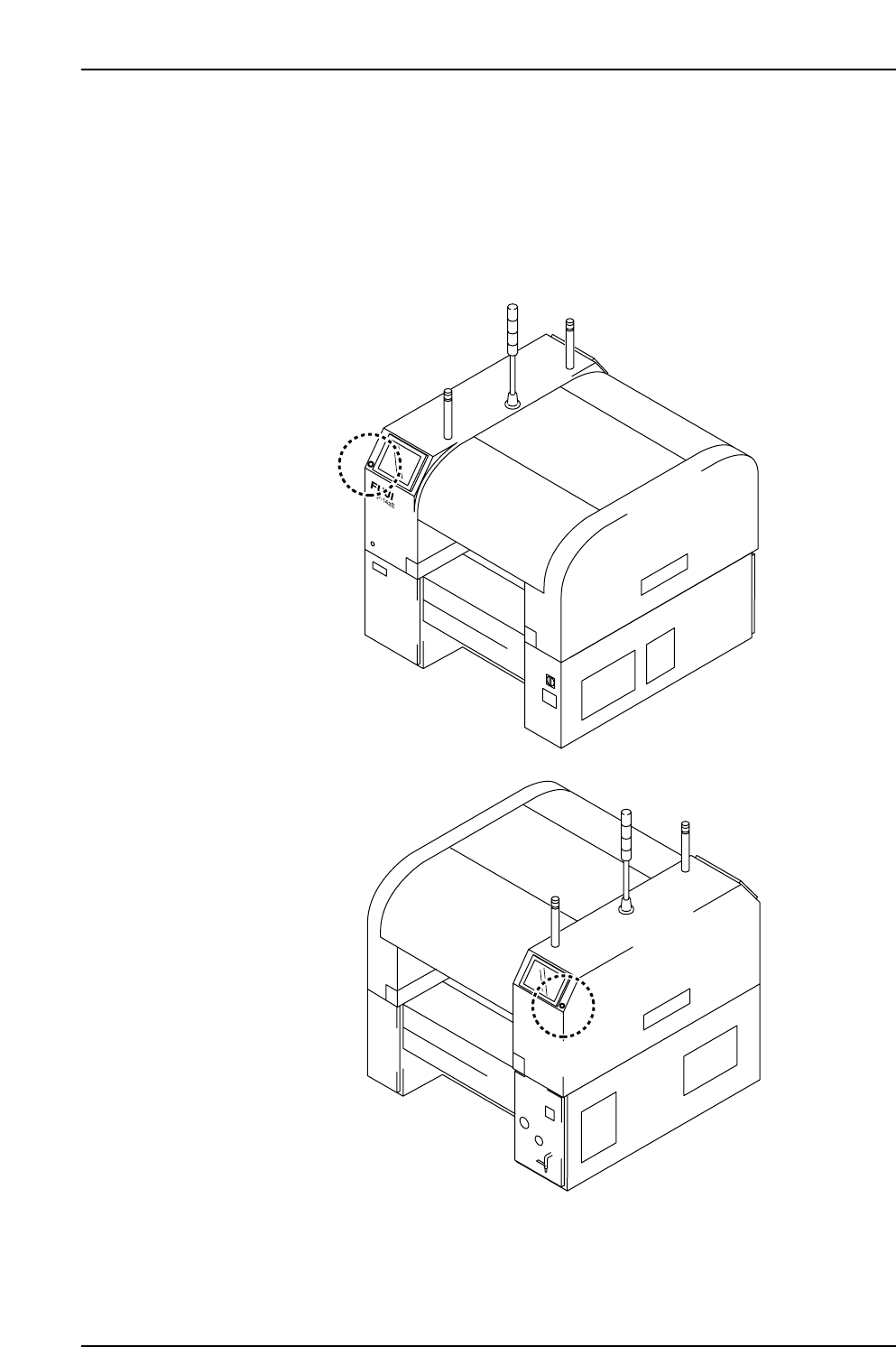
In the event of an emergency, press any of the red EMERGENCY STOP buttons located
on the machine at the positions indicated in the figure below.
XP1MZ011E
Front View (Side 1)
Back View (Side 2)
Safety Guidelines
Edition 2.0 16 XP-142E System Reference

1. Machine Overview . . . . . . . . . . . . . . . . . . .1-1-1
1.1 Machine Controls . . . . . . . . . . . . . . . . . . .1-1-1
1.2 Touch Screen . . . . . . . . . . . . . . . . . . . . . .1-1-3
2. Glossary . . . . . . . . . . . . . . . . . . . . . . . . . .1-2-1
Part 1
General
(ESR01AA)
This part provides usage of the
machine control panel, and includes
a list of the terminology used in this
manual.