KE2010.Instruction Manual.Ver.2.01,Rev.08.pdf - 第170页
4 – 63 4.6.3 Range check The rang e check t o see if a com ponent placement posit ion is within a board (f or a single PW B) or within a circuit ( f or a mult iple-circuit PW B) is perfor med with the following timing . …
4 – 62
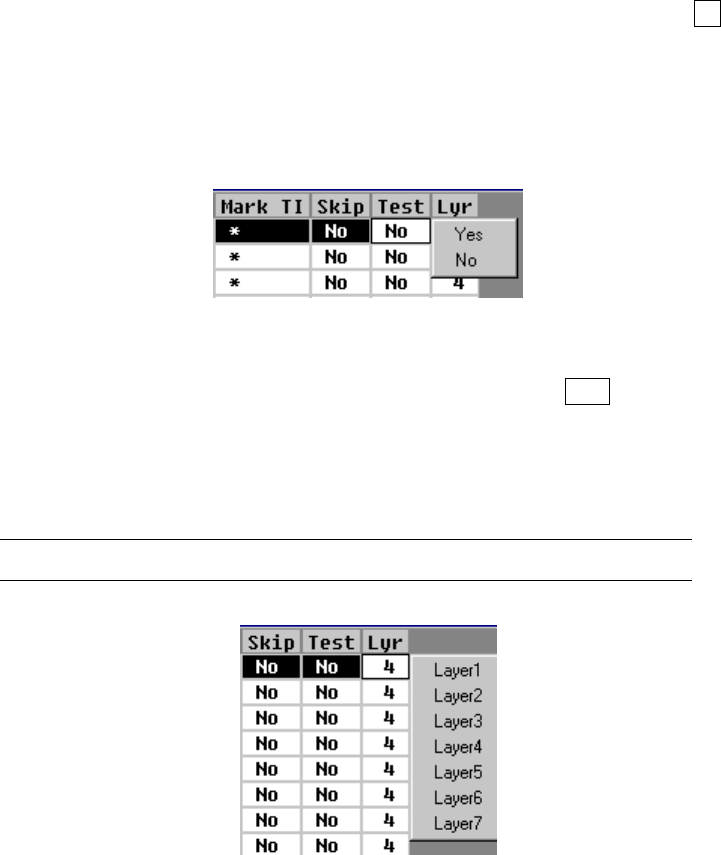
⑪ Test
This item specifies whether or not to carry out a test run. If you specify a
placement point within the range for trial run to set the conditions for a trial run,
only the Placement data whose “Test” field is set to “Yes” is used to perform a
trial run.
“No” (for “Not to carry out a test run”) is displayed as a default in the “Test list
box” field. To change the setting of the “Test” field, press the Edit key (F2 key)
or click the input focus with the right button of a mouse to call a list box and select
“Yes” or “No”.
If you want to change the “Mark” items of Placement data at a time, select the
desired Placement data records in advance, and then change them.
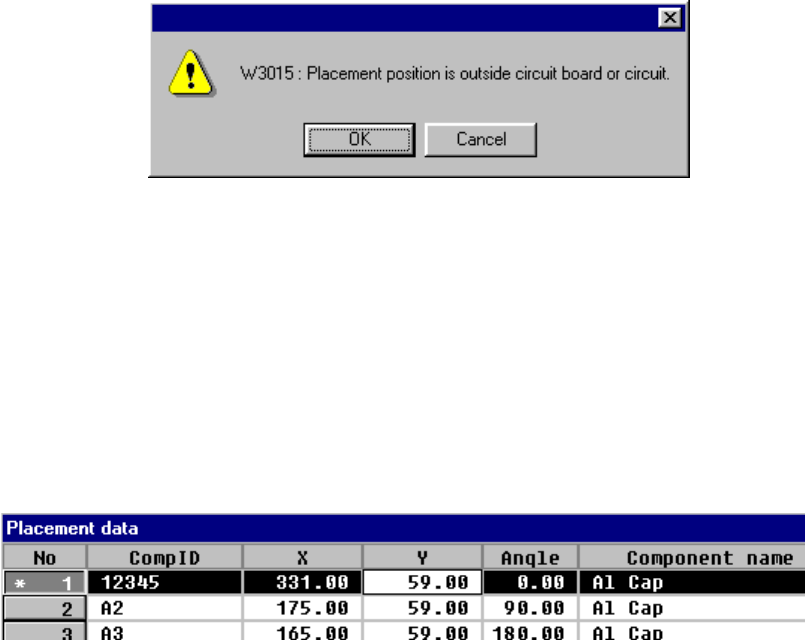
⑫ Lyr (Layer)
To change the setting of the “Lyr” field, press the Edit key ( F2 key) or press the
right button of a mouse to open the list box, then select the desired layer.
If you want to change the “Mark” items of Placement data at a time, select the
desired Placement data records in advance, and then change them.
The selectable layers are from the layer 1 to layer 7.
4 – 63
4.6.3 Range check
The range check to see if a component placement position is within a board (for a
single PWB) or within a circuit (for a multiple-circuit PWB) is performed with the
following timing. The range check error is processed as a warning or error.
① When data is entered
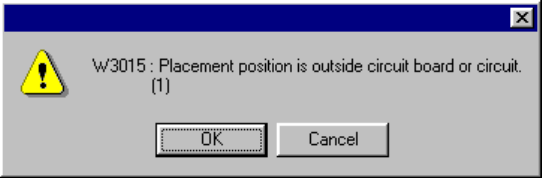
When you enter the placement position X or Y, or when you change either of
them, the machine performs the range check. If an error is detected, the
following warning dialog box appears on the screen.
• OK
When you click the <OK> button, the entered data is validated, then an
asterisk mark “*”, which indicates an over range error, is displayed on the left
of the placement data number. When you enter a value within the range, this
mark disappears.
• Cancel
When you click the <Cancel> button, the entered data becomes invalid, then
the machine enters Data input mode.
② When you are switching data type
• When PWB data becomes inactive
• When Placement data becomes inactive
4 – 64
●
Since Placement data over range error may occur, the machine performs the
range check. If an error is detected, the following warning dialog box appears
on the screen.
• OK Continues the data type switching operation.
• Cancel Terminates the data type switching operation.
●
When the machine switches the data type to Placement data
The over range mark is displayed at the over range placement data.