KE2010.Instruction Manual.Ver.2.01,Rev.08.pdf - 第706页
10 − 22 − Measurement ① T he head you selected moves over the vacuum calibration unit, then measures the vacuum condition thr ee times. The machine tak es an average of the values measured f or t he second time and third…
10 − 21
(1) Setting items
No. Item Description
1 Available vacuum Shows the maximum available vacuum level detected with
the pressure sensors located on the head and the vacuum
calibration unit respectively.
2 Vacuum attainment time Shows the time required to enter the vacuum condition
detected with the pressure sensors located on the head and
the vacuum calibration unit respectively.
3 Vacuum starting time Shows the time the machine started vacuuming, detected
with the pressure sensors located on the head and vacuum
calibration unit respectively
4 Time when starting Shows the time spent since the vacuum electromagnetic
valve was turned off until the vacuum value reached the
component pick-up vacuum lower limit, detected with the
pressure sensors located on the head and the vacuum
calibration unit respectively
5 Natural breading time Shows the time spent since the vacuum electromagnetic
valve was turned off until the vacuum value reached the
component pick-up vacuum limit, detected with the pressure
sensors located on the head and vacuum calibration unit
respectively
6 Positive pressure Shows the time spent since the blow electromagnetic valve
was turned off until the vacuum value became beyond the
atmospheric pressure, then reached the positive value.
(2) How to set
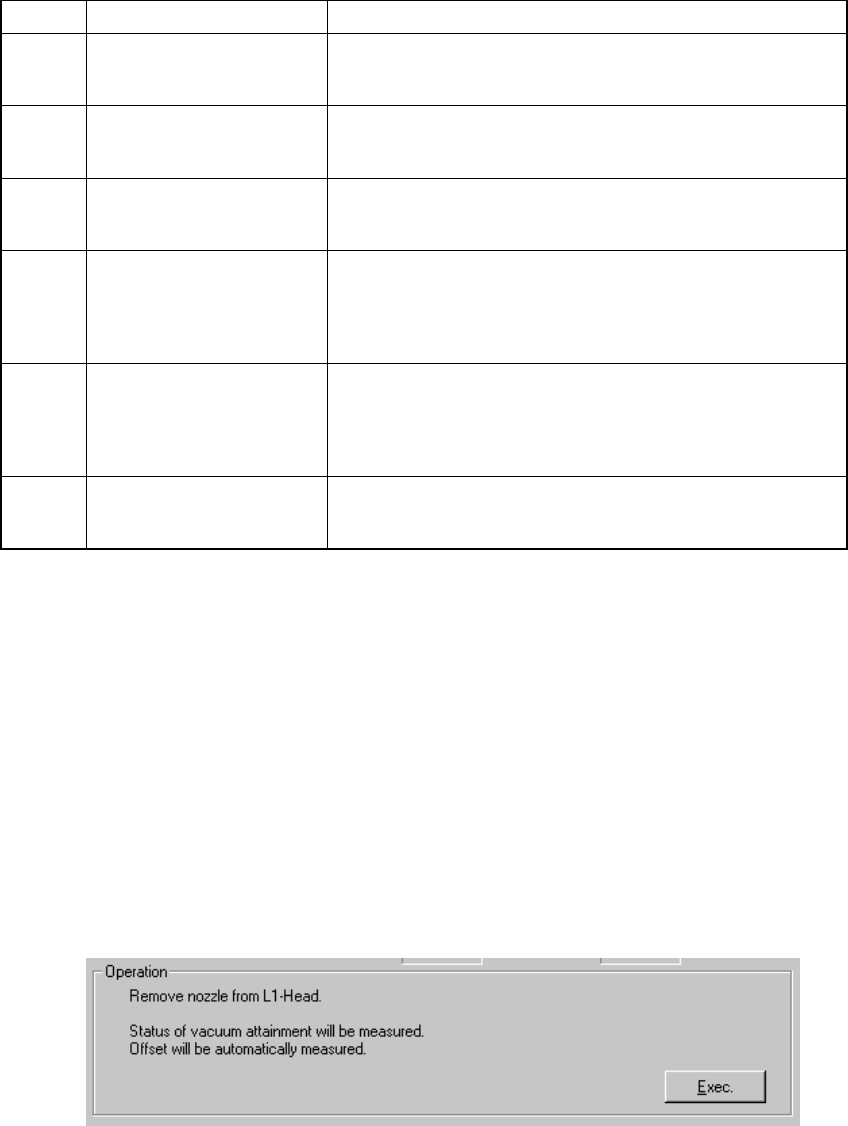
- Follow the instructions displayed on the "Operation" dialog box according to
the head you selected from the "Select Head" combo box.
- When you click the <OK> button, your settings become effective (at this point,
these settings are not saved into the database yet).
- When you click the <CANCEL> button, your settings become invalid.
− How to operate
When you follow the instructions displayed on the dialog box, each value is
automatically obtained.
Set the head you selected from the "Select Head" combo box
- Click the <Exec.> button.
- When you click the <Exec.> button, the machine automatically calculates the
time required to enter the vacuum condition.
10 − 22
− Measurement
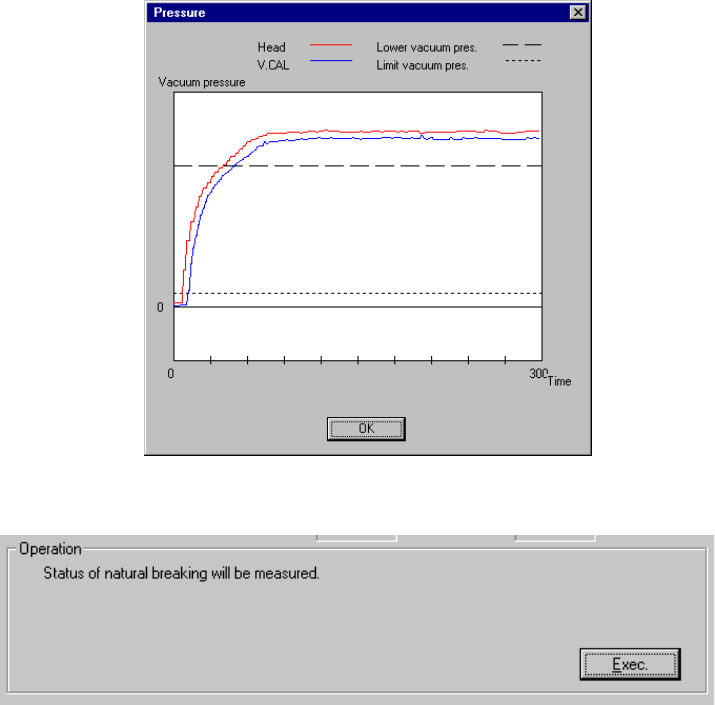
① The head you selected moves over the vacuum calibration unit, then
measures the vacuum condition three times.
The machine takes an average of the values measured for the second time
and third time, then displays it.
After measurement, the machine displays a graph of the pressure values
obtained by the third measurement performed for the third time.
Set the head selected from the "Select Head" combo box.
- Click the <Exec.> button.
- When you click the <Exec.> button, the machine automatically calculates the
natural vacuum breaking condition.
10 − 23
− Measurement
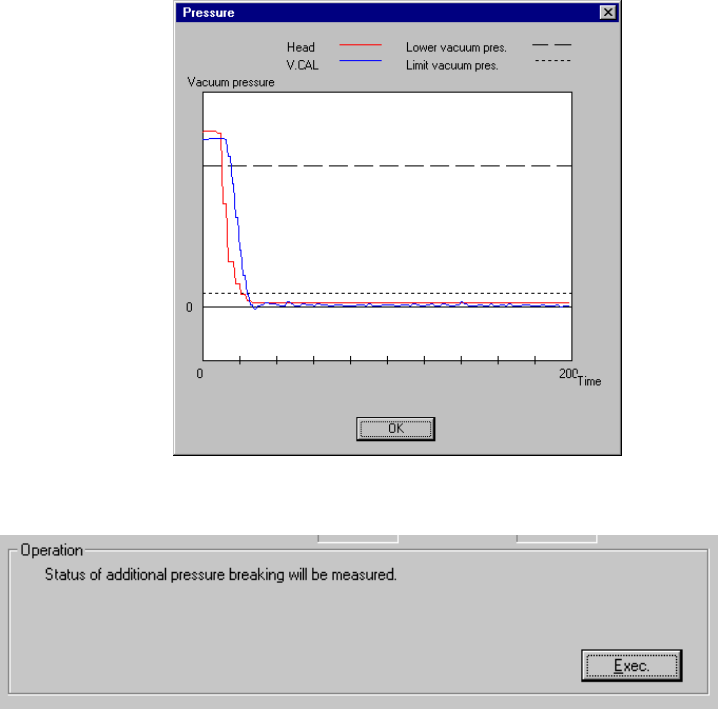
① The head you selected moves over the vacuum calibration unit, then
measures the natural vacuum breaking condition three times.
- The machine takes an average of the values measured for the second time
and third time, then displays it.
- After measurement, the machine displays a graph of the pressure values
obtained by the measurement performed for the third time.
Set the head you selected from the "Select Head" combo box.
- Click the <Exec.> button.
- When you click the <Exec.> button, the machine automatically measures the
pressurization breaking condition.