KE2010.Instruction Manual.Ver.2.01,Rev.08.pdf - 第339页
4 – 232 W hen y ou check the check box "Position conf ir m by OCC." on t he "Pick heig ht track ing" dialog box, the pick -up position is displayed on the VCS monit or . W hen the following dialog box…
4 – 231
(7) Action to be performed at each point while the machine is tracking the component
pick-up height
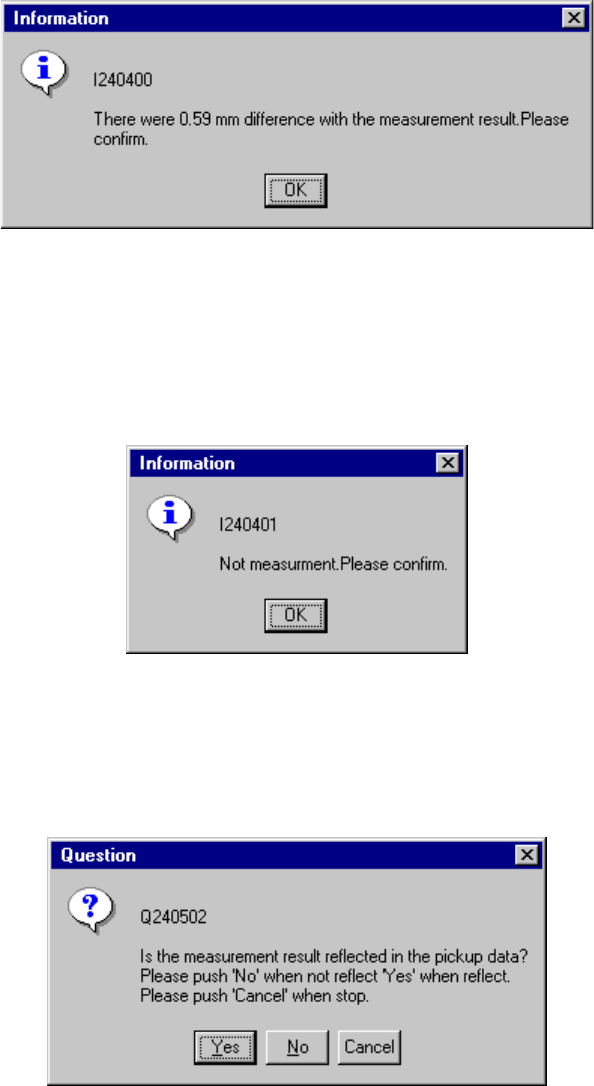
When you check the check box "Trace stops if there is a difference of the
measurement value." on the "Pick height tracking" dialog box, the dialog box
appears on the screen as shown in the figure below if the difference is detected.
If you select "Automatic feed" as the "Feed method", the machine stops tracking
a pick-up point. Check the height specified in Pick data.
When you check the check box "Trace stops if it is not possible to measure" on
the "Pick height tracking" dialog box, the dialog box appears on the screen as
shown in the figure below if the HMS cannot measure the height.
If you select "Automatic feed" as the "Feed method", the machine stops tracking
a pick-up point. Check the height specified in Pick data.
When you check the check box "The measurement value is taken" on the "Pick
height tracking" dialog box, the dialog box, which asks you whether to save the
value measured by the HMS as the Z coordinate of Pick data, appears on the
screen. To save it, click the <Yes> button.
4 – 232
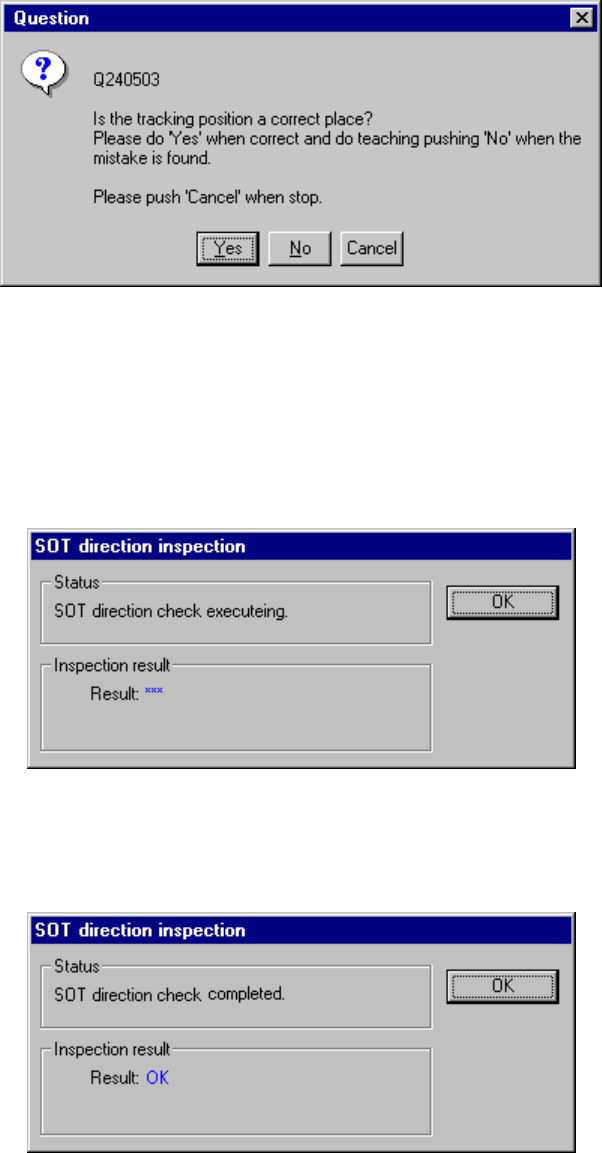
When you check the check box "Position confirm by OCC." on the "Pick height
tracking" dialog box, the pick-up position is displayed on the VCS monitor.
When the following dialog box appears on the screen, check the position with
your eyes. When the position is correct, click the <Yes> button. If you want to
teach it again, click the <No> button to teach the coordinates as described in Item
(6).
(8) Checking the direction of an SOT component being tracked
The system can check the direction of an SOT component when the tracking
operation pauses.
The following screen appears when the system is checking the direction of an
SOT component:
After the system finishes checking the direction of an SOT component, it displays the
result: “OK” or “NG”.
4 – 233
(9) Verification during tracking
The system can perform the verification check when the tracking operation
pauses.
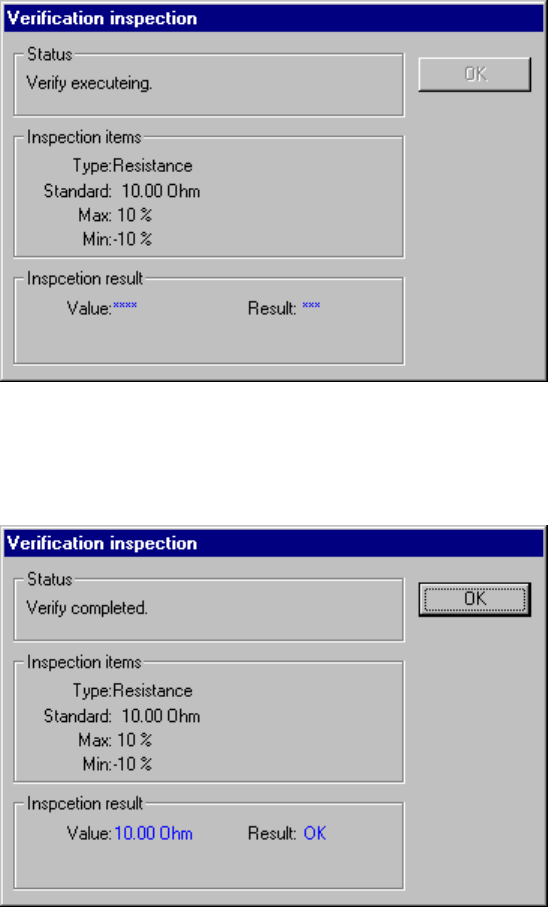
The following screen appears when the system is performing the verification
check:
After the system finishes the verification check, it displays the result: “OK” or
“NG”.