KE2010.Instruction Manual.Ver.2.01,Rev.08.pdf - 第557页
7 − 20 CA UTION W hen you click the <DONE> button, t he head moves to allow you t o attach/detach a noz zle. To avoid a risk of injury, do not place y our hand in the machine, nor move your face or head close to th…
7 − 19
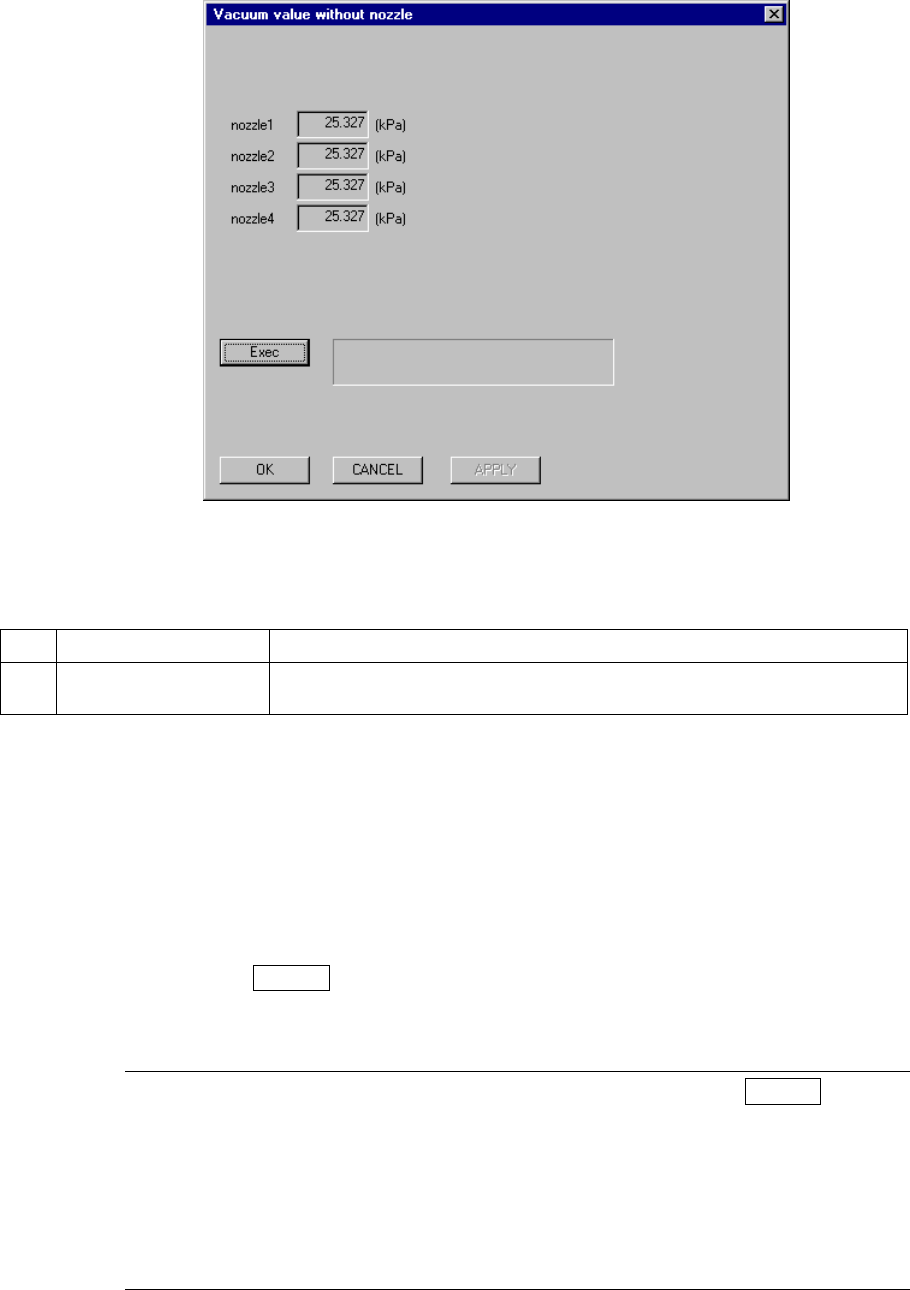
7.2.2.2 Vacuum value without nozzle
A screen appears as shown in Figure 7.2.2.2.1 “Vacuum value without nozzle dialog
box” when [Vacuum value without nozzle] is selected from the [Setting Group]
menu.
Figure 7.2.2.2.1 Vacuum value without nozzle setting dialog box
(1) Setting items
No. Item Description
1 Vacuum value without
nozzle
The vacuum value without the nozzle attached (for automatic operation only)
(2) How to set
−
By the Head button
Using the field selection key, select the desired Head, and click the <DONE>
button to obtain the vacuum value. When a nozzle is mounted to the head,
the nozzle is returned first and then the vacuum value is obtained.
−
By Teaching
Using the device key of the HOD, enter Teaching mode. Check that the
head whose vacuum value to be obtained is set as the device and then
press the ENTER key of the HOD.
When the desired head is set as the device when teaching mode, the
vacuum of the head is turned ON.
Notes: 1) Before exiting from Teaching mode by pressing the ENTER key of
the HOD, be sure to check that the vacuum of the head is turned
ON.
2) When entered Teaching mode by selecting a device other than a
head, the vacuum is not turned ON automatically. In this case,
press the VAC key of the HOD to turn ON the vacuum.
Standard value is –300 to –120 (mmHg).

7 − 20
CAUTION
When you click the <DONE> button, the head moves to allow you to
attach/detach a nozzle.
To avoid a risk of injury, do not place your hand in the machine, nor
move your face or head close to the machine.
Before clicking the <DONE> button, check to see if there is no one who
is working in the machine.
Before clicking the <DONE> button, check to see if there is no one who
can be injured around the machine.
Before clicking the <DONE> button, check to see if there is no obstacle
(tool or jig) left or attached in the machine.
7 − 21
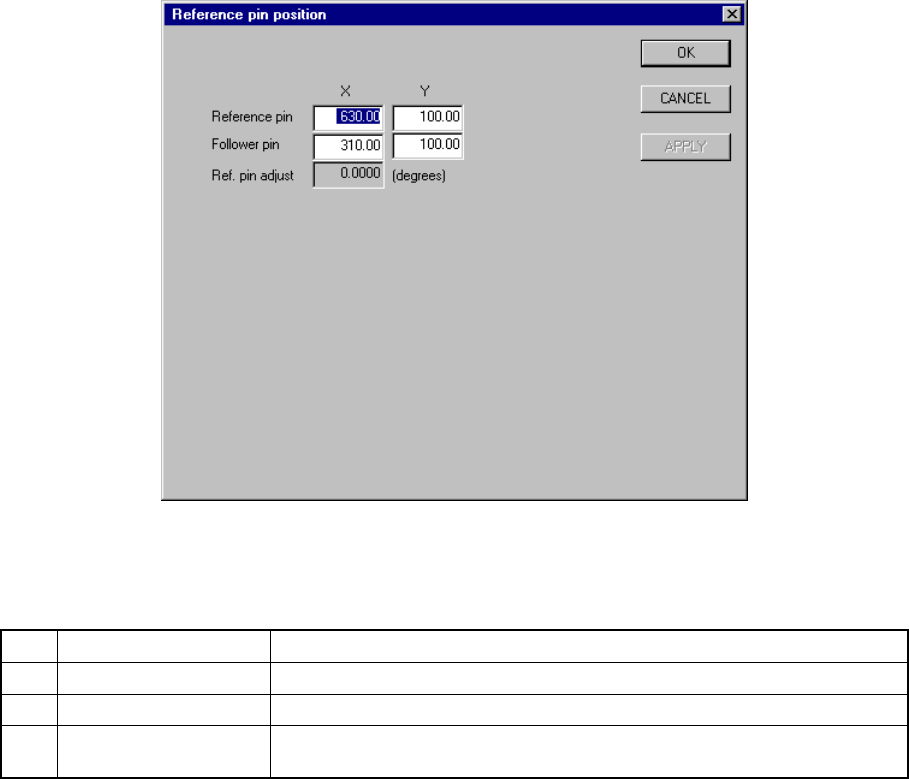
7.2.2.3 Reference pin position
A screen appears as shown in Figure 7.2.2.3.1 “Reference pin position setting
dialog box” when [Reference pin position] is selected from the [Setting Group]
menu.
Figure 7.2.2.3.1 Reference pin position setting dialog box
(1) Setting items
No. Item Description
1 Reference pin (X, Y) Reference pin position
2 Follower pin (X, Y) Follower pin position
3 Ref. pin adjust Board filting angle calculated based on the positions of the reference pin and
the follower pin (for automatic operation only)
(2) How to set
− Key in X and Y coordinate values directly from the keyboard.
− Use the HOD to teach and enter the coordinates. In this case, both the X
and Y values are entered at the same time if either X or Y is in focus.
When the X or Y of the reference pin is in focus, the values will be used for
the reference pin. When t-he X or Y of the follower pin is in focus, the
values will be used for the follower pin.
− Follow the procedure below to raise the support plate before teaching.