KE2010.Instruction Manual.Ver.2.01,Rev.08.pdf - 第318页
4 – 211 W hen y ou press the <St art> butt on, the f ollowing dialog box appears on the scr een during BO C alignment operation. T o abort the operation f or som e reason, press t he <Stop> button. Figure 4.1…
4 – 210
(4) When continuous measurement finishes
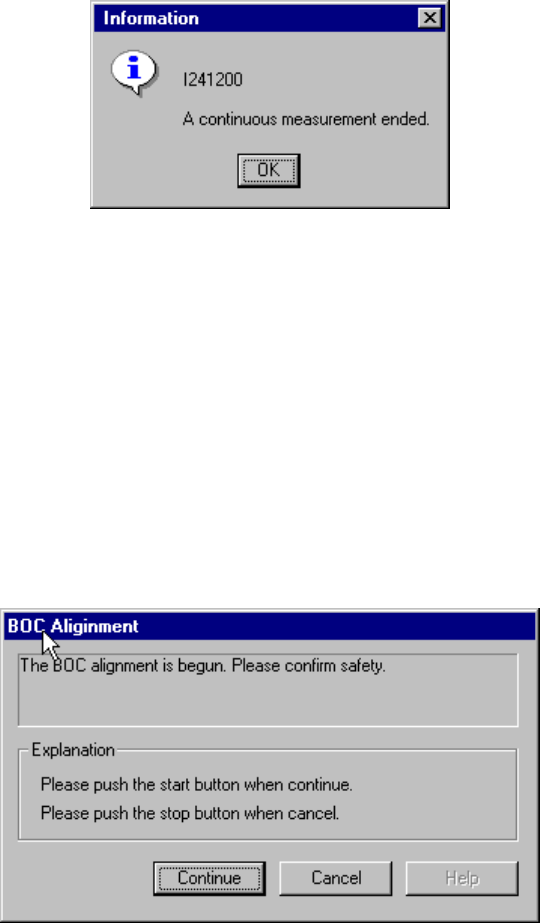
When the system finishes measuring all components which satisfy the specified
conditions, the following dialog box appears on the screen.
Figure 4.12.2.4.3.7 “Information” - End of continuous measurement dialog box
4.12.3 Confirmation
4.12.3.1 Mark - BOC
This command recognizes a BOC mark, then saves the measured coordinates of the
recognized BOC mark to the main unit. These measured coordinates are used to
correct coordinates during teaching of Placement data.
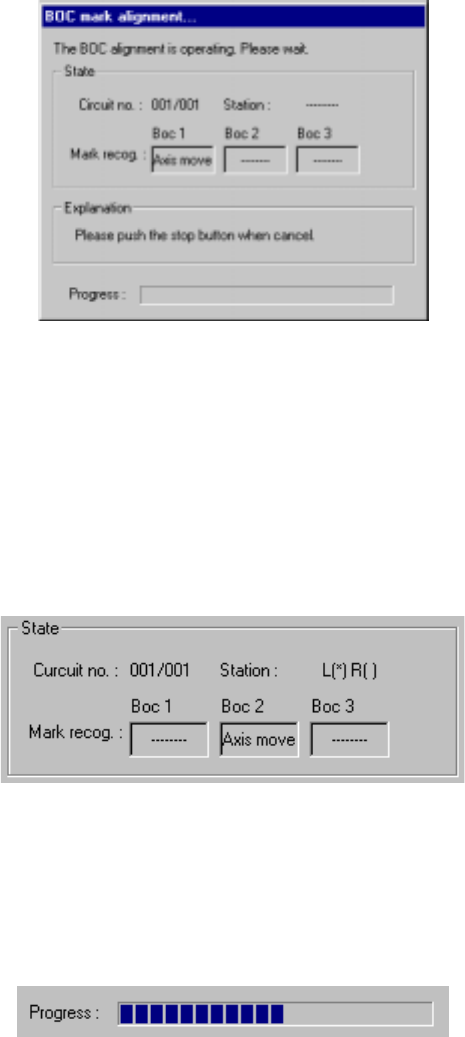
If the safety cover opens after you select the BOC command, the following dialog box
appears on the screen because the function to be invoked operates the axis.
Check the safety of the machine and yourself, then press the <Start> button.
Figure 4.12.3.1.1 BOC alignment - safety confirmation dialog box
4 – 211
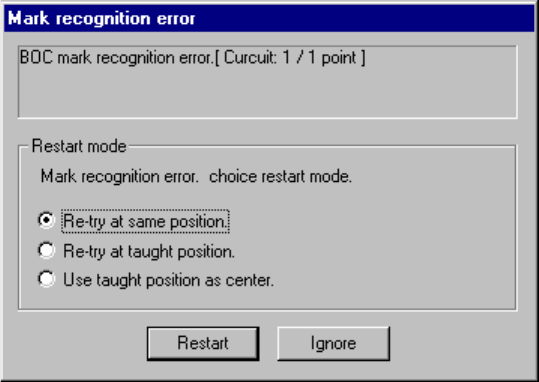
When you press the <Start> button, the following dialog box appears on the screen
during BOC alignment operation.
To abort the operation for some reason, press the <Stop> button.
Figure 4.12.3.1.2 “BOC mark alignment” dialog box
1) State
① Circuit no
The number of circuit being recognized is displayed here. This number is
indicated in the format: “current circuit number”/”total number of circuits”.
(Normally, only a BOC of the reference circuit is recognized.)
② Station (available to a KE-2030 only)
The station which is recognizing a BOC mark is displayed here.
2) Progress
The progress bar indicates the progress of the current operation.
4 – 212
If the system fails to recognize a BOC mark, the following dialog box appears on the
screen.
Figure 4.12.3.1.3 BOC mark recognition error dialog box
To recognize the BOC mark again, select one of the following radio buttons displayed
in the “Restart Mode” column.
① Re-try at same position.
Recognizes the BOC mark again without changing the current OCC camera
position.
② Re-try at taught position.
Recognizes the BOC mark again at the position whose coordinates were taught
with the CAMERA button of the HOD. This item is available only after you
validate the result of teaching operation.
③ Use taught position as center.
Validates the position whose coordinates were taught with the CAMERA button of
the HOD as the actual center of the recognized BOC mark. This item is
available only after you validate the result of teaching operation.
To restart the BOC mark recognition operation after selecting one of the above radio
buttons, click the <Restart> button.
When you click the <Ignore> button, the system does not recognize a BOC mark at
each circuit/board hereinafter.