Omron V-TS Teaching Manual.pdf.pdf - 第22页
Chapter 1 Before Gett ing S tarted 1-8 1.3.2 S ystem T ermination When turning off t he system, be sure to follow the procedures listed below . T u rning off the PC power supply w ith out going through the shutdown proce…
1.3 Startup & Termination of the System
1-7
1.3 Startup & Termination of the System
This section describes how to start and end v-TS.
1.3.1 System Startup
Do not start other applications at the same time with this system.
1.
Turn ON the power of the PC.
2.
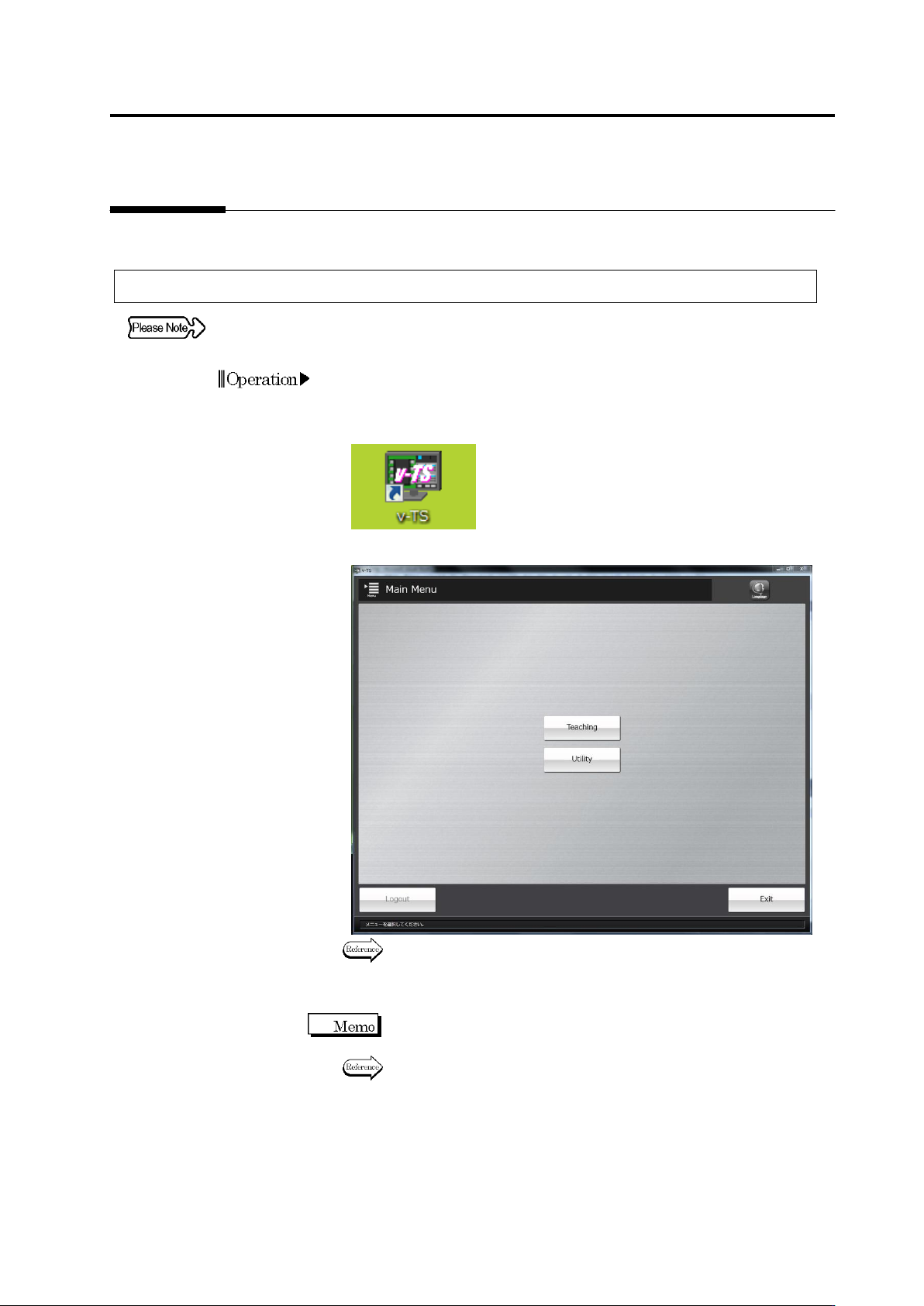
After OS is started, double-click the v-TS shortcut icon on the
desktop.
3.
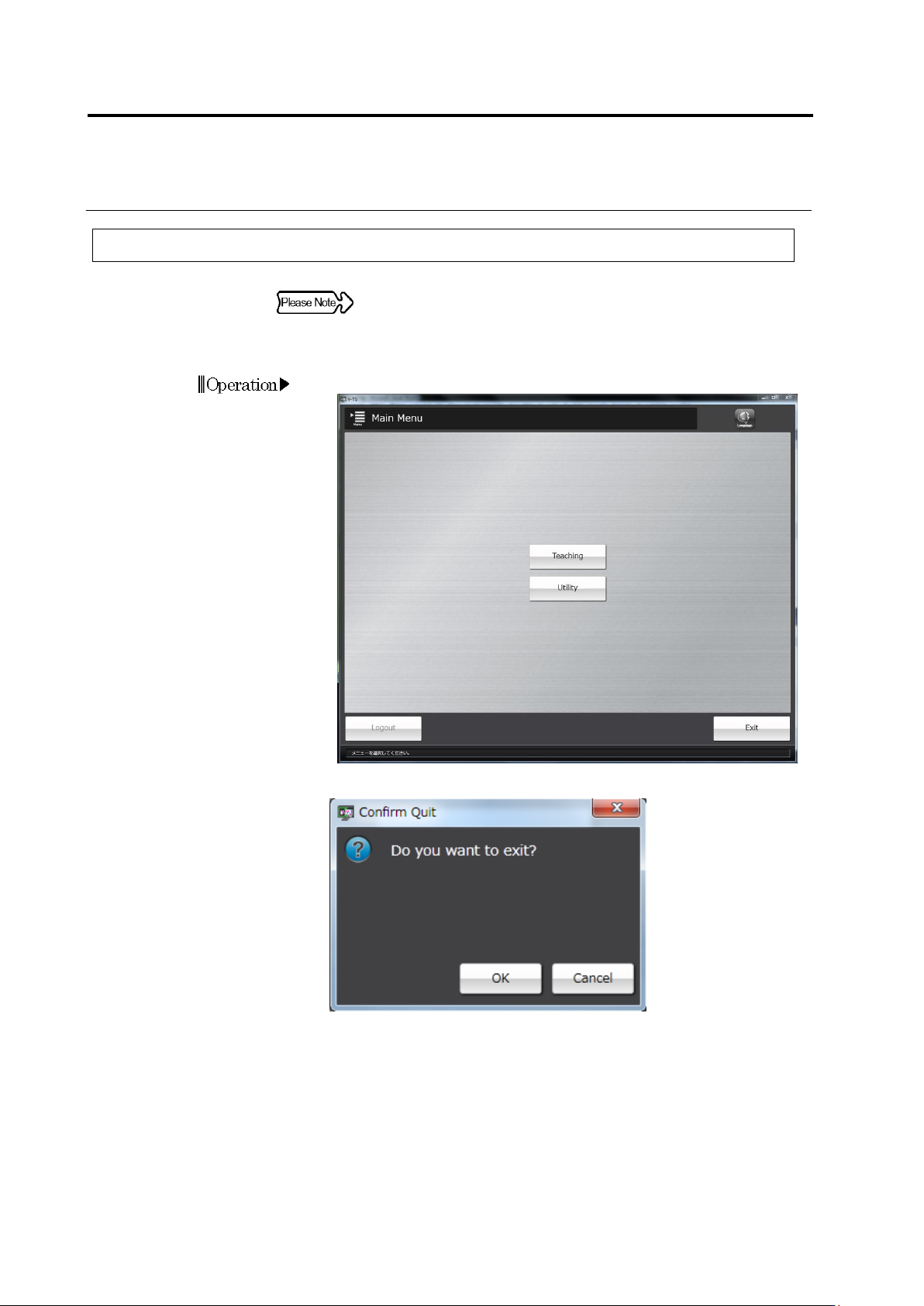
The teaching system is started and the main menu appears.
To create an inspection program, go to P2-1, "Chapter 2 Inspection
Programming."
To configure the system using the utility, go to P3-1, "Chapter 3
Management Menu."
When the password function has been implemented, the login dialog
appears. Log in to the system before starting a menu.
Refer to "1.5 Login and Logout."
Chapter 1 Before Getting Started
1-8
1.3.2 System Termination
When turning off the system, be sure to follow the procedures listed
below. Turning off the PC power supply without going through the
shutdown procedures could damage the hard disk drive.
1.
Click [Exit] on the main menu.
The Confirmation message will be displayed.
・ Clicking [Cancel] will return the system to the main menu.
2.
Click [OK].
The v-TS will be terminated and the desktop will be displayed.
3.
On the [Start] menu of the OS, select [Shutdown].
The power of the PC will be turned off.
1.4 Switching Languages
1-9
1.4 Switching Languages
This system allows you to select either English or Japanese as a display language.
Switching Languages is available on:
Main menu, Teaching PCB selection screen, or any screen of the utility
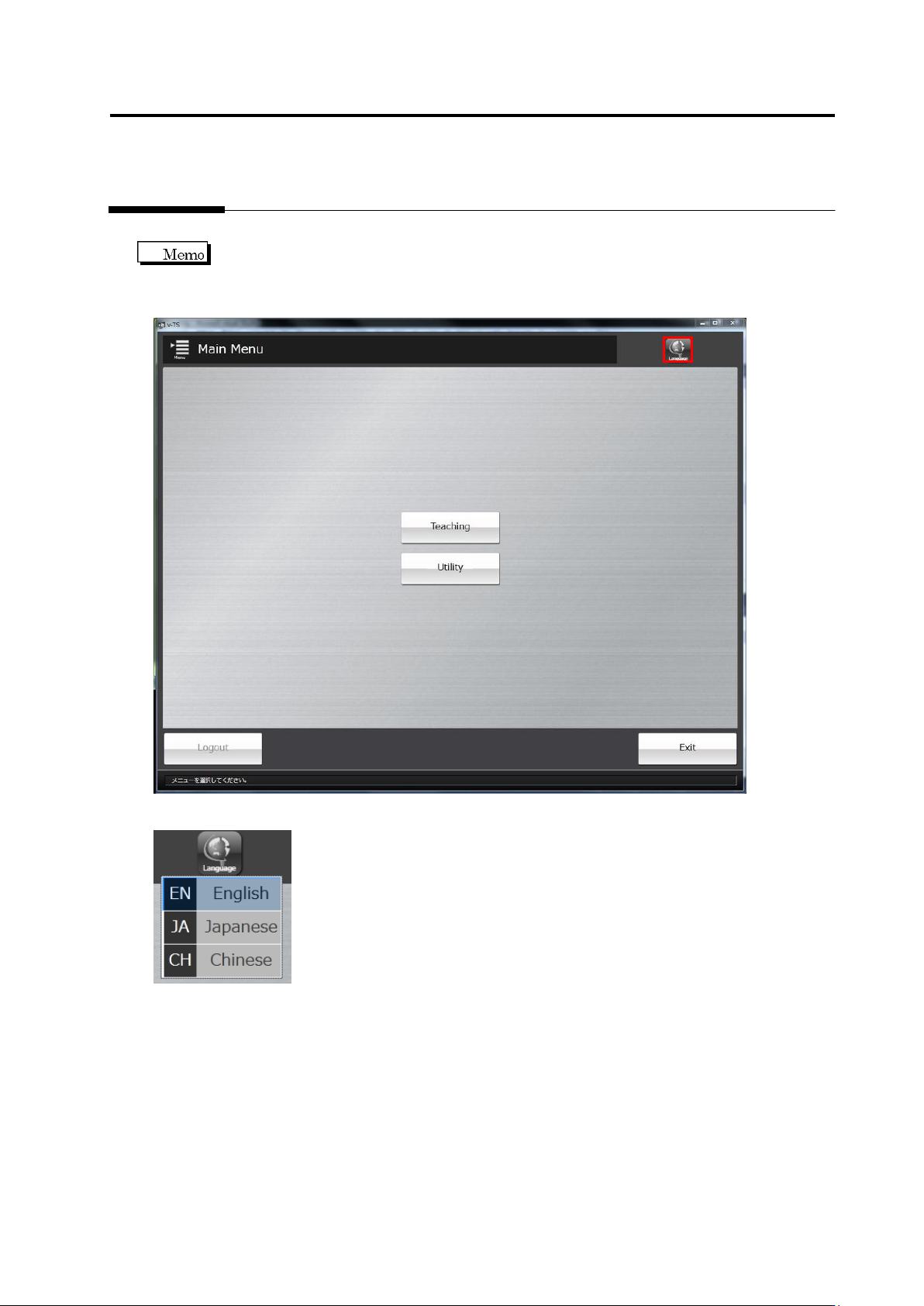
Click the [Language] on the top-right of the screen and a language list appears.
Click a language you want to display.