Omron V-TS Teaching Manual.pdf.pdf - 第293页
Appendix 7. Positio n Correction/Extractio n a- 16 2. Inspection screen po sition corre ction In th e inspection screen, rec ognize the land, and c orrect the positio n of t he entire captured ins pection screen. Inspect…
Appendix 7. Position Correction/Extraction
a-15
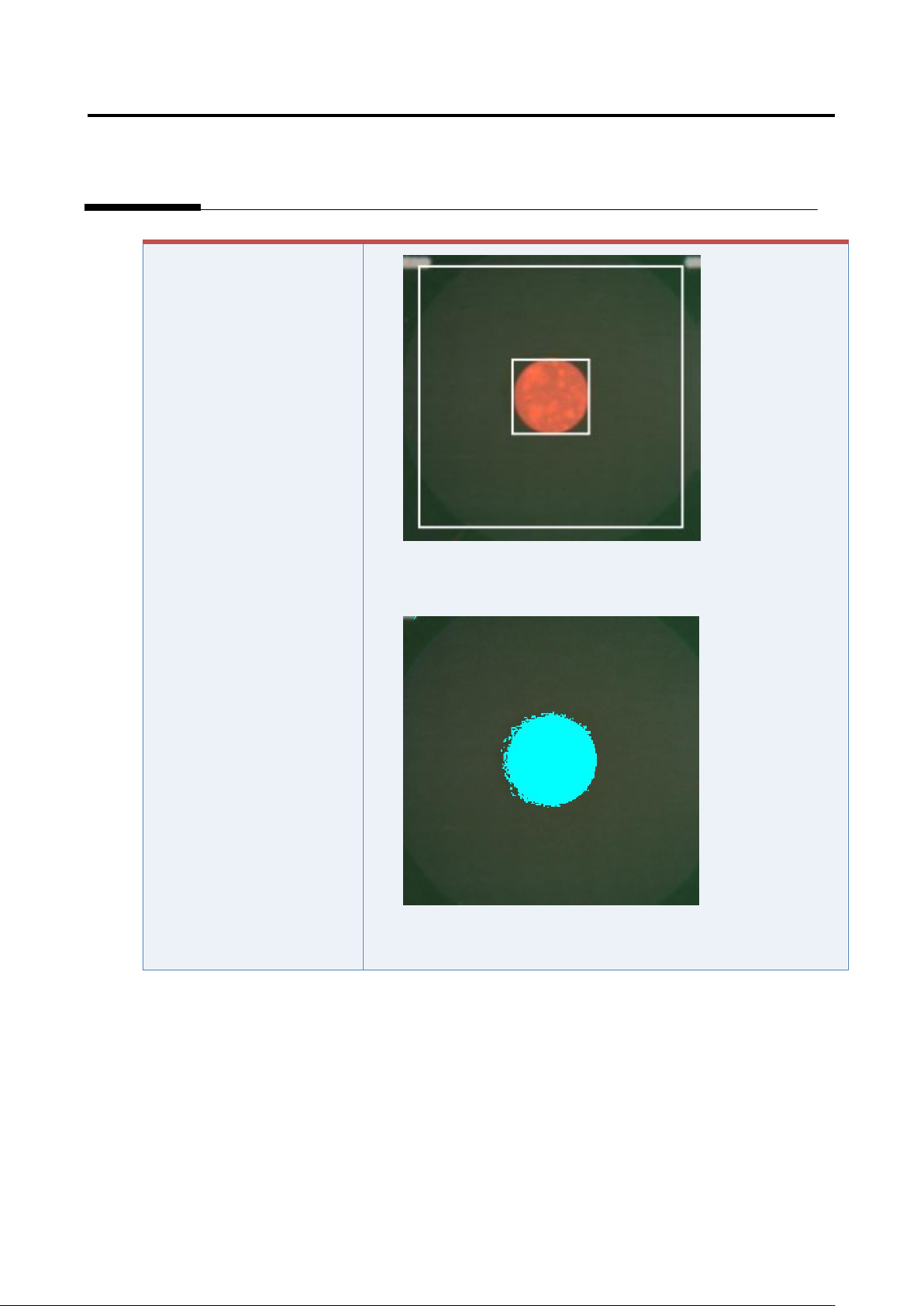
5) Click the [Model Editing] button to confirm that the fiducial color
is set appropriately.
6) Change the color if not appropriate.
Appendix 7. Position Correction/Extraction
a-16
2. Inspection screen position correction
In the inspection screen, recognize the land, and correct the position of the entire captured inspection
screen.
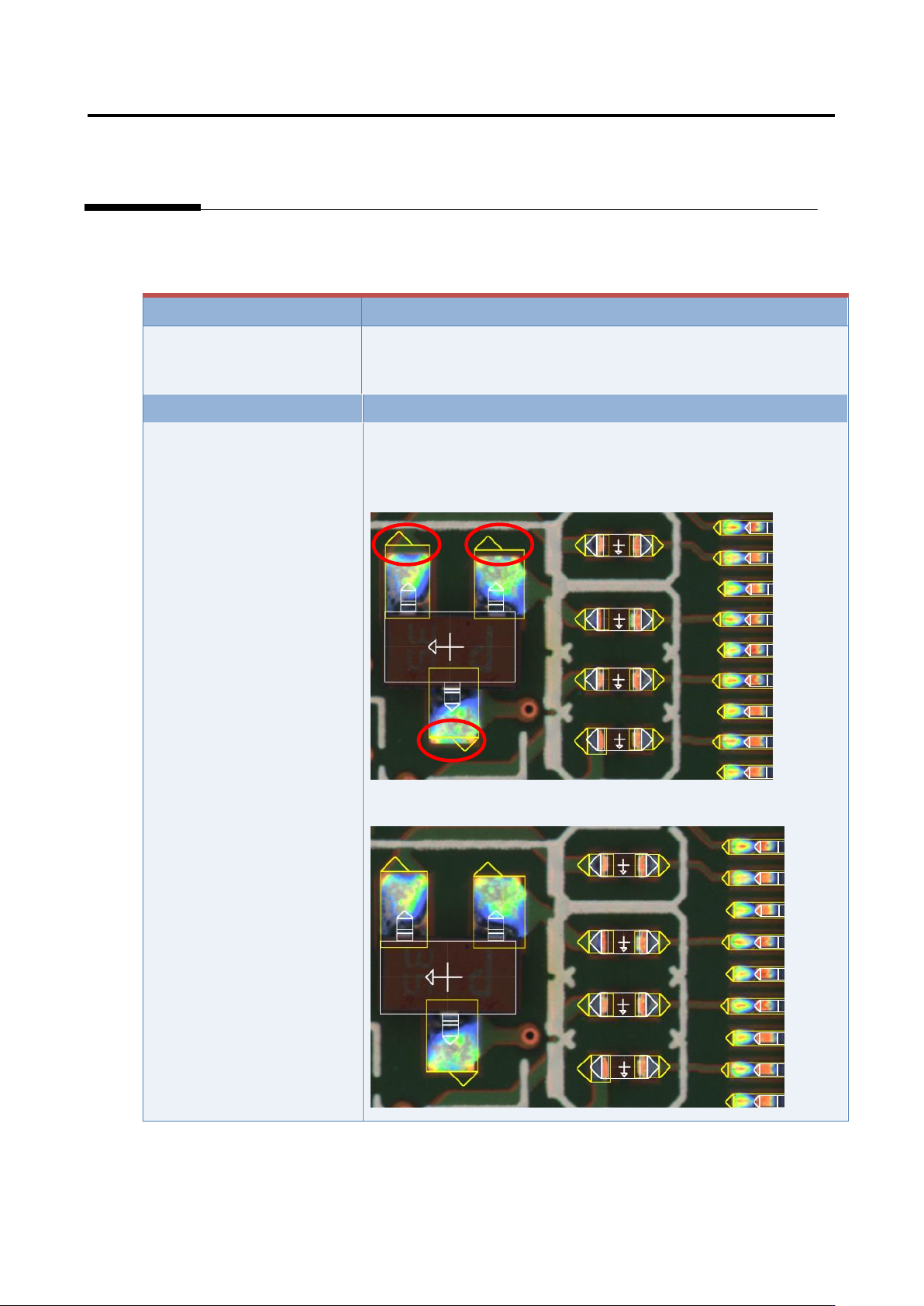
Inspection result
Component image (PCB test)
Cause
Confirmation and repair method
The position of the land
window is not appropriate.
1) Move to the “Criteria Setting” tab.
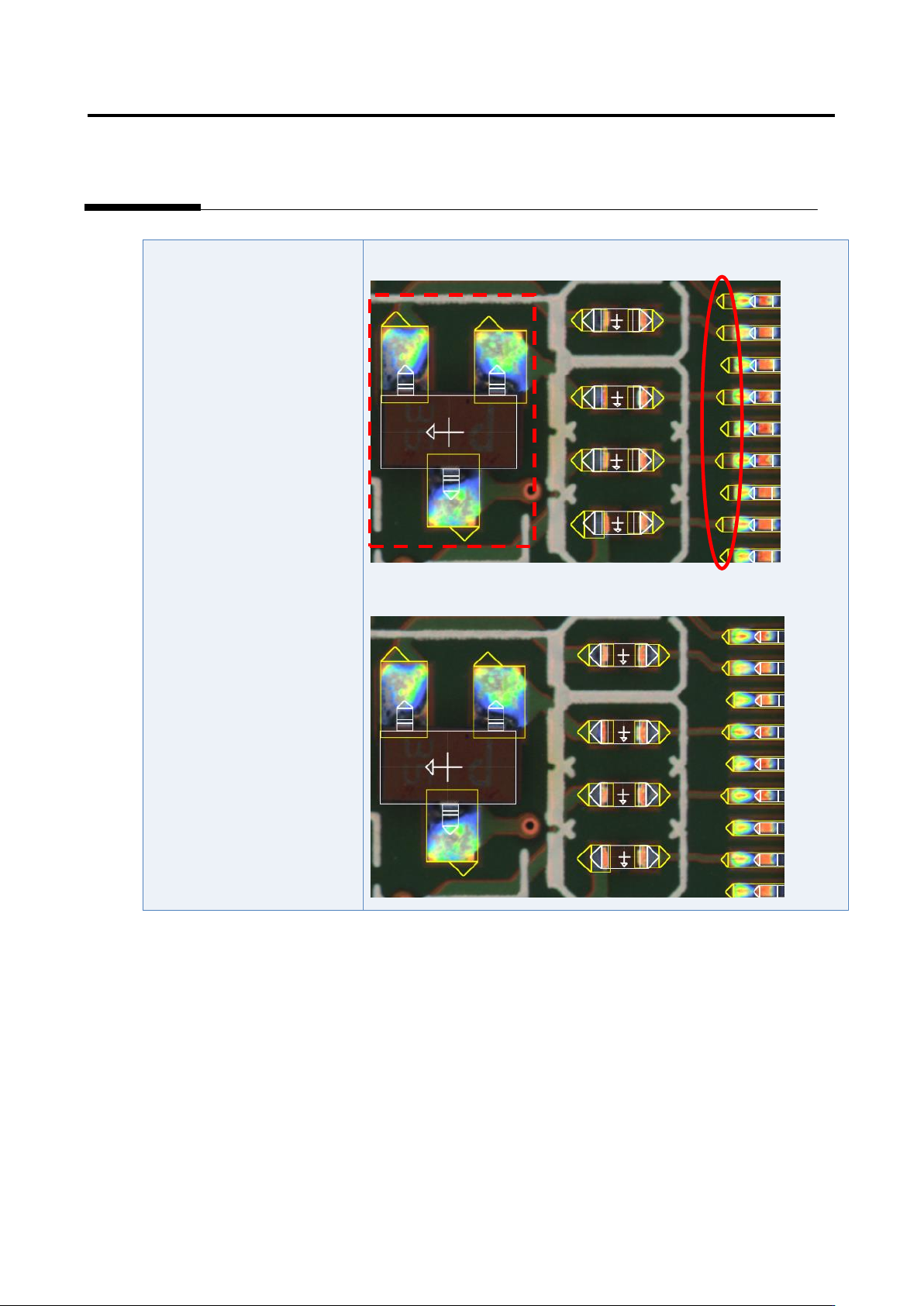
2) Confirm that the position and size of the land window are
consistent with those of the image.
3) If not consistent, change the position or size of the land window.
Appendix 7. Position Correction/Extraction
a-17
4) If not consistent, change the position or size of the land window.