MR8740、MR8741_user_manual_eng_20191016H.pdf - 第180页
7.9 Setting Details of Modules 168 Level This is enabled only when [Mode] is [Pulse Wid th] or [Duty] . In pulse width/ duty rate measur ements, set which level is detected when the threshold is exceeded. Select See: Ope…
7.9 Setting Details of Modules
167
6
Chapter 7 Utility Functions
7
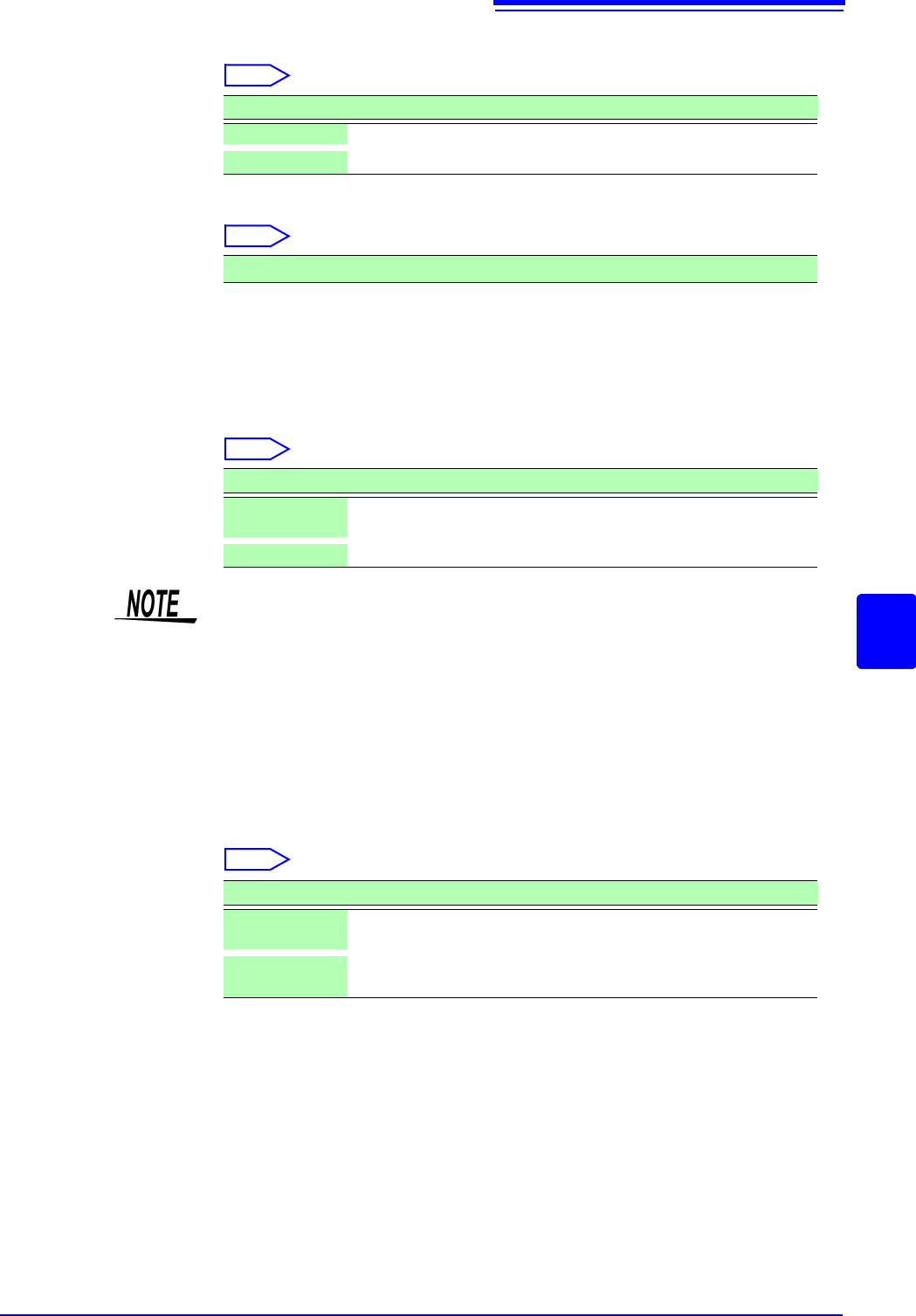
Slope For each measurement mode, set the direction the specified level is exceeded.
Select
Devide Determines the frequency for each set pulse.
Select
Example: When the encoder is at 360 pulses per rotation, the frequency of each
rotation can be measured by setting the number of divisions to 360.
When frequency dividing is not used, set to 1.
Timing This is enabled only when [Mode] is [Count].
Sets the start timing for the sum count.
Select
Count Over This is enabled only when [Mode] is [Count].
Select
See: Opening the [Each Ch] sheet, Making a Channel Selection (p.161)
Selections Description
Rises above the specified level are detected. (default setting)
Drops below the specified level are detected.
1(default setting) to 4096
Selections Description
Start
When
[START] is clicked, summing is started.
(default setting)
Trig
When a trigger is applied, summing is started.
• When the [Start] is set, there is some internal processing time between click-
ing [START] and the start of measurement. Therefore, the count value is not
zero at the start point.
• When the [Start] is set and the trigger level is exceeded while waiting for the
pre-trigger, the trigger is not enacted. Furthermore, the time for internal pro-
cessing at start and the trigger priority setting may cause the trigger not to be
enacted at the specified trigger level.
• When memory division is used, there are cases when the last data in the previ-
ous block remains in the first part of the block.
Selections Description
Hold
Counting is performed to the maximum (at 2 k range, 65535) and
no higher.
Back
If counting is performed up to 25 times the range (at 2 k range, up
to 50000) the count value returns to 0.
7.9 Setting Details of Modules
168
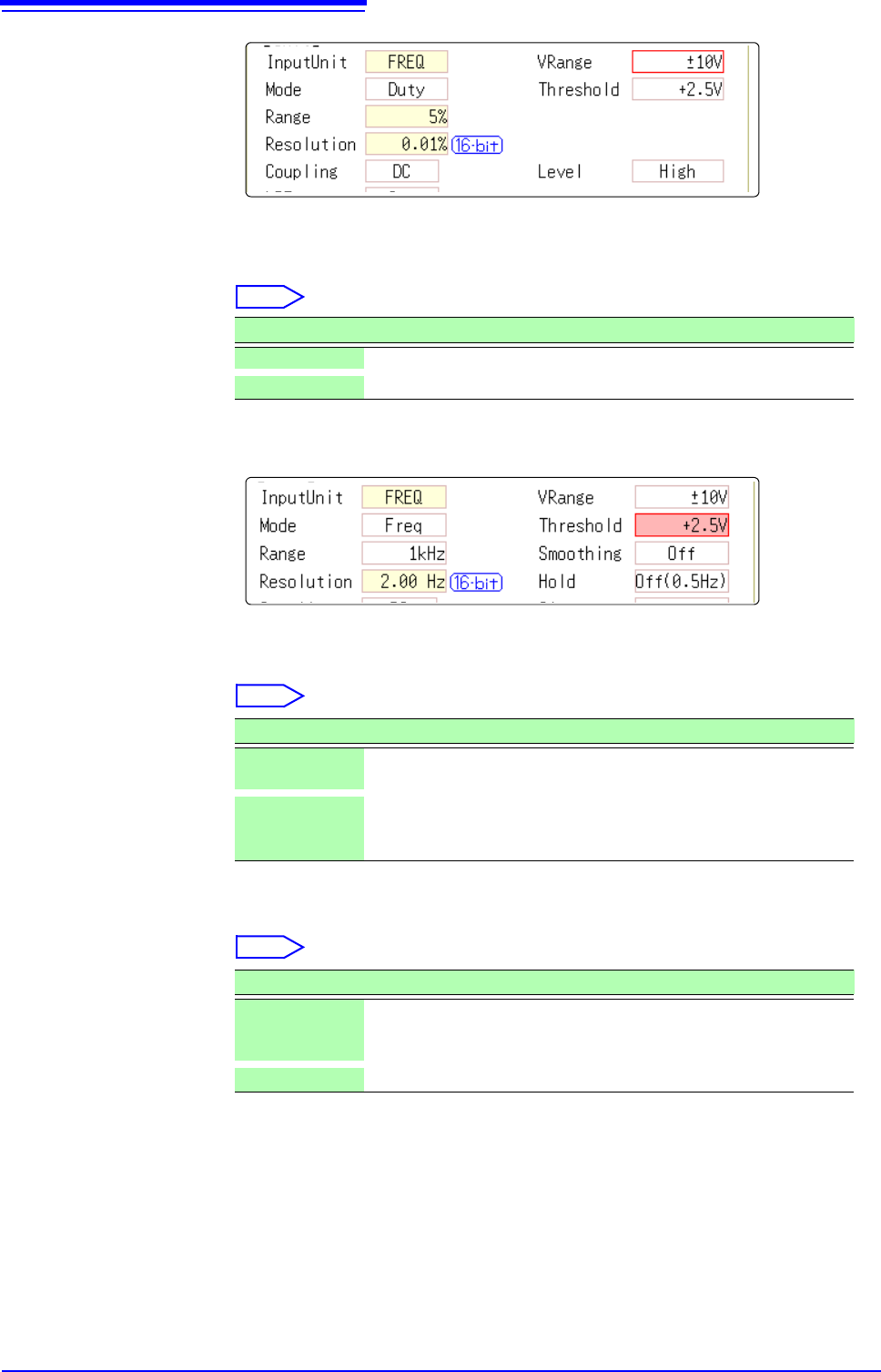
Level This is enabled only when [Mode] is [Pulse Width] or [Duty].
In pulse width/ duty rate measurements, set which level is detected when the
threshold is exceeded.
Select
See: Opening the [Each Ch] sheet, Making a Channel Selection ( p.161)
Smoothing This is enabled only when [Mode] is [Frequency] or [RPM].
Set smoothing.
Select
Hold This is enabled only when [Mode] is [Frequency] or [RPM].
Set hold for the frequency and summing.
Select
Selections Description
High Measures above the threshold value. (default setting)
Low Measures below the threshold value.
Selections Description
Off
The measured data is recorded as is. (A step waveform.)
(default setting)
On
The measured data is interpolated so that the waveform is smooth
and then it is output. (Further delayed from upper limit 10 kHz and
Off.)
Selections Description
Off
(1Hz/0.5Hz/
0.2Hz/0.1Hz)
When the frequency in the brackets is reached but not determined,
it is defined as a stopped item and the measurement value be-
comes 0 Hz (0 rpm). (default setting)
On The value defined last time is retained.
7.9 Setting Details of Modules
169
6
Chapter 7 Utility Functions
7
See: Opening the [Each Ch] sheet, Making a Channel Selection (p.161)
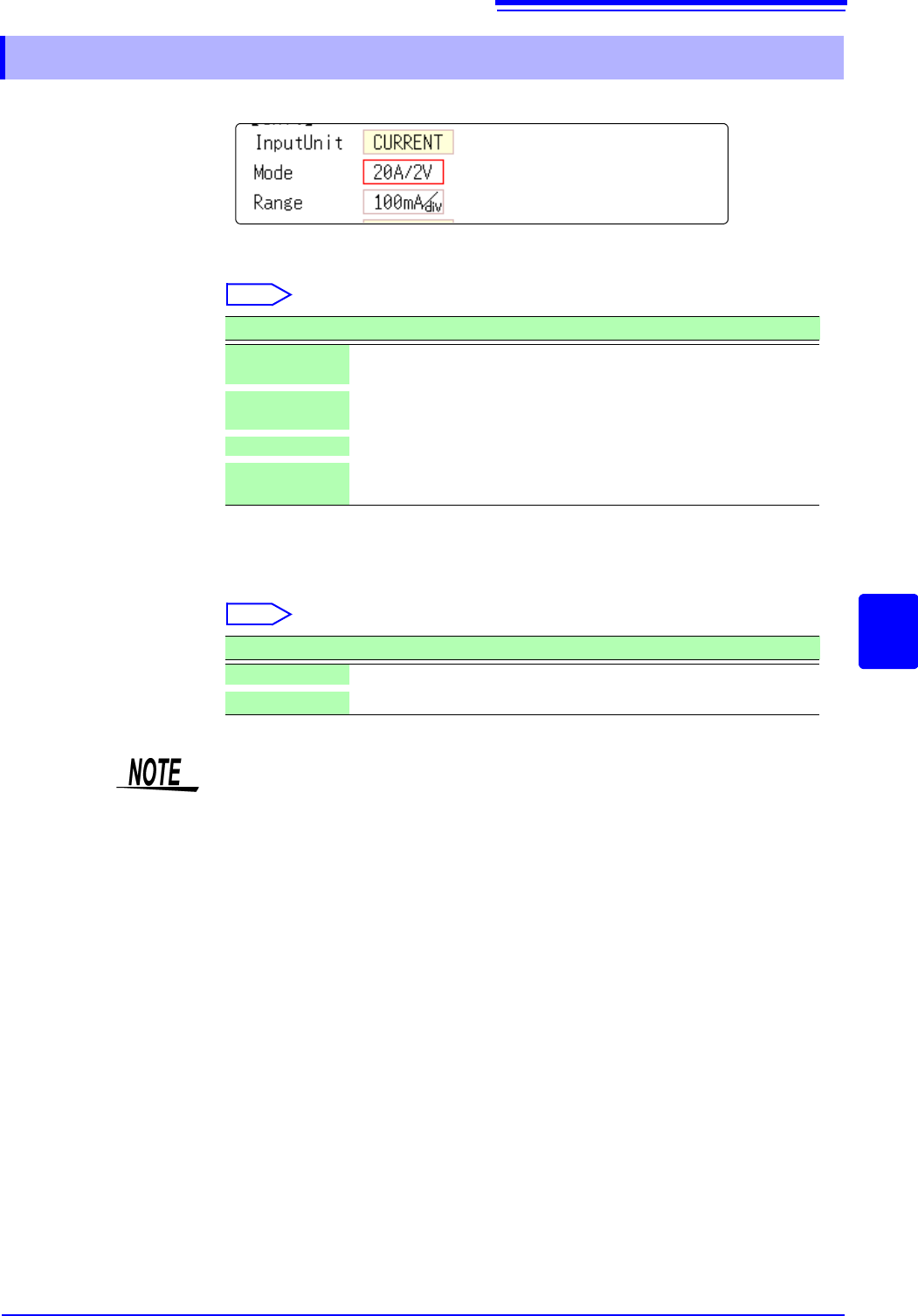
Mode There is no need to change the setting since it is set when the clamp sensor is
automatically recognized.
Select
*: When Model CT6846 or CT6865 is connected to Model 8971 Current Unit through Model 9318
Conversion Cable, the instrument recognizes that as an 500 A AC/DC sensor is connected;
set the scaling ratio to 2.00.
Range
Select
7.9.6 Setting Model 8971 Current Unit
Selections Description
20A/2V
Sets this option when Model 9272-10 (20 A range), 9277, or
CT6841 Clamp Sensor is connected. (default setting)
200A/2V
Sets this option when Model 9272-10 (200 A range), 9278,
CT6863, or CT6843 Clamp Sensor is connected.
50A/2V Sets this option when Model CT6862 Clamp Sensor is connected.
500A/2V
Sets this option when Model 9279, 9209, CT6544, CT6845,
CT6846*, or CT6865* Clamp Sensor is connected.
Selections Description
DC Current measurement (Default setting)
RMS RMS current measurement
• 8971 Current Unit cannot be used with MR8741.
• With MR8740, up to four 8971 Current Units can be used.