MR8740、MR8741_user_manual_eng_20191016H.pdf - 第214页
8.6 Synchronizing Between Blocks (MR8740 On ly) 202 The input signal from another block can be used as a trigger source. Use this to synchronize between block I and block II of MR8740 Memory HiCorder. 8.6 Synchronizing B…
8.5 Trigger by Timer or Time Intervals (Timer Trigger)
201
7
Chapter 8 Trigger Settings
8
When a trigger is applied from a trigger source other than a timer trigger
Trigger sources set to On are all enabled.
However, trigger timing depends on the trigger source settings.
• When trigger criteria are ORed together (Trigger Source: OR)
Depending on the other trigger sources, triggering can occur before the speci-
fied trigger Start time, after the specified Stop time, or outside of the specified
Interval.
• When trigger criteria are ANDed together (Trigger Source: AND)
Triggering occurs between the specified Start and Stop times when criteria for
all trigger sources set within the specified interval are satisfied.
If the interval is set to zero, triggering occurs when criteria for all trigger
sources set between specified Start and Stop times are satisfied.
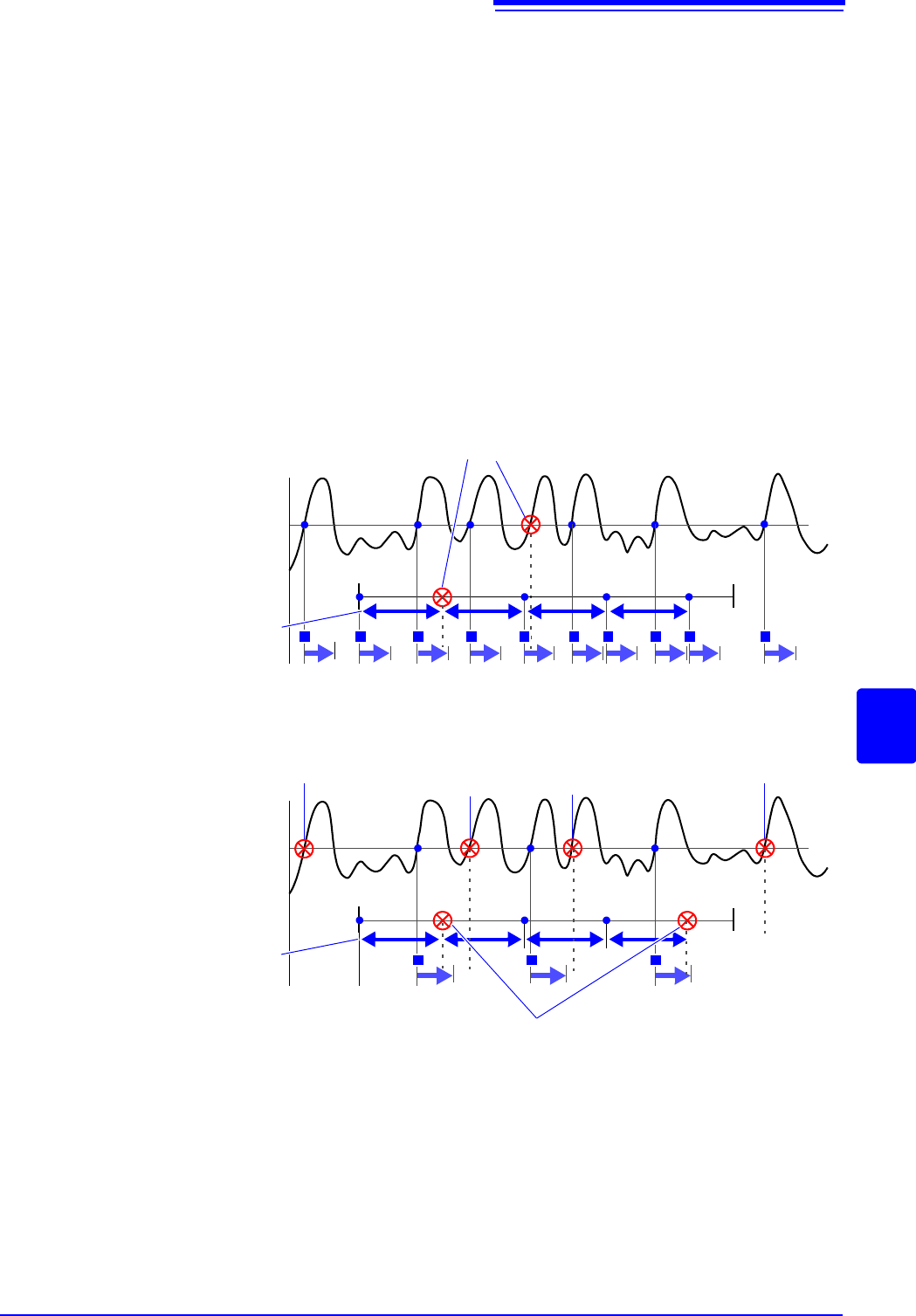
Example: measuring when both timer trigger and level triggers (Slope:
) are
enabled.
When trigger criteria are ORed together (Trigger Source: OR)
Start Measurement
Start Time Stop Time
Level Trigger
Timer Trigger
Recording
T T T T T T T T T T
Interval
Ignored because they occur while recording
When trigger criteria are ANDed together (Trigger Source: AND)
Start Measurement
Start Time
Stop Time
Recording
T
Interval
T T
Outside of Timer Time
Timer Trigger is not
applied, so ignored
Trigger was applied only once
within the interval, so ignored
Outside of
Timer Time
Measurement ends
at Stop time
Level Trigger
Timer Trigger
Ignored because they occur while recording
8.6 Synchronizing Between Blocks (MR8740 Only)
202
The input signal from another block can be used as a trigger source.
Use this to synchronize between block I and block II of MR8740 Memory HiCorder.
8.6 Synchronizing Between Blocks
(MR8740 Only)
Procedure
To open the screen: Right-click and select [DISP] Waveform screen Right-click and select [TRIG.SET]
Trigger settings window
1
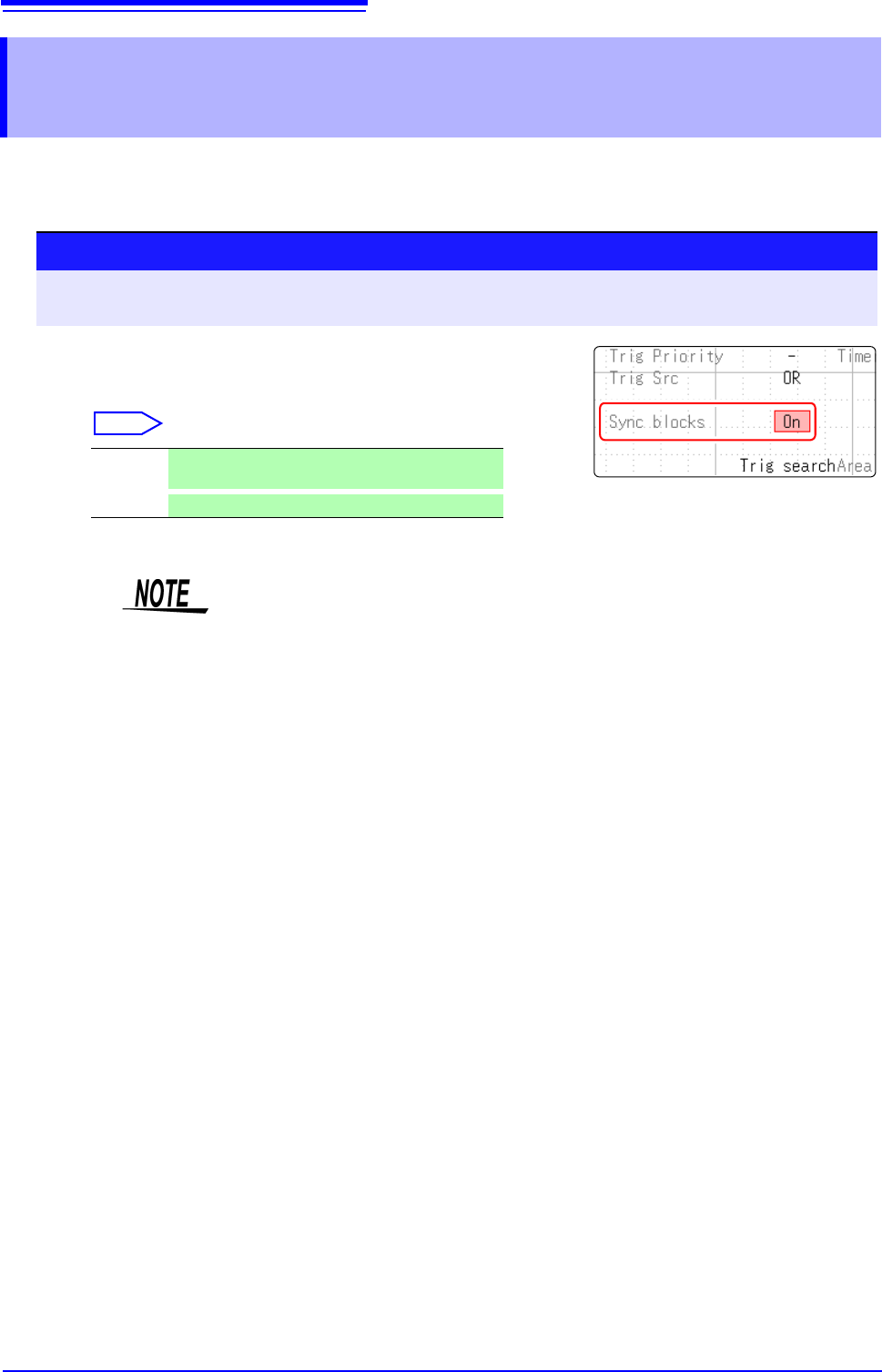
Enable synchronization between blocks.
Move the flashing cursor to the [Sync blocks] item.
Select
Off Synchronization between blocks is not performed.
(default setting)
On
Synchronization between blocks is performed.
• To synchronize block I and block II, trigger synchronization needs to be set for
both blocks.
• The sampling offset between blocks is within 3 samples or 1 us.
If the sampling differs between both blocks, the offset will be for the slow sam-
pling side.
• Synchronizing between blocks of the U8793, MR8790, or MR8791 cannot be
enabled.
8.7 Applying an External Trigger (MR8741 Only)
203
7
Chapter 8 Trigger Settings
8
An external signal applied to the External Control terminal can serve as a trigger source (External
Trigger). It can also be used to synchronously drive parallel triggering of multiple MR8741s.
8.7 Applying an External Trigger (MR8741 Only)
Procedure
To open the screen: Right-click and select [DISP] Waveform screen Right-click and select [TRIG.SET] Trig-
ger settings window
1
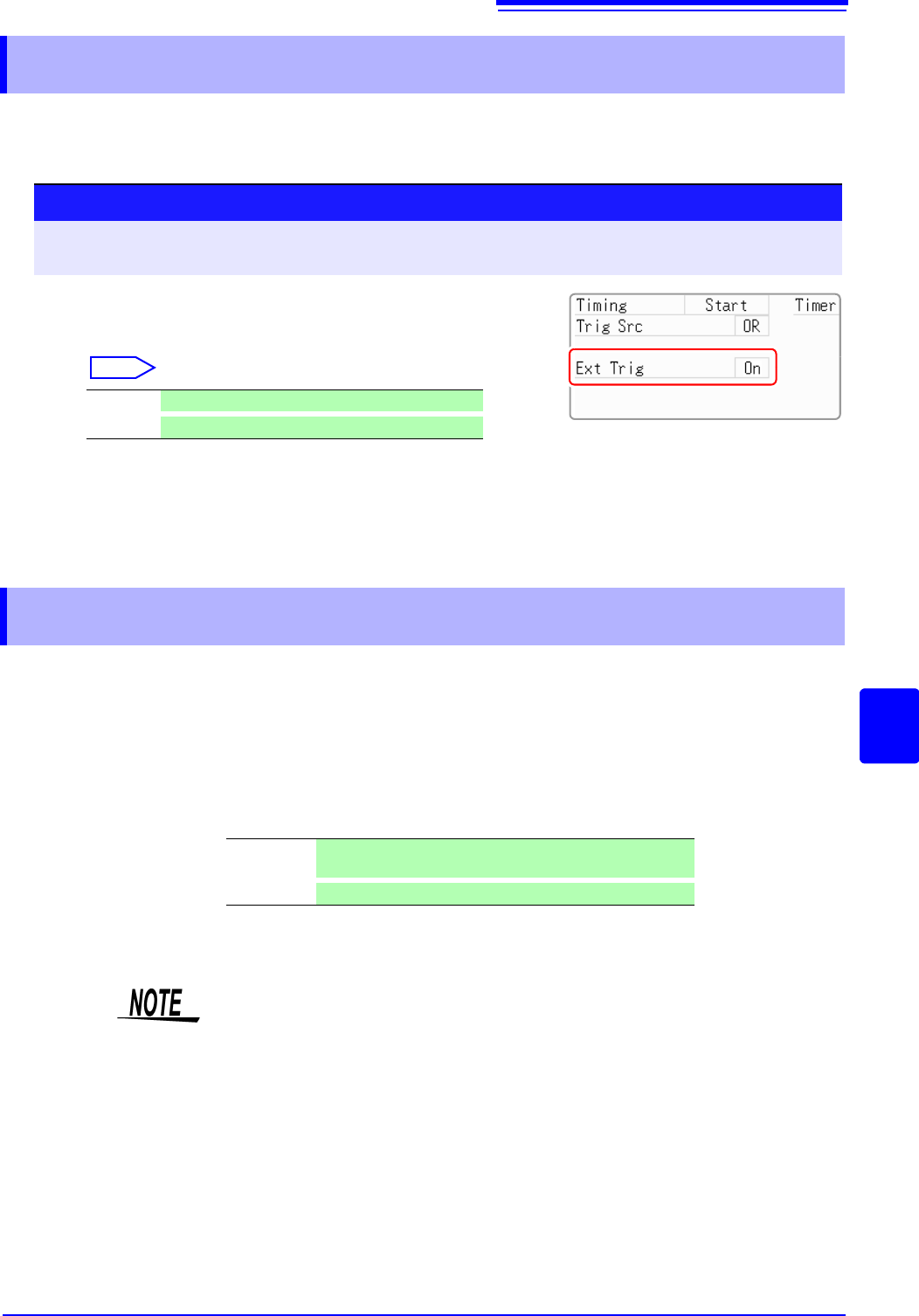
Enable external triggering.
Move the flashing cursor to the [Ext Trig] item.
Select
2
Apply the input signal to the external trigger (EXT.TRIG)
terminal.
See: "16.2.5 External Trigger terminal (EXT.TRIG)" (p.342)
Off Disables external triggering.(default setting)
On
Enables external triggering.
8.8 Triggering Manually (Manual Trigger)
Triggers can be applied manually by clicking [MANUAL TRIG] in the right-click
menu. Manual triggering takes priority over all other trigger sources, regardless
of settings.
To stop recording:
Click [STOP] in the right-click menu.
Click once Recording is carried out for one recording length and then
stops.
Click twice
Recording stops when [STOP] is clicked.
As for other trigger types, triggering does not occur during pre-trigger standby.
Set the trigger priority function to
[On].
See: "8.9.2 Setting Trigger Acceptance (Trigger Priority)" (p.206)