MR8740、MR8741_user_manual_eng_20191016H.pdf - 第363页
17.5 Built-In Functions 351 Chapter 17 S pecifications 16 17 Others *1:When an LCD monitor is connected or when displa ying the Waveform screen via a computer using the HTTP function *2: Model MR741 only On-line help fun…
17.5 Built-In Functions
350
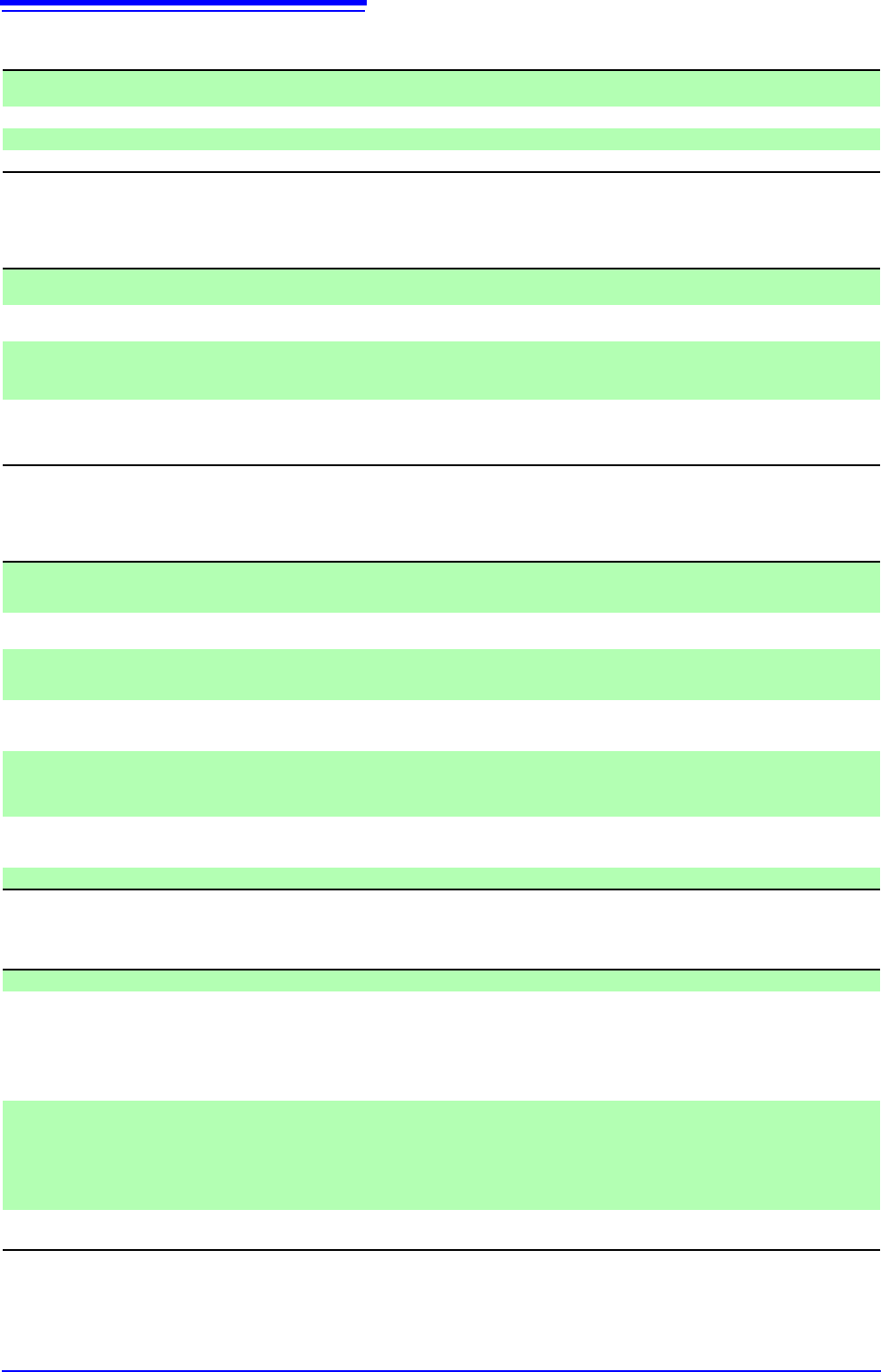
Monitor functions
*1:When an LCD monitor is connected or when displaying the Waveform screen via a computer using
the HTTP function
Position Display (VIEW) Functions
*1: When an LCD monitor is connected or when displaying the Waveform screen via a computer using
the HTTP function
Waveform Evaluation Function (MR8741 Only)
Waveform Generation Function
The detailed hardware functions conform to the generator module specifications of Models MR8790, MR8791, and U8793
Monitor display*
1
Level monitor: Display the level and numerical value by selecting the level monitor with the DISP key
DMM display: Display the numerical values by pressing the DISP key
Numerical value display*
1
Instantaneous value display, with hold function
Level monitor sampling 10 kS/s (fixed)
Refresh rate 0.5 s or more, depends on the NPLC settings when using the Model MR8990 Digital Voltmeter Unit
Display function*
1
Position: Displays the current position with respect to the entire recording length
Blocks: Memory division blocks (When memory division is ON
Position display*
1
Currently displayed position (linked to scroll), positions of A and B cursors , trigger position,
waveform search results position
Block display*
1
(only when using memory di-
vision)
Block usage status (When memory division is ON)
Past waveform history status (When memory division is OFF)
Display of display block for all blocks
Jump function Jump to trigger position/cursor position
Jump to desired block (When memory division is ON)
Jump to past waveform (When memory division is OFF)
Jump to waveform search position
Waveform evaluation
functionality
Compares memory (Y-T waveform, X-Y waveform) and FFT-created waveform area with captured
waveforms and determines whether the captured waveform falls inside or outside the correspond-
ing area.
Evaluation modes Out: NG (fail) if any part of the waveform falls outside the area.
All out: NG (fail) if the entire waveform falls outside the area.
Evaluation stop conditions GO, NG, GO&NG
Printer output can be generated or the waveform can be saved when evaluation stops.
(Using the automatic print function built into Model 9333 LAN Communicator.)
Evaluation output GO/NG evaluation output from terminal block: Open collector output (with 5 V voltage output, ac-
tive low, low output level of 0 to 0.5 V, current value of 15 mA)
Pulse width: 1.8 ms or more
Waveform evaluation time Evaluation time: 100 ms or less; evaluation period: 250 ms or less*
*1 channel, time axis of 5 µs/div, recording length of 25 div, magnification factor of 1, 2 input wave-
form periods
When sampling is slow, waveforms can be evaluated during measurement.
Graphic editor Instrument: Includes an editor for creating waveform evaluation reference areas.
External: Waveform evaluation reference areas (BMP data) created with third-party software on a
computer can be loaded into the instrument.
Editor commands Waveform capture, magnify/compress, paint, draw, erase, all clear, clear, reverse, undo, end
Waveform generation mode Depends on generator modules of Models MR8790, MR8791, and U8793
Waveform output control Output control
RUN (generation), STOP (stop), PAUSE (suspension)
Output control method
Manual: Controls output by using the F key on the settings screen.
Measurement and synchronization:
Outputs in synchronization with measurement start
Keys: START key, STOP key for output control (disable measurement)
Output waveform Model MR8790 Waveform Generator Unit:
DC, Sine waves
Model MR8791 Pulse Generator Unit:
Pulse, pattern
Model U8793 Arbitrary Waveform Generator Unit:
DC, sine waves, triangular waves, rectangular waves,
pulse, ramp up, ramp down, arbitrary waveform, program
Waveform compatible for
output (Only U8793)
Refer to "Arbitrary waveform generation function specifications" ( p.367)
17.5 Built-In Functions
351
Chapter 17 Specifications
16
17
Others
*1:When an LCD monitor is connected or when displaying the Waveform screen via a computer using
the HTTP function
*2: Model MR741 only
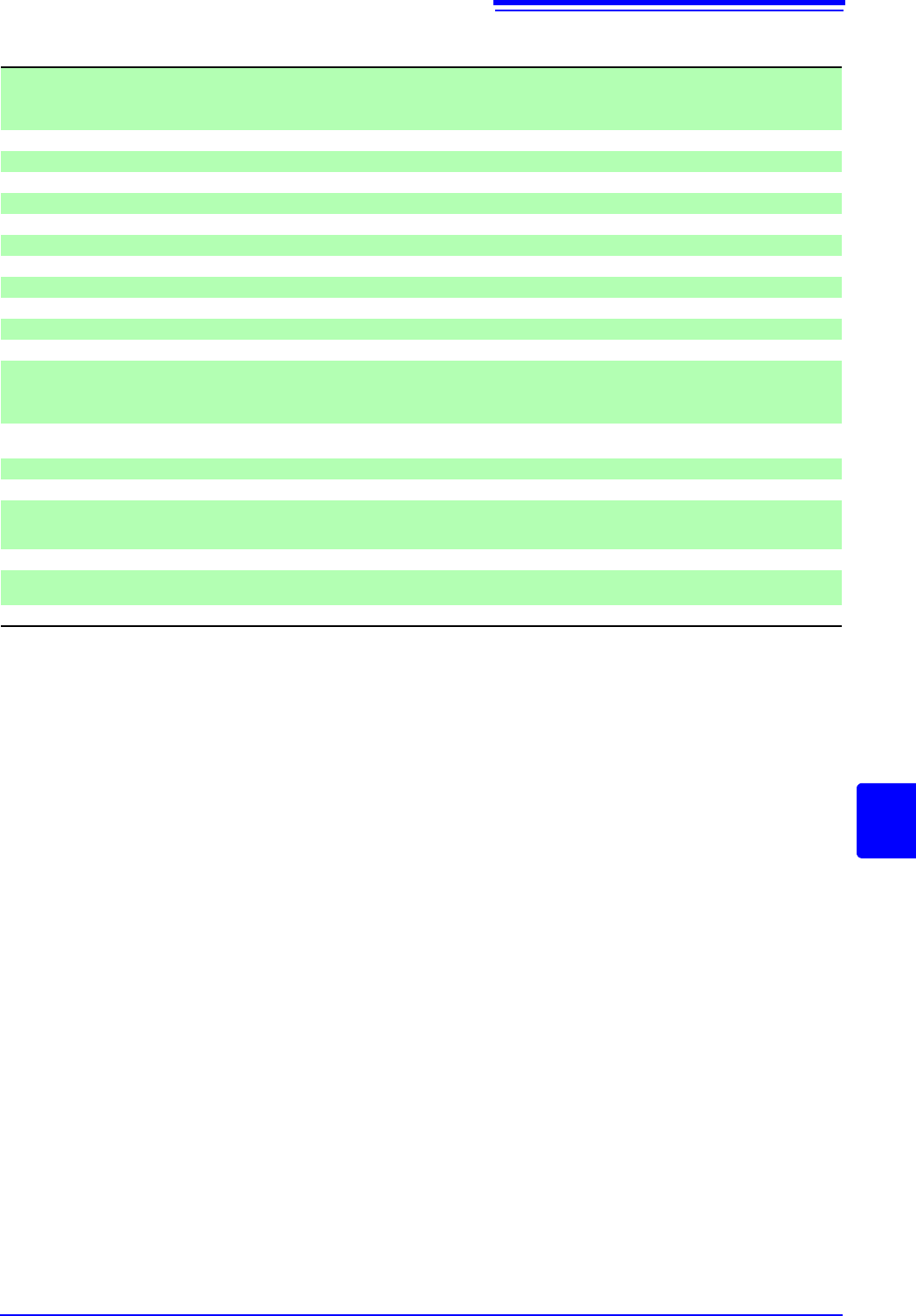
On-line help function*
1
Clicking [HELP] displays help for the item at the currently selected (blinking) item (the whole
screen is not used)
Basic help (when making settings, displays a brief description of the selected (blinking) item along
the bottom of the screen)
Grid types*
1
Display only: Off, normal or normal (dark)
Comment display*
1
Comments are displayed with channel numbers on the screen (channel markers)
Time scale display*
1
Time, time (base-60), scale, date, sample numbers
Variable auto-compensation*
1
OFF, ON
Start backup function OFF, ON
Display color*
1
Color 1 to 3, or user-defined
Beep sound Off, warnings, or warnings and operations
Language*
1
Japanese/ English/ Korean/ Chinese
Start action Click once, or twice
Stop action Click once, or twice
GUI section saving Off / On
External control erminals*
2
Trigger control terminals (EXT.TRIG, TRIG OUT),
External sampling input terminal (EXT.SMPL)
Remote control input terminal (START/IN1, STOP/IN2, SAVE/IN3),
Evaluation output terminals (GO/OUT1, NG/OUT2)
Remote control*
2
Select from among terminals for remote input (START/IN1, STOP/IN2, SAVE/IN3):
[START] [STOP] [START/STOP] [ABORT] [PRINT] [SAVE] [Pen Up/Down] [RUN/STOP] [PAUSE]
Internal status output*
2
Select from among evaluation output terminals (GO/OUT1, NG/OUT2): [Error], [BUSY], [Trigger]
Probe calibrationoutput*
2
Select evaluation output terminal (NG/OUT2): [Probe Calibration]
Evaluation output*
2
Select from among evaluation output terminals (GO/OUT1, NG/OUT2):
[Measure], [Waveform Evaluation], [Value Evaluation or Waveform Evaluation],
[Value Evaluation and Waveform Evaluation]
Time setting Included (settable with mouse or communication command)
Initialization Clear waveform data
System reset (Settings/System settings 1 [Environment]/System settings 2 [Interface])
Self-Test function ROM/RAM, Display, System information, USB host
17.6 Specifications of Modules
352
17.6 Specifications of Modules
17.6.1 8966 Analog Unit
Temperature and humidity
range for guaranteed accuracy
23°C ± 5°C (73.4°F ± 9.0°F), 20 to 80% RH (when zero adjustment is executed 30 minutes after
power on)
Product warranty period 3 years
Period of guaranteed accuracy 1 year
No. of input channels 2 channels
Measurement range 5, 10, 20, 50, 100, 200, 500 mV, 1, 2, 5, 10, 20 V/div
Measurement accuracy ± 0.5% f.s.(Filter 5 Hz On)
Temperature characteristic ± 0.06% f.s./°C
Frequency characteristic DC Coupling: DC to 5 MHz -3 dB
AC Coupling: 7 Hz to 5 MHz -3 dB (low cut-off frequency 7 Hz ± 50%)
Noise 1.5 mVp-p (typ), 2 mVp-p (max) (sensitivity range, with input shorted)
Common mode rejection ratio 80 dB minimum (at 50/60 Hz and with signal source resistance 100 maximum)
Low-pass filter OFF, 5 ± 50%, 50 ± 50%, 500 ± 50%, 5k ± 50%, 50 k ± 50%, 500 k ± 50%(Hz)-3dB
Input type Unbalanced (floating)
Input coupling AC/ DC/ GND
Input resistance 1 M ± 1%
Input capacitance 30 pF ± 10 pF (at 100 kHz)
A/D resolution 12 bit
Maximum sampling rate 20 MS/s
Input terminals Insulated BNC terminal
Maximum input voltage 400 VDC
Maximum rated voltage to
earth
300 V AC, DC (between input channels and chassis, and between input channels),
Measurement category II (anticipated transient overvoltage 2500 V)
Operating temperature and
humidity
Same as the host Memory HiCorder
Operating environment Same as the host Memory HiCorder
Storage temperature and hu-
midity
Temperature -10 to 50°C (14 to 122°F) Humidity 80% RH or less (non-condensating)
Dimensions Approx. 106 mmW × 19.8 mmH × 207.5 mmD (4.17"W × 0.78"H × 8.17"D)
Mass Approx. 250 g (8.8 oz)
Effect of radiated radio-fre-
quency electromagnetic field
± 15% f.s. (max) at 3 V/m
Effect of conducted radio- fre-
quency electromagnetic field
±45% f.s. (max) at 3 V (100 mV/div range, with 1 VDC input)
Applicable standards Safety EN61010
EMC EN61326 Class A