MR8740、MR8741_user_manual_eng_20191016H.pdf - 第26页
Operating Precau tions 14 Disc precautions • Keep the recorded side of discs fr ee of dirt and scratches. Wh en writing text on a disc’s label, use a pe n or marker with a soft tip. • Keep discs inside a protective case …
Operating Precautions
13
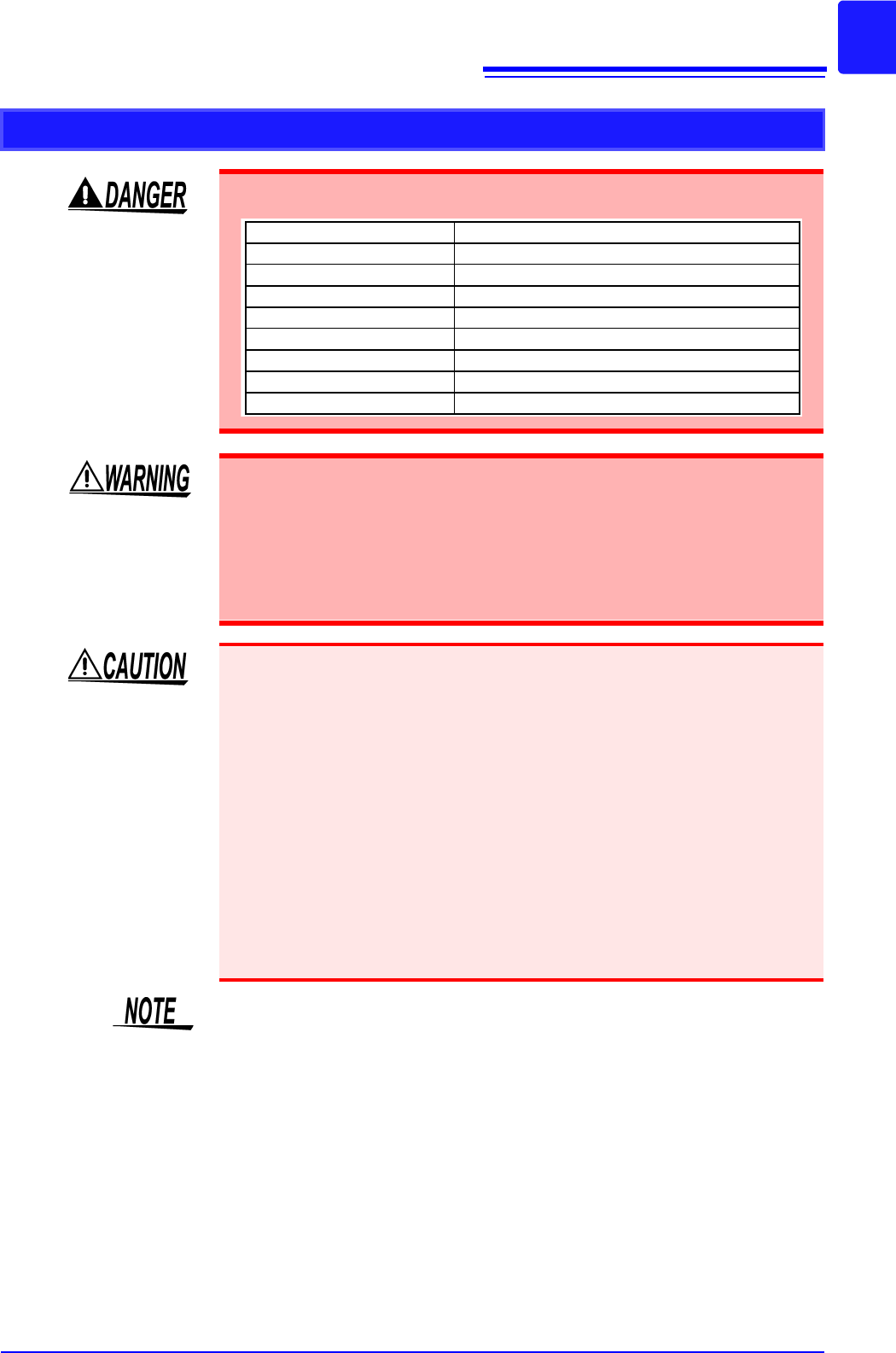
Before Connecting to an External Device (model MR8741 only)
To avoid electrical hazards and damage to the instrument, do not apply voltage
exceeding the rated maximum to the input terminals.
I/O terminals Maximum input voltage
START/IN1 -0.5 V to 7 V DC
STOP/IN2 -0.5 V to 7 V DC
SAVE/IN3 -0.5 V to 7 V DC
GO/OUT1 50 V DC 50 mA 200 mW
NG/OUT2 50 V DC 50 mA 200 mW
SMPL -0.5 V to 7V DC
TRIG OUT 50 V DC 50 mA 200 mW
EXT.TRIG -0.5 to 7 V DC
To avoid electric shock or damage to the equipment, always observe the follow-
ing precautions when connecting to external control terminals.
• Always turn off the power to the instrument and to any devices to be connected
before making connections.
• Be careful to avoid exceeding the ratings of external terminals and connectors.
• Ensure that devices and systems to be connected to the External control termi-
nals are properly isolated.
The ground pins of external control connectors are not isolated from the instru-
ment’s ground. Connect so that no potential difference arise between external con-
trol connector ground and the ground of the connection object. Failure to observe
this precaution can result in damage to the connection object and the instrument.
• Use a common ground for both the instrument and the connection equipment.
• Use of different ground circuits will result in a potential difference between the
instrument’s ground and the connected equipment’s ground. If the communica-
tions cable is connected while such a potential difference exists, it may result
in equipment malfunction or failure.
• While connecting or disconnecting the communication cables, ensure that the
power supply of the instrument and the device to be connected is cut off. This
may cause damage or malfunctioning.
• After connecting the communications cable, tighten the screws on the connec-
tor securely. Failure to secure the connector could result in equipment mal-
function or damage.
MR8740 does not support external control.

Operating Precautions
14
Disc precautions
• Keep the recorded side of discs free of dirt and scratches. When writing text on
a disc’s label, use a pen or marker with a soft tip.
• Keep discs inside a protective case and do not expose to direct sunlight, high
temperatures, or high humidity.
• Hioki is not liable for any issues your computer system experiences in the
course of using this disc.
Precautions During Shipment
Keep the packing material that was used for shipping this instrument because
you may need to use it when transporting the instrument in the future.
1.1 Product Overview
15
1
Chapter 1 Overview
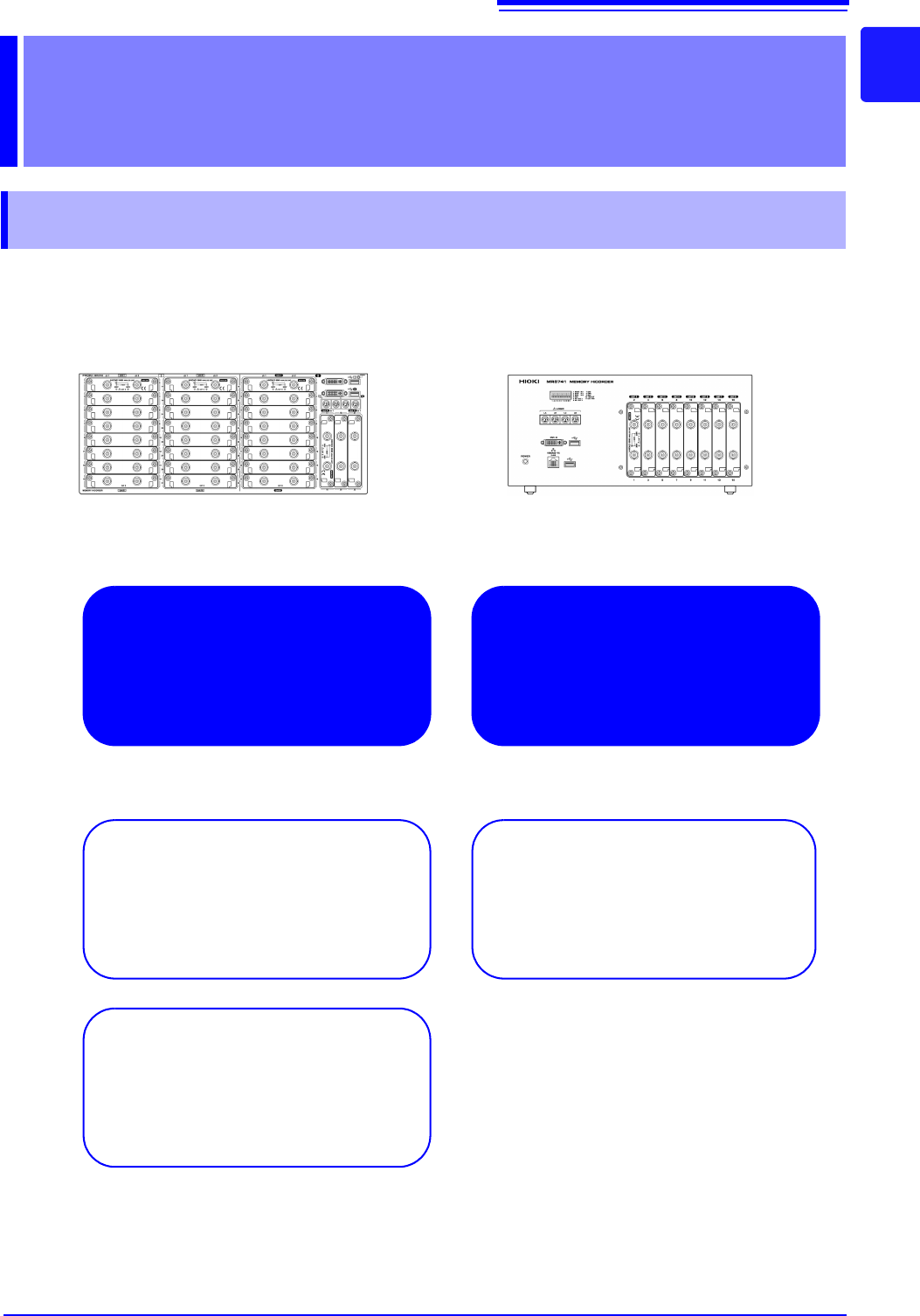
The Memory HiCorder is easy to operate and allows quick and efficient measurement and analysis.
Major applications include error monitoring and inspection lines. The product offers the following
features.
Overview Chapter 1
1.1 Product Overview
Simultaneous multi-chan-
nel measurement
Measure up to 54 analog channels.
Ideal for mounting in a rack
Height: 4U (178 mm) or less
All channels isolated
High-speed sampling: 20 MS/s
Enables responsive evaluation and analysis.
MR8740 MR8741
Multi-channel waveform genera-
tion