MR8740、MR8741_user_manual_eng_20191016H.pdf - 第320页
13.6 Editor Command Details 308
13.6 Editor Command Details
307
11
Chapter 13 Waveform Evaluation Function (MR8741 Only)
12
13
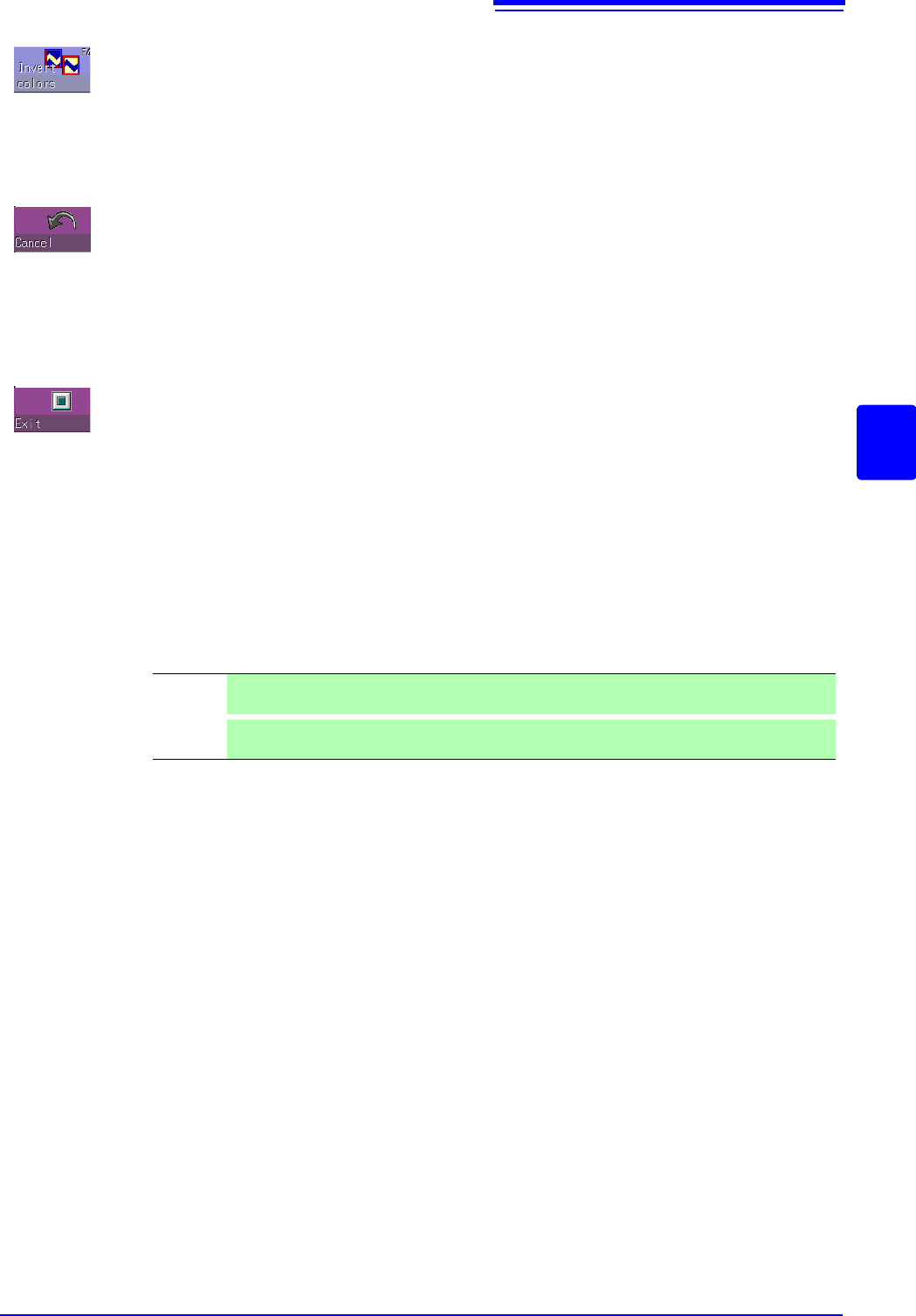
Invert colors
Reverses the colors of a filled-in area and the surrounding area.
Select
[Invert colors] to display filled-in area in reverse.
Cancel
Serves to undo the immediately preceding command.
It can be used with commands other than [Save and End] and [Discard and End].
Select
[Cancel] to cancel the editor screen.
Exit
Terminates the editor.
Select [Exit] to select storing evaluation area in memory and quit editor or quitting
editor without storing evaluation area in memory. If
[Exit] is clicked without having
done any editing or immediately after using the store command, the editor is ter-
minated without confirmation.
Note
:The waveform loaded into the editor will be displayed in a different color than
was set with the original settings.
Save and
End
Store evaluation area in memory and quit editor.
See:"4.2 Saving Data" (p.87)
Discard
and End
Quit editor without storing evaluation area in memory. The created area is discarded.

13.6 Editor Command Details
308
309
11
Chapter 14 System Environment Settings
13
14
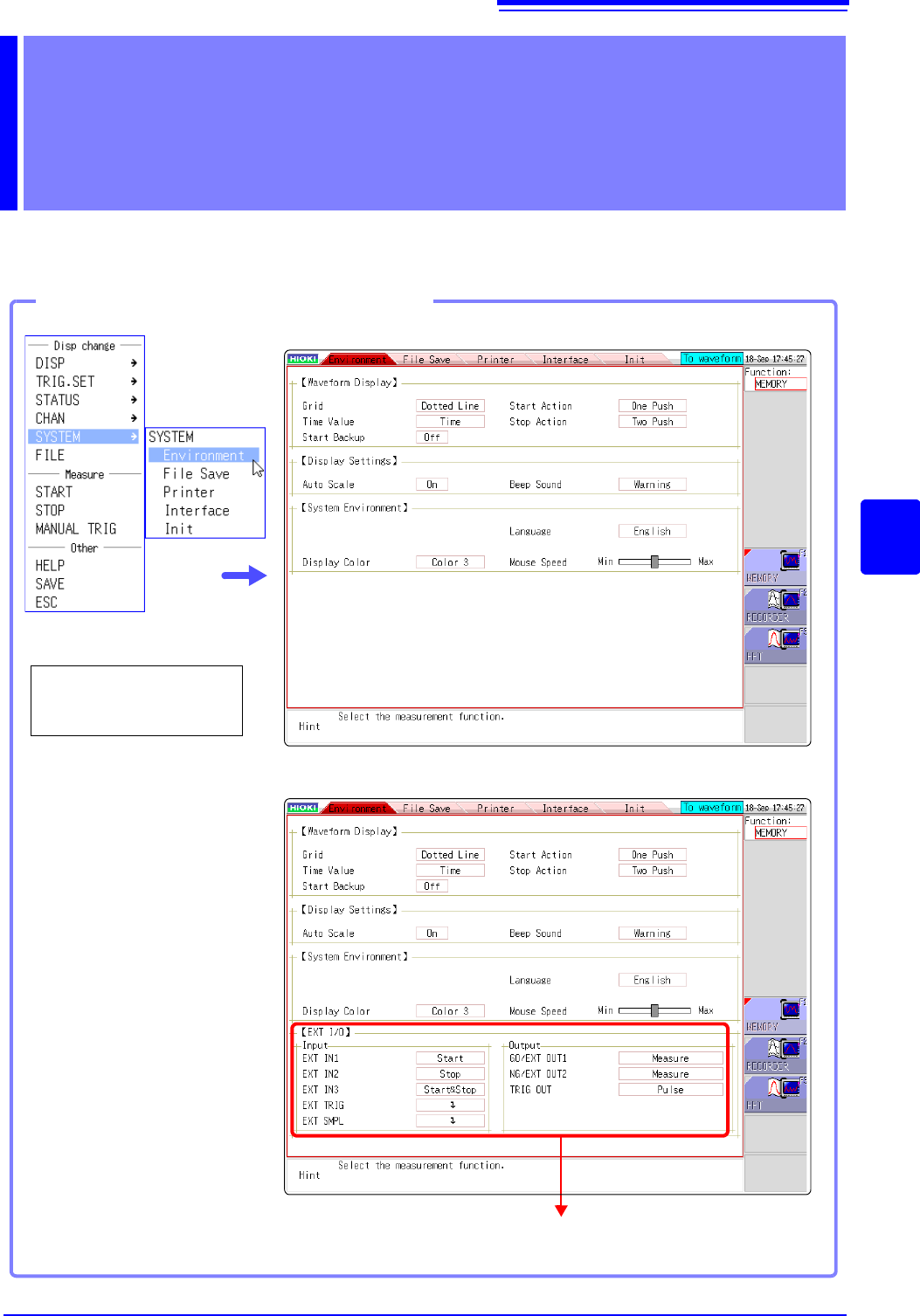
Use the System screen - [Environment] sheet to make system-related settings.
System Environment
Settings Chapter 14
See: "Chapter 16 External Control (MR8741 Only)" (p.335)
Opening the [Environment] sheet
Select [SYSTEM] and
then [Environment] from
the right-click menu.
MR8740
MR8741