MR8740、MR8741_user_manual_eng_20191016H.pdf - 第319页
13.6 Editor Command Details 307 11 Chapter 13 W aveform Evaluation Function (MR8741 Only) 12 13 Invert colors Reverses the colors of a filled-in area and the surro unding area. Select [Invert colors] to displa y filled-i…
13.6 Editor Command Details
306
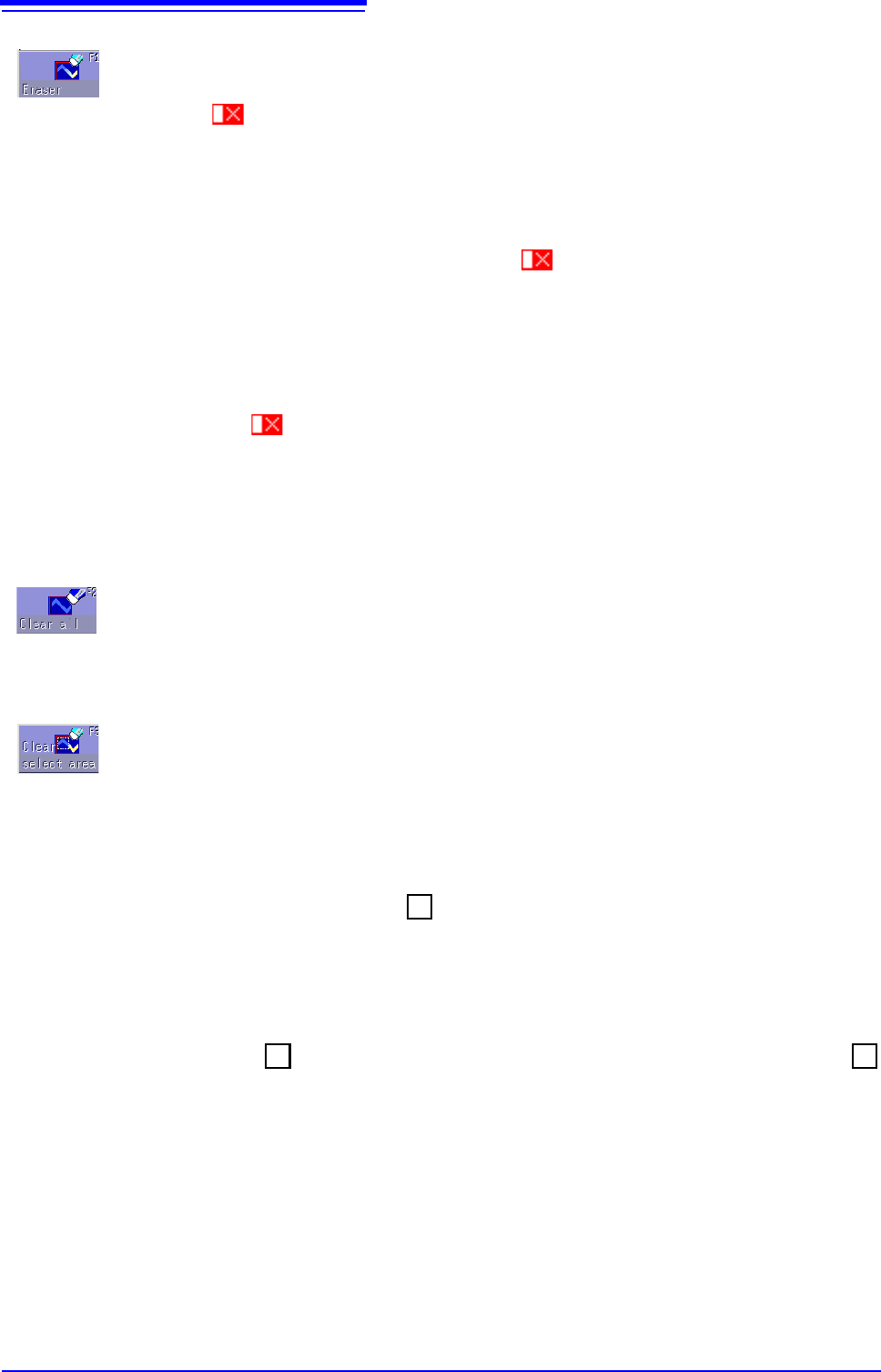
Eraser
Serves to erase unwanted sections.
Move the mark with the mouse to erase parts of the image.
Instructions
1
Select [Eraser].
2
Use the mouse to move the eraser mark to the start point of the section to be
erased.
3
Clicking [Set] allows you to erase figures while moving the eraser. Clicking [Can-
cel]
allows you to move the eraser without erasing the figures.
4
Move the mark in the [Set] state to erase the parts of figures you don't need.
5
Click [Exit Erase] to terminate the erase mode.
Clear all
Clears the entire editor screen.
Select [Clear all] to clear the editor screen.
Clear select area
Clears a specified rectangular area of the editor screen.
Instructions
1
Select [Clear select area].
2
Using the mouse, move the mark to the origin of the area to be erased.
3
Clicking [Set] sets the position as the origin.
4
Moving the mark displays a rectangle drawn between the origin and the
mark.
5
Clicking [Set] again erases the area inside the rectangle.
Clicking
[Cancel] cancels the position of the origin.
6
Click [Exit Area Clear] to exit area clear mode.
+
+
+
13.6 Editor Command Details
307
11
Chapter 13 Waveform Evaluation Function (MR8741 Only)
12
13
Invert colors
Reverses the colors of a filled-in area and the surrounding area.
Select
[Invert colors] to display filled-in area in reverse.
Cancel
Serves to undo the immediately preceding command.
It can be used with commands other than [Save and End] and [Discard and End].
Select
[Cancel] to cancel the editor screen.
Exit
Terminates the editor.
Select [Exit] to select storing evaluation area in memory and quit editor or quitting
editor without storing evaluation area in memory. If
[Exit] is clicked without having
done any editing or immediately after using the store command, the editor is ter-
minated without confirmation.
Note
:The waveform loaded into the editor will be displayed in a different color than
was set with the original settings.
Save and
End
Store evaluation area in memory and quit editor.
See:"4.2 Saving Data" (p.87)
Discard
and End
Quit editor without storing evaluation area in memory. The created area is discarded.

13.6 Editor Command Details
308