MR8740、MR8741_user_manual_eng_20191016H.pdf - 第78页
3.4 Setting Measurement Configuration 66 Description Recorder Function V alues With the Recorder function, each data sa mple consists of the maximum and min- imum values acquired in th e specified sampling period . So ea…
3.4 Setting Measurement Configuration
65
3
Chapter 3 Measurement Procedure
Set measurement conditions as follows.
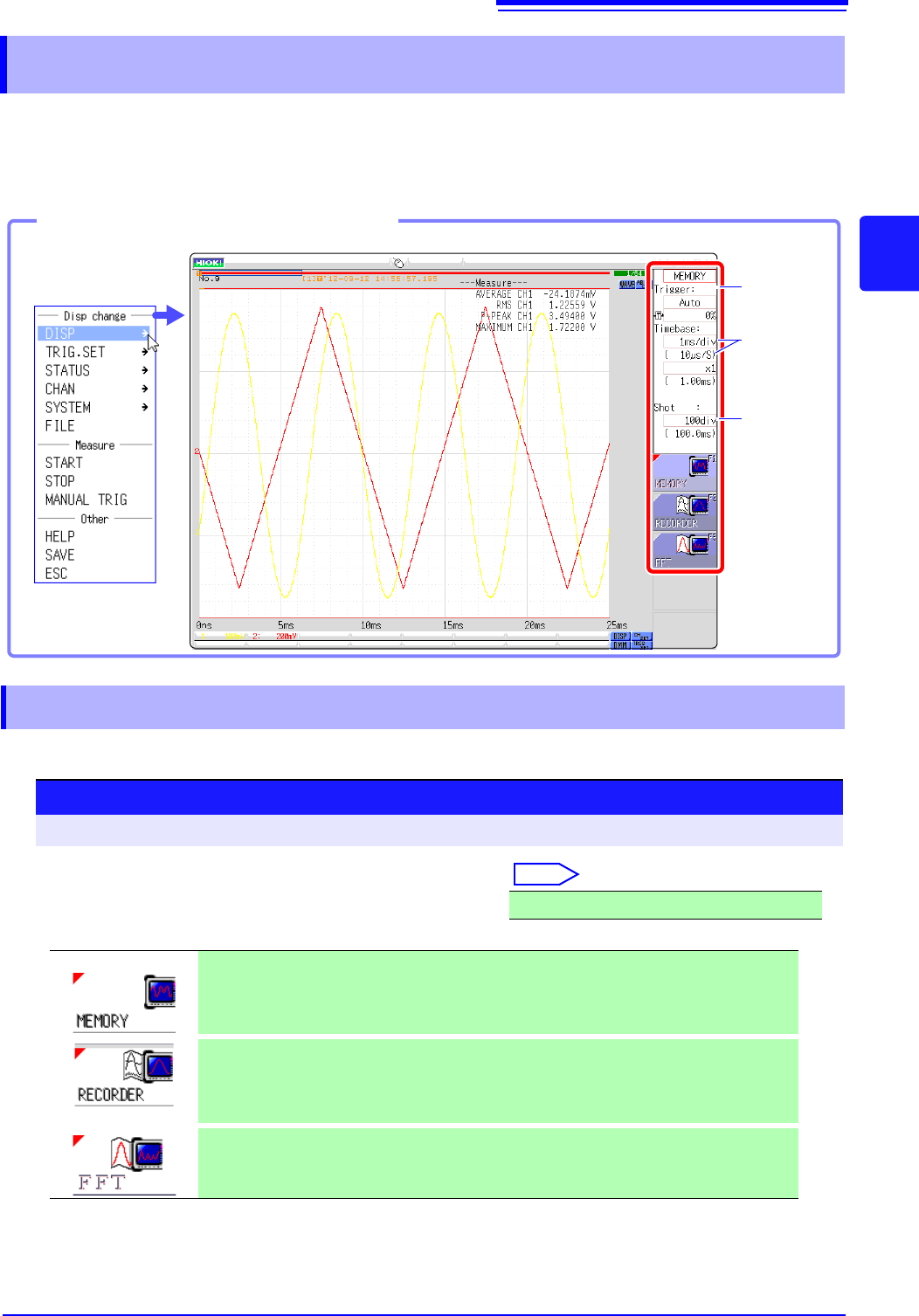
By calling up the Waveform screen and then using the Settings window to make basic settings, you
can immediately verify the effect of settings on the waveform. Basic settings can also be made by
calling up the Status screen and selecting the [Status] sheet.
Select the function according to the measurement and recording target.
3.4 Setting Measurement Configuration
Settings window
(p.65)
Timebase
setting
(Sampling
rate)
(p.67)
Recording
Length
(Number of
divisions)
(p.70)
Opening the Settings window
Click [DISP] in the
right-click menu.
3.4.1 Measurement Function
Procedure
To open the screen: Right-click and select [DISP] Waveform screen
Move the flashing cursor to the function item (topmost field
in the settings window).
Select
MEMORY (default setting)/RECORDER/FFT
This function is most suitable for oscilloscope-type measurements,
such as instantaneous waveforms and transient phenomena.
Trigger functions and calculation functions can be used.
This function is suitable for use instead of pen recorders and pen oscil-
loscopes, to record long-term fluctuations and create records for
observing slow phenomena.
Real-time printing of data is possible.
Analyze the frequency.
Various types of spectrum and octave analysis can be performed.
See: "Chapter 12 FFT Function" (p.247)
3.4 Setting Measurement Configuration
66
Description Recorder Function Values
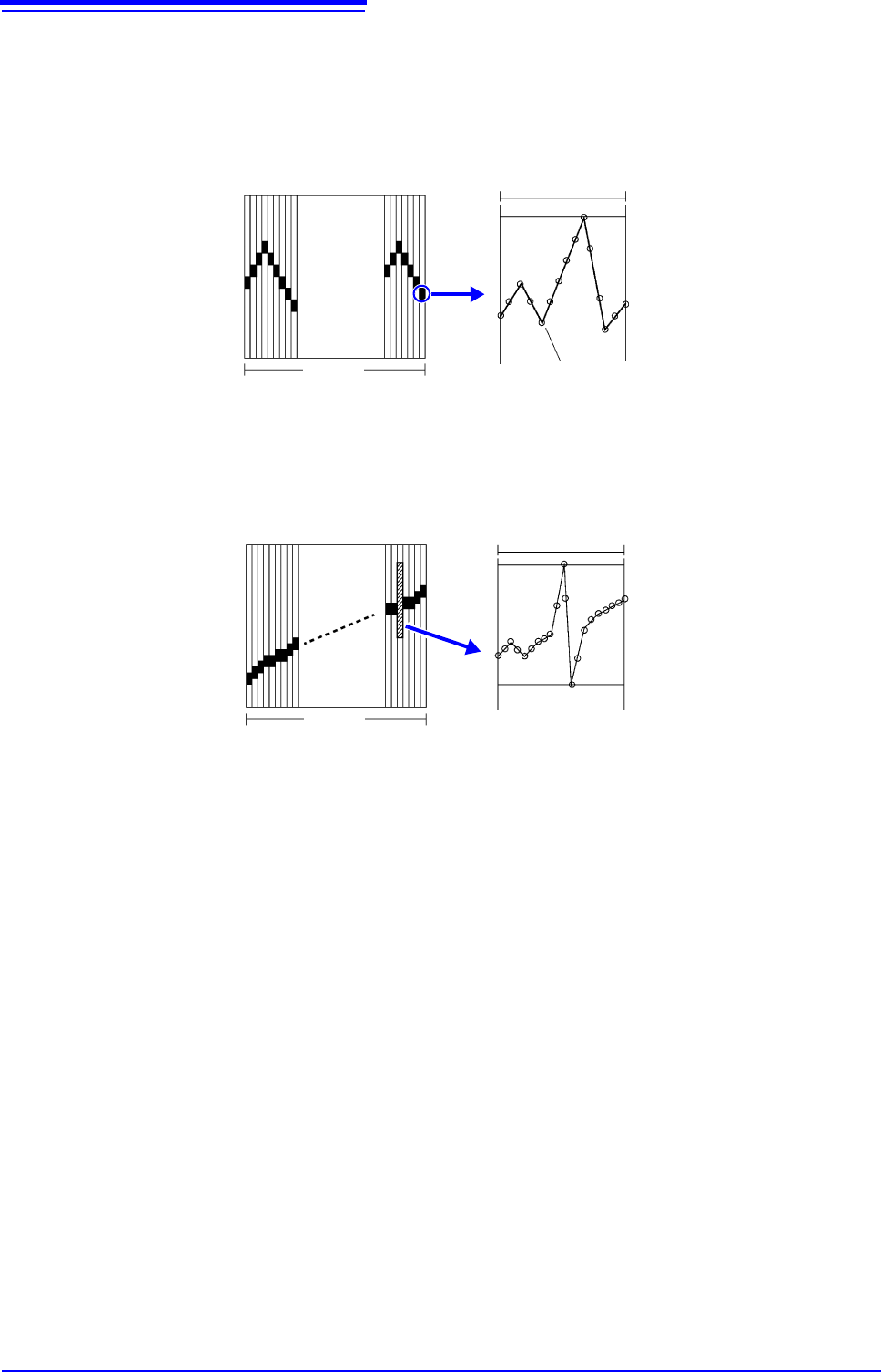
With the Recorder function, each data sample consists of the maximum and min-
imum values acquired in the specified sampling period. So each data sample
has its own amplitude breadth.
When input waveform variation is slight, the difference between maximum and
minimum values (breadth, or width) can be inordinately large if the sampling
period is short and if severe fluctuations are present due to noise.
This phenomena may be prevented by setting a longer sampling period.
1 2 3 4........... ....100
1 div
Data of One Sample
Maximum value
Minimum value
Data acquired within the specified sampling period
1 2 3 4........... ....100
1 div
Data of One Sample
Maximum value
Minimum value
When the sampling period is short (fast)
3.4 Setting Measurement Configuration
67
3
Chapter 3 Measurement Procedure
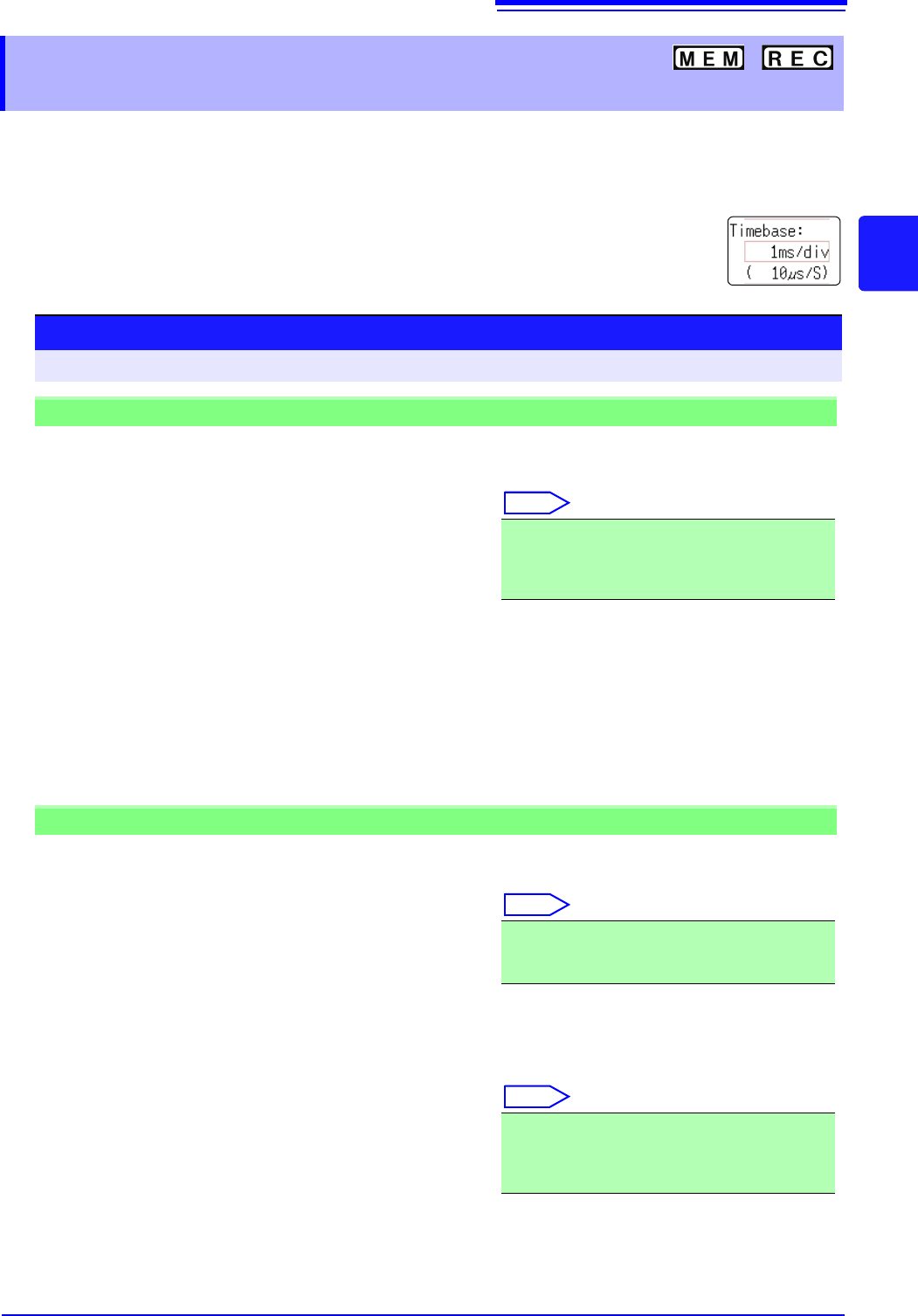
The timebase setting establishes the rate of input signal waveform acquisition, specified as time-
per-division on the horizontal axis (time/div).
The sampling setting specifies the interval from one sample to the next.
(The setting is shown in brackets under the time axis range for the Memory function (see illustration at
right). The indication changes with the time axis range.)
3.4.2 Time Axis Range and Sampling
Rate
Procedure
To open the screen: Right-click and select [DISP] Waveform screen
Memory Function case
1
Move the flashing cursor to the [Timebase] item,
and then left-click.
2
Set the time per division (timebase) on the hori-
zontal axis.
Select
To control sampling by an external signal, select [External]. (MR8741 only)
When external sampling is selected, the number of samples per division can be set in the range from 10
- 10000 S/div.
See: "16.2.3 External Sampling (SMPL)" (p.340)
5 (default setting), 10, 20, 50, 100, 200, 500 s/div
1, 2, 5, 10, 20, 50, 100, 200, 500 ms/div
1, 2, 5, 10, 30, 50 s/div, 1 min/div, 100 s/div
2, 5 min/div
Recorder Function case
1
Move the flashing cursor to the [Timebase] item.
2
Set the time per division (timebase) on the hori-
zontal axis.
Select
3
Move the flashing cursor to the [Sampling] item.
4
Set the sampling rate.
Select
The range of choices depends on the selected timebase.
The higher the sampling rate, the more detailed changes can be observed.
10 (default setting), 20, 50, 100, 200, 500 ms/div
1, 2, 5, 10, 30, 50 s/div, 1 min/div, 100 s/div
2, 5, 10, 30 min/div, 1 h/div
1 (default setting), 10, 100 s
1, 10, 100 ms
(Select a sampling rate less than 1/100 of the time
axis)