MR8740、MR8741_user_manual_eng_20191016H.pdf - 第347页
335 13 Chapter 16 External Control (MR8741 Only) 15 16 This chapter describes how to opera te MR8741 using the external control terminals. We use the term external control te rminals generically to refer to all of the te…
15.6 Operating the instrument remotely and acquiring data by using Model 9333 LAN Communicator
334
Model 9333 LAN Communicator, which is the optional communication program for PCs, enables the
PC to control the instrument remotely and to store data directly.
Additionally, Model 9333 enables waveforms to be printed from a printer connected to the PC.
15.6 Operating the instrument remotely and
acquiring data by using Model 9333 LAN
Communicator
1
2
Procedure
1
Setting the LAN Communicator
Select
2
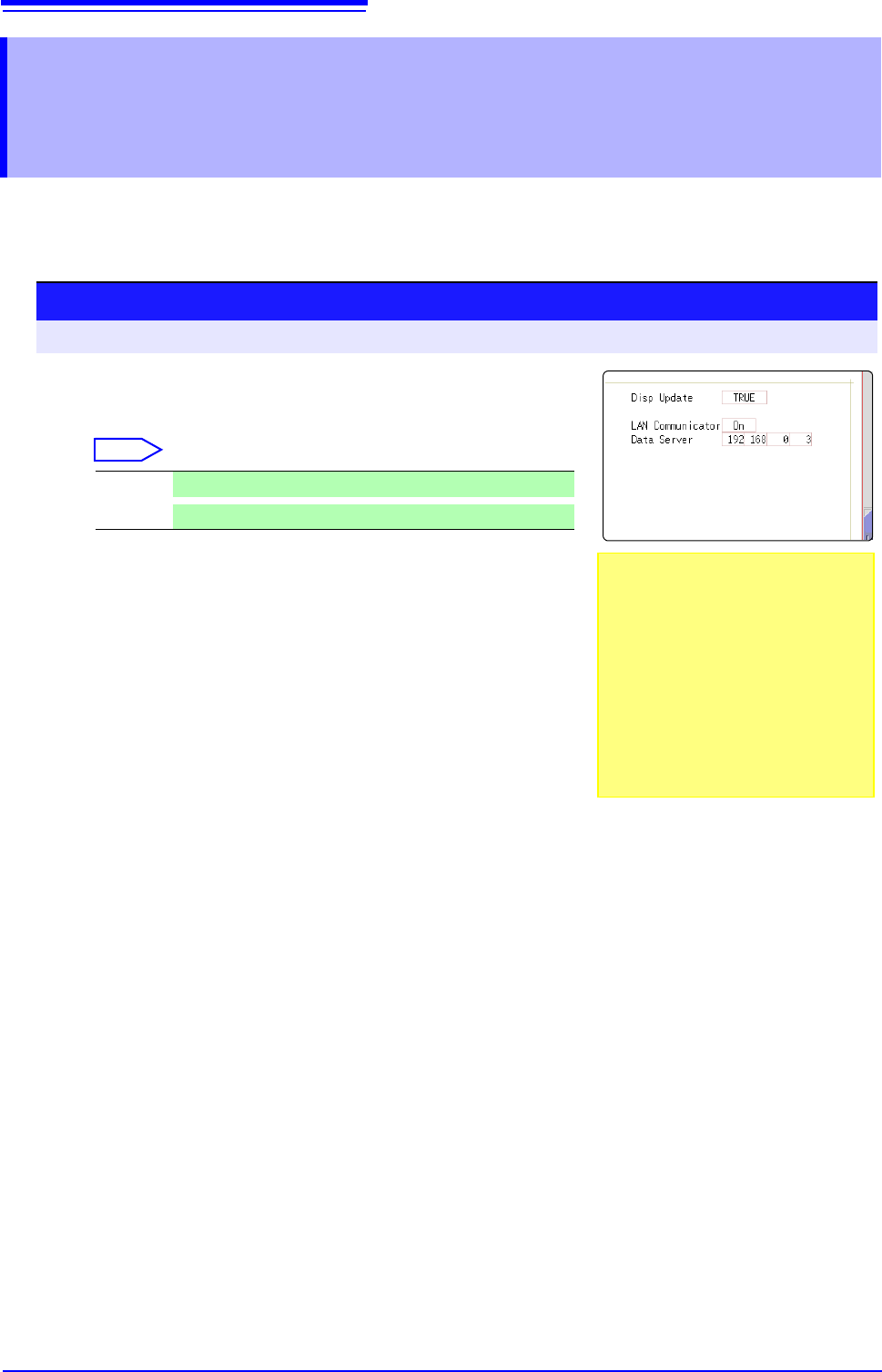
Setting the data collection server
Specify the IP address of the PC on which Model 9333 LAN
Communicator is running to communicate with the instru-
ment.
The IP address is required to acquire data by using Model
9333 LAN communicator.
As necessary, set "LAN:\" as the save destination on the
[File Save] sheet.
3
Apply the settings.
Move the flashing cursor to the [Reset] item.
Select [Reflect Set].
The indication "LAN was reconnected" appears at the bottom of the screen.
On
LAN Communicator is enabled.
Off
LAN Communicator is disabled.
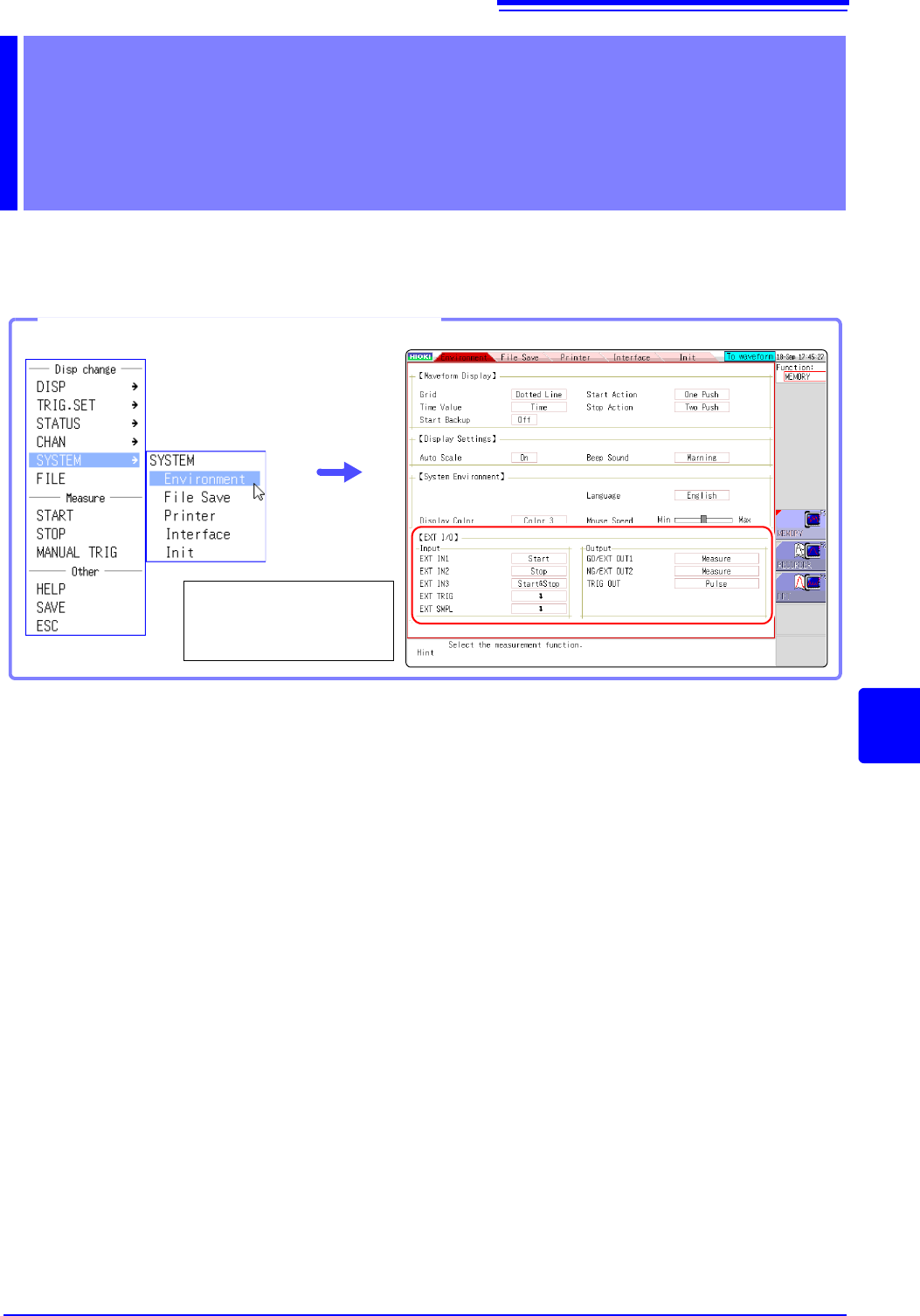
Setting the [LAN Cpmmunicator] to
[On] disables internet browsers to oper-
ate the instrument.
On: Using Model 9333 LAN communica-
tor allows you to remotely control the
instrument.
Off: Using a web browser allows you to
remotely control the instrument.
335
13
Chapter 16 External Control (MR8741 Only)
15
16
This chapter describes how to operate MR8741 using the external control terminals.
We use the term external control terminals generically to refer to all of the terminals.
External Control
(MR8741 Only) Chapter 16
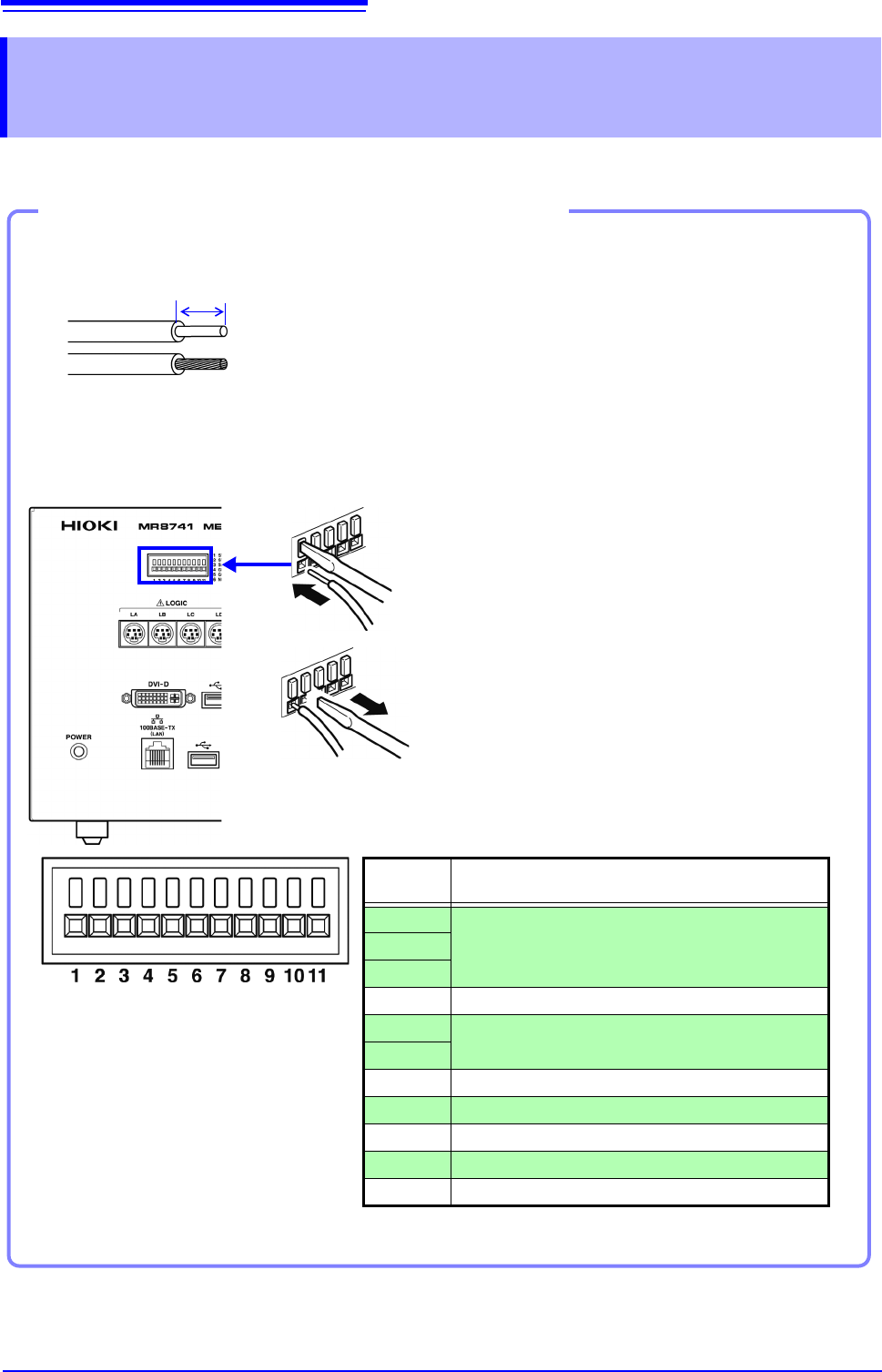
Opening the [Environment] sheet
Select [SYSTEM] and
then [Environment] from
the right-click menu.
16.1 Connecting External Control Terminals (MR8741 Only)
336
The method for connecting to the external control terminals is as follows.
16.1 Connecting External Control Terminals
(MR8741 Only)
Connecting External I/O Terminals (Connector Blocks)
Cables to connect
Recommended cables:
single strand diameter: 0.65 mm (AWG22)
multi-strand: 0.32 mm
2
(AWG22)
Usable cables:
Single strand diameter: 0.32 - 0.65 mm (AWG28 to 22)
Multi-strand: 0.08 - 0.32 mm
2
(AWG28 - 22)
Strand diameter: 0.12 mm or greater (per wire)
Standard insulation stripping length: 9 - 10 mm
Button operation specified tool: Flat-blade screwdriver (3 mm shaft diameter,
2.6 mm tip width)
Single strand
Multi-strand
10 mm
Connection procedure
1. Push in the button on the connector with a flat-
blade screwdriver or other tool.
2. With the button held in, insert the cable into the
cable connection hole.
3. Release the button.
The cable is locked.
1
2
3
EXT.TRIG
TRIG OUT
GND
SMPL
GND
NG/OUT2
GO/OUT1
GND
STOP/IN2
START/IN1
SAVE/IN3
Terminal
No.
Operation
1
Input external signal and execute the following
• Start/end measurement
• Save data
2
3
4-
5
Output instrument status as a signal
6
7-
8 Input external signal and set sampling rate
9-
10 Output signal when triggering occurs
11 Input external signal as trigger source