KJ-01.02.Instruction Manual.REV.02.pdf - 第140页
5 − 44 ② Item s when a component is centered with the VCS A vailable setting range Display ed item Descri ption Mini mum va lue Maxi mum va lue T eachi ng 1 Retr y tim es 1 (The mac hine tries to pick up a com ponent up …
5 − 43
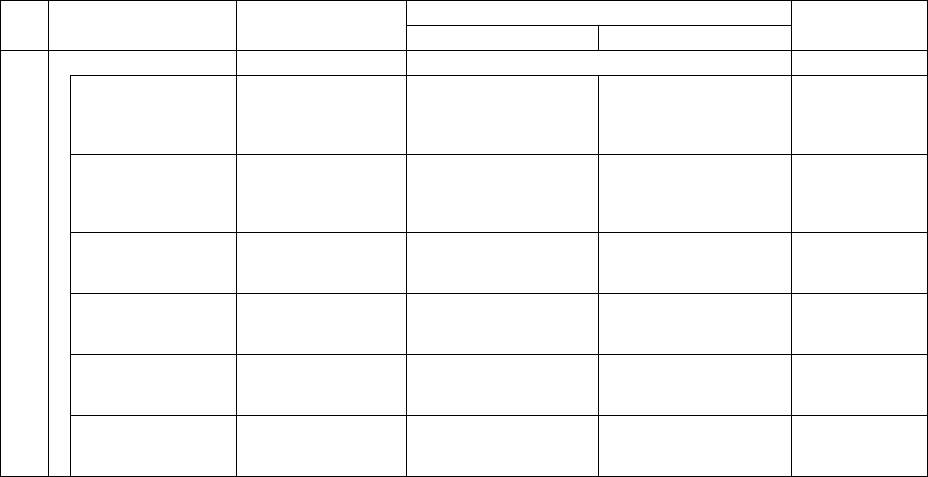
Available setting range
Displayed item Description
Minimum value Maximum value
Teaching
Dimension check No Either “Yes” or “No” Not available
Std. Size W.
(Standard size
width)
Automatically
calculated based on
the dimensions of a
component.
0.00mm Width of a component Not available
Std. Size L.
(Standard size
length)
Automatically
calculated based on
the dimensions of a
component.
0.00mm Width of a component Not available
W. Judge Max.
(Width judgment
maximum level)
15% 1% 100% Not available
W. Judge Min
(Width judgment
maximum level)
15% 1% 100% Not available
L. Judge Max
(Length judgment
maximum level)
15% 1% 100% Not available
13
L. Judge Min
(Length judgment
minimum level)
15% 1% 100% Not available
* The current version of machine (1.10) does not perform a dimension check.
* For a 0603 chip, the value of “Placing stroke” is 0.2 mm by default, and that of
“Picking stroke” is 0.3 mm by default.
5 − 44
② Items when a component is centered with the VCS
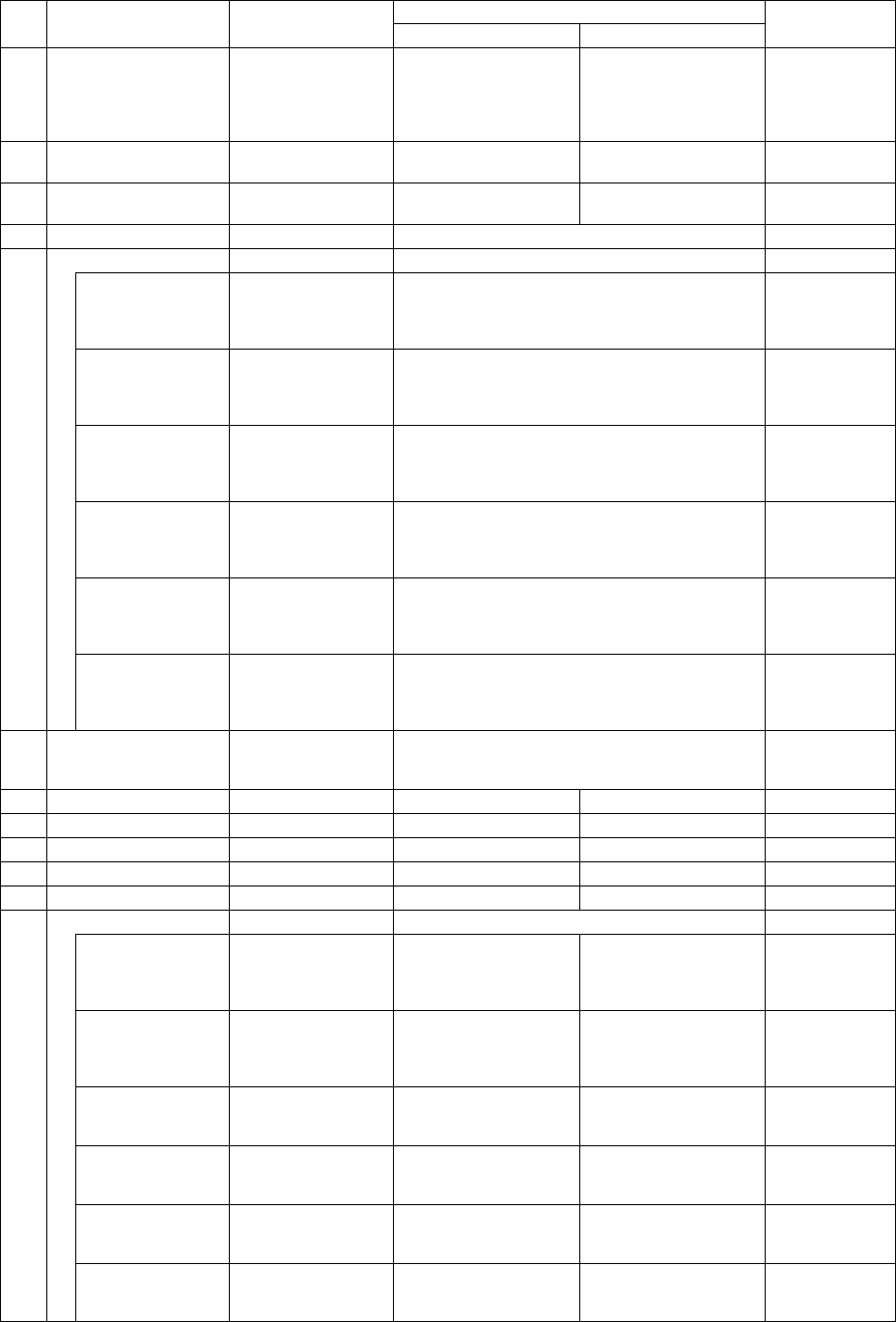
Available setting range
Displayed item Description
Minimum value Maximum value
Teaching
1 Retry times
1
(The machine tries
to pick up a
component up to
twice.)
0 9 Not available
2 Placing stroke
0.5 mm
(without any sign)
0.0mm 4.0mm Not available
3 Picking stroke
0.5 mm
(without any sign)
0.0mm 4.0mm Not available
4 Trial No Either “Yes” or “No” Not available
Speed
XY speed Automatically
calculated according
to the component
type.
Fast
Mid (Middle), or
Slow
Not available
Picking Z down Automatically
calculated according
to the component
type.
Fast
Mid (Middle), or
Slow
Not available
Picking Z up Automatically
calculated according
to the component
type.
Fast
Mid (Middle), or
Slow
Not available
Placing Z down Automatically
calculated according
to the component
type.
Fast
Mid (Middle), or
Slow
Not available
Placing Z up Automatically
calculated according
to the component
type.
Fast
Mid (Middle), or
Slow
Not available
5
Theta speed Automatically
calculated according
to the component
type.
Fast
Mid (Middle), or
Slow
Not available
6
Compo. aband.
(Component
abandonment)
Trash box Either “Trash box” or “Trash Conveyor.” Not available
7 Placing offset X 0.00mm -99.00mm 99.00mm Not available
8 Placing offset Y 0.00mm -99.00mm 99.00mm Not available
9 Picking depth 0.00mm 0.00mm 12.00mm Not available
10 Recog. offset X 0.00mm -50.00mm 50.00mm Not available
11 Recog. offset Y 0.00mm -50.00mm 50.00mm Not available
Dimension check No Either “Yes” or “No” Not available
Std. Size W.
(Standard size
width)
Automatically
calculated based on
the dimensions of a
component.
0.00mm Width of a component Not available
Std. Size L.
(Standard size
length)
Automatically
calculated based on
the dimensions of a
component.
0.00mm Width of a component Not available
W. Judge Max.
(Width judgment
maximum level)
15% 1% 100% Not available
W. Judge Min
(Width judgment
maximum level)
15% 1% 100% Not available
L. Judge Max
(Length judgment
maximum level)
15% 1% 100% Not available
12
L. Judge Min
(Length judgment
minimum level)
15% 1% 100% Not available
5 − 45
5.5.1 Data entry procedure
(1) Screen display
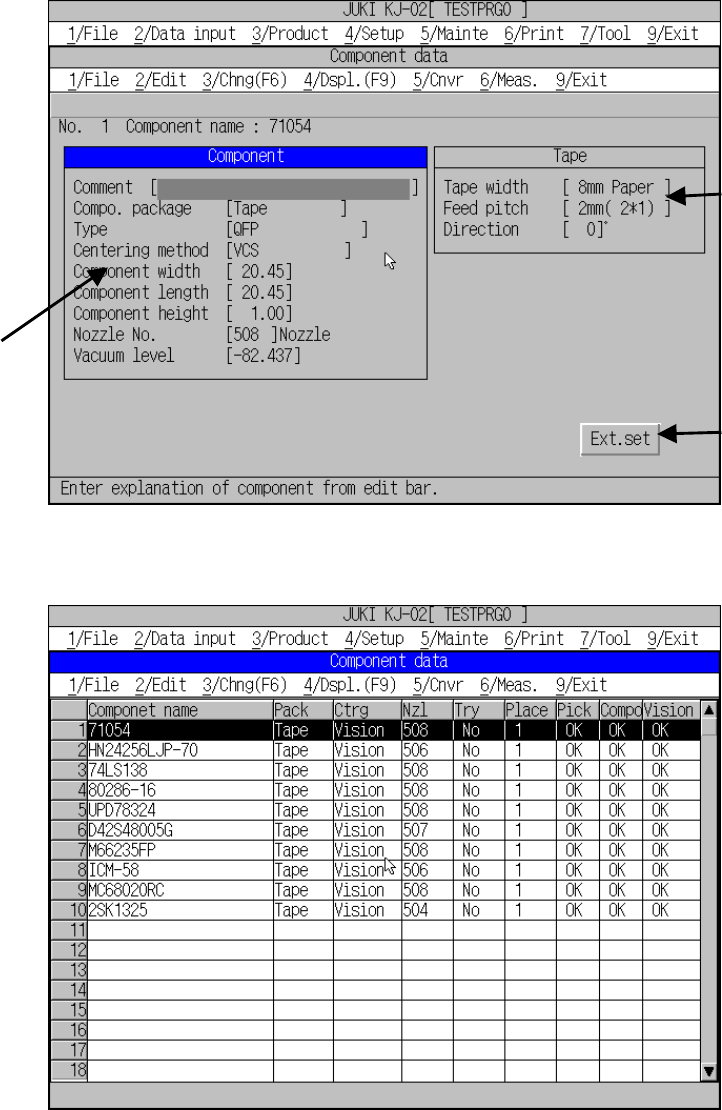
The working screen for the component data is shown whether in the form or list
format. Figure 5.5.1.1 shows a typical form screen and Figure 5.5.1.2 shows a
typical list screen.
Figure 5.5.1.1 Component data form screen
Figure 5.5.1.2.1 Component data list left screen
To switch between form screen and list screen, designate [1/ Component form]
or [2/ Component list] respectively from [4/ Dspl.]. Pressing the F9 key also
switches the display between form and list.
Component
window
Tape
window
Expanded
window