KJ-01.02.Instruction Manual.REV.02.pdf - 第324页
9 − 7 9.6 Formatting a Disk The command “ Format disk ” is used t o for mat a f loppy disk. Figure 9.6. 1 Disk form atting dialog box 9.7 Deleting Template Data This command delet es user-def ined tem plate data. If the …
9 − 6
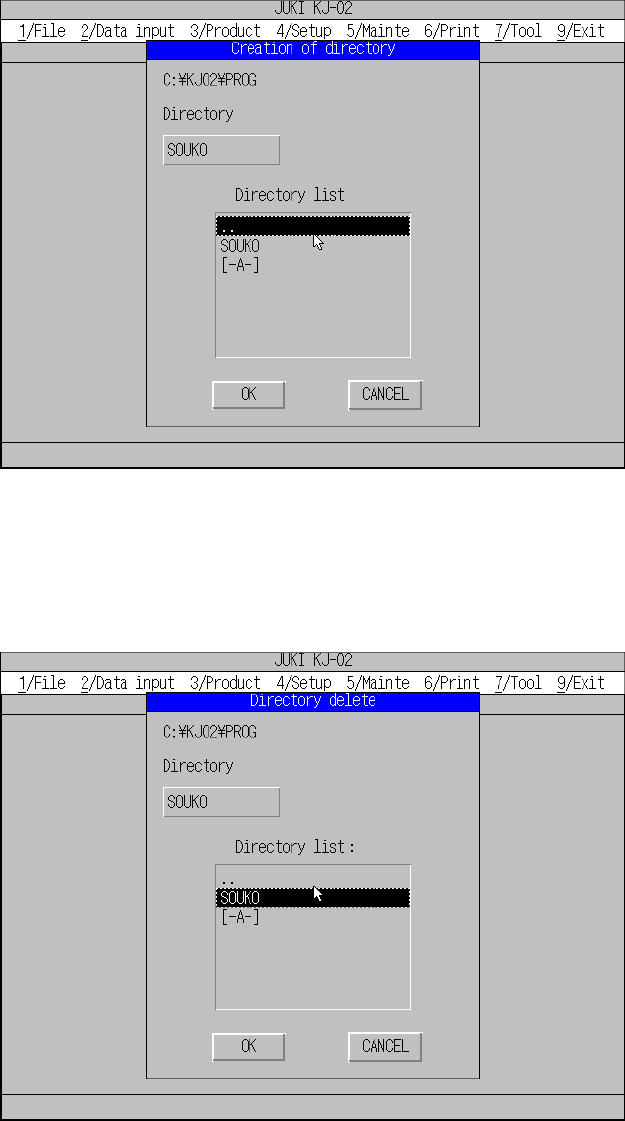
9.4 Creating a Directory
The command “Create directory” is used to create a directory.
Note: The allowable length of a directory name is up to 65 characters including a
full path.
Figure 9.4.1 Directory creating dialog box
9.5 Deleting a Directory
The command “Delete directory” is used to delete a directory.
Figure 9.5.1 Directory deleting dialog box
9 − 7
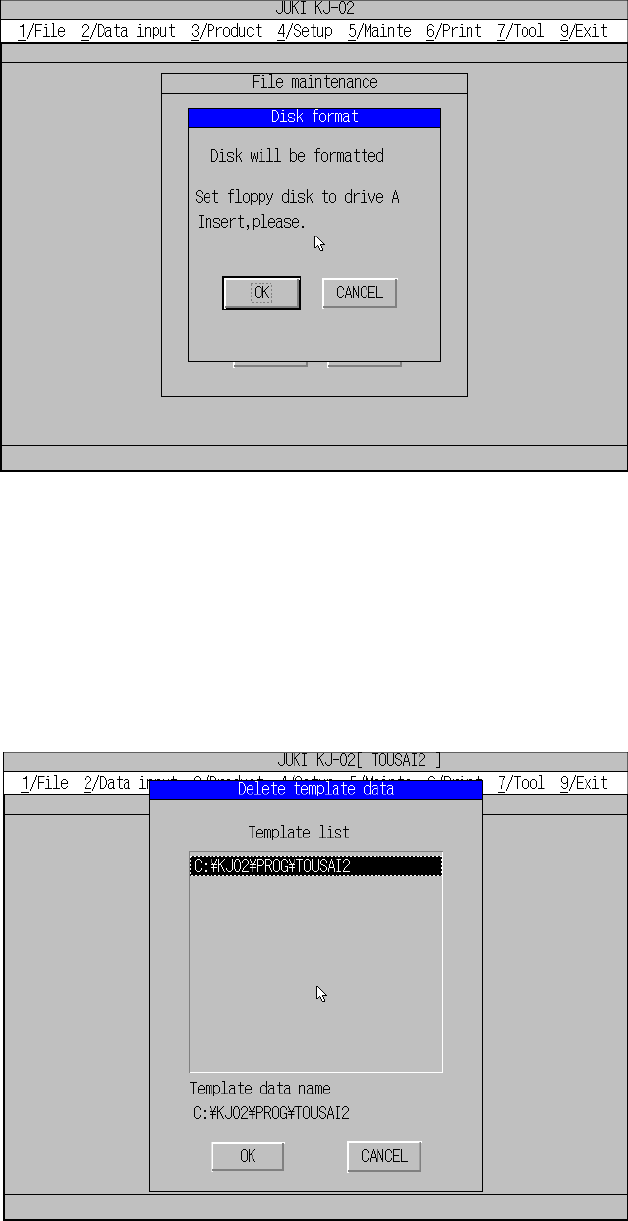
9.6 Formatting a Disk
The command “Format disk” is used to format a floppy disk.
Figure 9.6.1 Disk formatting dialog box
9.7 Deleting Template Data
This command deletes user-defined template data.
If the error message “Specified template data full. Delete not used template data.”
appears on the screen during file operation, use this function to delete unnecessary
template data.
9 − 8
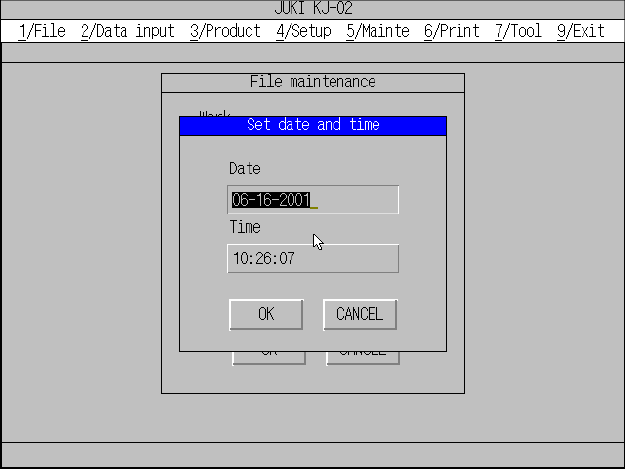
9.8 Setting the Time and Date
The command “Set date & time” is used to set the time and date.
Figure 9.8.1 Date & time setting dialog box