KJ-01.02.Instruction Manual.REV.02.pdf - 第78页
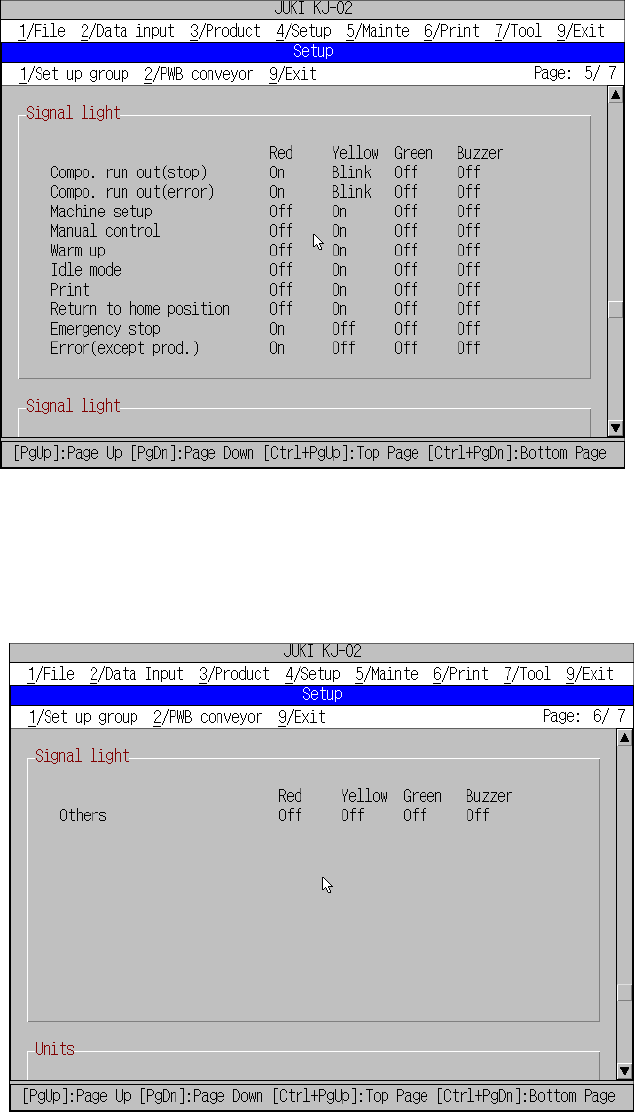
4 − 7 Figure 4.3.6 Machine setup initial screen (6) Figure 4.3.7 Machine setup initial screen (7)
4 − 6
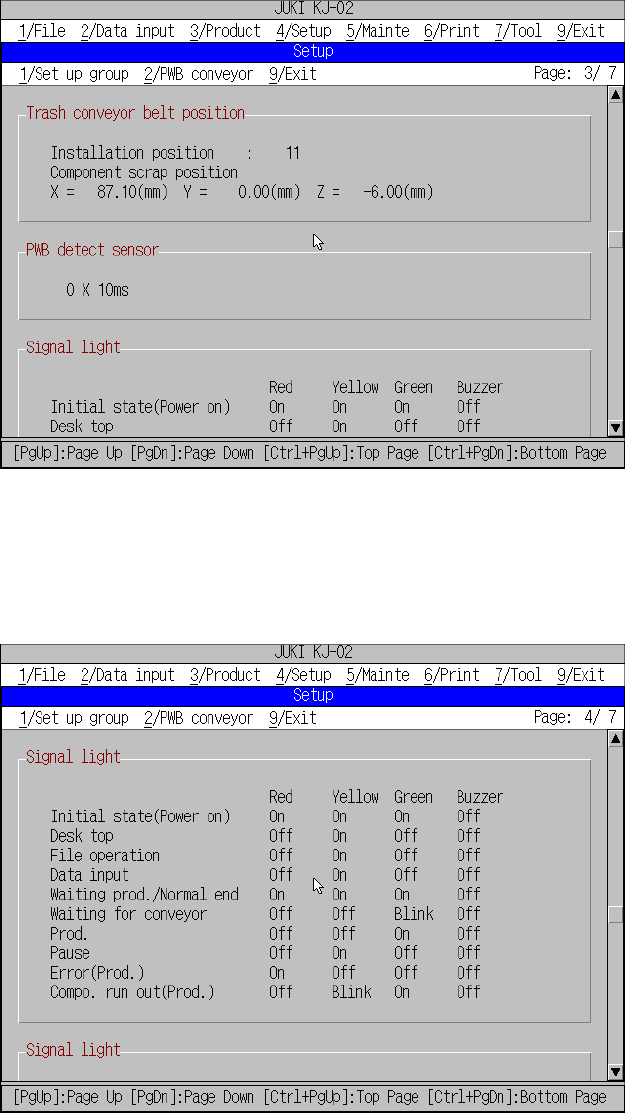
Figure 4.3.4 Machine setup initial screen (4)
Figure 4.3.5 Machine setup initial screen (5)
Current setting for
[Trash conveyor belt
position], [PWB detect
sensor].
Current setting for
[Signal light].
4 − 7
Figure 4.3.6 Machine setup initial screen (6)
Figure 4.3.7 Machine setup initial screen (7)
4 − 8
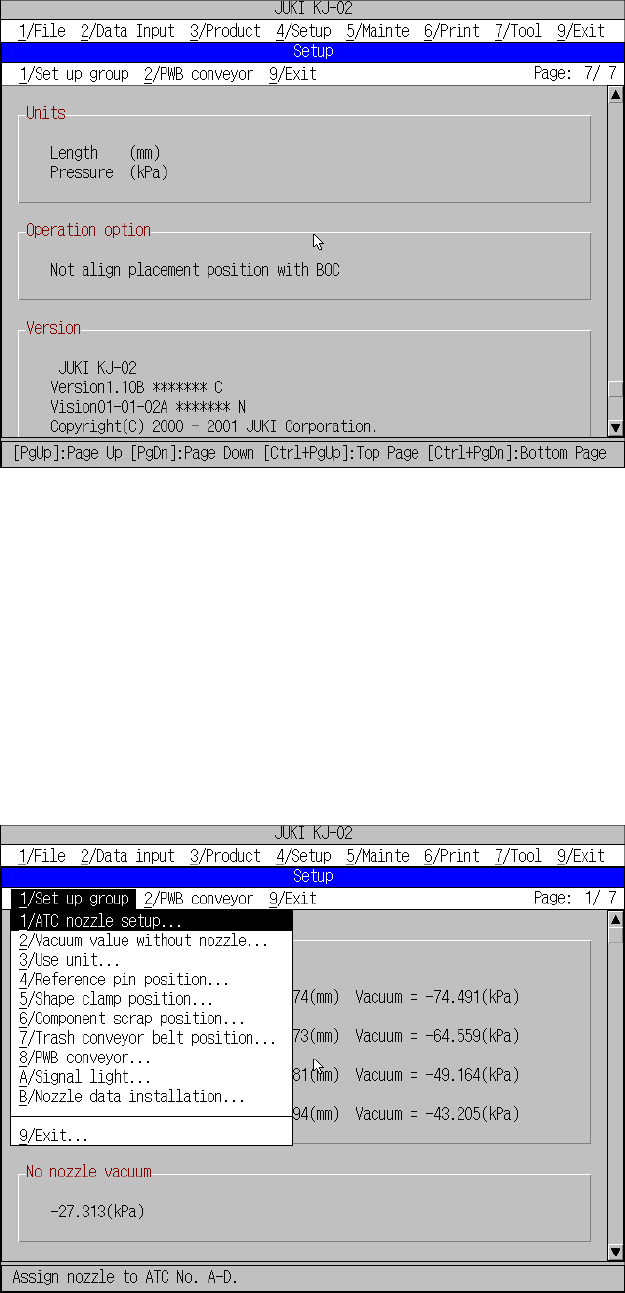
Figure 4.3.8 Machine setup initial screen (8)
To change the setting of each item, select [1/ Set up] of the menu bar.
The units for length and pressure are the parameters set with [1/ Units of measure] of
[4/ Setup].
The initial screen reappears when you press the OK button after having set
parameters with [1/ Setup Group].
(2) The available commands are pulled down when [1/ Setup group] is selected from
the menu bar.
Figure 4.3.9 Setup group commands
During command selection from the machine setup group, the command
summary will not appear on the message line.
Current setting for
[Units],
[Operation opton],
[Version].