KJ-01.02.Instruction Manual.REV.02.pdf - 第212页
6 − 8 6.2.2 Vision data setting items 6.2.2.1 Setting it ems for each component shape (1) Vision data on a component having leads on its f our sides Menu item Allowable values Description Pitch See T able 6.2.20. Set the…
6 − 7
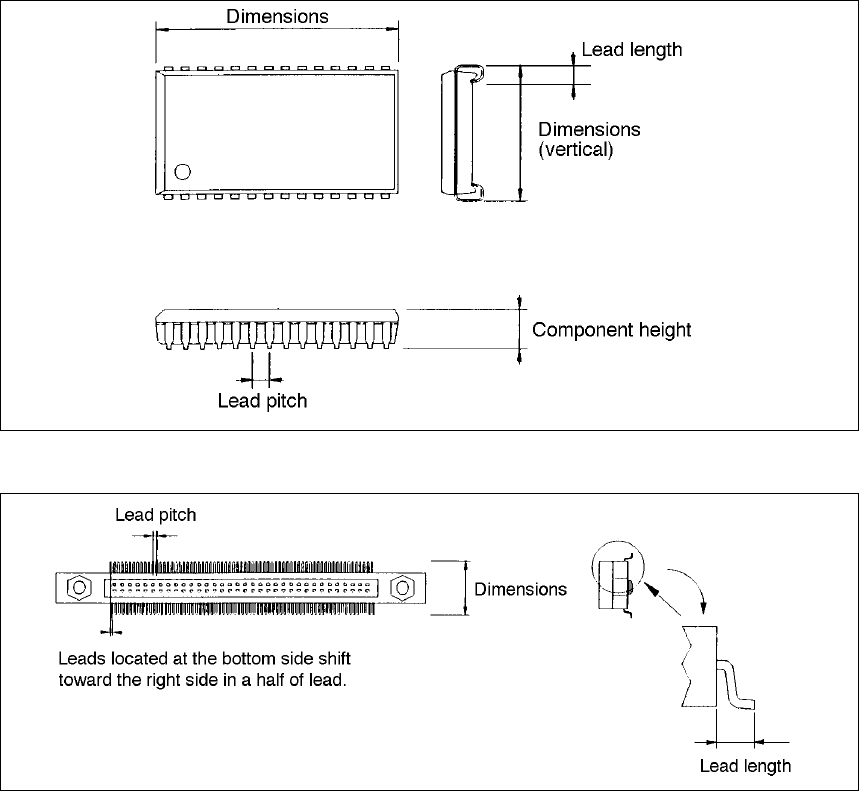
⑯ SOJ (Top view)
⑰ Z style lead connector (Top view)

6 − 8
6.2.2 Vision data setting items
6.2.2.1 Setting items for each component shape
(1) Vision data on a component having leads on its four sides
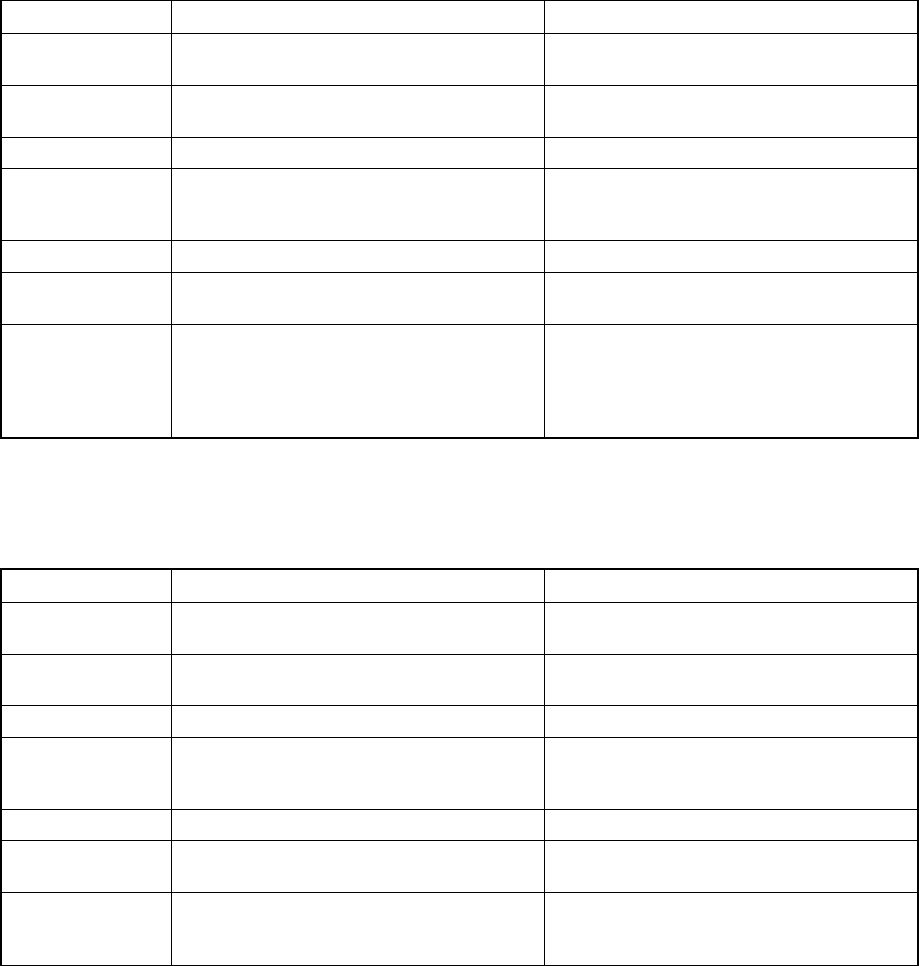
Menu item Allowable values Description
Pitch See Table 6.2.20. Set the pitch between two consecutive leads.
Bend – 15 %
– 20 % (default)
– 25 %
– 30 %
None (The system will not check whether a
lead is bent.)
Sets the bending level of a lead to be
detected.
Note: The system handles “None” as lead
bending level 70 % internally.
Vision Not settable.
Length
Bottom/Right
Top/Left
See Table 6.2.21. Set the length of the lead section that is in
contact with a board.
Lead width Not settable.
Lead num. See Table 6.2.22. Set the number of leads located on each
side.
Miss/Miss
Bottom/Right
Top/Side
Miss (displayed first):
0 to the number of leads (up to 128)
Miss (displayed later): 0 to 99
Defaults:
0 (indicates that there is no missing lead.)
* First block (Miss 1, Miss 1)
Miss 1 (first missing lead):
0 to the number of leads
Miss 1 (number of missing leads):
First missing lead + (Number of missing
leads – 1) <= Number of leads (up to 99)
* Second block (Miss 2, Miss 2)
Miss 2
(first missing lead of the second block):
(First missing lead of the first block) + (a
value from the number of missing leads of
the first block to the number of leads)
Miss 2 (number of missing leads of the
second block):
(First missing lead of the second block) +
(Number of missing leads of the second
block) <= Number of leads
* Third block (Miss 3, Miss 3)
Miss 3
(first missing lead of the third block):
(First missing lead of the second block) +
(A value from the number of missing leads
of the second block to the number of leads)
Miss 3 (number of missing leads of the third
block):
(First missing lead of the third block) +
(Number of missing leads of the third block)
<= Number of leads
Set the missing lead information of each side.
Set “Miss 1” to “Miss 3” (First missing lead)
and “Miss 1” to “Miss3” (Number of missing
leads). You can set up to three blocks of
missing leads per side.
Table 6.2.2.1.1 Vision data on a component having leads on its four sides.
6 − 9
(2) Vision data on a component having leads on its two sides only
Setting item Allowable value Description
Pitch Set a value in the same way as a
component having leads on its four sides.
Bend Set a value in the same way as a
component having leads on its four sides.
Vision Not settable
Length
Bottom/Right
Top/Left
See Table 6.2.21. Set the length of a lead section that is in
contact with a board.
Lead width Not settable
Lead num. See Table 6.2.22. Set the number of leads located on each
side.
Miss/Miss
Bottom/Right
Top/Left
Set a value in the same way as a
component having leads on its four sides.
Enter a value for a side having leads only.
For an HSOP component, enter a value for
the Bottom/Top side only.
Table 6.2.2.1.2 Vision data on a component having leads on its two sides
(3) Vision data on a component having leads on its one side only
Setting item Allowable value Description
Pitch Set a value in the same way as a
component having leads on its four sides.
Bend Set a value in the same way as a
component having leads on its four sides.
Vision Not settable
Length
Bottom/Right
Top/Left
See Table 6.2.2.1. Set the length of a lead section that is in
contact with a board.
Lead width Not settable
Lead num. See Table 6.2.2.2. Set the number of leads located on each
side.
Miss/Miss
Top
Set a value in the same way as a
component having leads on its four sides.
Enter a value for a side having leads only.
Table 6.2.2.1.3 Vision data on a component having leads on its one side only