KJ-01.02.Instruction Manual.REV.02.pdf - 第323页
9 − 6 9.4 Creating a Directory The command “ Create direct ory” is used to create a dir ectory . Note: The allow able length of a dir ectory nam e is up to 65 character s including a full path. Figure 9.4.1 Di rectory cr…
9 − 5
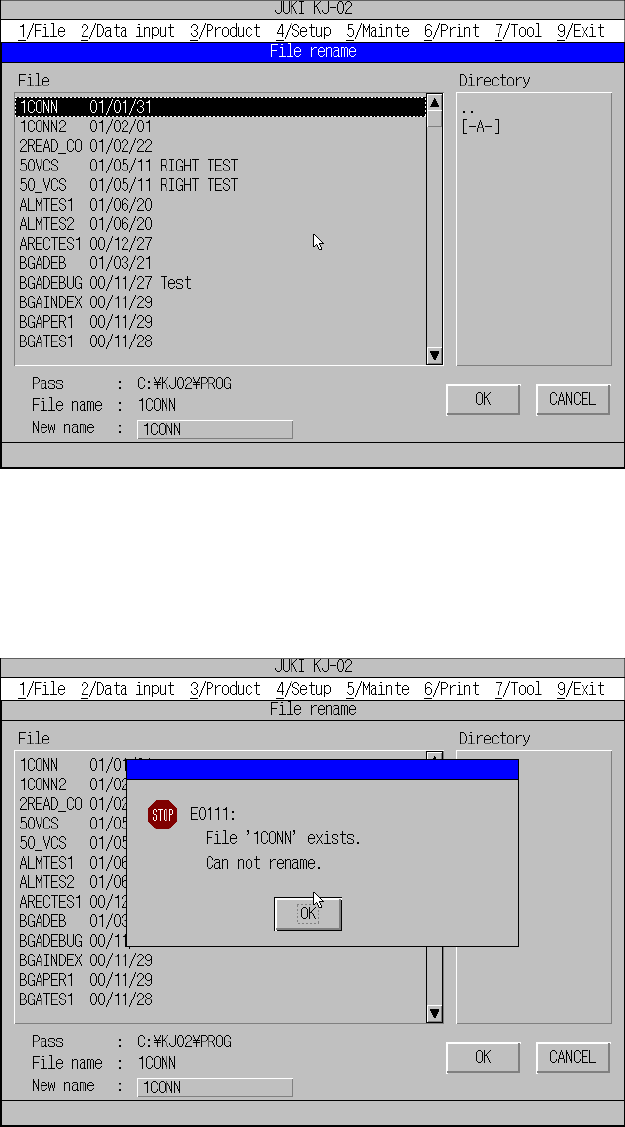
9.3 Renaming a File
This command renames the name of a production program file. First, specify the file
whose name you want to change.
Figure 9.3.1 File renaming dialog box (Screen example when you use a KJ-02)
If a production file whose name is the same as a new name you specified already
exists, the machine displays the following message and will not rename the file name.
Figure 9.3.2 Message dialog when illegal file name is specified
Note: Only files whose extension is “J12” appear on the file list..
9 − 6
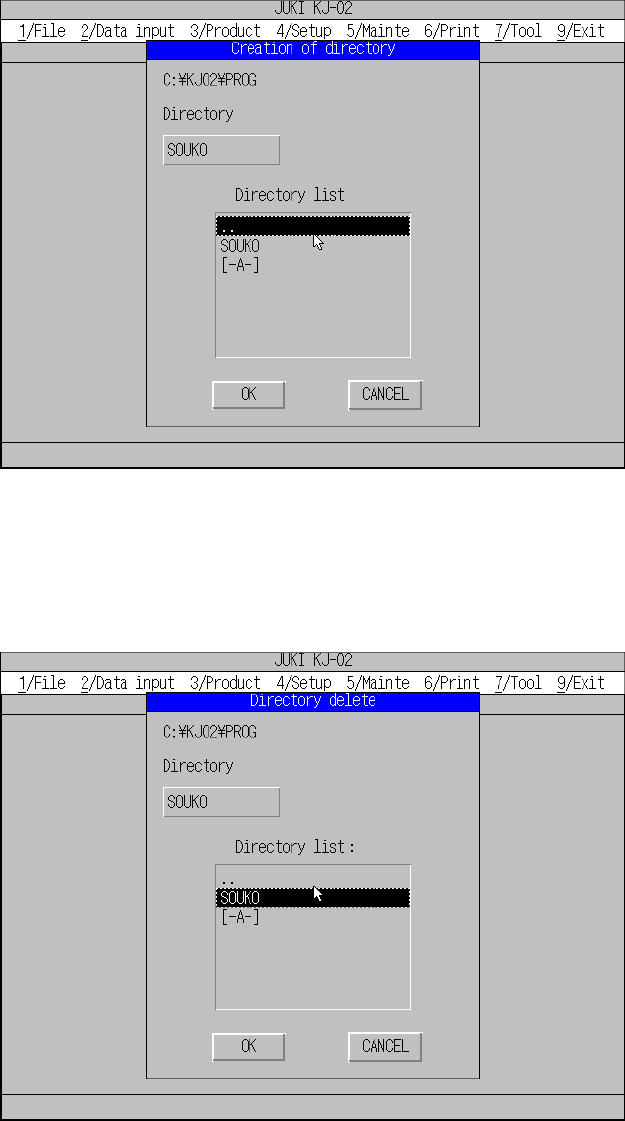
9.4 Creating a Directory
The command “Create directory” is used to create a directory.
Note: The allowable length of a directory name is up to 65 characters including a
full path.
Figure 9.4.1 Directory creating dialog box
9.5 Deleting a Directory
The command “Delete directory” is used to delete a directory.
Figure 9.5.1 Directory deleting dialog box
9 − 7
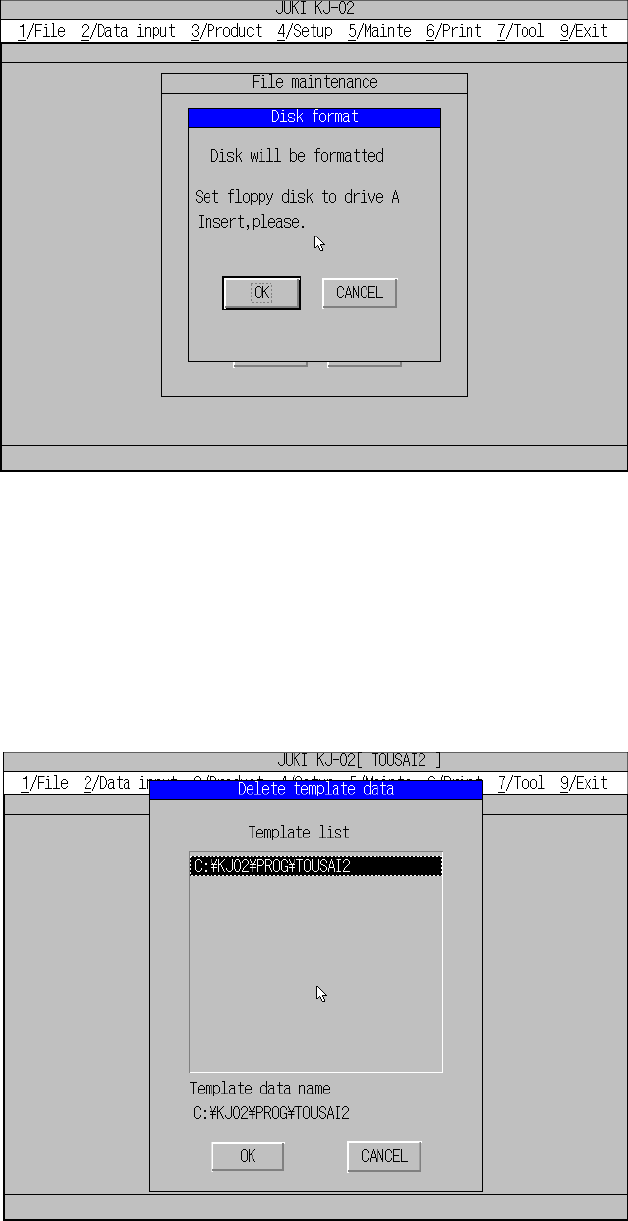
9.6 Formatting a Disk
The command “Format disk” is used to format a floppy disk.
Figure 9.6.1 Disk formatting dialog box
9.7 Deleting Template Data
This command deletes user-defined template data.
If the error message “Specified template data full. Delete not used template data.”
appears on the screen during file operation, use this function to delete unnecessary
template data.