Hanwha SM481 PLUS Series Administrator’s Guide Eng.pdf.pdf - 第332页
13-2 Fast Flexible Placer SM481(L) PLUS Administ r ator’s Guide 13.1. Produ ct M ain 13.1.1. Product Monitor Provides the progress and production informatio n related to PCB producti on. Memo The shape of the conveyor di…
13-1
Production Setup
Chapter13. Production Setup
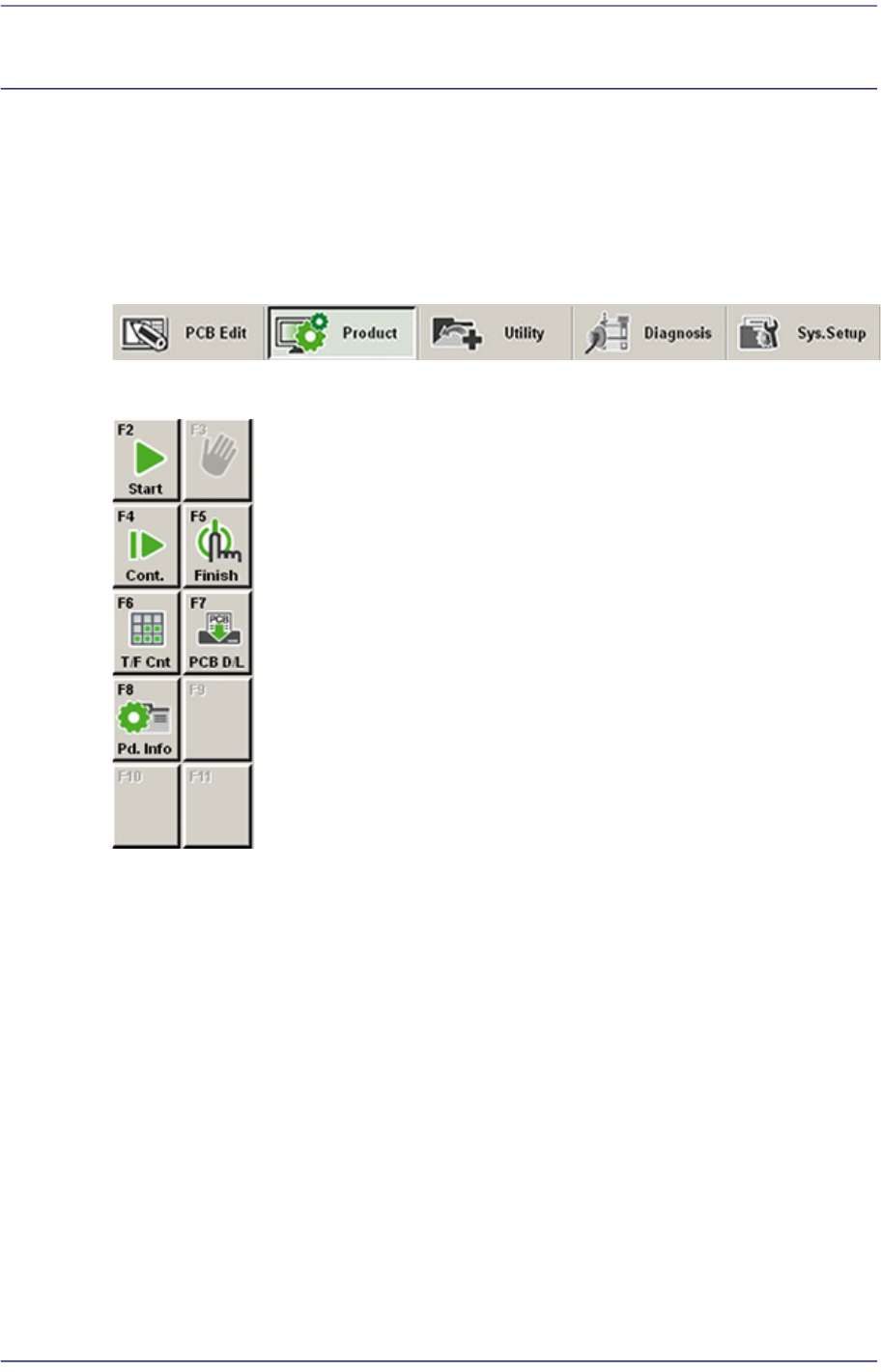
The product menu is composed of seven submenus; Start, Stop, Count., Finish, T/F Cnt,
PCB D/L, Pd. Info.
This menu performs the function of monitoring PCB (Printed Circuit Board) placement
operation.
Figure13.1 When the Product menu is selected
Figure13.2 Submenus of the Product menu
13-2
Fast Flexible Placer SM481(L) PLUS Administrator’s Guide
13.1. Product Main
13.1.1. Product Monitor
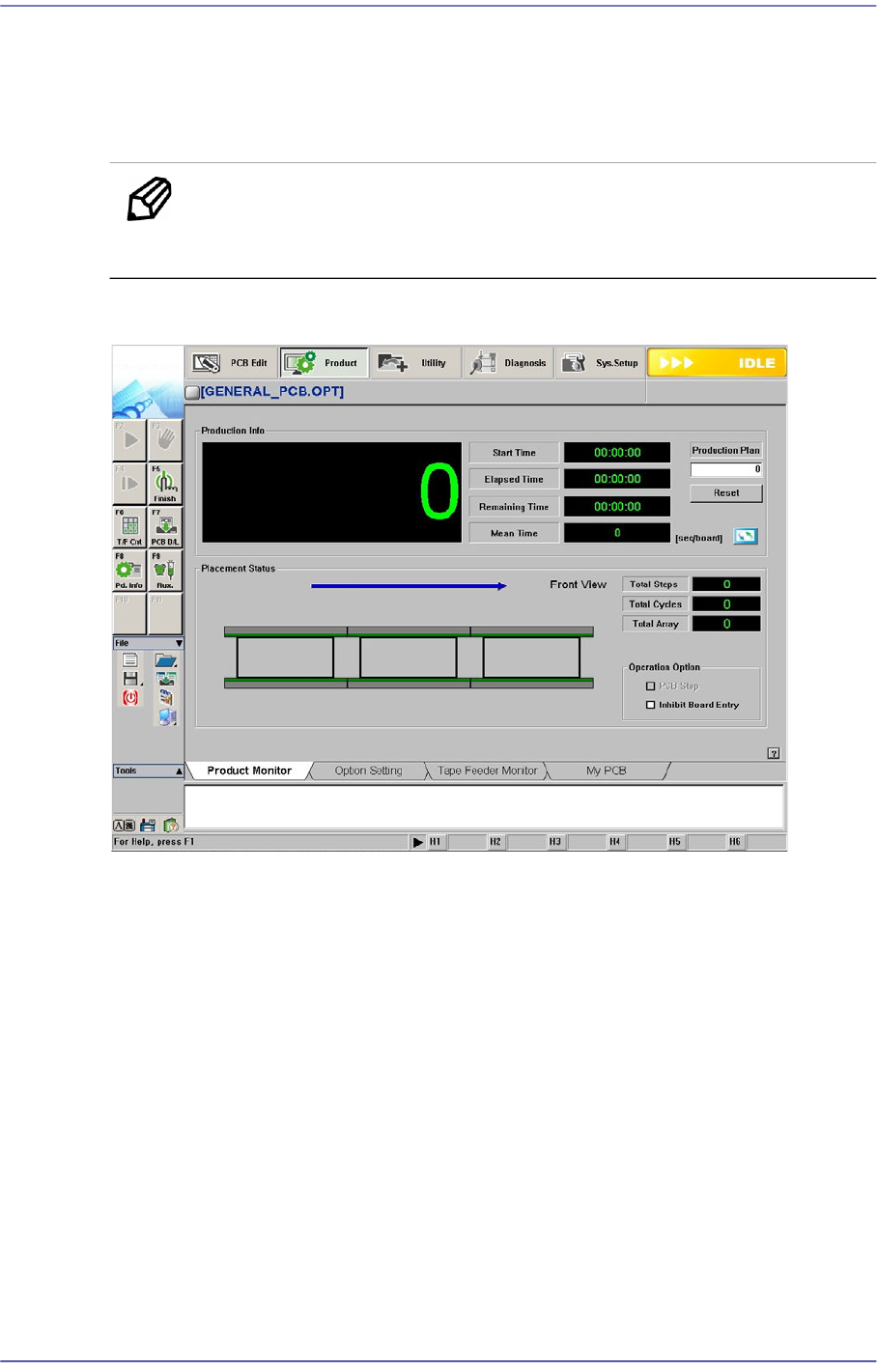
Provides the progress and production information related to PCB production.
Memo The shape of the conveyor displayed on the screen may differ
depending on the option.
Figure13.3 “Product” Initial screen
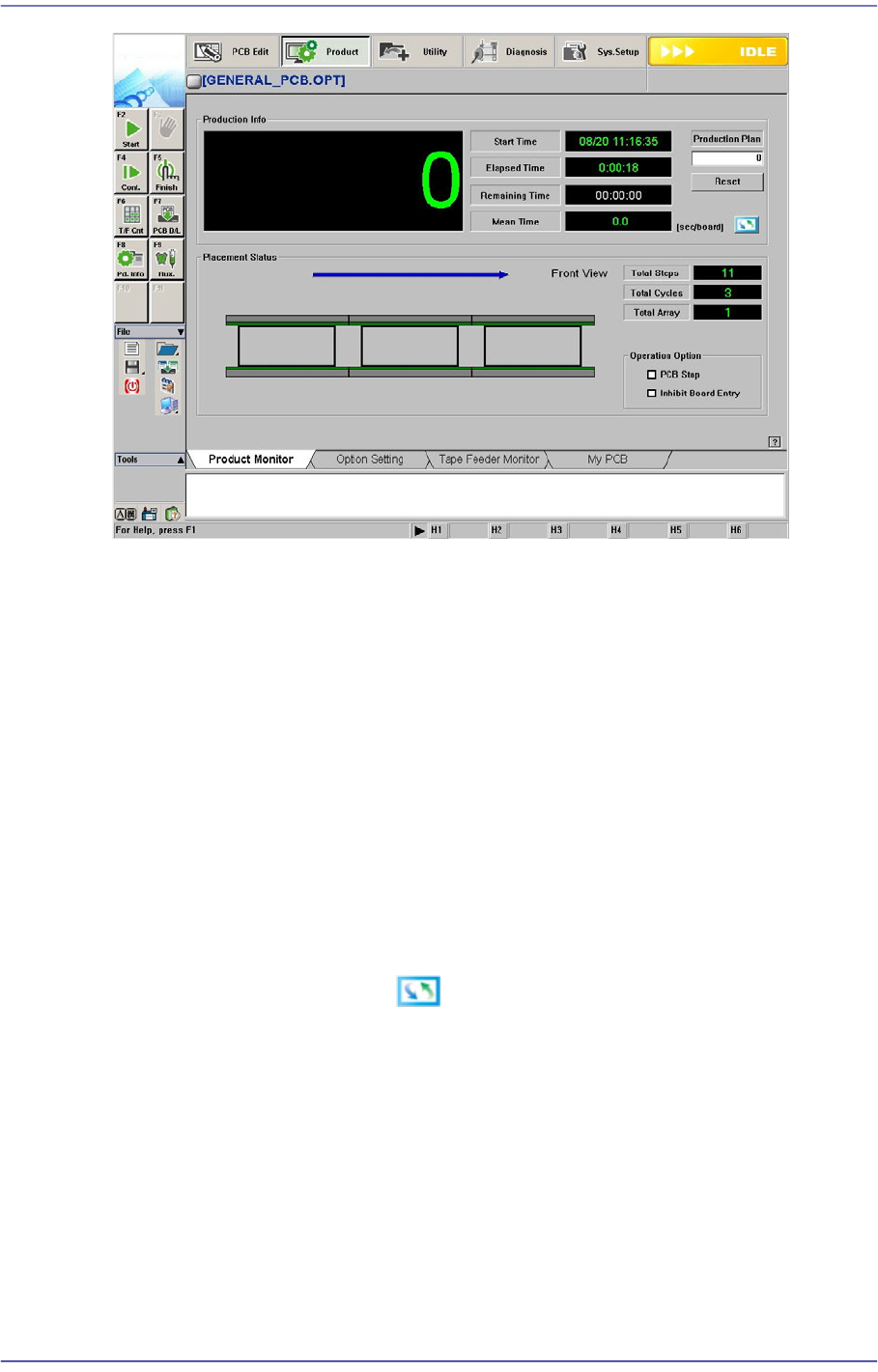
When the submenu, PCB D/L (F7) is clicked on, transmits the PCB data edited to the
equipment, and the following screen is displayed.
13-3
Production Setup
<Production Info> group
Displays the status of operation in progress.
<Start Time> Static box
Indicates the time when the <Start> button on the machine operation panel
pressed.
<Elapsed Time> Static box
Indicates the period of time that has passed after the <Start> button is pressed
<Remaining Time> Static box
Indicates the expected remaining period of time until all PCBs are produced.
<Mean Time> Static box
Shows various types of information related to PCB production as follows.
Clicking the right button will display different types of information.
<sec/board>
Indicates the average required time in the “second” unit until the next PCB is
fed since one PCB was fed to the work station.
<CPH>
Indicates number of parts placed in an hour after the initial PCB is fed to the
work station.
<board/hour>
Indicates number of PCBs produced in an hour after the initial PCB is fer to