Hanwha SM481 PLUS Series Administrator’s Guide Eng.pdf.pdf - 第543页
19-17 PM Manager 19.6.1. Search Condition The check history c an be inquired by selec t ing t he f ol lowing c heck boxes and entering the search condition. All Indicates all check histories. Group Selects a group of…
19-16
Fast Flexible Placer SM481(L) PLUS Administrator’s Guide
19.6. History Screen
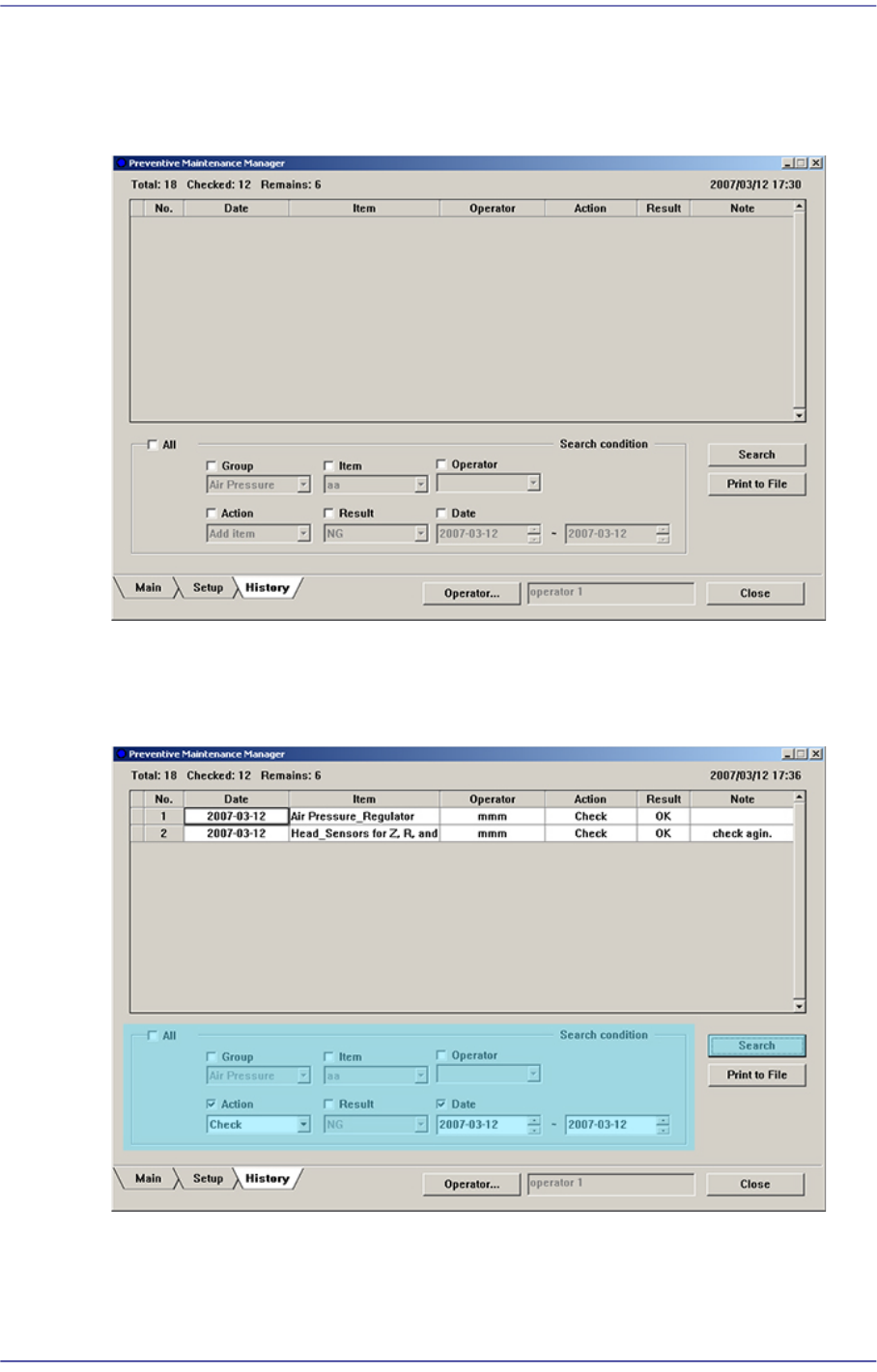
All check histories can be inquired in the History Screen.
Figure19.14 History Screen
When inquiring the check history, input the search condition and click the <Search>
button.
Figure19.15 Check History Inquiry Screen

19-17
PM Manager
19.6.1. Search Condition
The check history can be inquired by selecting the following check boxes and entering the
search condition.
All
Indicates all check histories.
Group
Selects a group of check items.
Item
Selects check items.
Operator
Checks the user.
Action
Selects whether to take action for the check item.
Result
Indicates the status of the check item.
Date
Selects the date for inquiry.
19-18
Fast Flexible Placer SM481(L) PLUS Administrator’s Guide
19.6.2. Outputting Check History in File Format
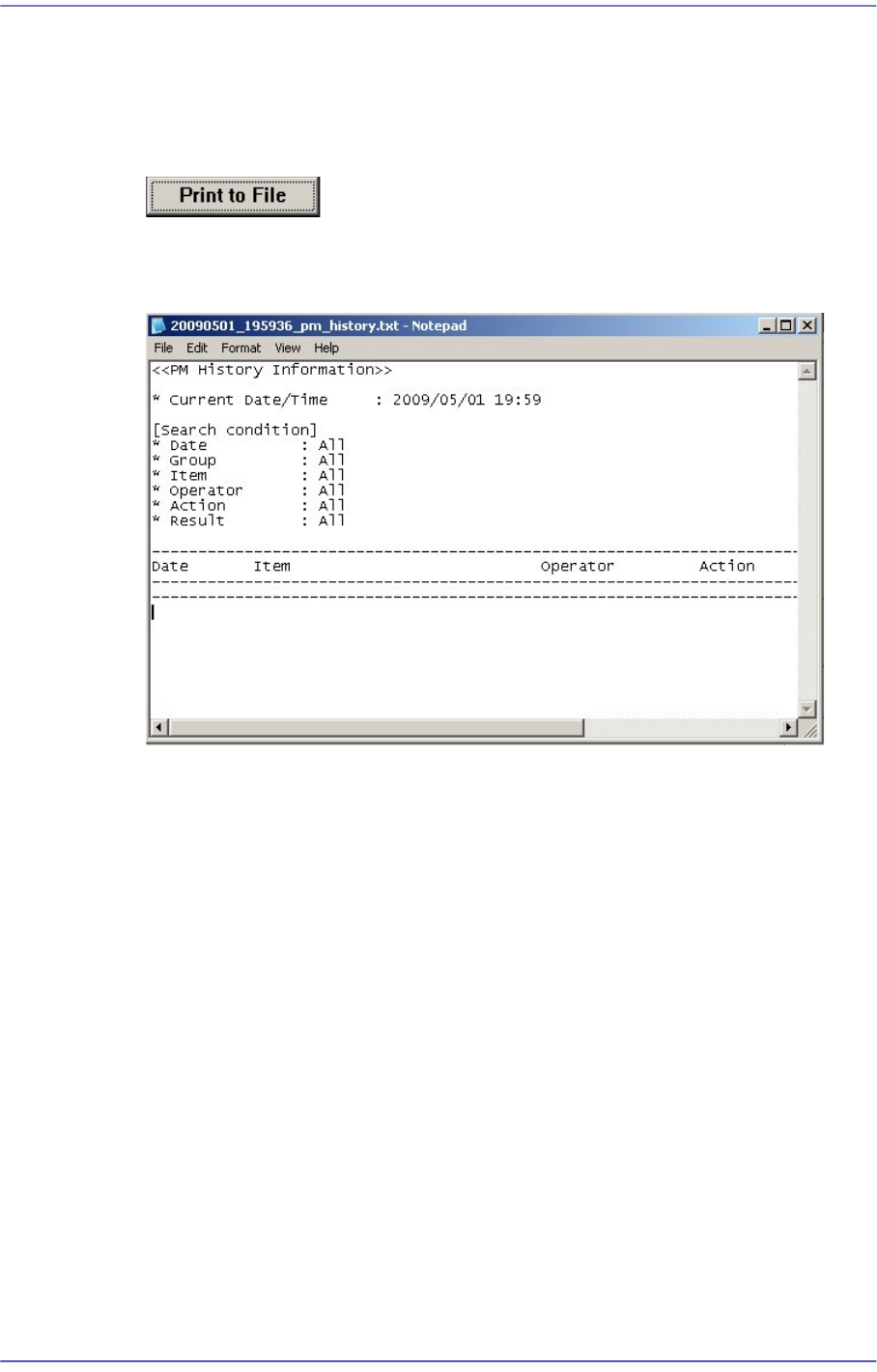
Searched check history and all check histories can be outputted in the text file format. This
can be performed in the following manner.
Click the <Print to File> button.
Text file is created.
Figure19.16 Check History Output Screen