Hanwha SM481 PLUS Series Administrator’s Guide Eng.pdf.pdf - 第39页
Preface xxv Group The above items are gathered into this area. In this manual, it is called “<XX> group” based on the name XX a bove the group. Example: <Set Ar ray [R egular T ype].> group / <Fix Camera…
Fast Flexible Placer SM481(L) PLUS Administrator’s Guide
xxiv
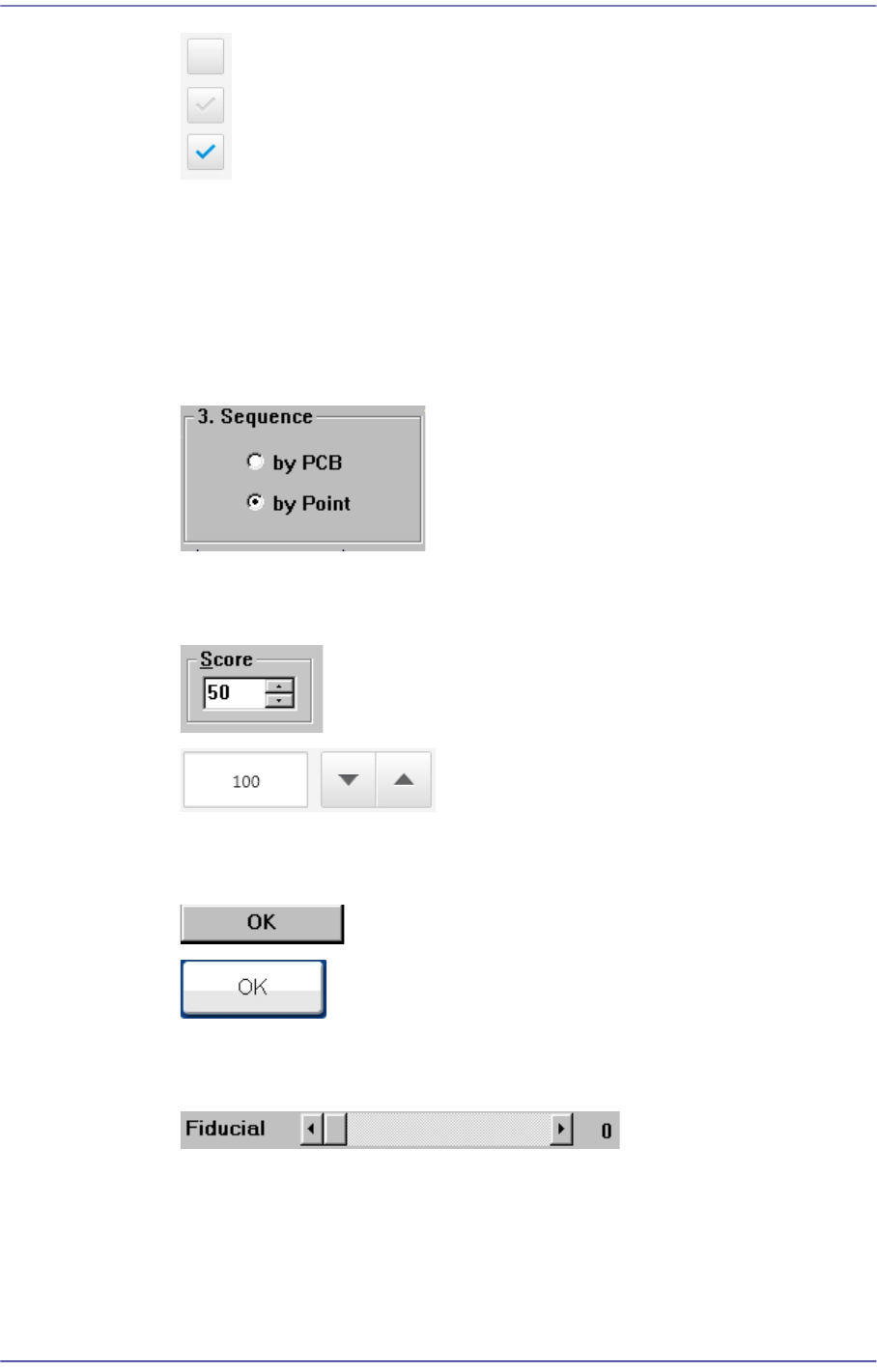
1: Not selected
2: Indicated in gray
3: Selected
Option Button
This Button is used when selecting only one from among many options. If one
Button is clicked on, selection of another button is disabled.
Spin Button / Spin Box
Pressing the arrow button will increase or decrease the value by a certain value.
Button
Pressing this button will perform specific work.
Control box
This is a box for adjusting the set values by using a scroll bar.
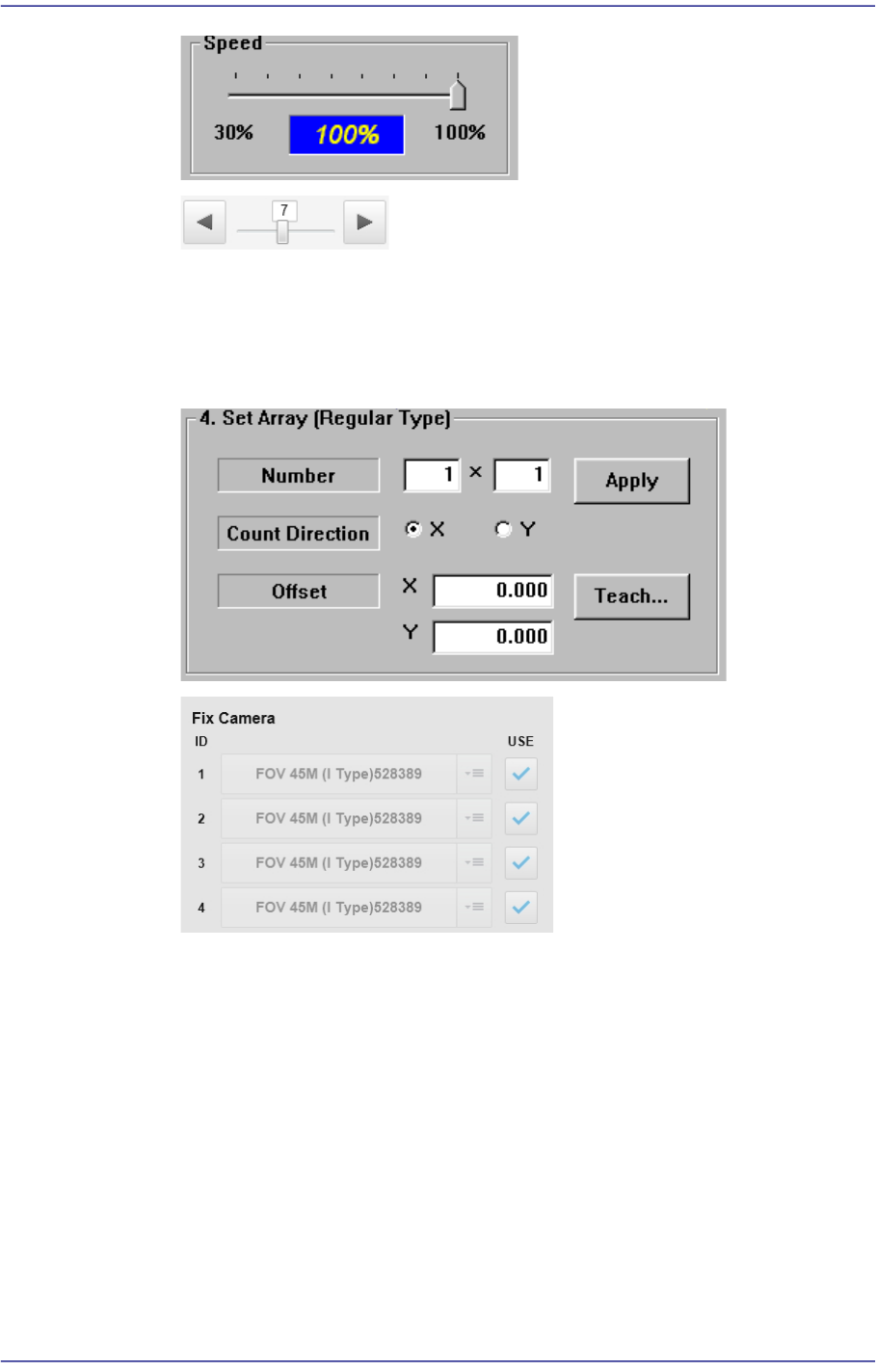
Slide bar / Slider
Adjusts a set value using the slide bar.
Preface
xxv
Group
The above items are gathered into this area. In this manual, it is called “<XX>
group” based on the name XX above the group.
Example: <Set Array [Regular Type].> group / <Fix Camera> group
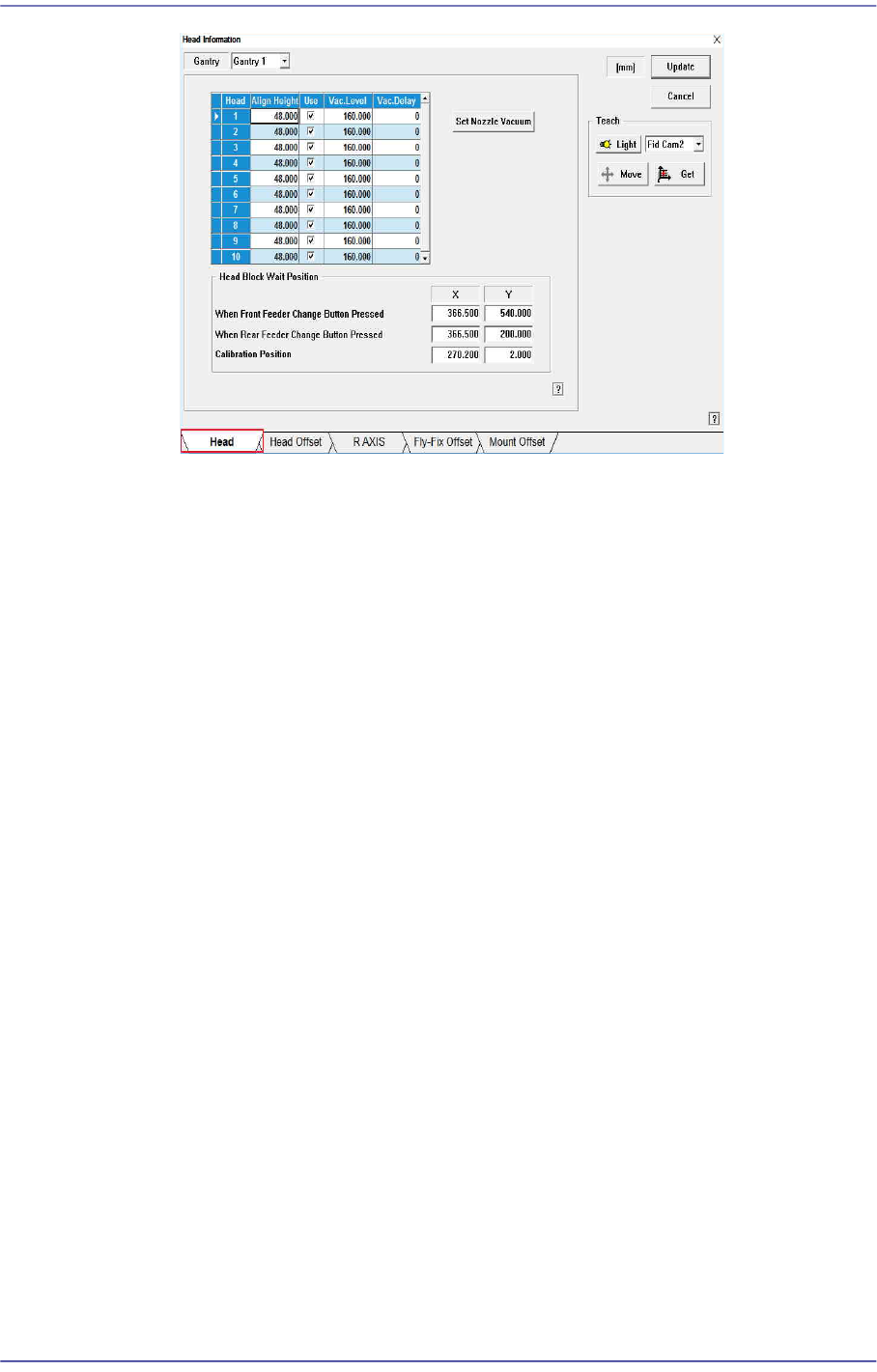
Tab
When there are several screen in the submenu, selects the tab on the screen to
change the screen. (The following screen shows that the 'Head' tab is selected.)
Fast Flexible Placer SM481(L) PLUS Administrator’s Guide
xxvi
Mouse manipulation
The following terms are related to manipulating the mouse.
Click or select
Press once the corresponding item with the left Button of the mouse by moving the
pointer of the mouse.
Double click
Press twice in rapid succession the corresponding item with the left Button of the
mouse by moving the pointer of the mouse.