Hanwha SM481 PLUS Series Administrator’s Guide Eng.pdf.pdf - 第36页
Fast Flexible Placer SM481(L) PLUS Administ r ator’s Guide xxii Items in a dialog b o x or message box. T erms used in explaining the s creen of MMI are shown below . List Box It is possible to select one of th e var…
Preface
xxi
About This Manual
Composition of this Manual
The manual for this machine is comprised as follows;
Handbook
Operation Handbook
Describes briefly a series of processes that is performed by the operator.
Maintenance Handbook
Describes briefly basic points related to maintenance of the machine;
Preparation for maintenance, daily inspection, periodical inspection, cleaning
and lubrication method, definition of consumables including replacement time
and method.
Administrator’s Guide
Describes the program for PCB production or various system setups related to the
machine;
User’s account administration and authority setup, board definition, component
registration, feeding device setup, step programming, optimization, production
setup, teaching and placement test, machine calibration, system setup, machine
diagnosis, utility menu setup and production information management.
Troubleshooting Guide
Describes definition and the method used to take measures against the errors.
Describes definition and solution for error codes and the errors not defined.
Technical Reference
Provides part information for the maintenance and various technical drawings.
Symbols other than safety marks used in this manual.
The meanings of symbols used in this manual are as follows.
Ref. Reference indicates a part to be referred to.
Memo Describes useful information related to the text or definition of terms.
Fast Flexible Placer SM481(L) PLUS Administrator’s Guide
xxii
Items in a dialog box or message box.
Terms used in explaining the screen of MMI are shown below.
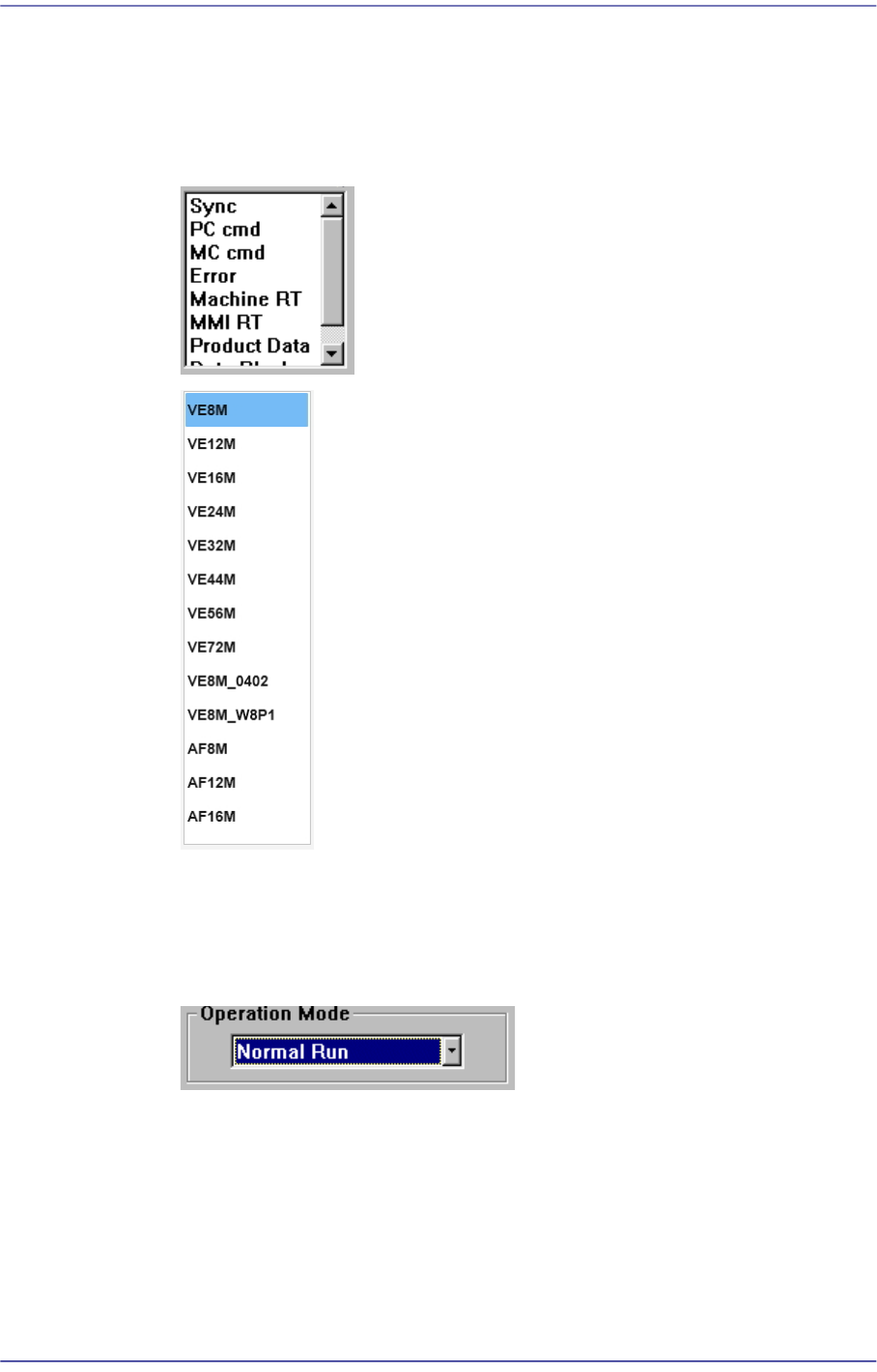
List Box
It is possible to select one of the various values inputted in advance.
Combo Box
This has the same function as the list box in that one of many inputted values can
be selected from this box. contrary to the list box, however, the entire values are
displayed by pressing an arrow button at lower right.
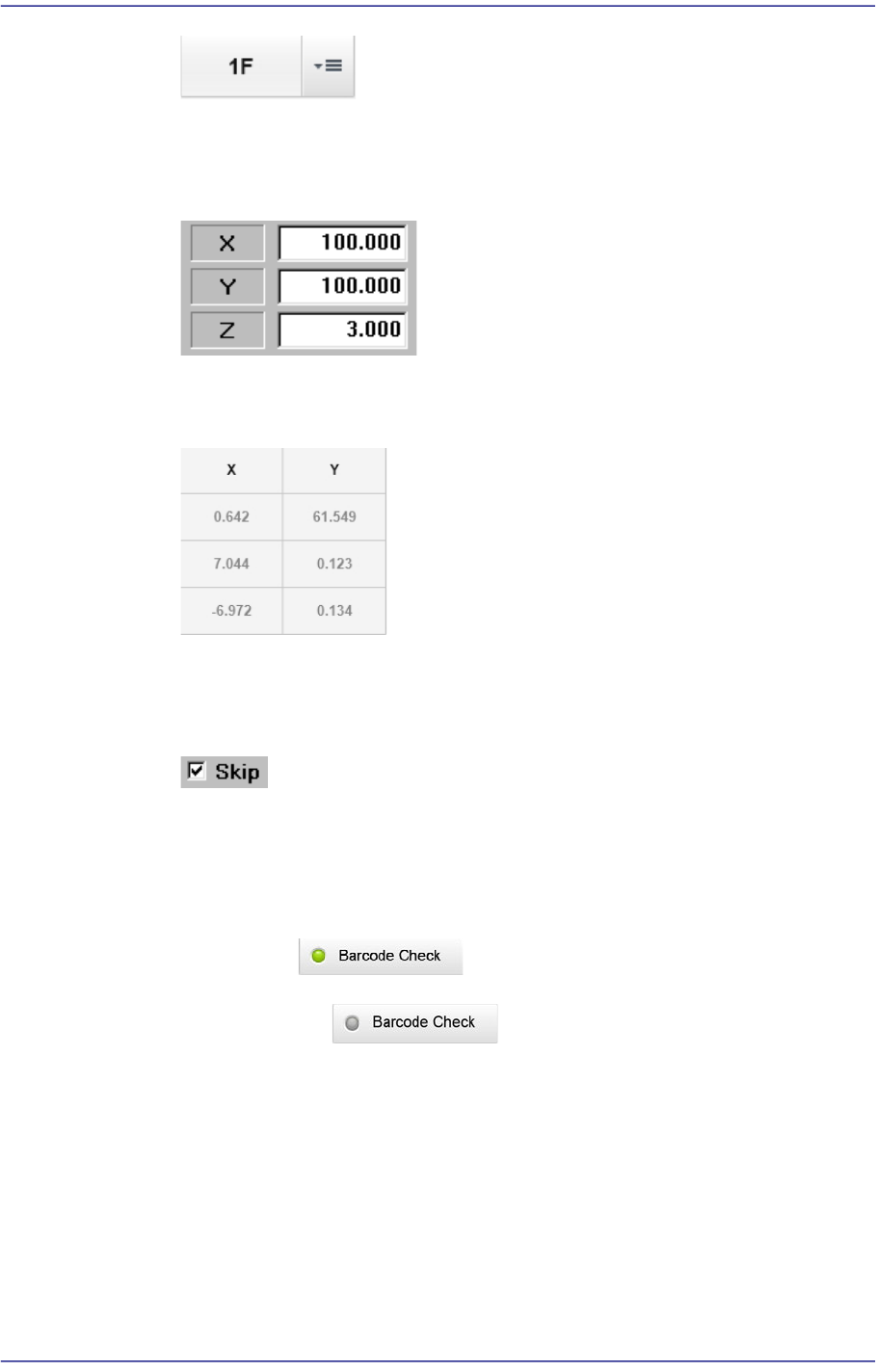
Selection Box
The function of this selection box is the same as the function of the list box that
can select one of the various values inputted in advance. However, unlike the list
box, pressing this button will display a popup window from which an item can be
selected.
Preface
xxiii
Edit box
Values can be inputted into this box. If a white portion is clicked on with a mouse,
it enters the state ready for inputting values.
View Field
Shows set values. This field is not selected and the values cannot be modified.
Check Box
This button enables determination of whether to use a function presented or to
select from multiple.
Switch Button
Allows a certain function to be applied or not. Pressing this button will apply the
corresponding function. Pressing it once more will not apply the corresponding
function.
Selected:
Not selected:
Check Button
Determines whether to use the presented function. Pressing this button will select
the three states in order as follows: