Hanwha SM481 PLUS Series Administrator’s Guide Eng.pdf.pdf - 第84页
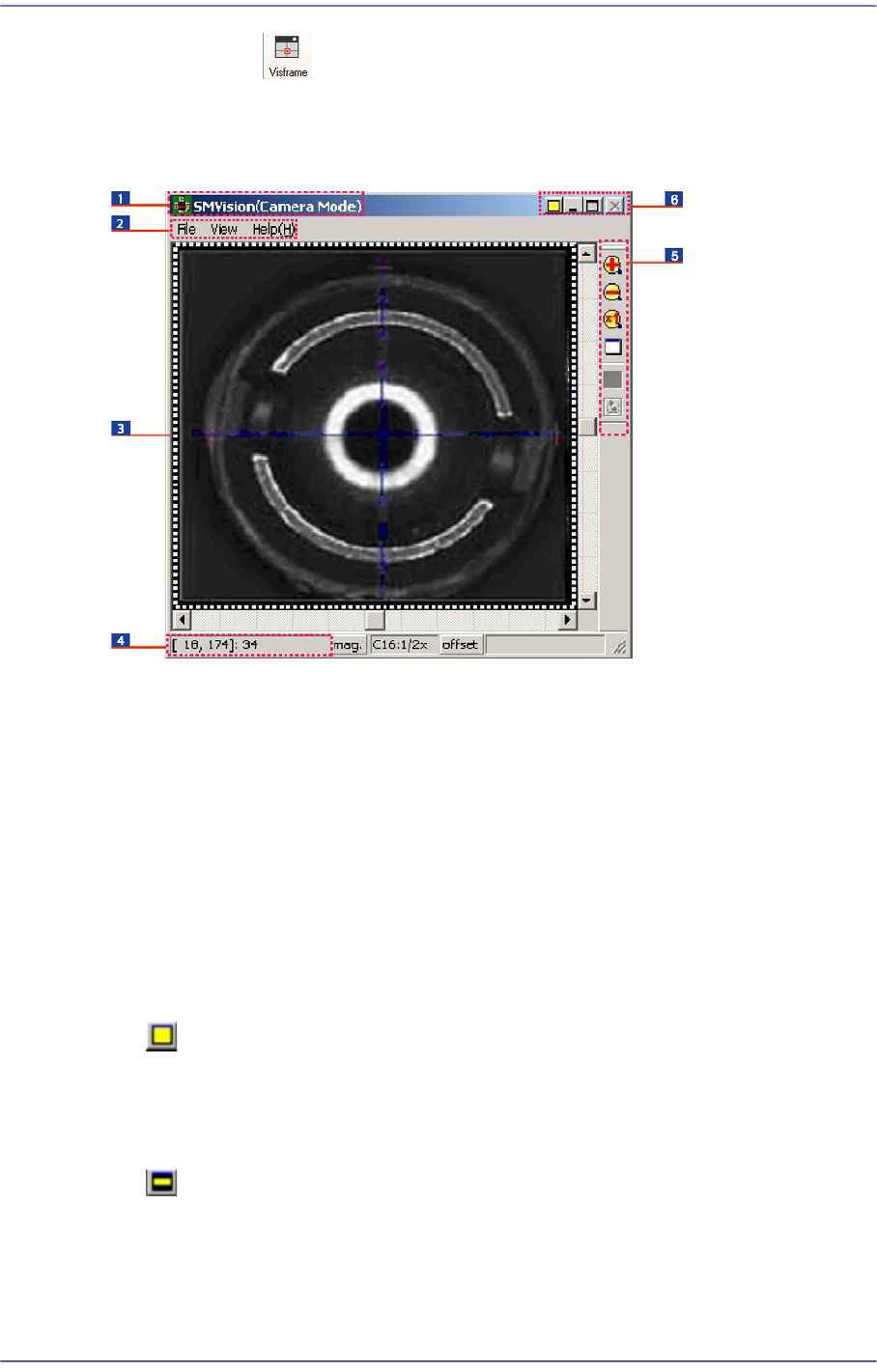
4-2 Fast Flexible Placer SM481(L) PLUS Administ r ator’s Guide 4.2. Show SMVision 4.2.1. SMVision Structure Figure4.2 SM V ision window 1: T itlebar 2: Menu 3: Display window 4: Status bar 5: T oolbar 6: System menu 4.2.…
4-1
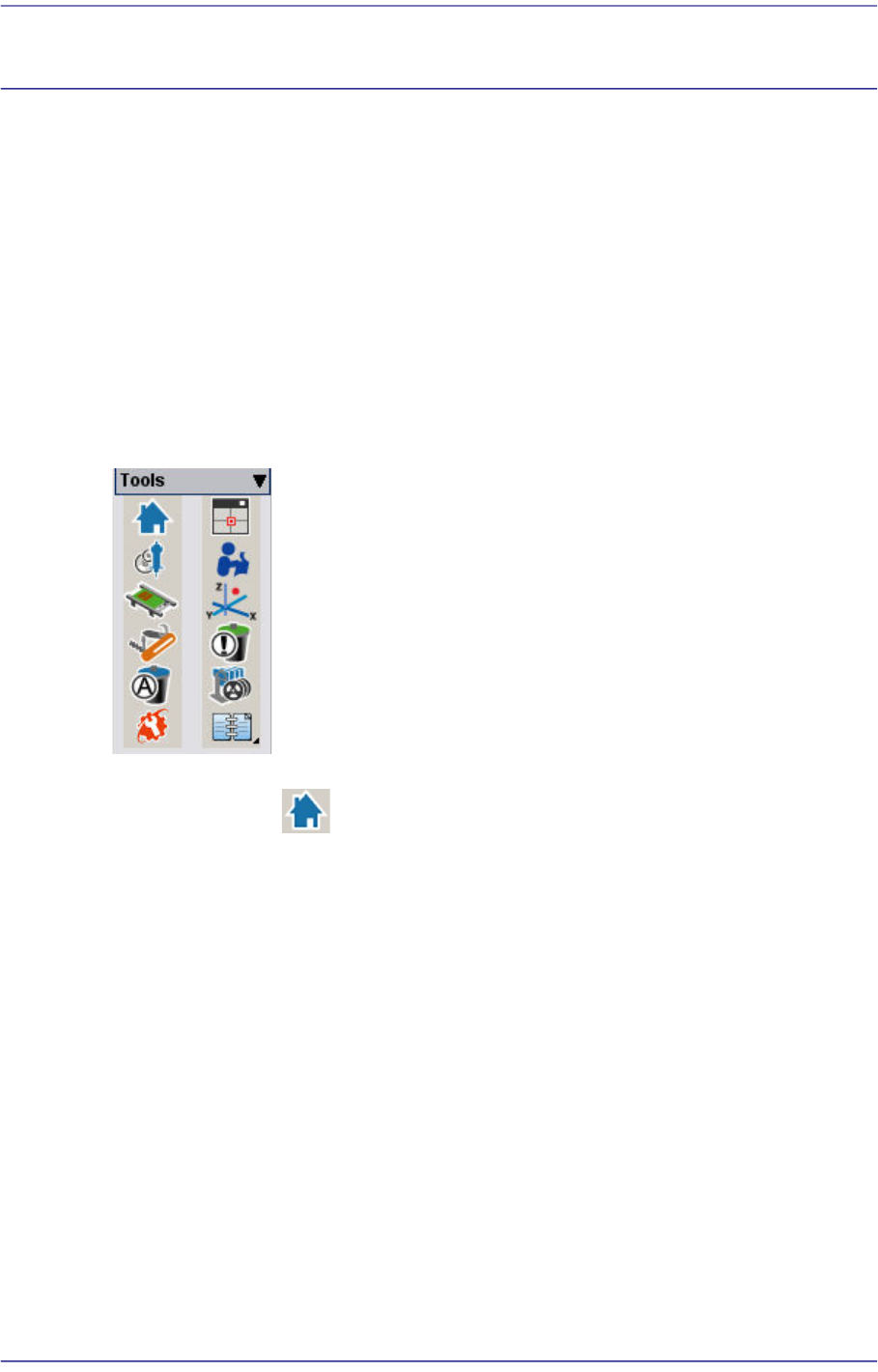
Tools Shortcut Menu
Chapter4. Tools Shortcut Menu
The Shortcut Menu facilitates the use of frequently used commands. It consists of 12
menus:
Return to Origin, Show SMVision,
ANC Setup, Operation Mode Change
Conveyor / Manual Tool
Current Position / Dump Information (Place Error)
Part Dump All / Docking Cart Up/Down
PM Manager / Data Logging
Figure4.1 Shot Cut Bar
4.1. Return To Origin
Returns the X, Y, Z, Theta(R) motors, and Mirror axis to the origin.
4-2
Fast Flexible Placer SM481(L) PLUS Administrator’s Guide
4.2. Show SMVision
4.2.1. SMVision Structure
Figure4.2 SMVision window
1: Titlebar
2: Menu
3: Display window
4: Status bar
5: Toolbar
6: System menu
4.2.1.1. Titlebar
Describes the mode status of the SMVision.
4.2.1.2. System menu
Displays the ‘Normal mode’ status of the SMVision. Clicking the Button will change
the move of the SMVision into the ‘Compact mode’. In normal mode, the size of
SMVision is changed or minimized according to the MMI screen.
Displays ‘Compact mode’ of the SMVision. Clicking the Button will change the move
of the SMVision into the ‘Normal mode’. In compact mode, the SMVision is always
on top of the screen, and the size is not changed.
4-3
Tools Shortcut Menu
Memo By double clicking on the display window area with the left side
Button of the mouse while pressing the ‘shift’ Button of the keyboard,
the mode is changed to ‘super compact’.
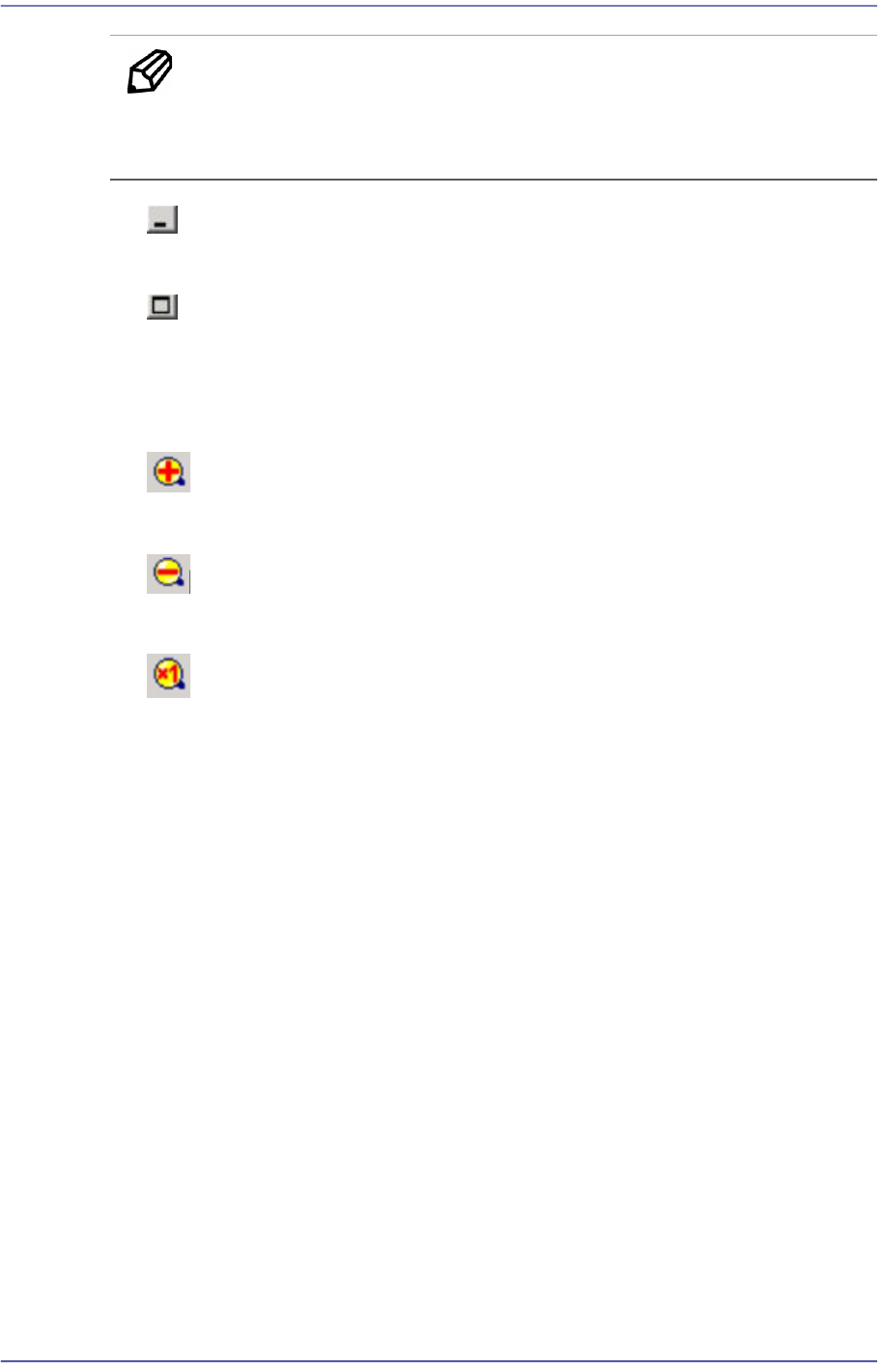
Minimizes the SMVision.
Maximizes the SMVision.
4.2.1.3. Toolbar
Zoom in the image.
Zoom out the image.
Displays and image in actual size.
4.2.1.4. Menu
4.2.1.4.1. File
Bitmap Save…
Saves the video image shown on SMVision into a file.
Export Device…
Saves the most recently recognized parts information into a file.
Memory Save…
Saves the most recently recognized video image into a file.
Exit
Closes the SMVision.