Operating Instructions_VF335_en.pdf - 第144页
6|Function description Distinction is made between ON and OFF phases. During an OFF phase, individual modules, e.g. the soldering module, are in the stand-by mode. During an ON phase, the machine can start soldering. 6…
6|Function description
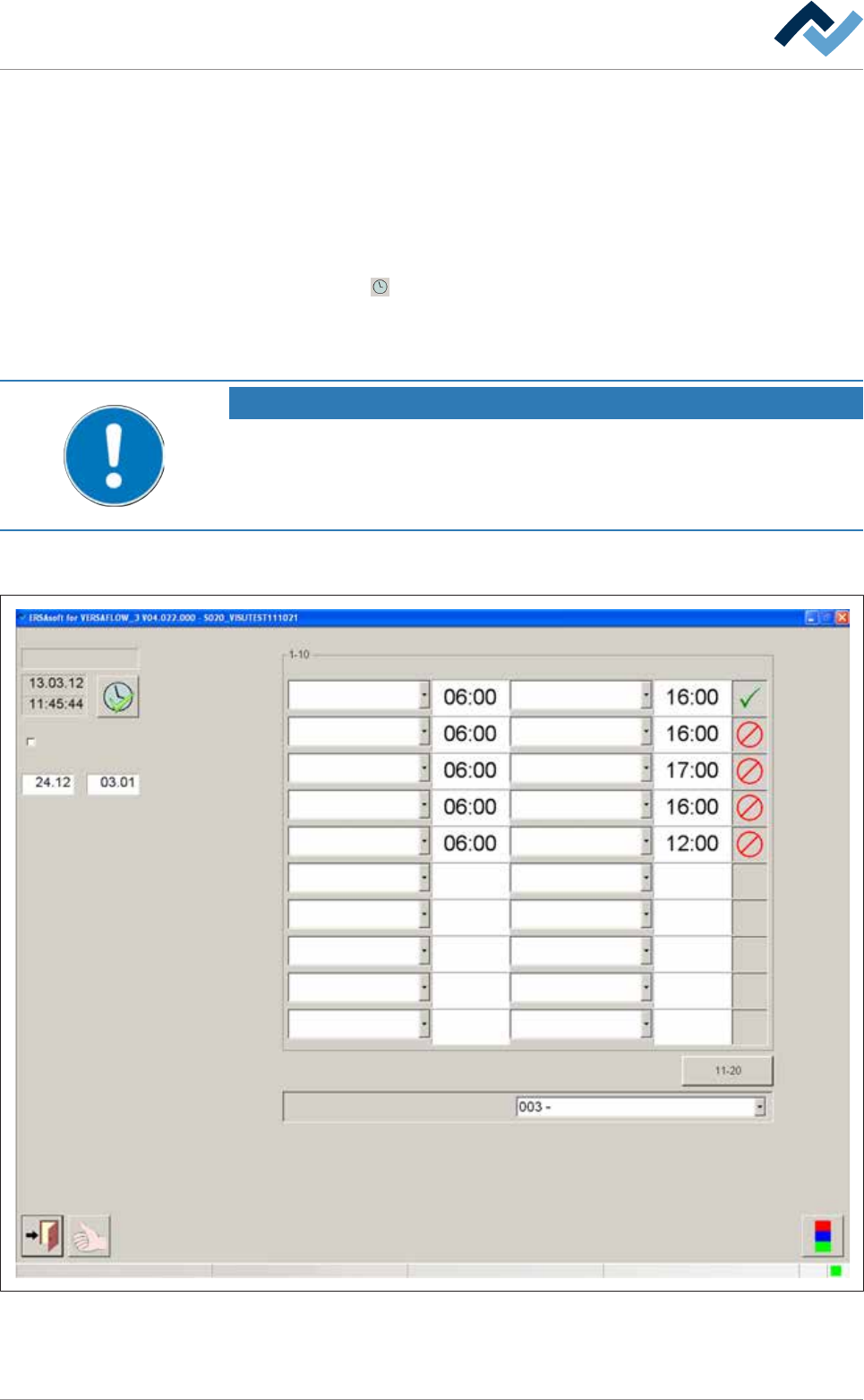
6.6 The [Weekly timer] setting dialog.
In this dialog, you can determine the timeframe for the machine to be ready for op-
eration. For example, the solder in the pot will be heated from the standby temper-
ature to the set temperature in due time, so that the solder has reached its set
temperature when production is started. The modules switch-on time and the time
ahead of it can be defined in the setting dialogs of the units.
ü Opening a dialog:
a) click on the
button in the top toolbar of the start dialog.
ð If the [Password:] input field is displayed:
b) enter user name and correct password.
NOTE
Are any changes possible?
The [Weekly timer] user rights are required to access this dialog. Without name and
password, the settings can only be displayed. In this case, press the [ESC] key on your
keyboard, or click on the [Cancel] button when a password is required.
After entering [User name] and [Password:] correctly, the [Weekly timer] setting
dialog is displayed:
Settings Weekly timer
Tuesday
Shut down period active
From: To:
Operation mode if timer is off
Tuesday Tuesday
Monday Monday
Wednesday Wednesday
Thursday Thursday
Friday Friday
On day On time Off day Off time Active
Voltage supply OK
User ersa Maintenance mode
Fig.26: The [Weekly timer] settings dialog
Ersa GmbH Operating Instructions_VF335_en|Rev. 14|30/11/2017 143/695

6|Function description
Distinction is made between ON and OFF phases. During an OFF phase, individual
modules, e.g. the soldering module, are in the stand-by mode. During an ON phase,
the machine can start soldering.
6.6.1 Setting the current time
ü Setting the current time
a) Make sure the system time of the PC controller is set correctly.
b) Click on the
button. Follow the instructions on the screen.
ð The PC system time is accepted.
6.6.2 Setting the shut-down period
During the shut-down period, the weekly timer is blocked; during this period, no
switching commands are performed.
ü Entering the shut-down period:
a) Click on the [From:]...[To:] and enter the beginning and the end of the shut-
down period.
ð A calendar is displayed.
b) Select the corresponding date by clicking on the relevant week day.
ð The date is automatically entered.
c) Enable the [Shut down period active] checkbox.
ð The function [Shut down period] is active.
Ersa GmbH Operating Instructions_VF335_en|Rev. 14|30/11/2017 144/695
6|Function description
6.6.3 Setting the switch-on and switch-off times
Switch-on time and operational readiness
The switch-on time set in the weekly timer defines the timing of the machine oper-
ational readiness.
The weekly timer automatically calculates when the modules must be turned on.
For this calculation, the data in the corresponding setting dialogs is taken into ac-
count.
An example: In the [Soldering module] input dialog, a pre-heat time can be entered
into the [Solder pot]. If you enter a preheating time of 100 minutes for the pot, the
weekly timer enables the pot heating 100 minutes before the defined switch-on
time. The machine is then ready for operation at the set time, and is in the operat-
ing mode [Maintenance mode].
NOTE
The infeed remains blocked!
The infeed is not released automatically; it remains blocked.
Switch-off time and production end
The switch-off time set in the weekly timer defines the timing of the machine "pro-
duction end". The timer is then in the OFF phase. When the switch-off time has
been reached, the following steps are performed in sequence:
– The machine infeed is blocked.
– The board which is still inside the machine is completely processed and con-
veyed out of the system.
– All heaters and preheaters are switched off.
– The solder temperature is kept at standby temperature.
– The release is blocked.
– The conveyors are switched off.
You can set up to 20 switch-on and switch-off times. The registers to set the switch-
ing times are located in the right section of the dialog:
– [On day]: here, you can select the weekday when the system will be ready for
operation.
– [On time]: Here, for the [On day], you can set the [On time] when the system
shall be ready for operation.
– [Off day]: here, you can select the weekday when the system will be disabled.
– [Off time]: Here, for the [Off day], you can enter the [Off time].
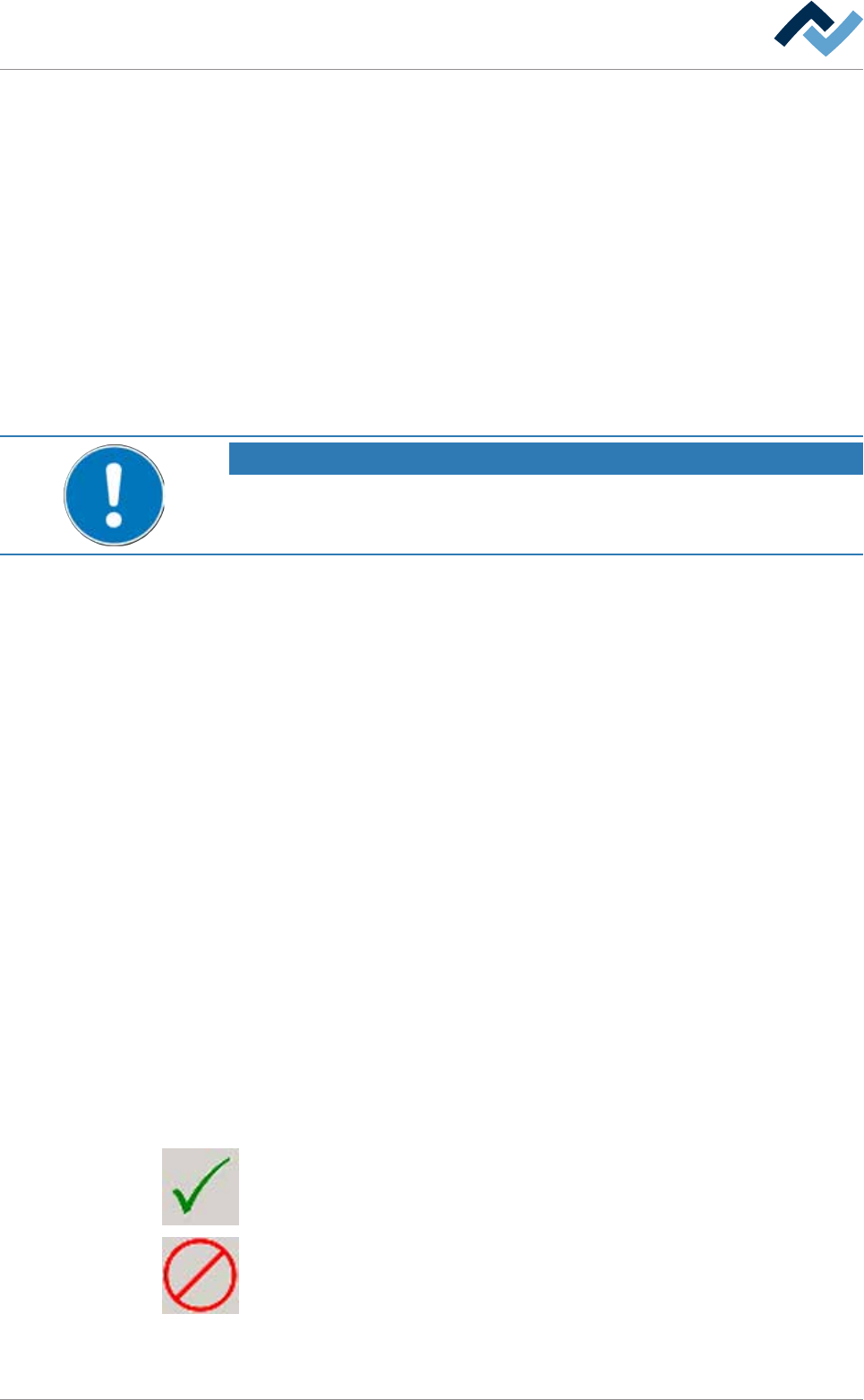
– [Active]: By clicking on the button repeatedly, the following symbols are dis-
played in sequence:
The switching process is enabled and being performed.
The switching process is disabled. It remains visible in the list, but it is not per-
formed.
Ersa GmbH Operating Instructions_VF335_en|Rev. 14|30/11/2017 145/695