Operating Instructions_VF335_en.pdf - 第270页
6|Function description a) Switch the machine to the [Maintenance mode] operating mode. b) In the start dialog, in the [Exit unit] area press the button. ð The [Exit unit – bottom] input dialog appears: Inspektionssyste…
6|Function description
6.18 Versaeye inspection system (option)
With the Versaeye inspection system it is possible to inspect the relevant soldering
points automatically. During inspection, it detects any wetting problems, bridges,
solder beads and unsoldered pins.
The Versaeye inspection system is operated via an additional control terminal.
NOTE
Additional documents
As regards the inspection module, please also read the documents [manualHW_E] and
[manualSW_E] in the [Versaeye] folder on the data carrier [product_data_selective],
which is part of the scope of supply.
Display of the Versaeye state
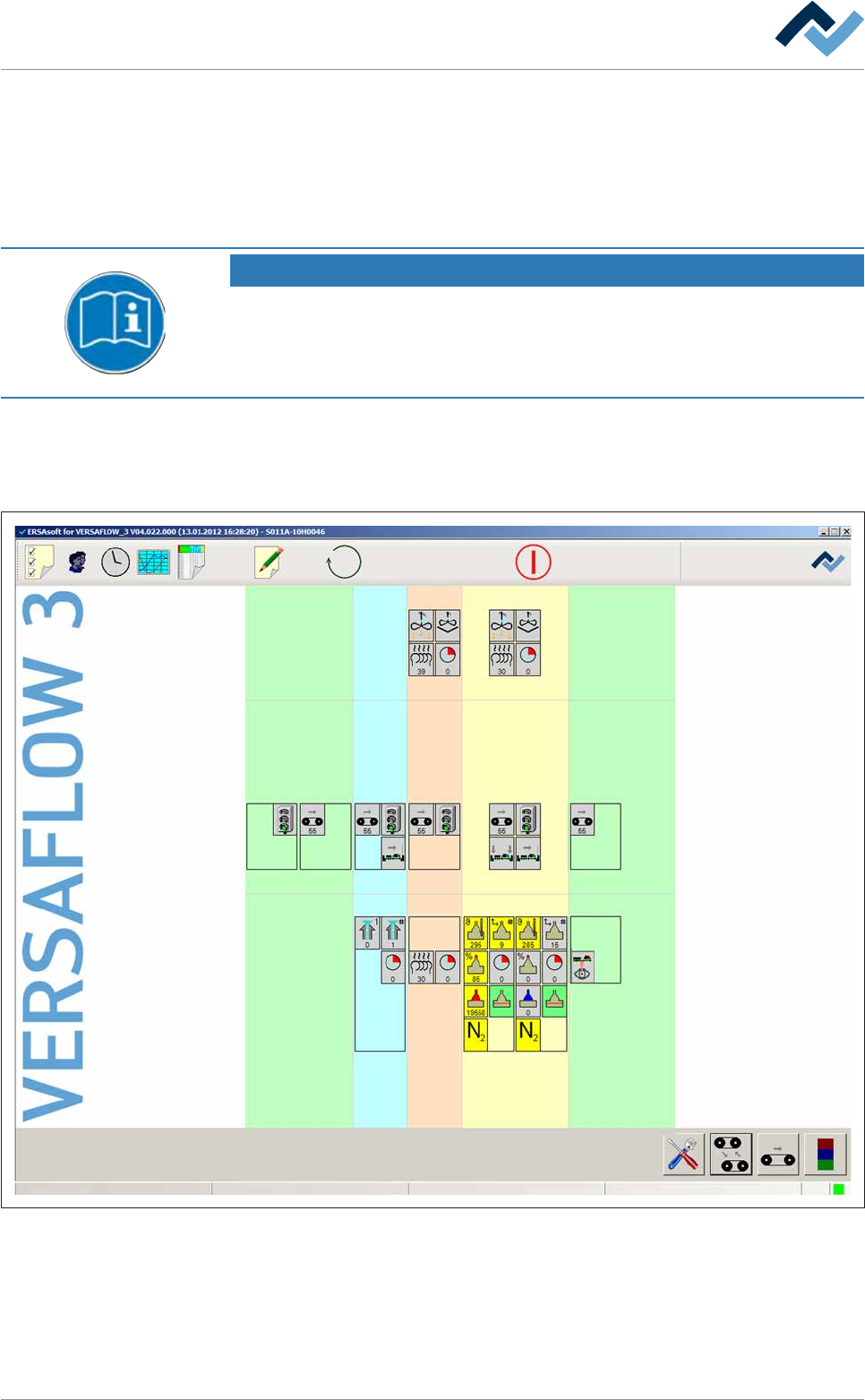
From the start dialog you may view the current state of the Versaeye inspection
system.
Preheating Soldering module Exit unitInfeed Infeed unit
Solder pot
user: none
Flux unit
Maintenance mode
Exit
Fig.75: The start dialog with a schematic illustration of the machine modules. The Versaeye inspection system is displayed in the
exit unit.
The Versaeye inspection system is represented schematically with a symbol. How-
ever, the module will appear in the start dialogue only if has been marked as avail-
able in the machine configuration.
ü Open the [Exit unit – bottom] input dialog:
Ersa GmbH Operating Instructions_VF335_en|Rev. 14|30/11/2017 269/695
6|Function description
a) Switch the machine to the [Maintenance mode] operating mode.
b) In the start dialog, in the [Exit unit] area press the
button.
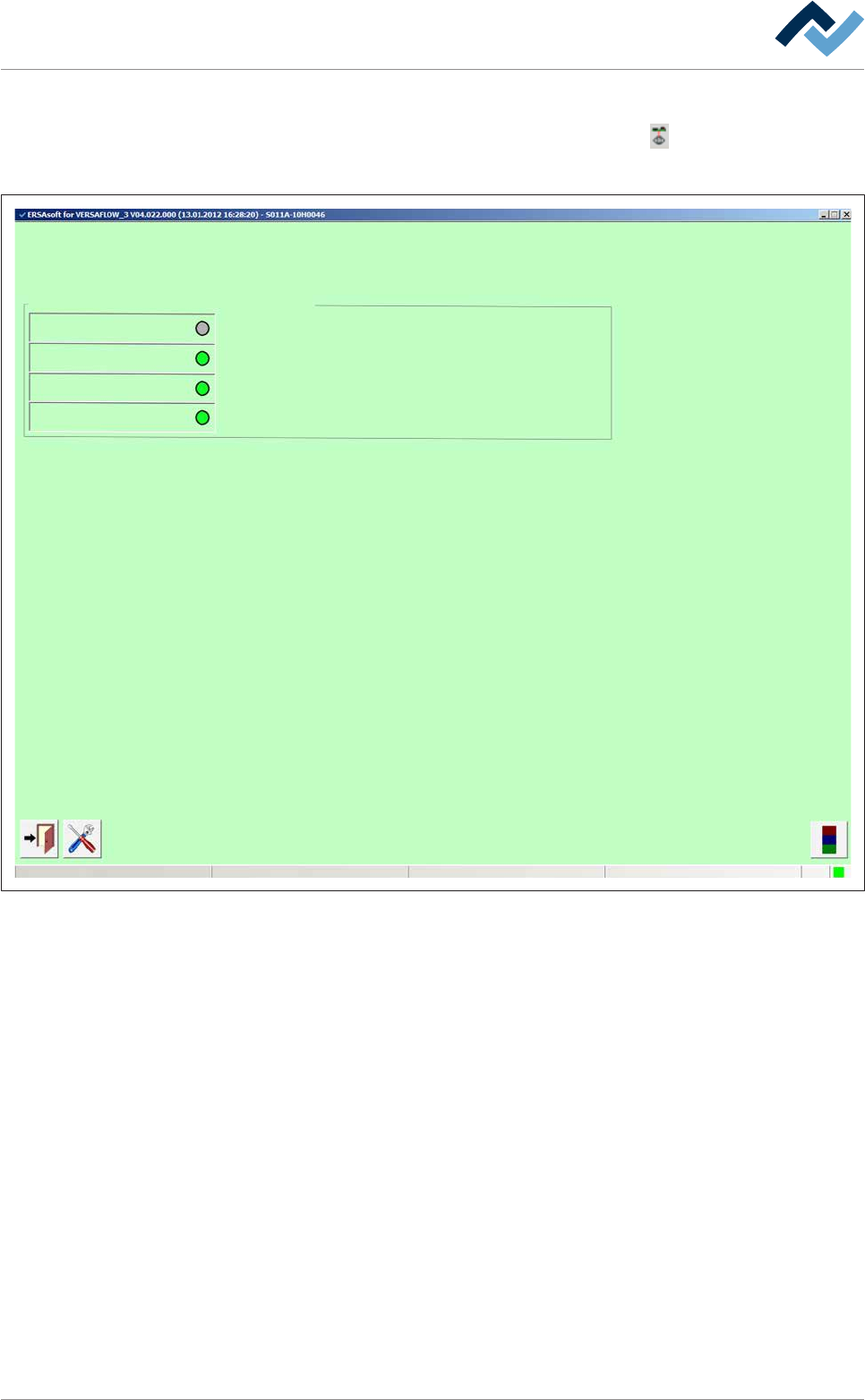
ð The [Exit unit – bottom] input dialog appears:
Inspektionssystem
user: none Maintenance mode
Inspection
Ready
Park position
Axis is referenced
Exit unit
Fig.76: The [Exit unit – bottom] input dialog
Here you may view the current state of the Versaeye inspection system.
– [Inspection]: If an inspection process is active, the LED appears green.
– [Ready]: If the inspection module is available, the LED appears green.
– [Park position]: If the inspection module is in parking position, the LED appears
green.
– [Axis is referenced]: If the axes of the inspection module are referenced, the
LED appears green.
Ersa GmbH Operating Instructions_VF335_en|Rev. 14|30/11/2017 270/695
6|Function description
Generation of service messages in case of inspection problems
Monitoring
user: none Maintenance mode
Inspection
Service message
Settings(2) Exit unit Track
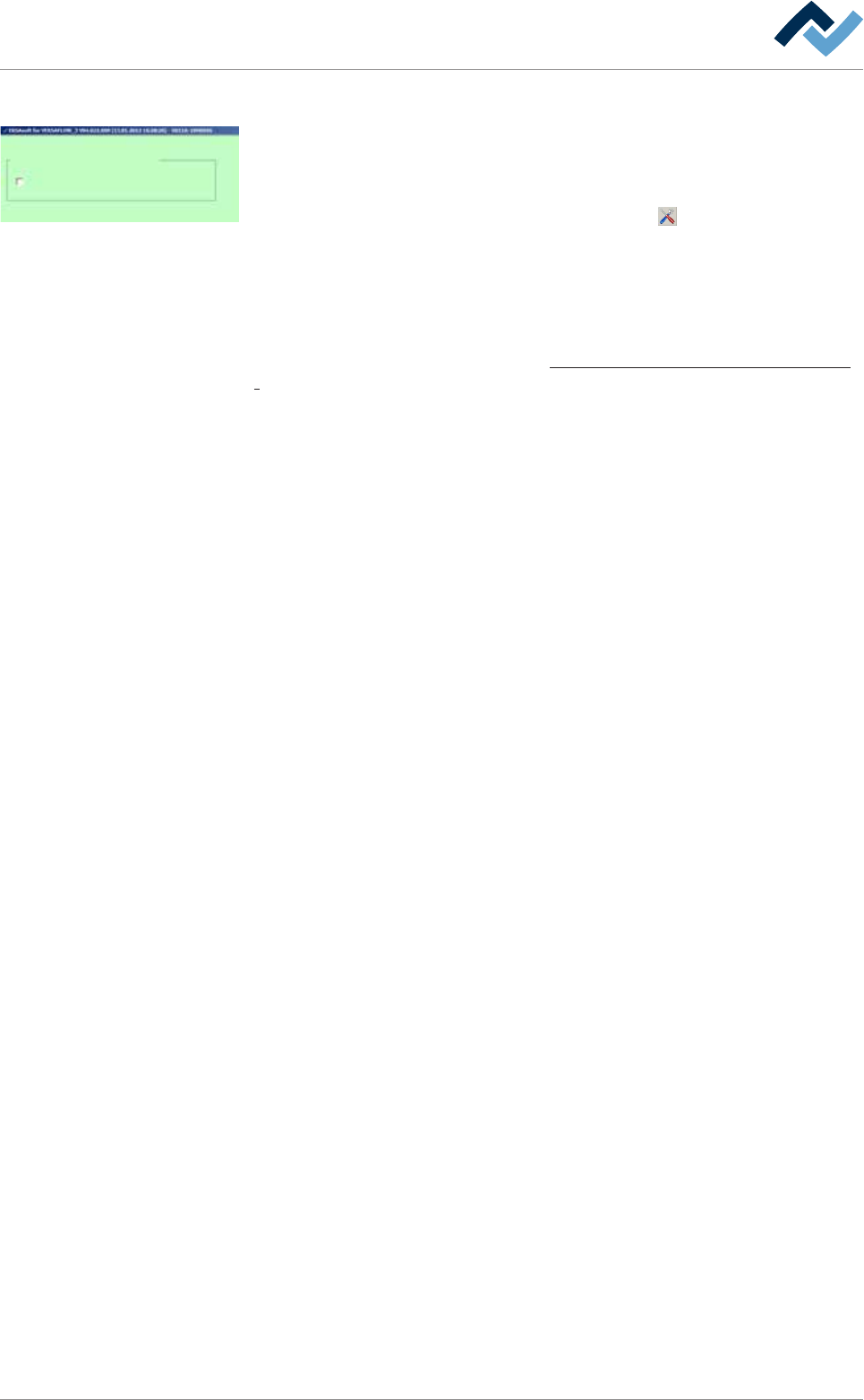
ü In case of inspection problems, the Versaeye inspection system may generate
service messages:
ü The service messages are shown in the [Message] windows.
a) In the [Exit unit – bottom] input dialog, click on the
button.
ð The [Exit unit – bottom] input dialog appears.
a) Activate the [Service message] checkbox.
ð The Versaeye inspection system generates a service message in case of inspec-
tion problems. The machine infeed is blocked.
With regard to this, please also read the Treatment of messages and malfunctions
[}279]chapter.
Ersa GmbH Operating Instructions_VF335_en|Rev. 14|30/11/2017 271/695