Operating Instructions_VF335_en.pdf - 第297页
8|Service and maintenance 8.2.9 Open and secure the hood via the PC If maintenance work is required under this hood, you must observe the following instructions: 2 3 4 1 5 6 Fig.81: Open and secure the hood via the PC…
8|Service and maintenance
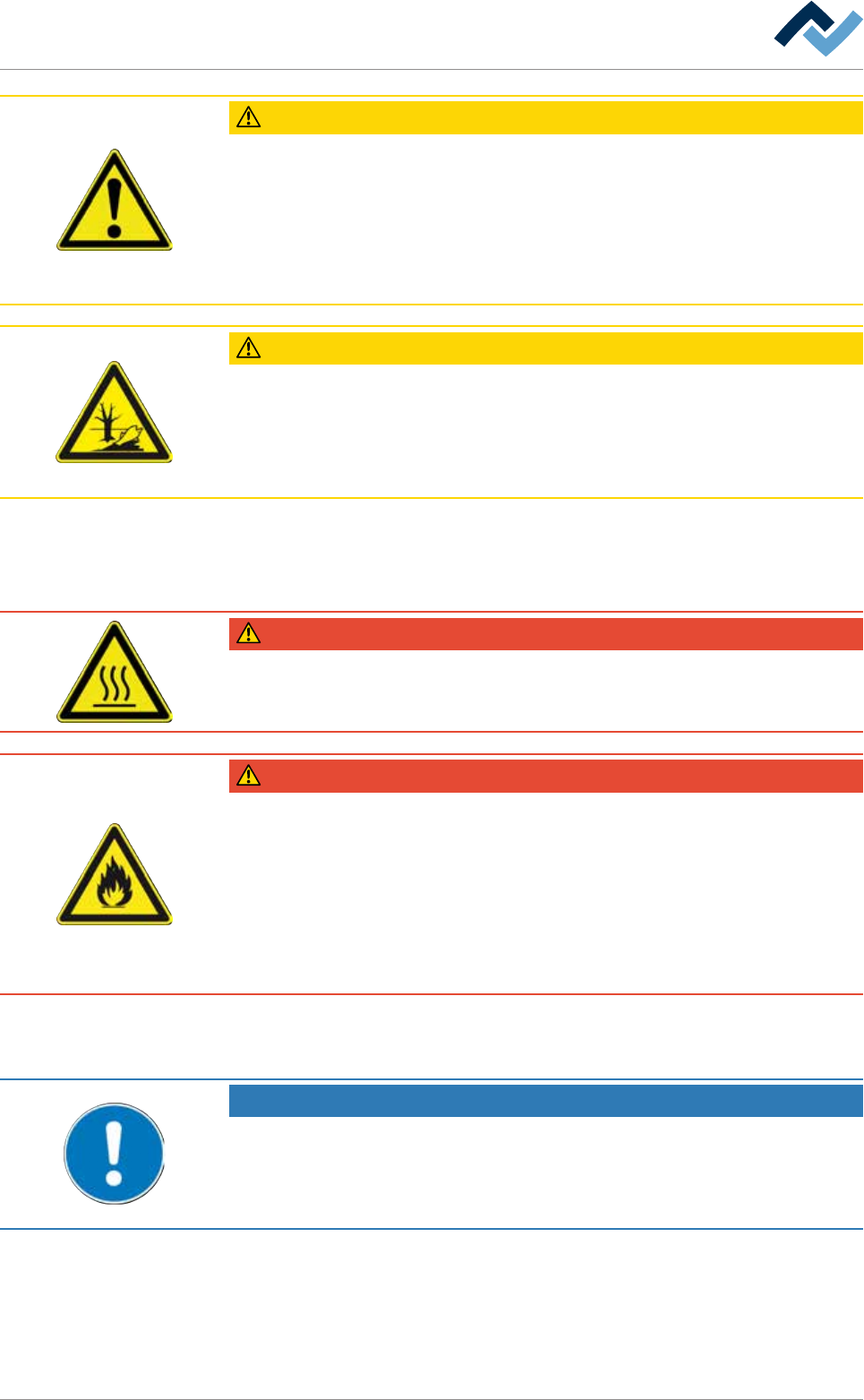
CAUTION
Risk of material damage
Aggressive cleaning agents can damage the paint, the glass plate or the sensors!
a) Use only the recommended cleaning agents here
b) Whenever possible, do not use any flammable cleaning agents!
c) Use lint-free cleaning cloths; used cleaning cloths must be left to dry before dis-
posal and collected in safety containers!
CAUTION
Environmentally hazardous substances
ü Solder waste is hazardous waste and must not be disposed of together with do-
mestic waste.
a) Make sure that all process materials and replacement parts are disposed of in a
safe and environmentally friendly way!
8.2.7 Service work on preheaters
DANGER
Risk of burns from hot surfaces!
a) Allow the heater to cool to room temperature before carrying out service and
cleaning work!
DANGER
Risk of personal and material damage due to flammable atmosphere!
a) Do not use flammable cleaning agents!
ð These can penetrate into the interior of the heater and ignite when switching
on again!
b) Immediately report any cracks or fissures in the glass plates!
c) Damaged glass plates must always be immediately replaced by qualified techni-
cians!
8.2.8 Service in multi-shift operation
NOTE
Machine malfunctions caused by improper maintenance!
ü Shorten service intervals, if necessary!
a) Service intervals in this manual refer to single shift operation! They are to be
shortened accordingly for multi-shift operation!
Ersa GmbH Operating Instructions_VF335_en|Rev. 14|30/11/2017 296/695
8|Service and maintenance
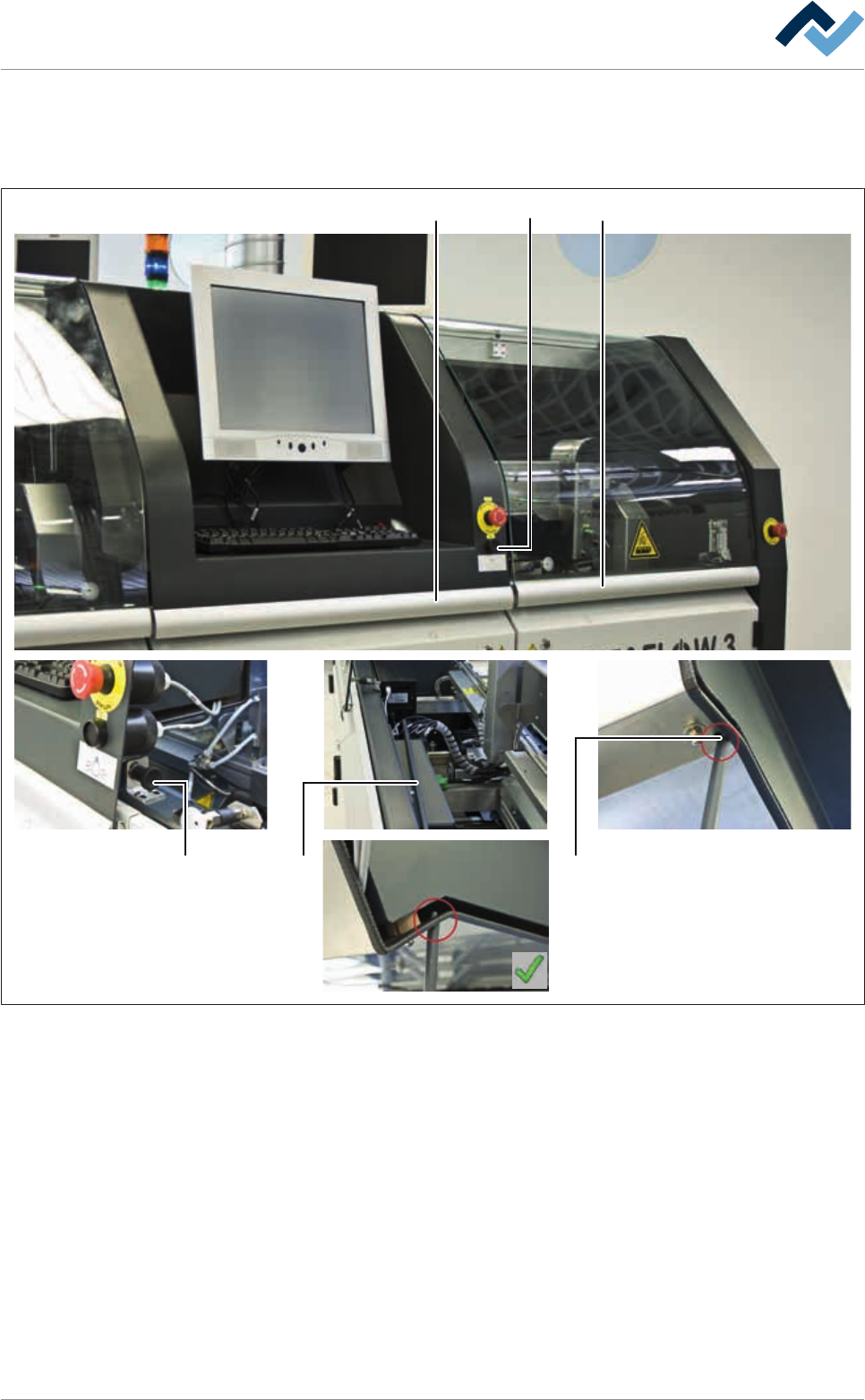
8.2.9 Open and secure the hood via the PC
If maintenance work is required under this hood, you must observe the following
instructions:
23
4
1
5 6
Fig.81: Open and secure the hood via the PC
ü To open and secure the hood via the PC:
a) Turn on the interior lighting using the corresponding switch (1).
b) Open the hood (2)
ð The catch bolt (4) is visible.
c) Pull out the catch bolt (4) with your right hand until it stops and lift the hood
(3) with your left hand. Keyboard and screen can remain on the hood.
d) Move the hood (3) completely upwards. Release the catch bolt (4).
e) Pull out the rod (5) with your right hand. Insert the upper end of the rod into
the recess (6) and engage it securely.
f) Check for the hood to be securely in place.
ð Maintenance work can now be performed.
Ersa GmbH Operating Instructions_VF335_en|Rev. 14|30/11/2017 297/695

8|Service and maintenance
CAUTION
Danger of crushing due to falling hood!
a) Snap the rod securely into the recess.
b) Do not leave the open hood unattended and close it again after completing main-
tenance work!
To close the hood, proceed in reverse order. The catch bolt (4) engages automatic-
ally when you close the hood.
8.2.10 Handling of gas pressure springs
CAUTION
Danger of injury due to improper handling of gas pressure springs! Always follow
the manufacturer's instructions!
ü If a gas pressure spring must be replaced:
a) Always have the gas pressure spring replaced by specialised personnel!
b) Always use the provided assembly tool!
Ersa GmbH Operating Instructions_VF335_en|Rev. 14|30/11/2017 298/695