Operating Instructions_VF335_en.pdf - 第208页
6|Function description 6.10.2 Creating a new code table A code table is a “container” in which you can store data sets. To create a data set, you first have to generate a code table. Afterwards, you can create a data s…
6|Function description
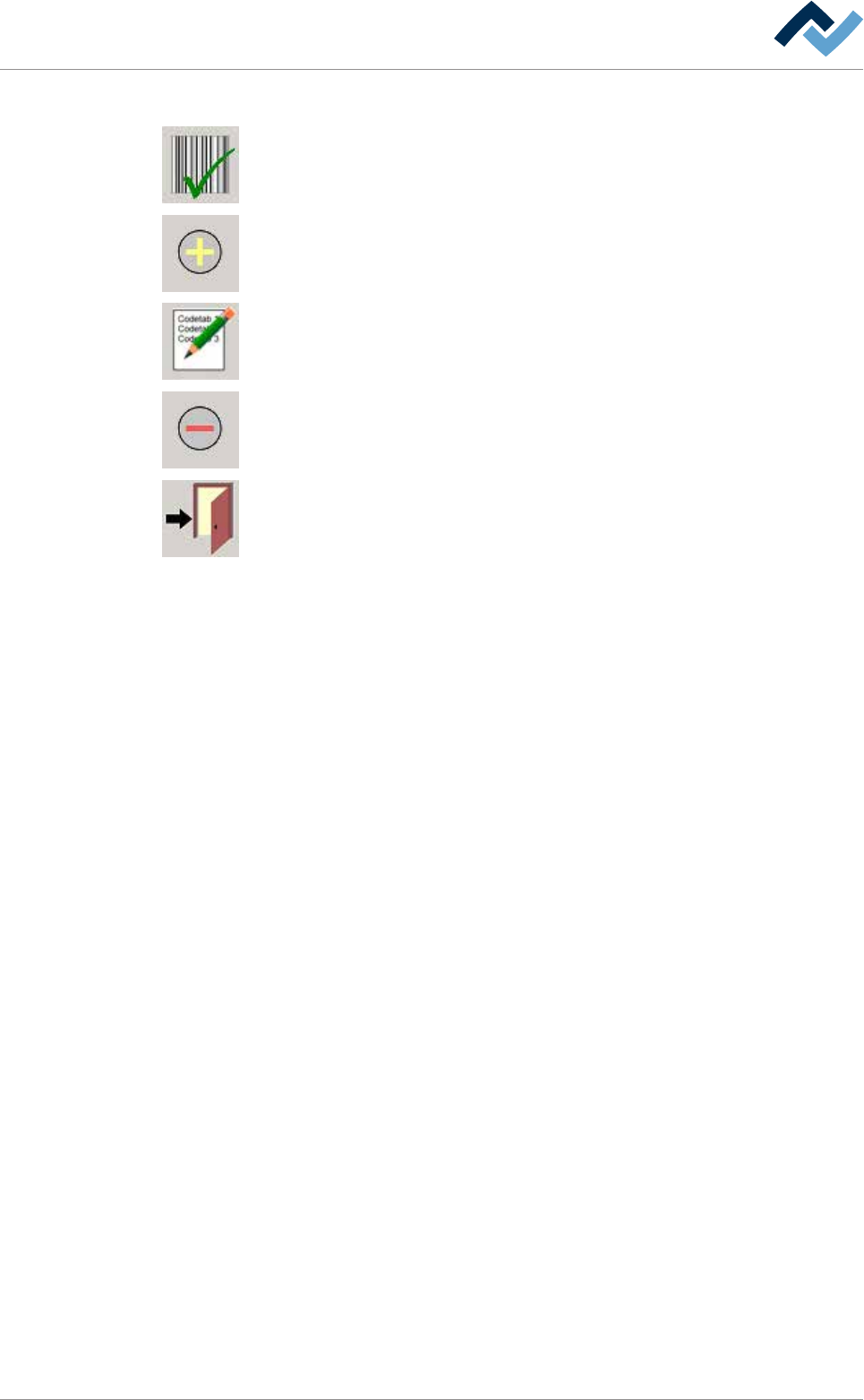
The following buttons are located in the [Code table] input dialog:
Enabling a code table: Clicking on this button enables the selected code tables. The
currently active code table is displayed in the input line.
Adding code tables. Adding code tables and data sets.
Renaming code tables. Renaming code tables and data sets.
Deleting code tables. Deleting code tables and data sets.
It closes the dialog.
Ersa GmbH Operating Instructions_VF335_en|Rev. 14|30/11/2017 207/695
6|Function description
6.10.2 Creating a new code table
A code table is a “container” in which you can store data sets. To create a data set,
you first have to generate a code table. Afterwards, you can create a data set and
store it in the code table. You can save and retrieve code tables.
Edit dialog
user: none maintenance mode
Code table
Code table Assignment: code - soldering program
Code Library Soldering program
Code
Library Soldering program
Activated code table:
Creating a new code table
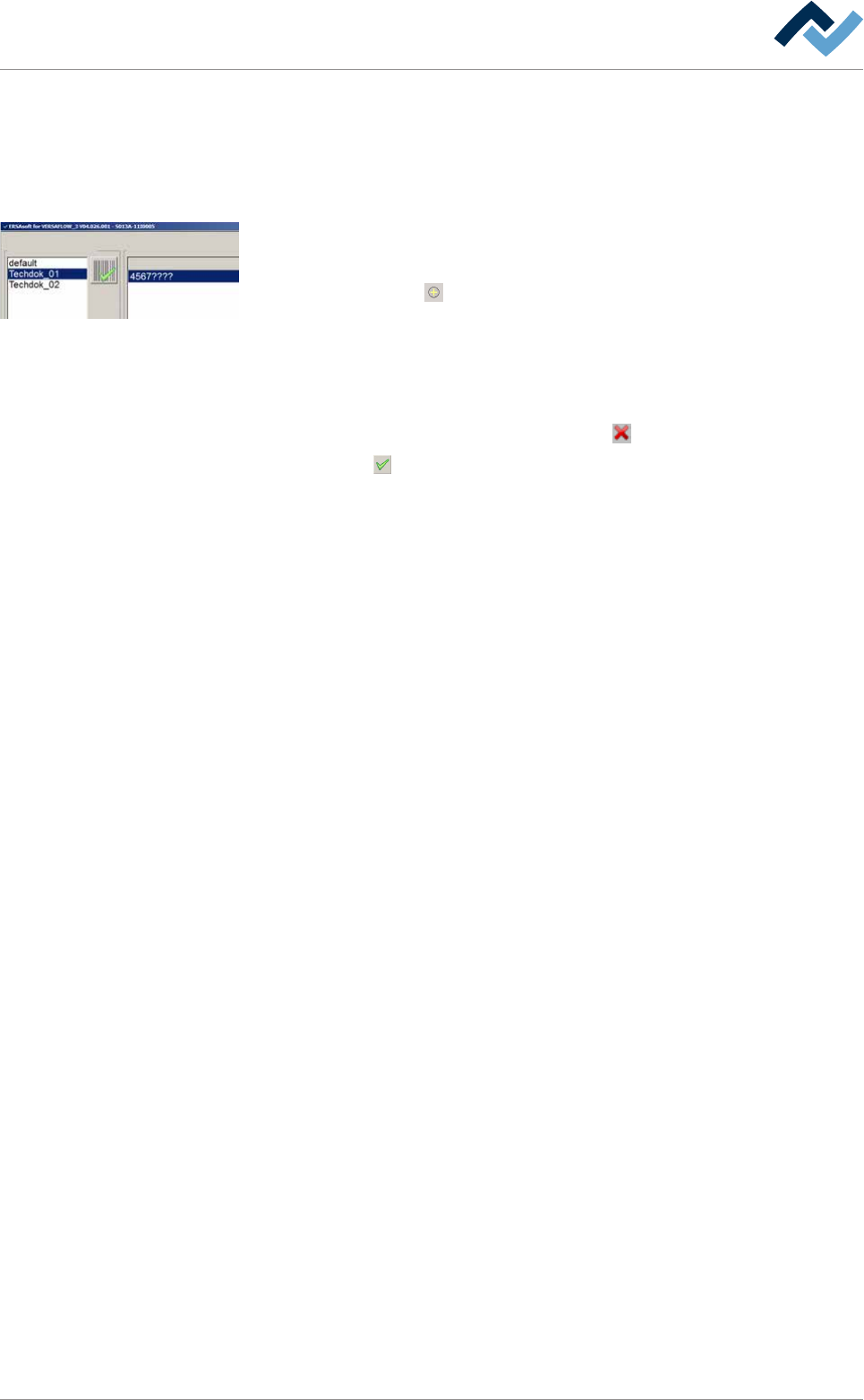
ü Creating a new code table:
a) click on the button
in the [Code table] frame
ð The [Save file] window appears.
b) Enter a name for the code table in the input field.
ð Special characters such as empty spaces, [ ], { } or < > are not permitted. If
one such character is entered, an error message is displayed.
c) Should the process be cancelled, click on the
button.
d) Click on the
button.
ð The new code table has been created and is now displayed in the [Code
table] frame.
ð To work with the code table you now have to add data sets and make an as-
signment to a soldering programme.
Ersa GmbH Operating Instructions_VF335_en|Rev. 14|30/11/2017 208/695
6|Function description
6.10.3 Adding a data set and assigning a soldering program
The [Assignment: code - soldering program] frame contains the data sets of a code
table. Each data set defines the relation of a barcode to a soldering programme. In
the lower part of the frame, you can find the input line with the input fields [Code],
[Library] and [Soldering program].
Edit dialog
user: none maintenance mode
Code table
Code table Assignment: code - soldering program
Code Library Soldering program
Code
Library Soldering program
Activated code table:
Creating a new data set
ü Creating a new data set:
a) select a code table, to which a data set can be added, in the [Code table]
frame.
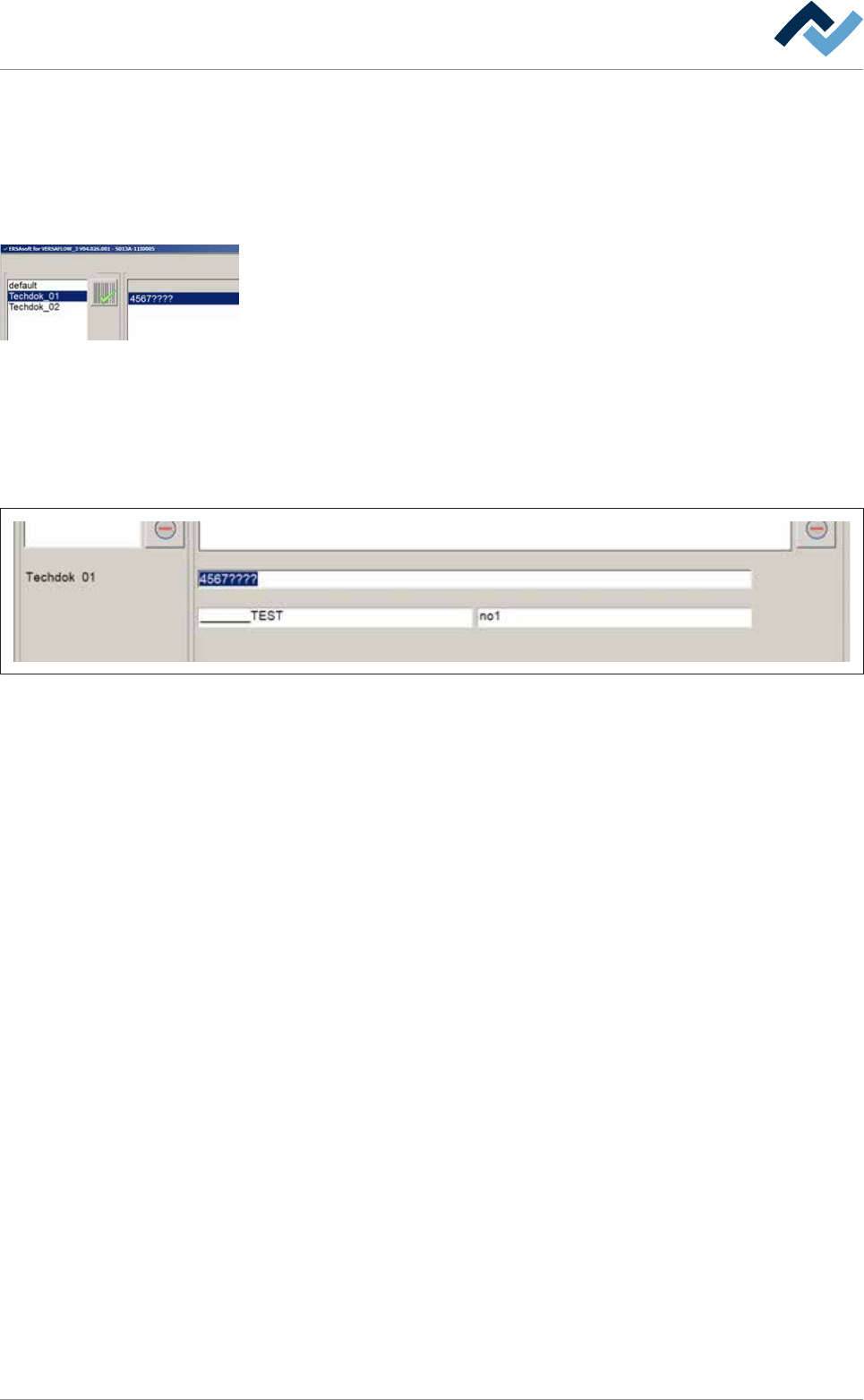
b) Click the [Code] input field in the input line in order to enter the code. You can
also use wildcards.
ð Example: If your PCB code is [5678] and additionally contains a consecutive
serial number [1234], you can also enter the wildcard [?] for each digit of the
serial number: [5678????]. The assignment then applies to all codes with the
first four digits [5678].
Edit dialog
user: none maintenance mode
Code table
Code table Assignment: code - soldering program
Code Library Soldering program
Code
Library Soldering program
Activated code table:
Fig.50: The input line. Wildcards have been entered for the consecutive serial number [????].
Ersa GmbH Operating Instructions_VF335_en|Rev. 14|30/11/2017 209/695