Operating Instructions_VF335_en.pdf - 第264页
6|Function description Flux Tank Preparation and Initial Filling ü Filling an empty tank: ü A user logging into the system has respective rights. ü The machine is in the operating mode [Maintenance mode] function. a) P…

6|Function description
6.16 Flux unit Flux application module: flux control (option)
Function
The flux control system checks the soldering program in terms of choosing a certain
flux for soldering. If such record is available in the program, the control system
checks which flux is in the tank and compares it with the program data. If data coin-
cide, the program may be used for soldering. If not, a message appears, and the
program cannot be run. For proper functioning, specify the flux in the tank cor-
rectly. Flux can be specified manually or using a code reader.
Before starting operations, please read the For your safety [
}33] chapter and ob-
serve in particular its instructions on how to handle the flux material!
A detailed description of flux refilling can be found in the Supplementing flux ma-
terial storage [}372]chapter.
A detailed description of system cleaning, washing and air removal can be found in
the Disassembling and cleaning the flux material storage tank. [
}364]chapter.
Ersa GmbH Operating Instructions_VF335_en|Rev. 14|30/11/2017 263/695
6|Function description
Flux Tank Preparation and Initial Filling
ü Filling an empty tank:
ü A user logging into the system has respective rights.
ü The machine is in the operating mode [Maintenance mode] function.
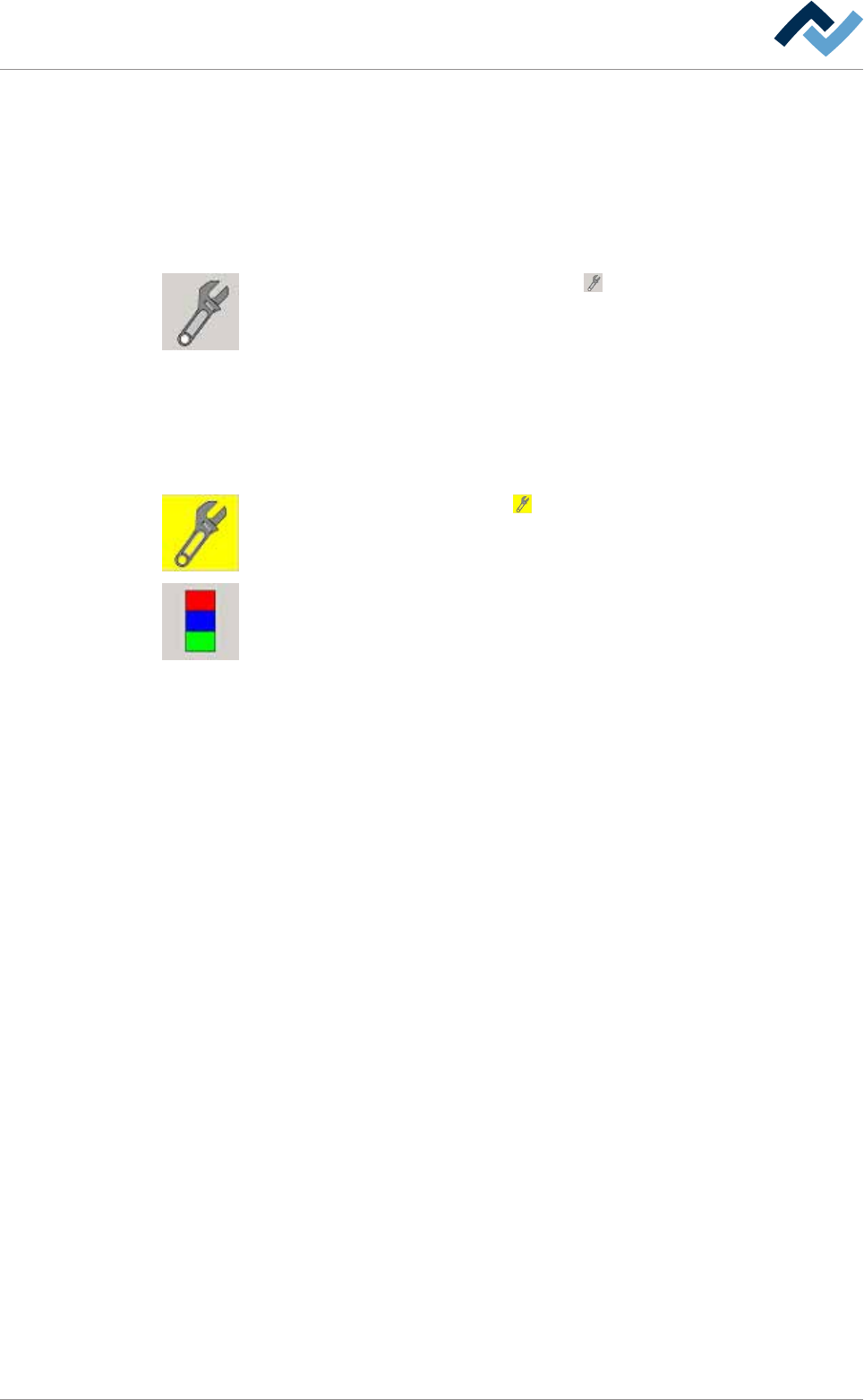
a) Press the flux sprayer icon in the basic dialog window.
ð The [Flux unit 1] window appears.
b) In the [Switch functions] frame press the button to enable module mainten-
ance. When the module maintenance mode is active, this button turns yellow.
c) Open the flux storage door.
d) Prepare a flux can.
e) Make sure that you have prepared flux material of one grade only. Do not mix
up grades!
f) Fill the tank with flux, then bleed the system and flush it.
g) Close the flux storage door.
h) In the [Switch functions] frame press the button to deactivate module main-
tenance. When this mode is completed, the button turns grey.
i) Open the [Messages] input dialog and acknowledge all existing messages.
ð The process has now been completed.
Ersa GmbH Operating Instructions_VF335_en|Rev. 14|30/11/2017 264/695
6|Function description
Enter the flux type in the [Flux unit 1- mount data] setting dialog
ü Entering a flux type:
ü A user logging into the system has respective rights.
ü The machine is in the operating mode [Maintenance mode] function.
a) Press the flux sprayer icon in the basic dialog window.
ð The [Flux unit 1] window appears.
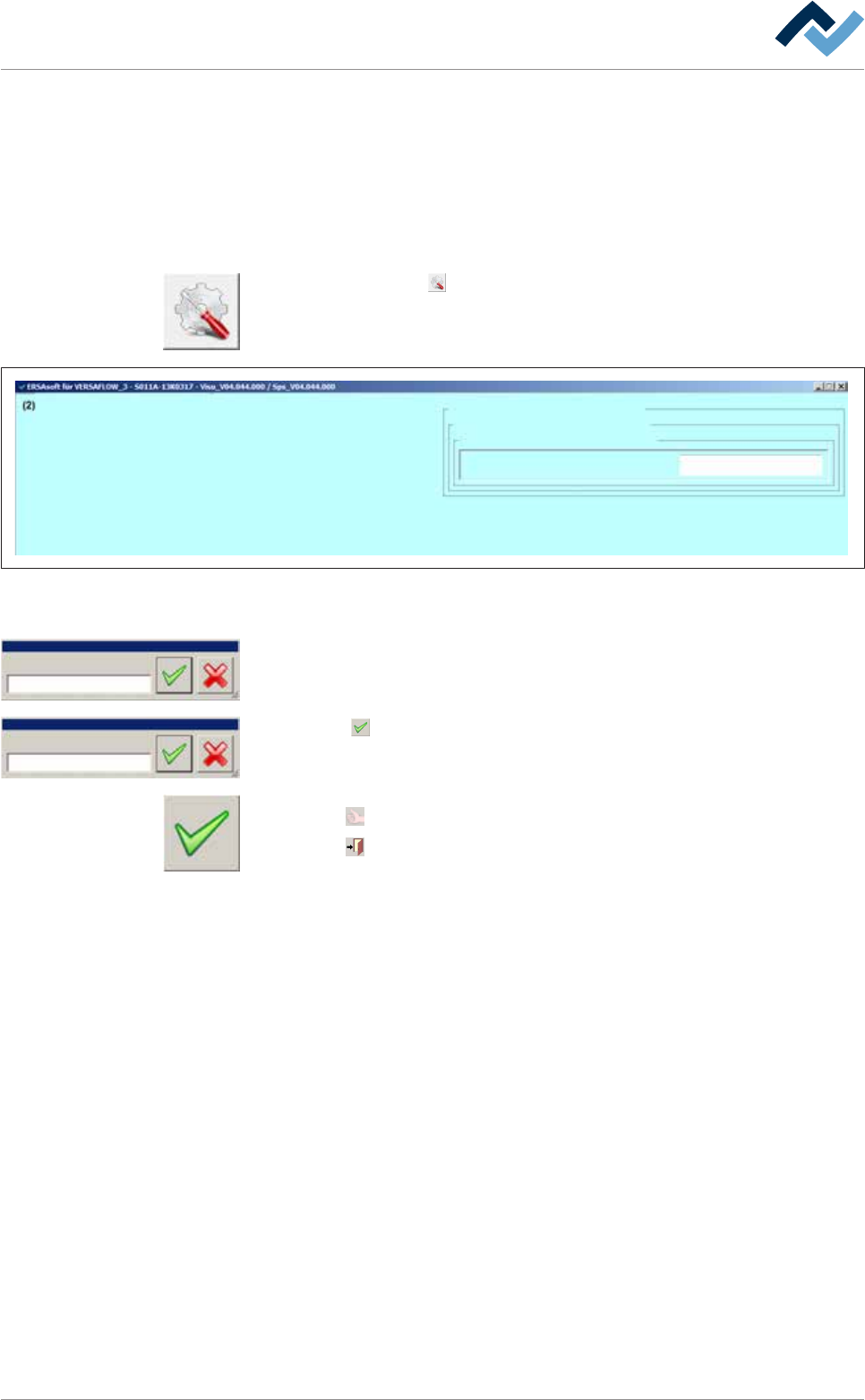
b) Click on the button in the lower toolbar.
ð The settings dialogue [Flux unit 1 mount data] window appears:
Settings Flux unit 1
user:
Administrator
Maintenance mode
mount data
vessel 1
Flux material data
mount data
Name
Fig.73: The settings dialogue [Flux unit 1 - mount data] function.
c) In the [mount data] frame click on the [Name] input field.
Name
Edit dialog Text
Name
Edit dialog Text
2092960010
ð The [Name] window appears.
d) Enter the flux name from the keyboard in the [Edit dialog: Text] input field or
read the code with a reader.
e) Click the
button.
f) The text will be saved.
ü Accept settings, close dialogs
a) Click on
to accept a setting.
b) Click on
to close a dialog.
Ersa GmbH Operating Instructions_VF335_en|Rev. 14|30/11/2017 265/695