Operating Instructions_VF335_en.pdf - 第280页
7|Treatment of messages and malfunctions 7.1 Displaying messages and errors Error messages, waiting messages and service messages are displayed in the [Mes- sage] dialogues. Ersa GmbH Operating Instructions_VF335_en|…

7|Treatment of messages and malfunctions
7 Treatment of messages and malfunctions
7.1 Displaying messages and errors.................................................................................................................... 280
7.2 The [Messages] editing dialog.......................................................................................................................281
7.3 Message types............................................................................................................................................... 282
7.4 Message description ..................................................................................................................................... 283
7.5 The bottom toolbar....................................................................................................................................... 284
7.6 The [Messages administration] dialog ..........................................................................................................285
Ersa GmbH Operating Instructions_VF335_en|Rev. 14|30/11/2017 279/695

7|Treatment of messages and malfunctions
7.1 Displaying messages and errors
Error messages, waiting messages and service messages are displayed in the [Mes-
sage] dialogues.
Ersa GmbH Operating Instructions_VF335_en|Rev. 14|30/11/2017 280/695
7|Treatment of messages and malfunctions
7.2 The [Messages] editing dialog
The messages administration dialogues allow to clearly display all the messages ap-
pearing during the production process. The messages are simultaneously signalled
via the machine signal lamp.
The button
is displayed in each dialogue, except for the [Messages] dialogue, in
the status bar. The [Messages] edit dialogue opens by clicking. The button will flash
as soon as a message is available.
NOTE
Are any changes possible?
The [Acknowledge messages] user rights are required to access this dialog. Settings
can only be displayed if no name and password are logged in. In this case, press the
[ESC] key on your keyboard, or click on the button [Cancel] when a password is re-
quired.
Displaying messages
ü Displaying messages:
a) click on the
button.
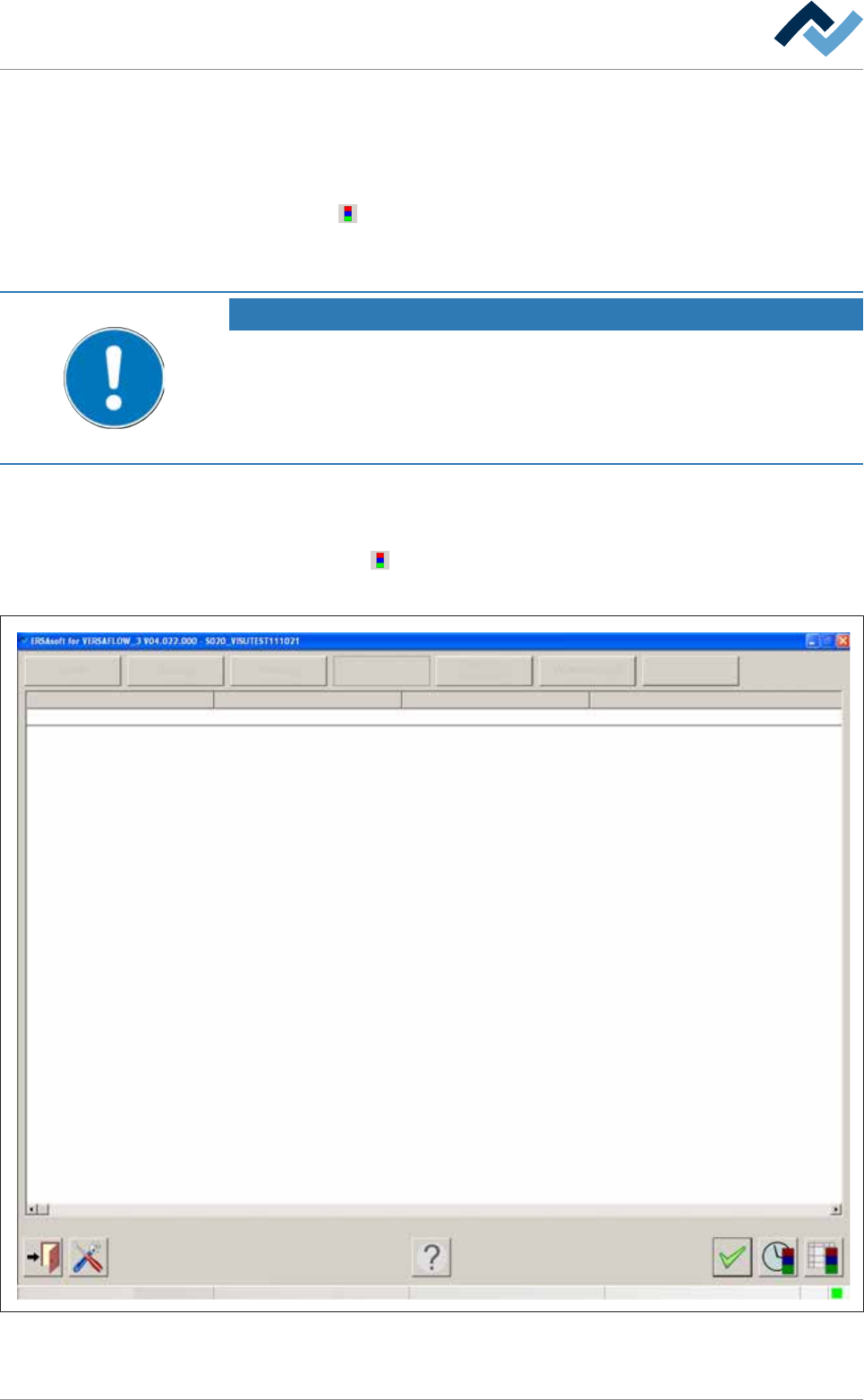
ð The [Messages] edit dialogue is opened:
Service
Facility 1
User ersa
Operation
Info
Facility 2 Facility 3 Text
PC control Communication error
Maintenance mode
Fig.79: The [Messages] input dialog
Ersa GmbH Operating Instructions_VF335_en|Rev. 14|30/11/2017 281/695