Operating Instructions_VF335_en.pdf - 第203页
6|Function description Ersa GmbH Operating Instructions_VF335_en|Rev. 14|30/11/2017 203/695
6|Function description
6.9.14 Filing previous versions of soldering programs
In this dialog, you can influence the behavior by saving soldering programs.
ü To archive the previous version of the soldering program:
a) Select first a library and then a soldering program in the [Soldering program ed-
itor] dialog.
b) Click on the
button in the bottom toolbar of the dialog.
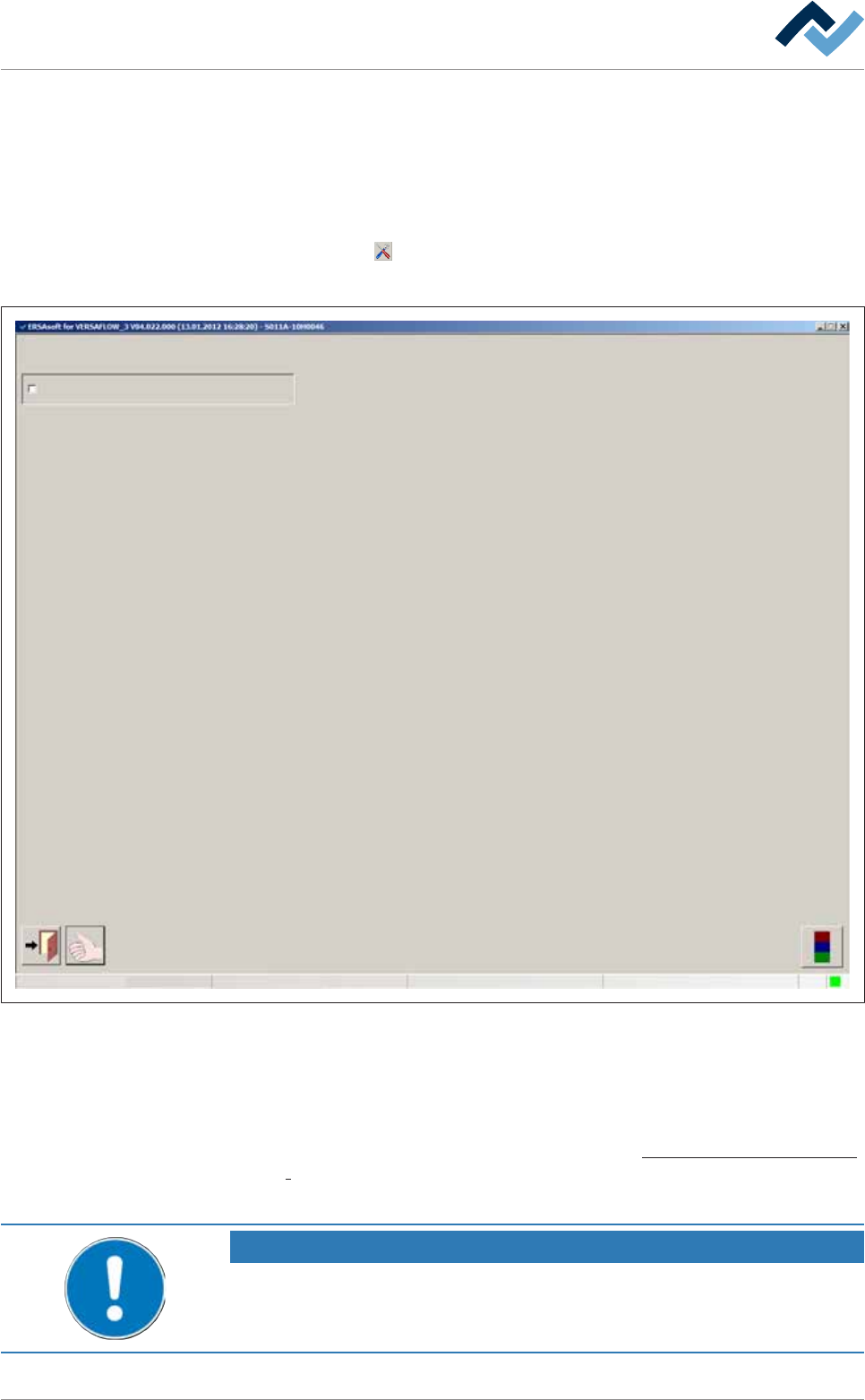
ð The [Settings] dialog is opened:
Settings
User ersa
maintenance mode
Save History (unlimited)
Fig.48: The [Settings] dialog
c) Enable the [Save History (unlimited)] checkbox.
ð If you change and then save the soldering program, the previous version of the
soldering program is archived. The old soldering program is then automatically
filed in a new, subfolder. The new soldering program is saved in the current dir-
ectory path. On this regard , please read chapter The [File paths] editing dialog
[}139]. If you do not enable this checkbox, the soldering program is overwrit-
ten during each saving process. Previous versions are then no longer available.
NOTE
How can the content of an archived soldering program be displayed?
You can search for the archived soldering programs with Windows Explorer and show
them with an appropriate editor.
Ersa GmbH Operating Instructions_VF335_en|Rev. 14|30/11/2017 202/695

6|Function description
Ersa GmbH Operating Instructions_VF335_en|Rev. 14|30/11/2017 203/695
6|Function description
6.9.15 Saving soldering programs
ü Saving a soldering program:
a) Click on the
button in the soldering program editor.
ð A query dialog is displayed.
b) Should the process be cancelled, click on the [no] button.
ð The soldering program is not saved.
c) If the soldering program is to be saved, click on the [yes] button.
ð The soldering program is saved under the name you entered in the [Program
name] input field.
NOTE
When a soldering program is incomplete
When a soldering program contains incomplete or useless entries, they are detected
by the control software. If the soldering program is saved, you receive an error mes-
sage. You can however save the soldering program; the incomplete soldering program
is then marked in the library with the
symbol. You cannot start an incomplete sol-
dering program. The incomplete soldering programs are not displayed in the [Program
selection] dialog.
Ersa GmbH Operating Instructions_VF335_en|Rev. 14|30/11/2017 204/695