Operating Instructions_VF335_en.pdf - 第273页
6|Function description ü Filling the container: ü The option has been set in the machine configuration. ü You made sure that the solder bar and the solder pot have the same solder al- loy. ü The machine is in the opera…
6|Function description
6.19 Solder feed with turret bar container (option)
Function
This option is available exclusively for DIP soldering modules with induction pump.
With the container it is possible to extend equipping intervals, thanks to a solder
bar reserve of 7 pieces. The solder bars are placed in the turret container. The con-
trol system monitors the filling level of the container. If the level is low, the system
automatically feeds the entire solder bar.
Before starting operations, please read the For your safety [
}33] chapter and ob-
serve in particular its instructions on how to handle hot solder pots!
Container preparation and initial filling
This kind of maintenance work must be performed while the solder is liquid! There-
fore, the following safety instructions must be strictly followed:
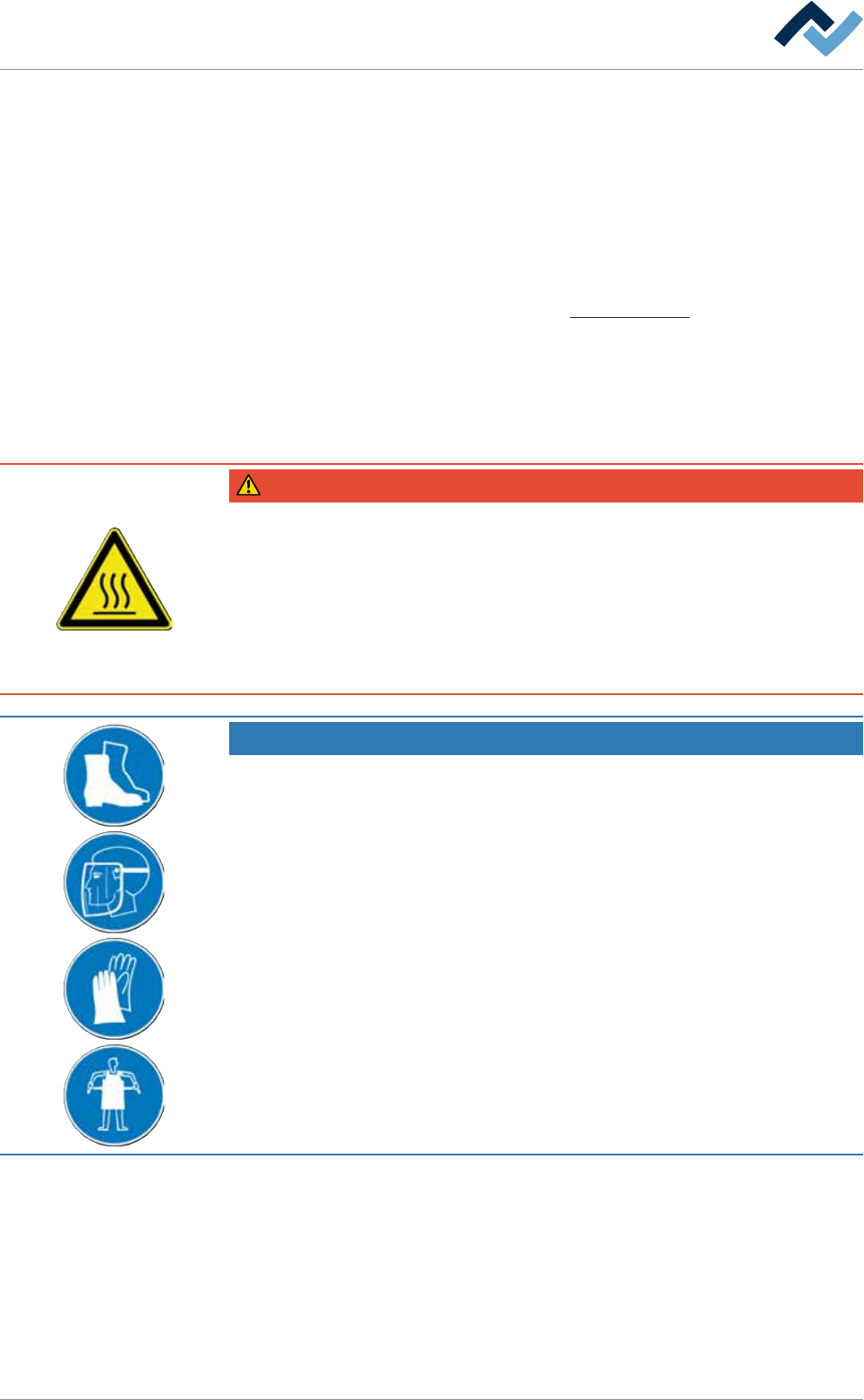
DANGER
Severe or fatal injury from hot machine!
The entire machine is hot during operation and contains liquid metal!
a) Service on the hot machine may only be carried out by specially trained staff,
qualified for this type of work! For these types of work, a company internal oper-
ating procedure for protective clothing is to be issued!
b) You should always take into account the possibility for metal to spray out!
c) Special care is required when refilling the pot and working on the pot!
NOTE
Use suitable protective equipment!
When performing any work on a hot pot, protective clothing must be worn:
a) Safety shoes
b) Face protection
c) Heat resistant gloves
d) Heat resistant apron.
Ersa GmbH Operating Instructions_VF335_en|Rev. 14|30/11/2017 272/695

6|Function description
ü Filling the container:
ü The option has been set in the machine configuration.
ü You made sure that the solder bar and the solder pot have the same solder al-
loy.
ü The machine is in the operating mode [Maintenance mode] function.
ü A user logging into the system has respective rights.
a) Press the soldering module icon in the start dialog.
ð The [Soldering module] window appears.
b) In the [Switch functions] frame press the button to enable module mainten-
ance. When the module maintenance mode is active, this button turns yellow.
c) Open the hood on the soldering module.
Ersa GmbH Operating Instructions_VF335_en|Rev. 14|30/11/2017 273/695
6|Function description
1 2
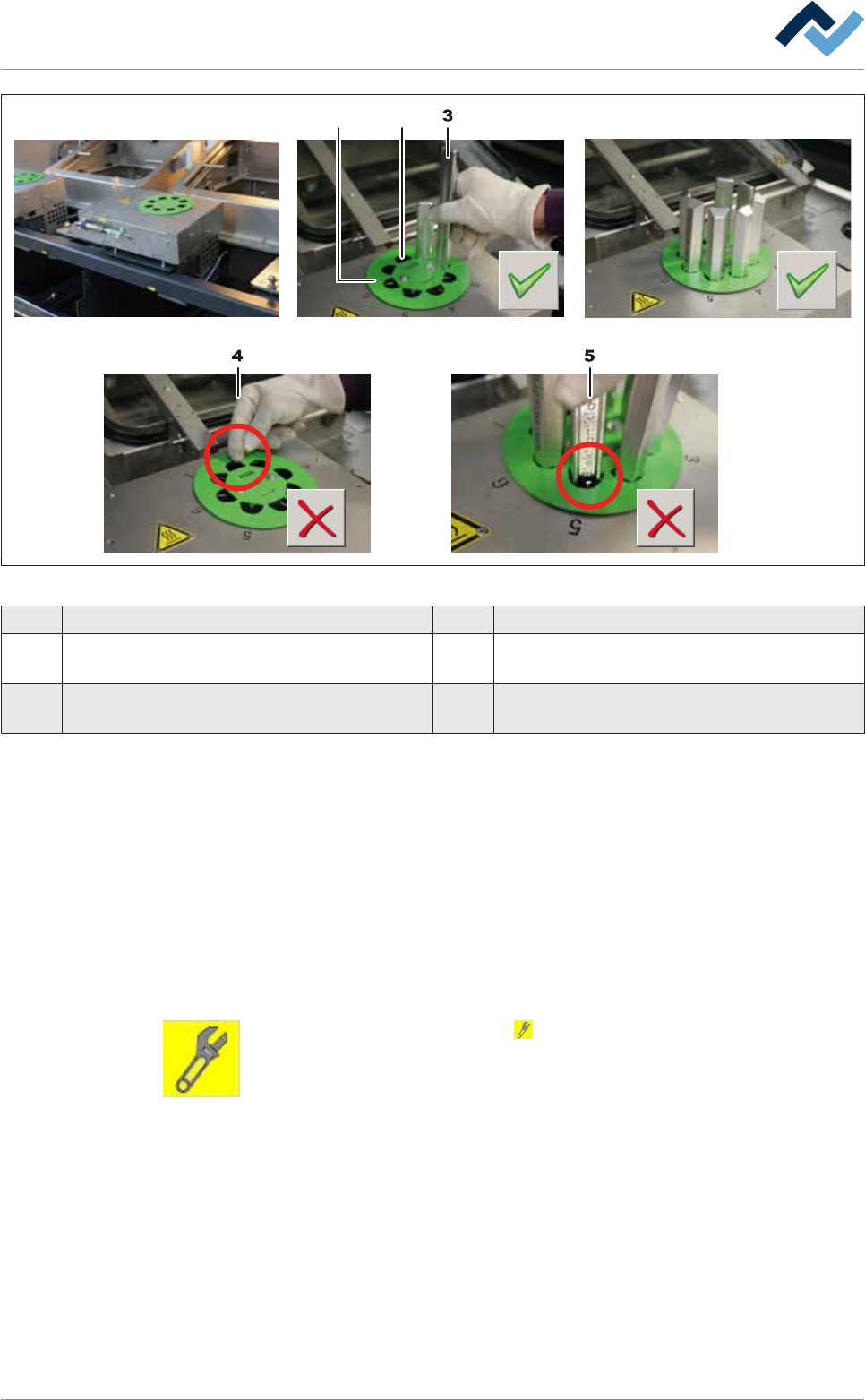
Fig.77: Fill the turret bar container
1 Coding disk 2 Discharge duct
3 Solder bar 4 Wrong: Do not insert solder bars in the discharge
duct!
5 Wrong: Insert exclusively suitable solder bars
into the container!
a) Unpack the solder bars. Check the labels on every packaging. Do not mix up dif-
ferent solders!
ð If a coding disk (1) is mounted:
b) Make sure that the solder bars (3) fit perfectly in the recesses.
c) Insert a total of 7 solder bars into the container.
d) Note: Do not insert any solder bars into the discharge duct (2)! The bar would
fall immediately into the solder pot!
ð After filling the container:
e) Close the hood of the machine.
f) In the [Switch functions] frame press the button to deactivate module main-
tenance. When this mode is completed, the button turns grey.
g) Open the [Messages] input dialog and acknowledge all existing messages.
ð The process has now been completed.
Ersa GmbH Operating Instructions_VF335_en|Rev. 14|30/11/2017 274/695