DECAN_F2_Service(Eng_Ver1).pdf - 第381页
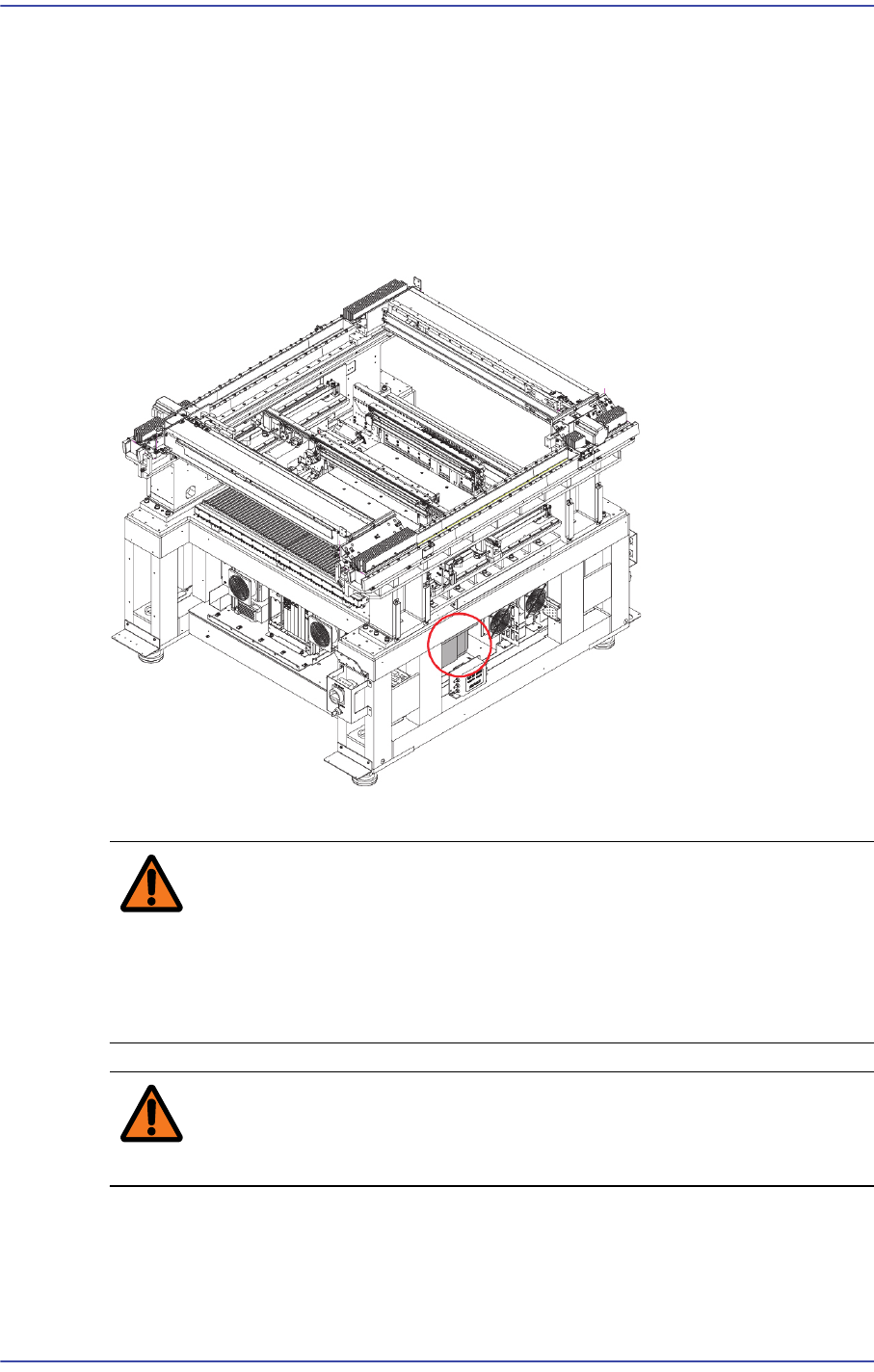
15-7 Electric Device 3) After checking the power supp ly to the place where the m achine is being installed, check whether the measured voltage is norm al or not using a digital multimeter . The default specification of …
15-6
Fast & Flexible Chip Shooter DECAN F2 Service Manual
15.3. Transformer
15.3.1. Required Tools
Crosshead (Phillips) screwdriver and flathead screwdriver
T Wrench or Hex Wrench
15.3.2. Changing Transformer Input Power Supply Switching Device
1) Close the PC as usual and turn off the main switch at the front of the machine.
Warning Before servicing the machine, turn off the power switch
located at the front bottom as well as the main circuit
breaker at the rear bottom of the machine. Otherwise,
serious personal injury may occur. Perform servicing with
the power supply to the machine cut off without fail.
Warning Be sure to wear anti-electrostatic gloves when servicing the
machine.
2) Check the the power supply voltage at the place where the machine is installed.
Ex) Single phase 220V, Option (Single phase 100, 110,120,220, 230, 240V)
15-7
Electric Device
3) After checking the power supply to the place where the machine is being installed,
check whether the measured voltage is normal or not using a digital multimeter. The
default specification of the power supply is single phase, AC 100±5V / 110±5.5V /
120±6V / 200±10V /220±11V / 240±12V.
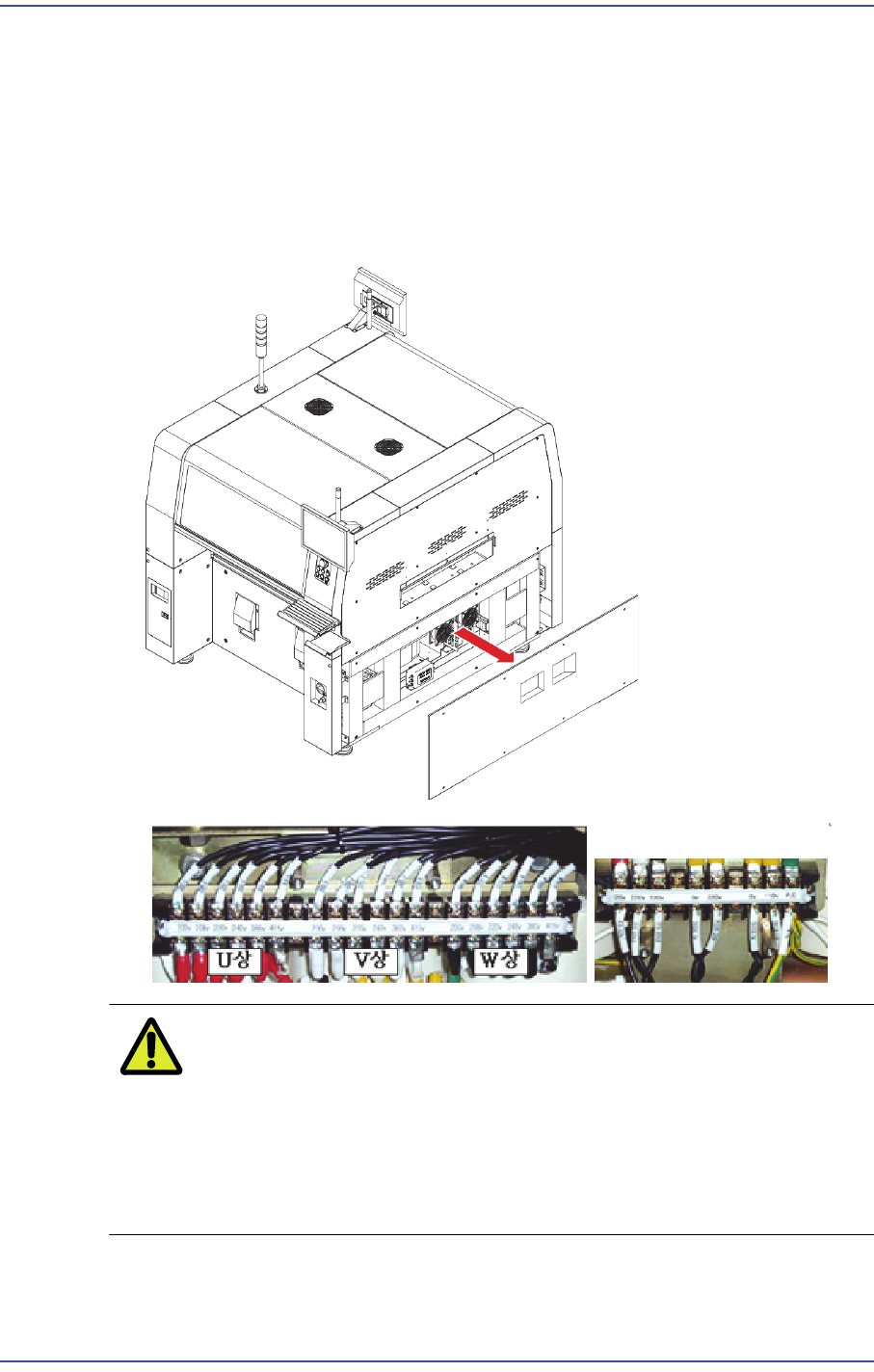
4) Check the input voltage of the transformer open the Cover of the front of the device.
(Unless there is a special order of the customer, DECAN G2 will be shipped is set to
single-phase 220V.)
Caution If the input voltage of the transformer was changed, the
power sticker attached on the machine must be changed
according to the changed voltage. Mark the power supply
on the S/N nameplate in oil magic ink. Otherwise, the
machine may be damaged due to the input of incorrect
power supply.
15-8
Fast & Flexible Chip Shooter DECAN F2 Service Manual
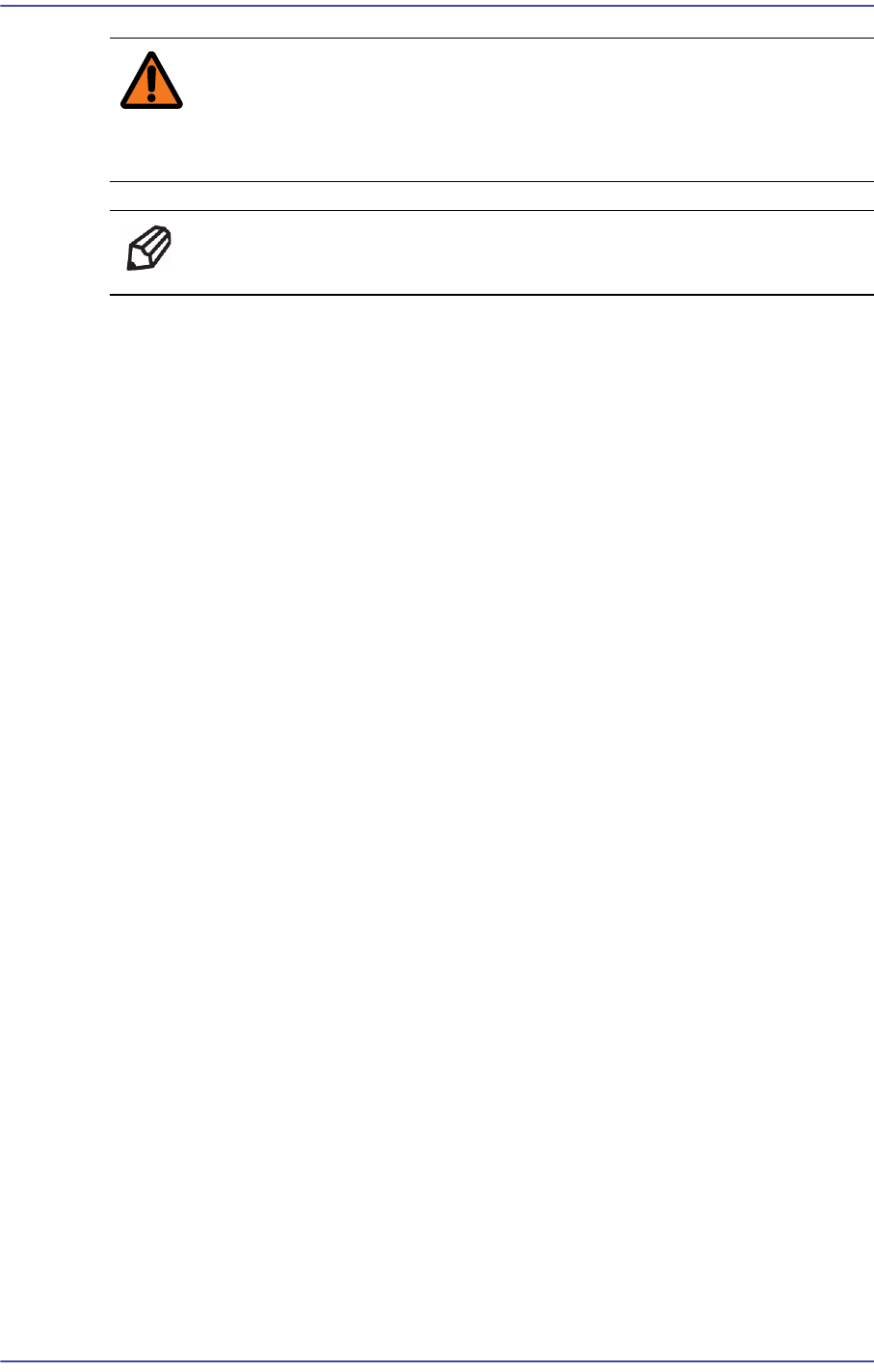
Warning If there is no voltage value for the local power supply on the
transformer input terminal, perform setting to the input port
with the voltage value one step higher.
Ref The part number of the new Transfomer is J2605005A.
5) After completing the change, check the input voltage by measuring it again.