DECAN_F2_Service(Eng_Ver1).pdf - 第583页
18-63 Machine Calibration 1 1. .Select Gantry 2 in the <Gantry> comb o box and pe rform calib ration in the same manner as has been done for Gantry 1. The measurement result can be confirme d in the Head Offset dia…
18-62
Fast & Flexible Chip Shooter DECAN F2 Service Manual
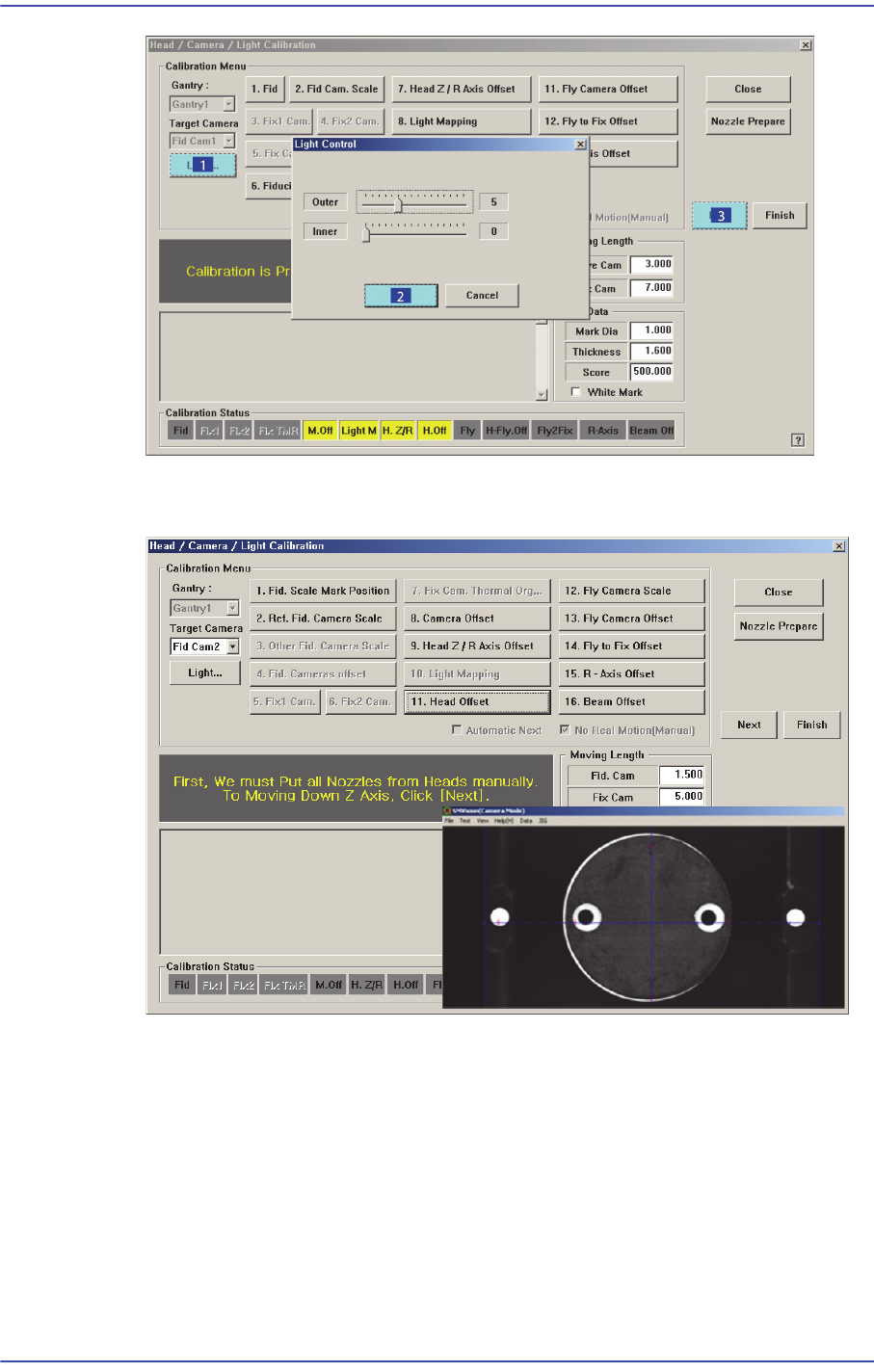
7. The calibration is performed automatically. If it is completed, the calibration result is
displayed as shown in the following figure. Click the <Next> button.
8. Then the message “Next, Remove the Calibration Nozzle From Head 1. Click [Next]
for Moving Down Head. After Moving, Remove the Nozzle Manually” appears. Click
the <Next> button to remove the calibration tool from the nozzle-holder of Head #1
manually.
9. Form Head #2 to Head #10, perform calibration in the same manner as it was
performed for Head #1.
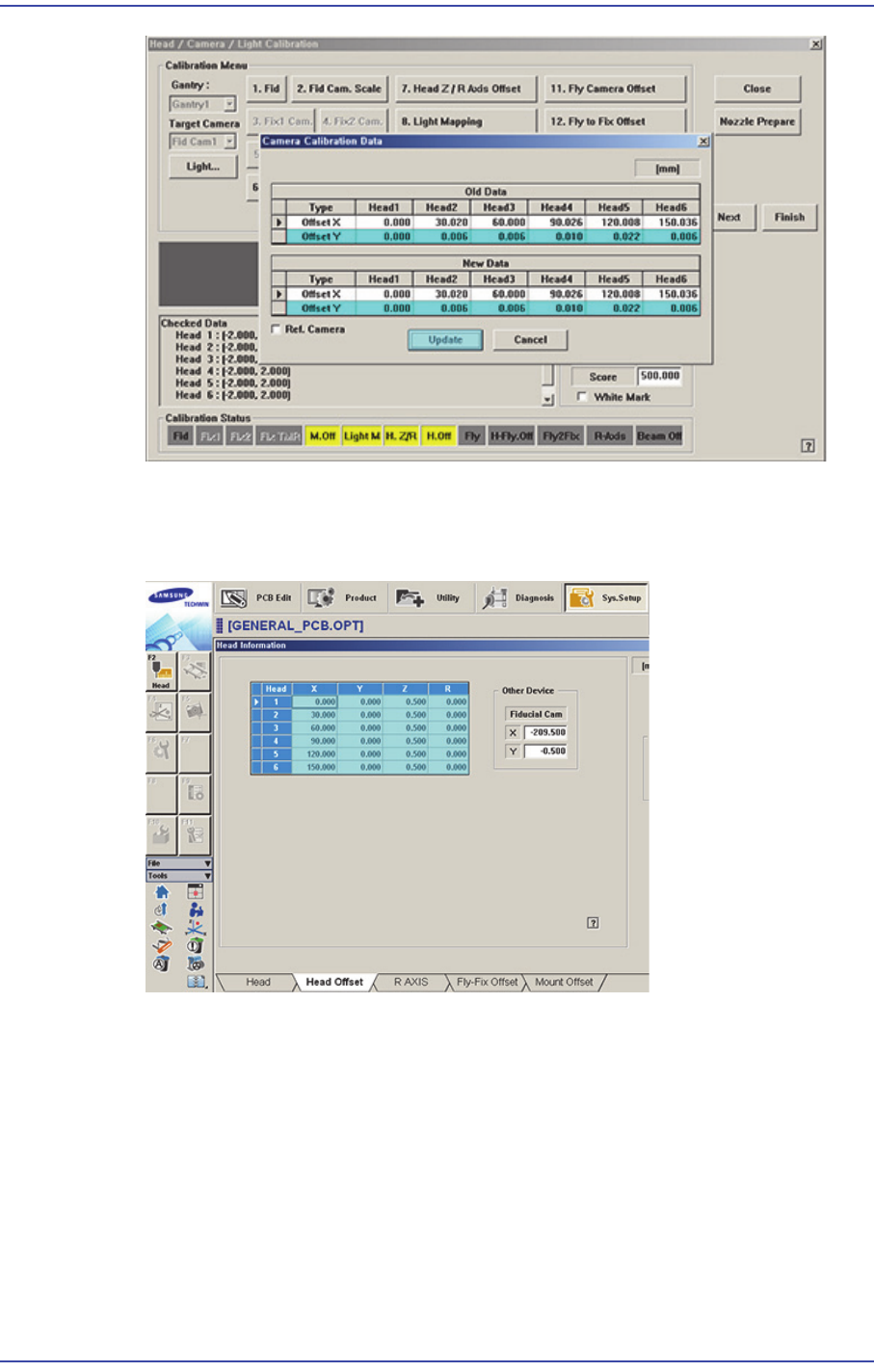
10. If the calibration procedure is completed for all heads normally, the result is displayed
as shown in the following figure. Click the <Update> button to apply the calibration
value.
18-63
Machine Calibration
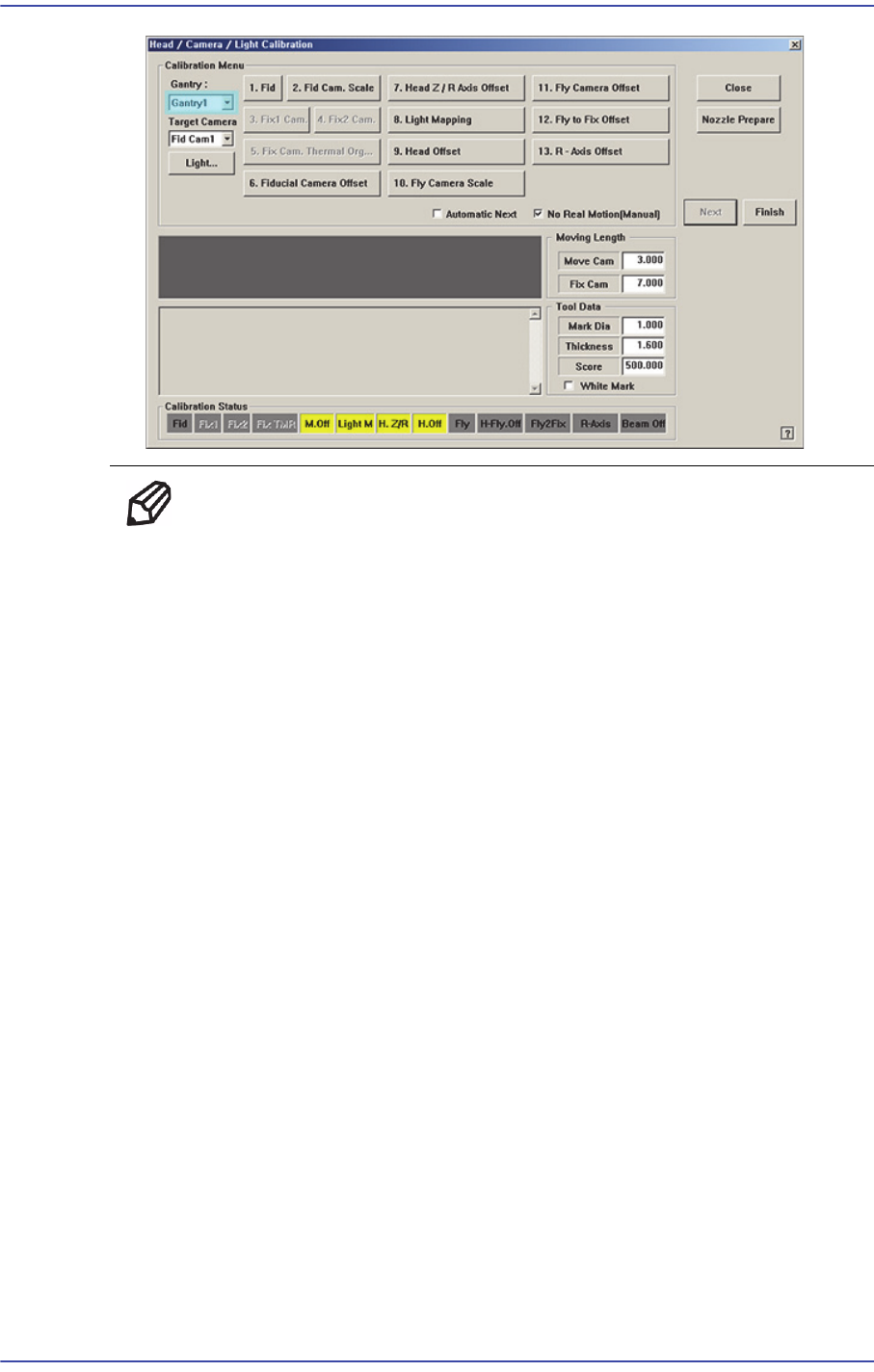
11. .Select Gantry 2 in the <Gantry> combo box and perform calibration in the same
manner as has been done for Gantry 1.
The measurement result can be confirmed in the Head Offset dialog box.
18-64
Fast & Flexible Chip Shooter DECAN F2 Service Manual
Memo The range of the reference value for the ‘head offset calibration’ are
as follows:
Head 1
X:-0.06mm~0.06mm, Y: -0.05mm~0.05mm
Head 2
X:14.94mm~15.06mm, Y: -0.05mm~0.05mm
Head 3
X:29.94mm~30.06mm, Y: -0.05mm~0.05mm
Head 4
X:44.94mm~45.06mm, Y: -0.05mm~0.05mm
Head 5
X:59.94mm~60.06mm, Y: -0.05mm~0.05mm
Head 6
X:74.94mm~75.06mm, Y: -0.05mm~0.05mm
Head 7
X:89.94mm~90.06mm, Y: -0.05mm~0.05mm
Head 8
X:104.94mm~105.06mm, Y: -0.05mm~0.05mm
Head 9
X:119.94mm~120.06mm, Y: -0.05mm~0.05mm
Head 10
X:134.94mm~135.06mm, Y: -0.05mm~0.05mm