DECAN_F2_Service(Eng_Ver1).pdf - 第405页
16-11 Recovery 4) Select a file with extension of *.imc and click the <OK> button. 5) Check that the image file is properly designated and click the <Next> button to continue.
16-10
Fast & Flexible Chip Shooter DECAN F2 Service Manual
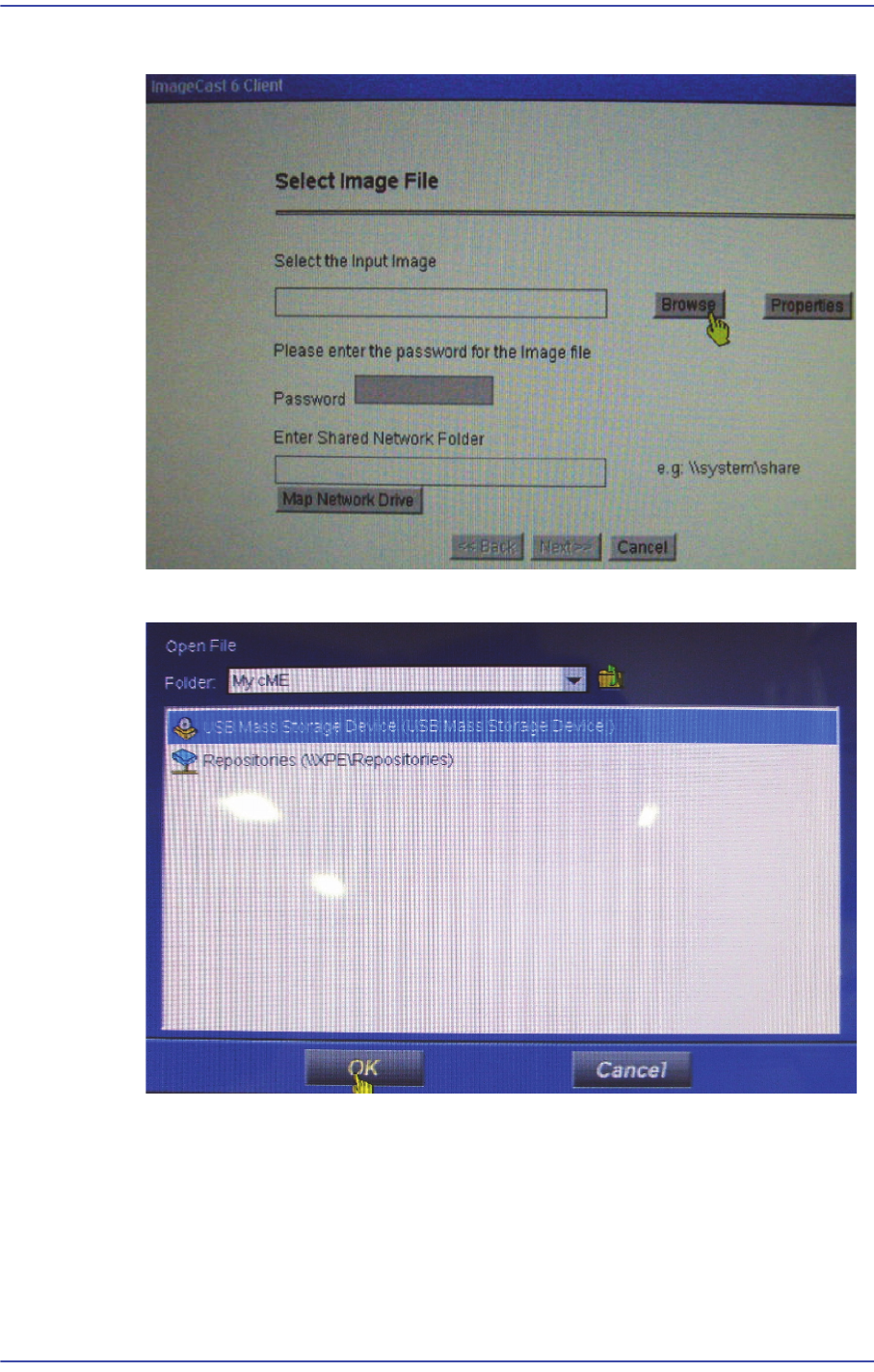
2) Click ‘Browse’ in the following screen.
3) Select the USB CD-ROM Drive and click the <OK> button.
16-11
Recovery
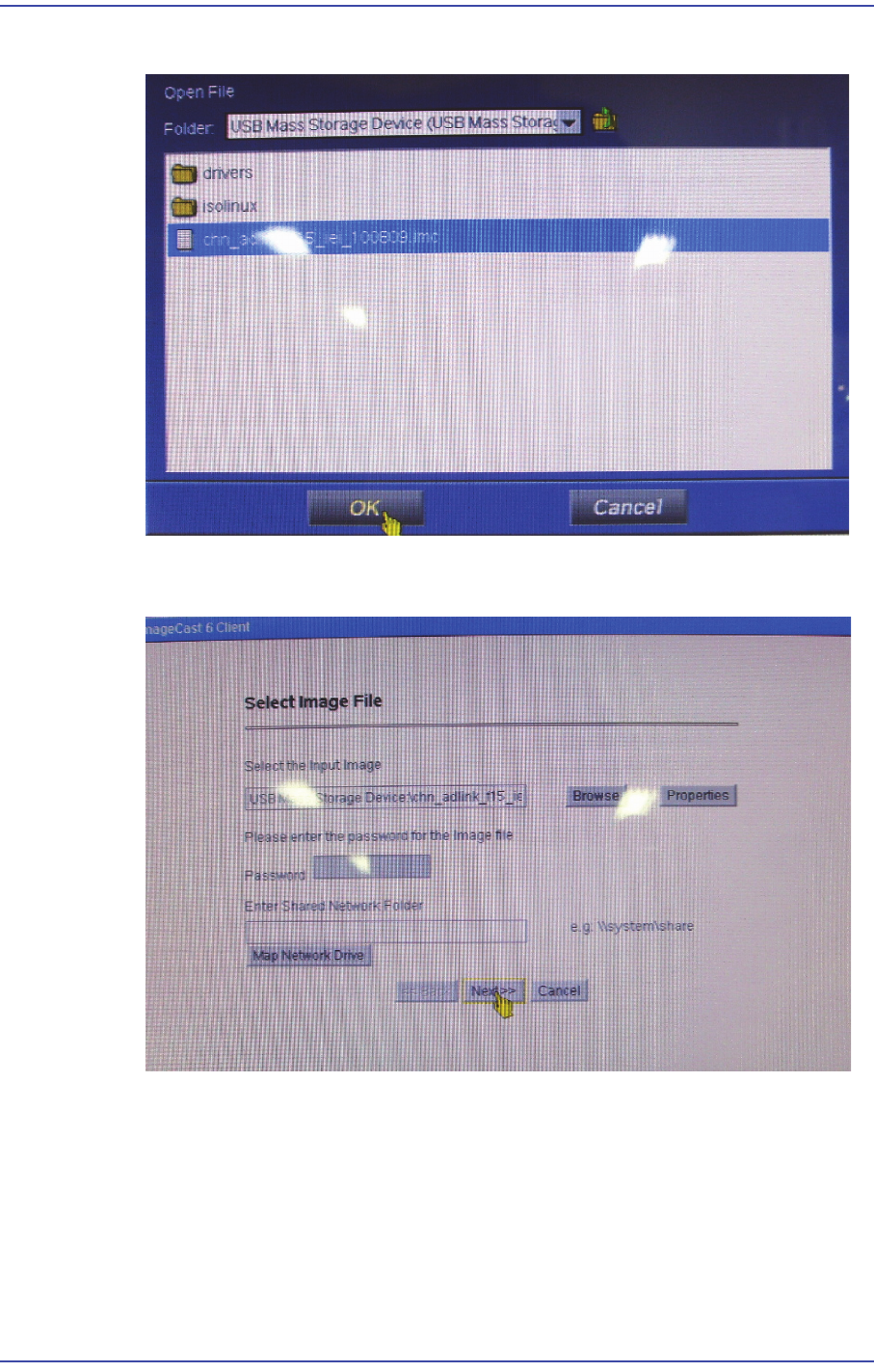
4) Select a file with extension of *.imc and click the <OK> button.
5) Check that the image file is properly designated and click the <Next> button to
continue.
16-12
Fast & Flexible Chip Shooter DECAN F2 Service Manual
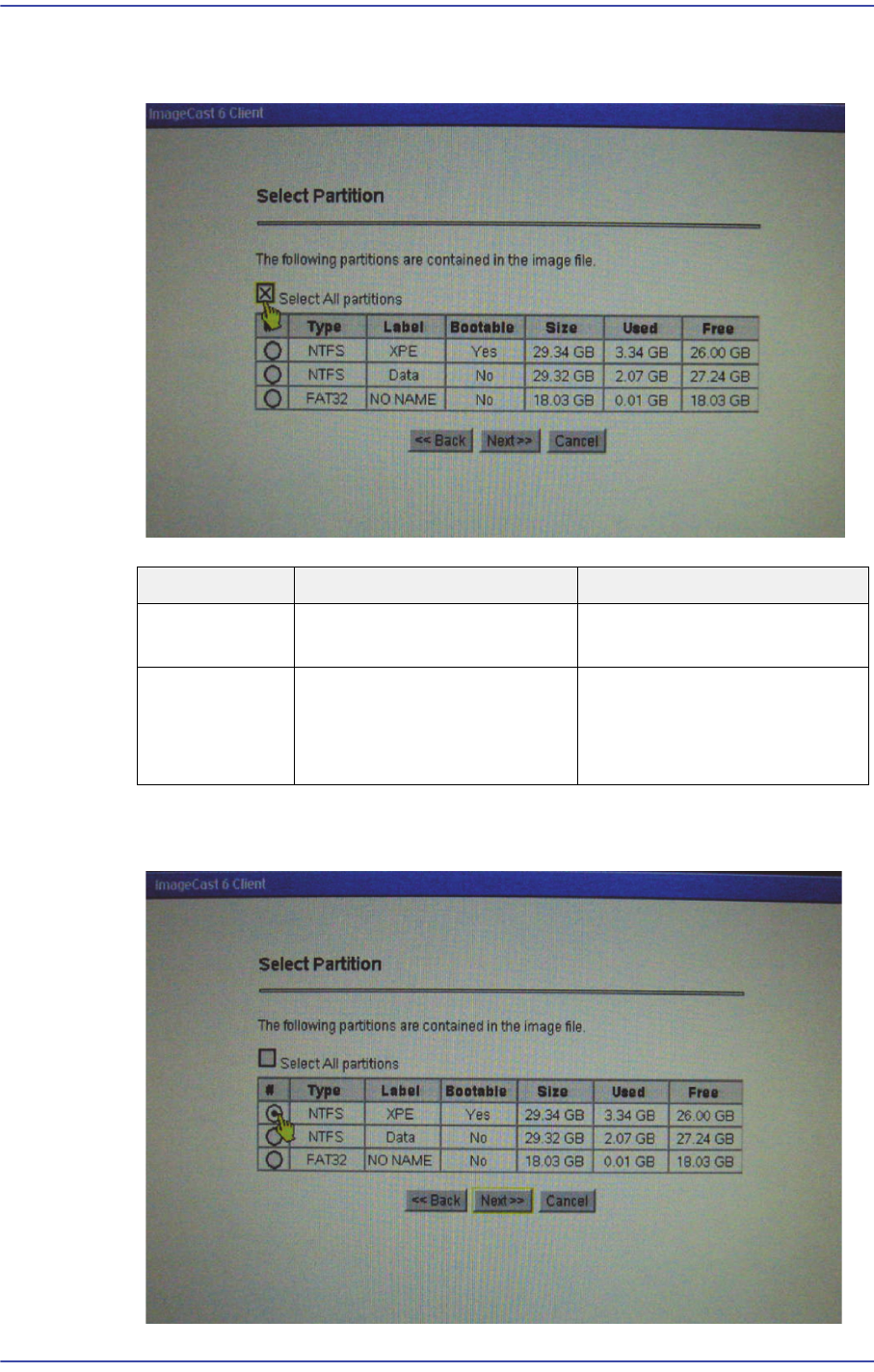
6) If the HDD has been replaced, check the ‘Select All Partitions and click the <Next>
button.
7) When installing OS in the partitions available for booting select the first Partition for
which the Bootable item is ticked Yes.
Button Description Cautions
Select All
Partitions
Install it at all divided
partitions
All data in the HDD are
deleted
NTFS
(Bootable: Yes)
Install it at the partitions
available for booting or the
partitions in which OS is
installed
Selected data the deleted