DECAN_F2_Service(Eng_Ver1).pdf - 第416页
17-4 Fast & Flexible Chip Shooter DECAN F2 Service Manual Check the status of the back plane. Check fo r any defe ctive pins (check whether a bent pin exists). Replace the SBC board and back plane boar d and chec k…
17-3
Troubleshooting
17.3. Process Trouble Shooting
17.3.1. PC Booting Failure
E0500 turning on the power supply, a ‘No Signal’ message appears on the monitor
[Cause]
The input voltage (220V) and output voltage (5V, 12V) of the PC power supply have a
problem
The HDD was damaged due to frequent booting error and failure
The SBC board and CPU are defective (a beep sound occurs)
The board operates abnormally due to an increase in the internal temperature of the PC
rack
The back plane is defective (no beep sound)
Defective vision board and MMI board (Defective RS232 port)
Complex defects : Defective SBC board and back plane board, defective CPU, virus
infection, CUP temperature increase, etc.
Unstable main power supply
The CPU is overheated due to a defective CPU cooling fan
The monitor is defective or the signal cable is not connected
[How to Check]
Check whether the cooling fan on the Control rack operates properly when turning on
the power. If the fan does not operate, check whether the input voltage (220V) and
output voltage (5V, 12V) of the PC power supply are normal Check the input end
voltage (+12V) of the external power supply of the vision board.
Check whether the HDD is properly recognized in the CMOS Setup
Check whether the priority of the HDD is 1 in the MMI SBC CMOS boot sequence.
Perform the CMOS reset test and check whether the message ‘CMOS was set with the
default value’ is displayed on the screen
Check whether the temperature at the site is higher than 24ºC
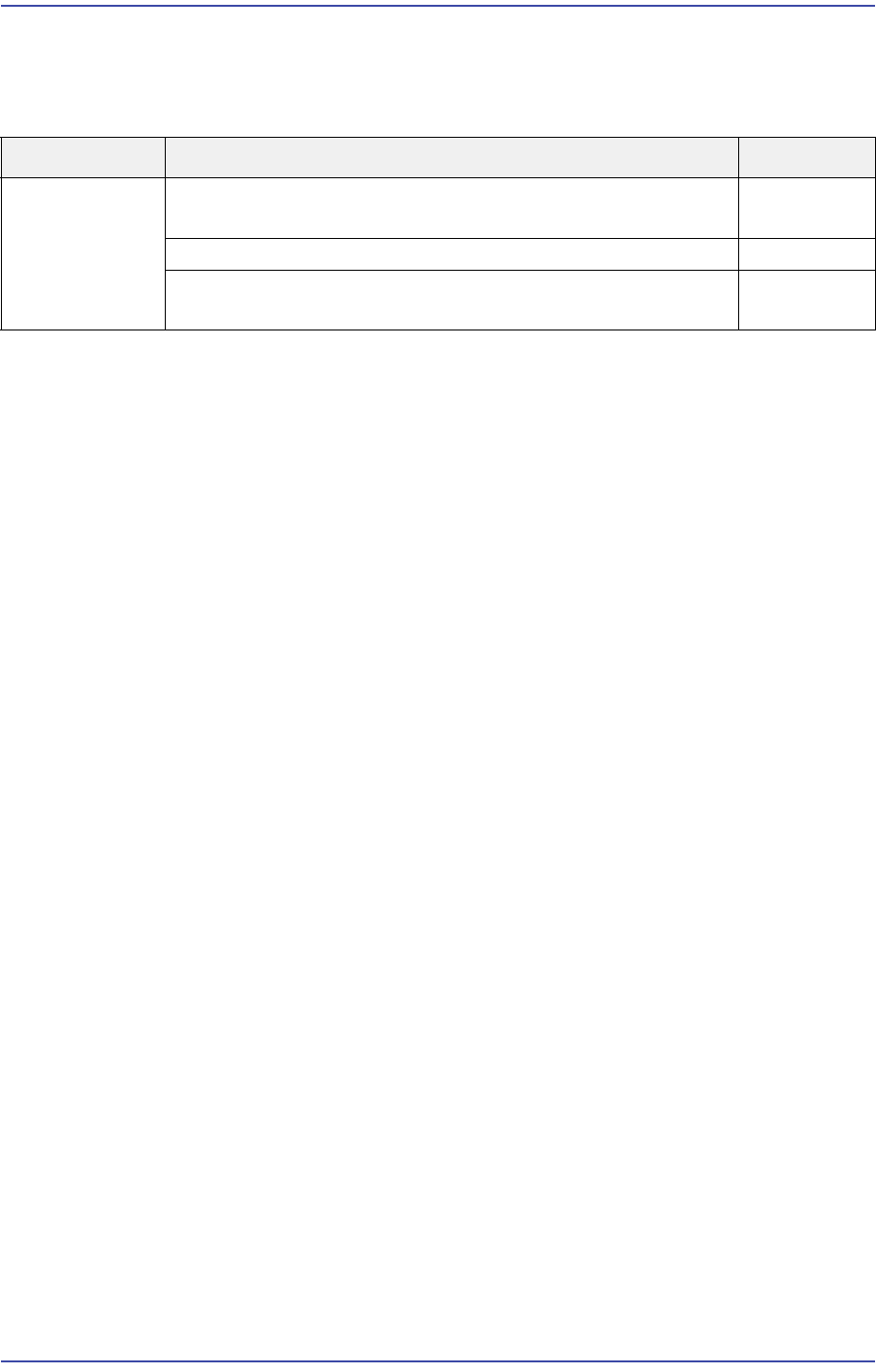
Cause Description Remarks
Defective part Turning on the power supply will display ‘No Signal’ on the
monitor.
E0500
Blue screen occurs while booting or running the PC. E0501
The PC stops when it almost starts Windows while booting
the PC
E0502

17-4
Fast & Flexible Chip Shooter DECAN F2 Service Manual
Check the status of the back plane. Check for any defective pins (check whether a bent
pin exists). Replace the SBC board and back plane board and check whether they are
booted properly
Check whether the CMOS Setup screen is displayed.
Check whether the RT, MMI, ZMP(Motion Control) board, back plane board, CPU,
HDD and cooling fan have a problem
Check whether the main voltage is applied properly
Check whether the CPU cooling fan operates properly
Check whether the monitor power supply and signal cable are connected properly. If
not, replace the monitor and check whether the screen is displayed properly
[Measures]
If the input and output of the PC power supply are abnormal, replace it.
Replace and recover the HDD and then reinstall the MMI.
Replace the SBC board.
Remove the dummy slot cover and discharge the heat inside the PC rack and then
reboot the PC.place the SBC board and CPU.
Replace the RT board and Back plane board.
Replace the HDD or MMI board and perform HDD recovery.
For items with a problem, refer to the above measures and apply grease between the
CPU and CPU cooling fan. (The CPU temperature is reduced by approximately 20ºC.)
When the input power supply is unstable, propose the UPS installation.
Replace the CPU cooling fan.
Connect the power supply cable connected to the monitor and the signal cable again. f
the same problem occurs, replace the monitor or the signal cable.
E0501 Blue screen occurs while booting or running the PC
[Cause]
HDD and Windows system file were damaged
The Windows system file was infected by a virus
Booting speed becomes slower or booting failure occurs frequently.
Defective SBC board
Defective SBC board and HDD
Defective SBC board and CPU
Defective vision board and COM-VM sub-board
The SBC board is not inserted into the vision board connector properly
The temperature inside the PC has increased or the HDD rack case contact is defective

17-5
Troubleshooting
[How to Check]
Check the Windows error information and check whether a bad sector occurred to the
HDD
Check for virus infection using an anti-virus program
Replace the SBC board and check whether the PC is booted properly
Access the CMOS Setup screen to check whether the HDD is recognized properly
Replace the SBC board and CPU to check whether the PC is booted properly
Replace the vision board and COM-VM sub-board and check whether they are booted
properly
Check whether the SBC board is inserted into the vision board connector properly
Check whether the site temperature is higher than 24? and then check whether the
HDD is recognized properly
[Measures]
Replace and recover the HDD and then reinstall the MMI.
Perform virus treatment and install HDD Recovery software.
Replace the SBC board.
Replace the SBC board and HDD, perform HDD recovery and reinstall the MMI.
Replace the SBC board.
Replace the vision board or COM-VM sub-board.
Remove the SBC board and insert it into the vision board connector properly.
Remove the slot cover and discharge the heat inside the PC rack and then reboot the
PC.
E0502 The PC stops when it almost starts Windows while booting the PC
[Cause]
The ‘Initializing and establishing link …’ error occurred in the DOS mode
Defective HDD
The memory of the SBC board is not inserted properly
Defective SBC board
[How to Check]
Check for the occurrence of the ‘Initializing and establishing link’ error
Access the CMOS Setup screen to check whether the HDD is recognized properly
Check whether the memory of the SBC board is inserted properly
Replace the SBC board and check whether the PC is booted properly
[Measures]