DECAN_F2_Service(Eng_Ver1).pdf - 第517页
17-105 Troubleshooting 37* Se rvo- Amp.Para meter check failure alarm After the co ntrol power is turned on Data loss in the Servo- Amp. memory Servo-Amp. damaged Re-setting the parameter depending on the Servo-Amp…
17-104
Fast & Flexible Chip Shooter DECAN F2 Service Manual
29 Over-
protection
of
deviation
count
Motor in
operation
Position offset
feedback pulse
exceeds the limit.
Check the
motor
operation
according to a
command.
Check the
thrust to see
whether the
output thrust is
saturated.
Check the
thrust limit
parameter of
the Pr0.13 and
Pr5.24.
Check the
feedback scale
wiring.
30 Safety
detection
Motor in
operation
More than one
photo coupler
safety input is
detected.
Check the safety
input wiring.
34 Software
restriction
protection
Motor in
operation
The gain is
inappropriate.
[Pr 5.14] too
low
Check the gain
and mass ratio.
Increase of
Pr5.14
36* Servo-
Amp.
parameter
setting
failure
alarm
After the control
power is turned
on
Data loss in
the Servo-
Amp. memory
Servo-Amp.
damaged
Re-setting the
parameter
depending on
the Servo-Amp
Servo-Amp
change
Alarm
Code
No.
Alarm
Contents
Operating
Condition
Causes Measures
17-105
Troubleshooting
37* Servo-
Amp.Para
meter
check
failure
alarm
After the control
power is turned
on
Data loss in
the Servo-
Amp. memory
Servo-Amp.
damaged
Re-setting the
parameter
depending on
the Servo-Amp
Servo-Amp
change
48* Motor
encoder Z
phase
check
alarm
After the control
power is turned
on
Z phase
power output
failure In the
Servo-motor
encoder
Motor
encoder cable
connection
error or failure
Servo-motor
change
Motor encoder
cable check
and change
49* Motor
encoder
CS phase
check
alarm
After control
power is turned
on
CS phase
power output
failure In the
Servo-motor
encoder
Motor
encoder cable
connection
error or failure
Servo-motor
change
Motor encoder
cable check
and change
99 Other
failure
alarm
After the control
power is turned
on
After main power
is turned on
Motor in
operation
Malfunctioning o
f the control
circuit owing
to the noise
Alarm raised
by the self-
diagnosis
function of the
amp.
Turn off the
power & then
turn the power
on again and
check
If the error
continues,
change the
Servo_Amp.
Alarm
Code
No.
Alarm
Contents
Operating
Condition
Causes Measures
17-106
Fast & Flexible Chip Shooter DECAN F2 Service Manual
CautionAn alarm which has a “ * “ mark at the side of the Alarm Code No.
in the above table cannot be cleared. In such case, turn the power
off and then on again to release the alarm if the machine is in
normal condition
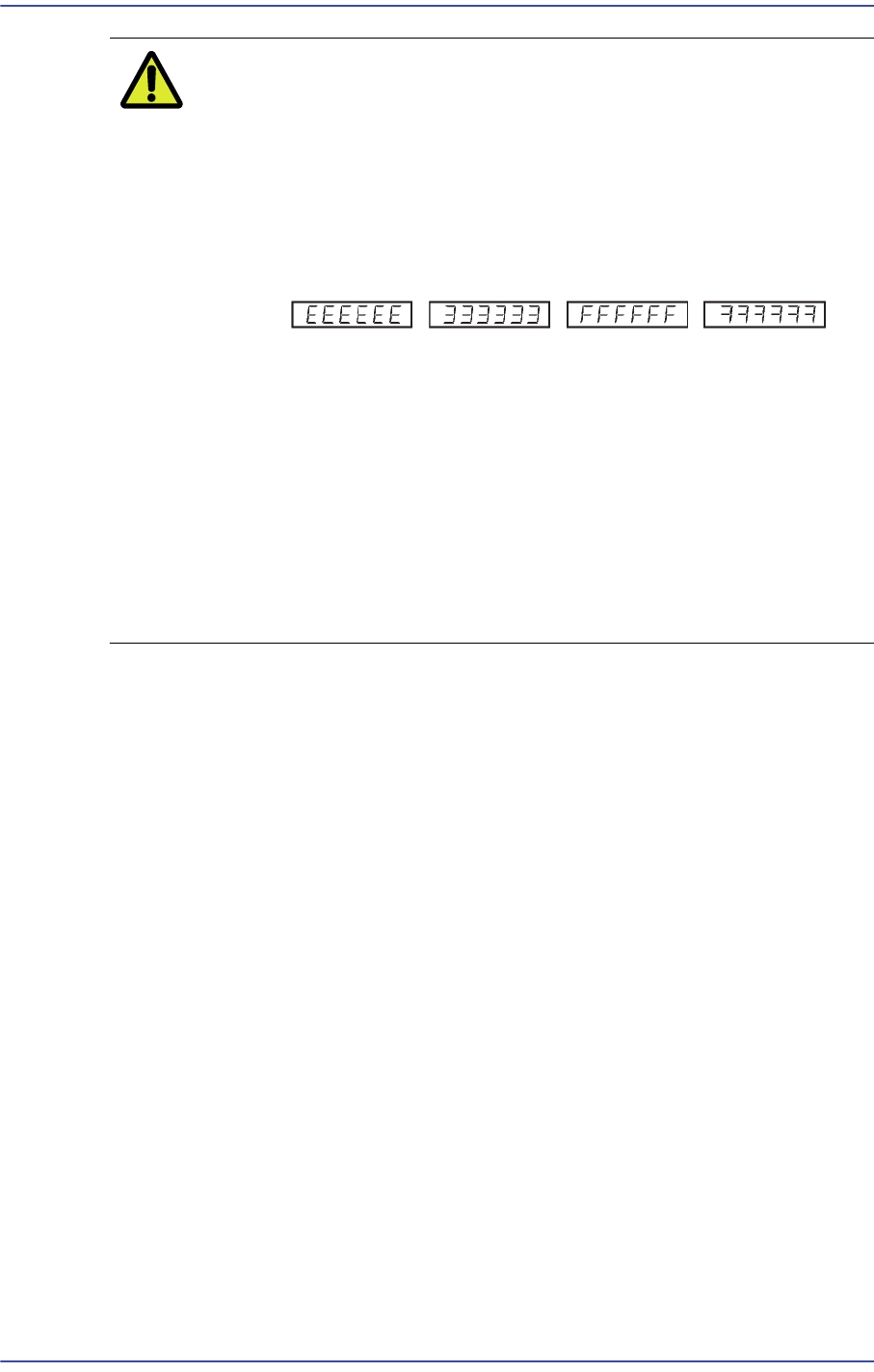
When an error occurs in the internal control circuit of the Servo-
Amp. due to excessive noise, etc., the following alarm codes may
be displayed.
In this case, immediately turn off the power and check both the
cable wiring and the connection of the frame ground
If any alarm that is not included in the above alarm code table
occurs, input the parameters of the Servo-Amp. again using the
exclusive program. Next, turn the power off and then on again,
and check the machine to determine if there still is a problem
If the alarm still continues after taking the above third measure, it is
caused by a damaged amplifier in most cases. In this case, change
the Servo-amp.