DECAN_F2_Service(Eng_Ver1).pdf - 第497页
17-85 Troubleshooting [Measures] Insert the SBC board into the vision board again. E1302 Damage to the file du e to infection by a virus [Cause] Damage to the file due to infection by a virus [How to Check] Perform…
17-84
Fast & Flexible Chip Shooter DECAN F2 Service Manual
17.3.15. MPU-STOP (E13)
E1300 A problem occurred to the communication between the RT board and vision board
[Cause]
A problem occurred to the communication between the RT board and vision board
[How to Check]
Check the assembling and operation state of the NCIO board
Check the LAN cable assembling state
Check the assembling and operation state of the SBC board
Check the assembling and operation state of the RT board
Check the assembling and operation state of the ZMP board
Check the operation state of the base control board
Check the operation state of the general I/O board
[Measures]
Replace the LAN cable.
E1301 Problem occurred to the vision board, SBC board, back plane board, etc.
[Cause]
The SBC board is not properly connected to the vision board connector or the vision
board is not properly inserted into the back plane board slot
[How to Check]
Check the assembling and operation state of the NCIO board
Check the LAN cable assembling state
Check the assembling and operation state of the SBC board
Check the assembling and operation state of the RT board
Check the assembling and operation state of the ZMP board
Check the operation state of the base control board
Check the operation state of the general I/O board
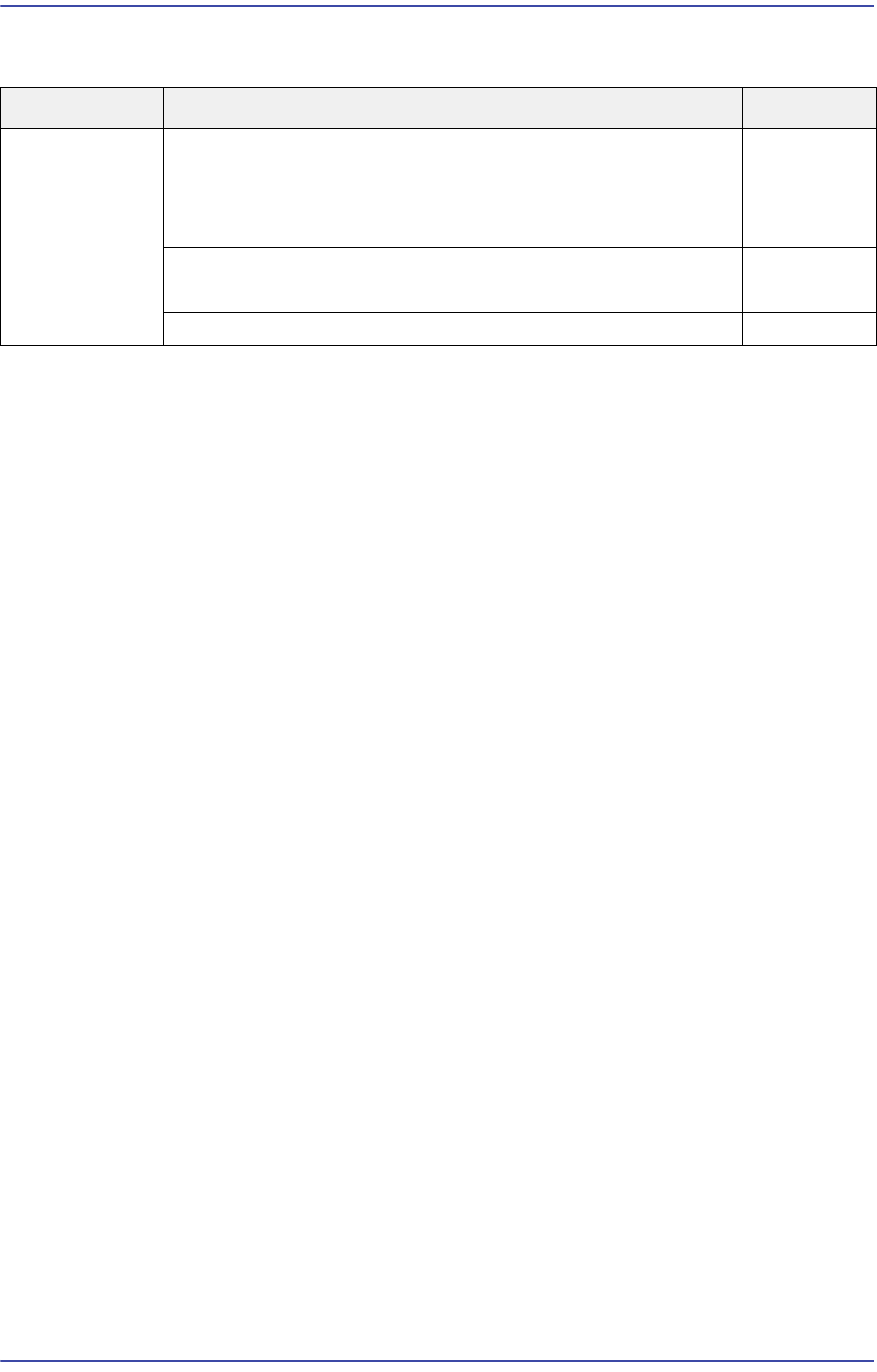
Cause Description Remarks
MPU-STOP
error
Problem with CAN communication with the PCI (defective
DPRAM cable)
(Applicable only to SM series machines excluding DECAN
F2, SLM, SM471 and SM48X)
E1300
Defective SBC Board contact
Defective SBC Board
E1301
The file is damaged after being infected by a virus E1302

17-85
Troubleshooting
[Measures]
Insert the SBC board into the vision board again.
E1302 Damage to the file due to infection by a virus
[Cause]
Damage to the file due to infection by a virus
[How to Check]
Perform a virus check using an anti-virus program
Reinstall the MMI
Reinstall the Windows and MMI
[Measures]
Perform virus treatment.
Perform HDD recovery and reinstall the MMI.
17-86
Fast & Flexible Chip Shooter DECAN F2 Service Manual
17.3.16. Abnormal inline and CAN communication (E14)
E1400 An error occurred to the Can communication
[Cause]
Defective Can board power cable
[How to Check]
Check the +24V Power Supply output
Check the the operation state and cables of the base control board as well as GIOEX
and NCIO boards
[Measures]
Replace the power supply unit.
Replace the cable and board.
E1401 Defective MPU-STOP IO node
[Cause]
Defective board of the corresponding node or defective cable
[How to Check]
Check the board of the AF and AR nodes.
NODE 1: AF SILL
NODE 2: AF Camera Switch Board
NODE 3: AF Head Memory Board
NODE 4: AR Camera Switch Board
NODE 5: AR Head Memory Board
Check the board of the BF and BR nodes.
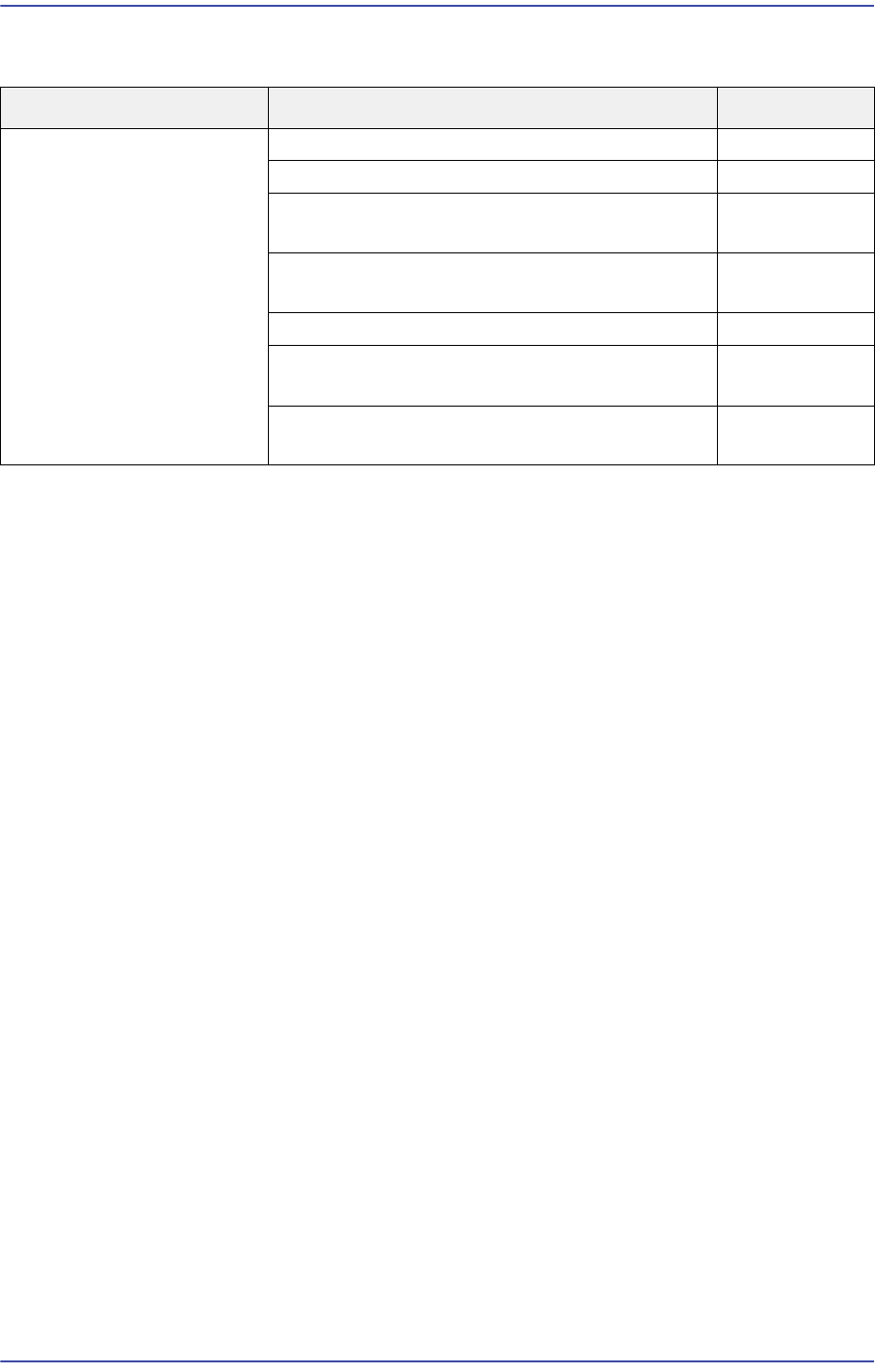
Cause Description Remarks
Abnormal inline and CAN
communication
An error occurred to the Can communication E1400
Defective MPU-STOP IO node E1401
Defective operation of the Can communication
board
E1402
Abnormal Can communication board operation
and communication error
E1403
Can communication error - I/O Node "0" E1404
Defective communication with the machine at
the previous stage
E1405
Defective communication with the machine at
the next stage
E1406