DECAN_F2_Service(Eng_Ver1).pdf - 第491页
17-79 Troubleshooting 17.3.12. Defective Air Supply (E10) E1000 Main air is not supplied [Cause] Low main air pressure Defective air sens or cable Defective digital gauge Main air is not supplied [How to Check] …
17-78
Fast & Flexible Chip Shooter DECAN F2 Service Manual
[Measures]
Replace the switch.
E0F06 Read Off when opening the door
[Cause]
Defective door switch
[How to Check]
1. Check the factory constant.
2. Check the state of the Override Key.
3. Check the contact of the Override Key.
[Measures]
Replace the switch.
17-79
Troubleshooting
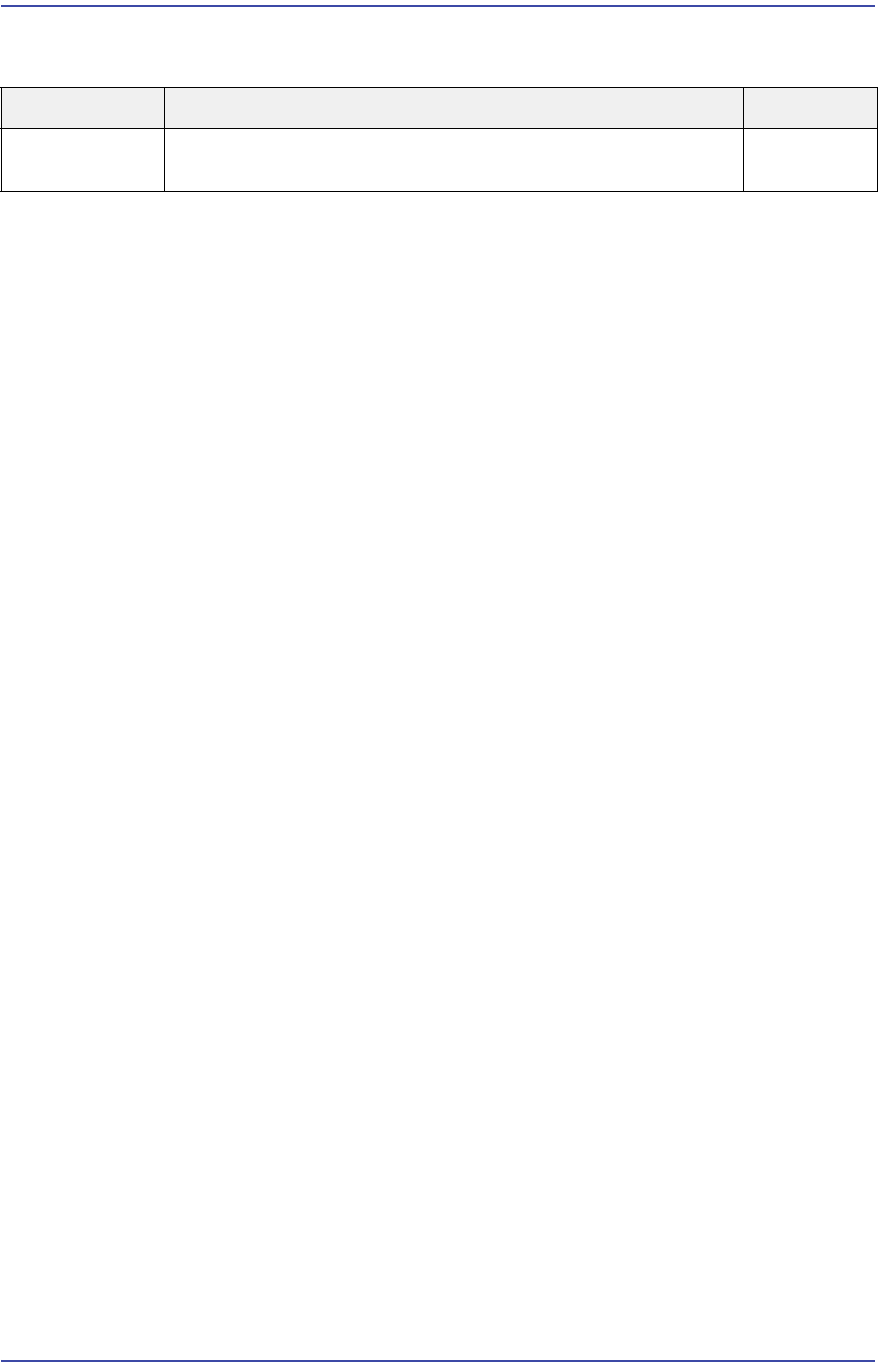
17.3.12. Defective Air Supply (E10)
E1000 Main air is not supplied
[Cause]
Low main air pressure
Defective air sensor cable
Defective digital gauge
Main air is not supplied
[How to Check]
Check the main air inlet flow rate
Low main air pressure
Check the main air inlet flow quantity
Check and replace the air sensor
Check the compressor operation and air supply
Check the mist separator operation
Check the regulator operation
Check the air gauge operation
1. Check the input power of the electrically driven vacuum pump.
2. Check the temperature sensor of the electrically driven vacuum pump.
[Measures]
Check the distance between the compressor and the machine.
Increase the capacity of the compressor.
Replace the air sensor cable.
Check the compressor operation and air supply
Check the mist separator operation
Check the regulator operation
Check the air gauge operation
1. Modify the input voltage normally and input the power supply again.
If the vacuum pump does not operate properly, replace it.
2. Check whether the vacuum pump temperature is normal. If it is in the normal range,
check the temperature sensor. If the sensor has a problem, replace it.
Cause Description Remarks
Defective Air
Supply
Main air is not supplied E1000
17-80
Fast & Flexible Chip Shooter DECAN F2 Service Manual
17.3.13. Abnormal signal light operation (E11)
E1100 Defective signal light
[Cause]
Defective signal light
[How to Check]
Check the signal light cable connection
Replace and test the general IO board
[Measures]
Replace the signal light.
E1101 The signal light extension cable is cut off
[Cause]
The signal light extension cable is cut off
[How to Check]
Check the signal light extension cable connection
[Measures]
Replace the signal light extension cable.
E1102 Defective Converyor I/F board
[Cause]
Defective general I/O board
[How to Check]
Check the signal light cable connection
Replace the general I/O board and check whether the same problem occurs
[Measures]
Replace the general IO board.
E1103 Defective or damaged buzzer
[Cause]
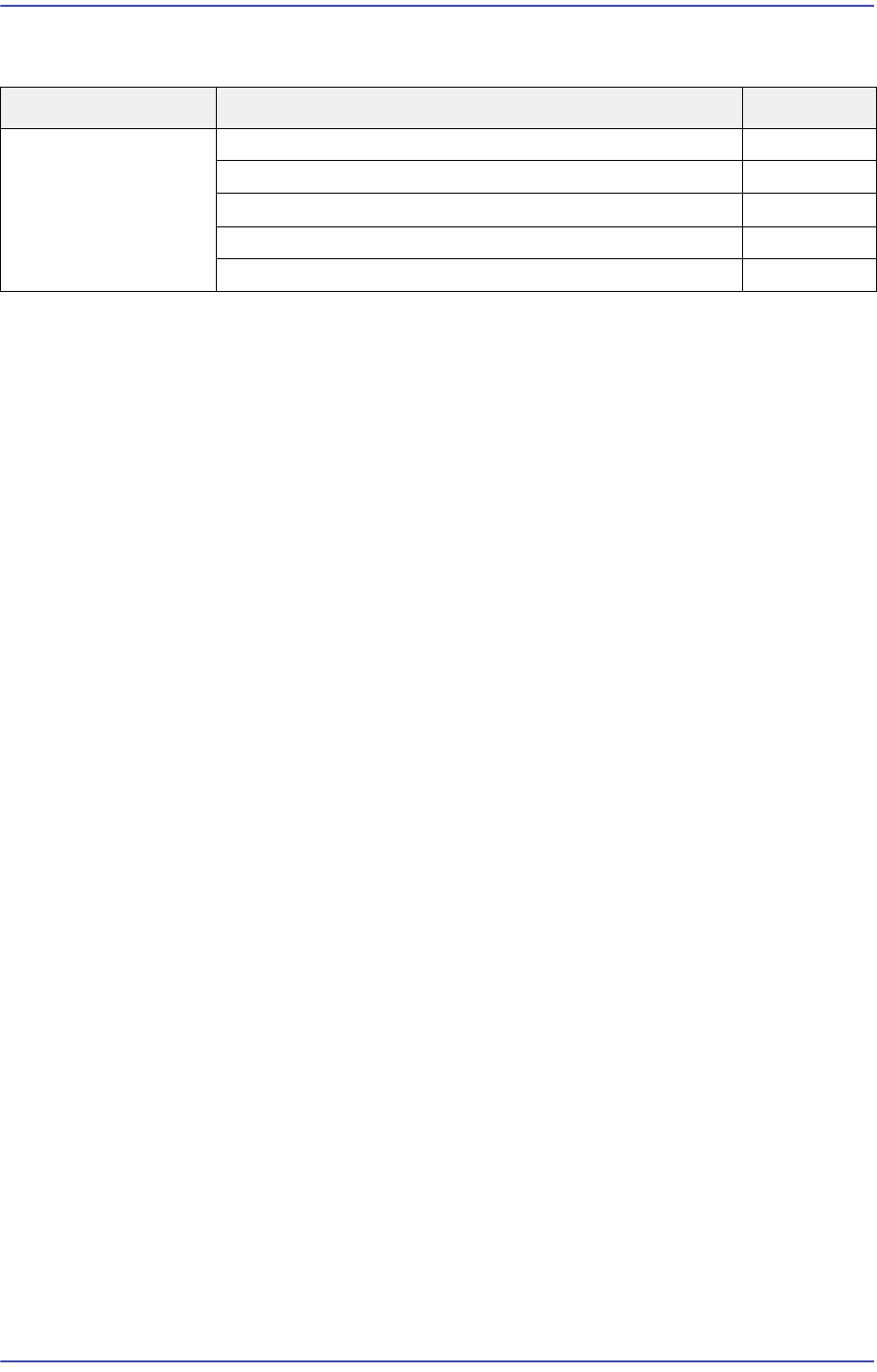
Cause Description Remarks
Abnormal signal
light operation
Defective signal light E1100
The signal light extension cable is cut off E1101
Defective Conveyor I/F board E1102
Defective or damaged buzzer E1103
Defective or damaged LED E1104